1. المقدمة
This manual provides detailed instructions for the installation, operation, and maintenance of your NGTeco Smart Glass Door Lock, model SL04-GL40N. This keyless entry system offers multiple unlocking methods and is designed for frameless glass doors.
2. دليل التثبيت
The NGTeco Smart Glass Door Lock features a drill-free design, allowing for installation without specialized tools. The process can typically be completed within 10 minutes.
2.1 متطلبات التوافق
- Compatible with frameless glass doors with a thickness of 10mm to 12mm.
- Requires a door frame width of at least 66mm.
- Ensure a gap of 6mm to 7.5mm between the edge of the door and the adjacent glass panel.
2.2 خطوات التثبيت
- Check Door Compatibility: Measure your glass door thickness and frame width to ensure it meets the specifications.
- تجهيز لوحة التثبيت: Remove the adhesive backing from the mounting plate and align it with the edge of the door.
- Attach Main Lock Unit: Insert the main lock unit onto the mounting plate.
- مسامير آمنة: Tighten the screws to firmly attach the main lock unit.
- Install Secondary Lock: Repeat the above steps for the secondary lock unit on the opposite side of the door.

Image: Visual guide for the five-minute installation process, showing measurements, plate alignment, and unit attachment.

Image: Diagram illustrating the product dimensions and required glass door thickness (2/5" - 12/25") and lock unit dimensions (6 2/5" H, 2 3/5" W, 1 3/10" D).
3. تعليمات التشغيل
The lock supports multiple methods for unlocking, providing flexibility and convenience.
3.1 طرق إلغاء القفل
- بصمة: Register your fingerprints for quick and secure access. The lock features AI fingerprint learning for improved recognition accuracy over time.
- كلمة المرور: Use a numerical password. Virtual password and anti-peep password functions are available to enhance security by allowing random digits to be entered before or after the actual code.
- البطاقة الممغنطة: Tap a registered IC card on the lock's sensor for entry.
- جهاز التحكم عن بعد: Utilize the provided remote control for convenient unlocking from a short distance.

Image: Illustration showing the four primary unlocking methods: Fingerprint, Passcode, IC Card, and Remote Control.

الصورة: السابقample of the passcode random digits feature, demonstrating how random numbers can be added before and after the correct passcode to prevent peeping.
3.2 إدارة المستخدم
The lock supports permission management for up to 1,000 sets of users. Refer to the on-screen menu for adding, deleting, or editing user access (fingerprints, passwords, IC cards).

Image: The NGTeco Smart Glass Door Lock showing its main unit with a menu display for user management (Add Admin, Add User, Del User, Edit User).
4. الميزات الذكية
- القفل التلقائي: The lock automatically secures the door after a set period.
- تنبيه بانخفاض مستوى البطارية: The system provides alerts when battery levels are low, indicating it's time for replacement.
- إمدادات الطاقة في حالات الطوارئ: In case of complete battery depletion, the lock can be temporarily powered via a mobile power bank using a USB-C interface.
- وظيفة الجرس: A built-in electronic doorbell is included, eliminating the need for a separate doorbell installation.
- فتح السجلات: The lock stores up to 10,000 unlocking records for review.

Image: A visual representation of the low battery alert displayed on the lock screen, prompting the user to change batteries.

Image: Depiction of the integrated electronic doorbell function, showing a person pressing the doorbell icon on the lock.
5. الصيانة
5.1 Battery Replacement and Emergency Power
The lock is powered by 4 AA alkaline batteries, providing up to 6 months of battery life. Replace batteries promptly when a low-battery reminder is issued.

Image: Instructions for emergency power supply, showing how to connect a mobile power bank via USB-C when the lock's internal batteries are depleted.
5.2 التنظيف
Wipe the lock's surface with a soft, dry cloth. Avoid using abrasive cleaners or solvents that could damage the finish or electronic components.
5.3 المتانة
Constructed from high-strength materials, the lock is designed for long-term use. Laboratory verification indicates it can withstand over 100,000 operations.
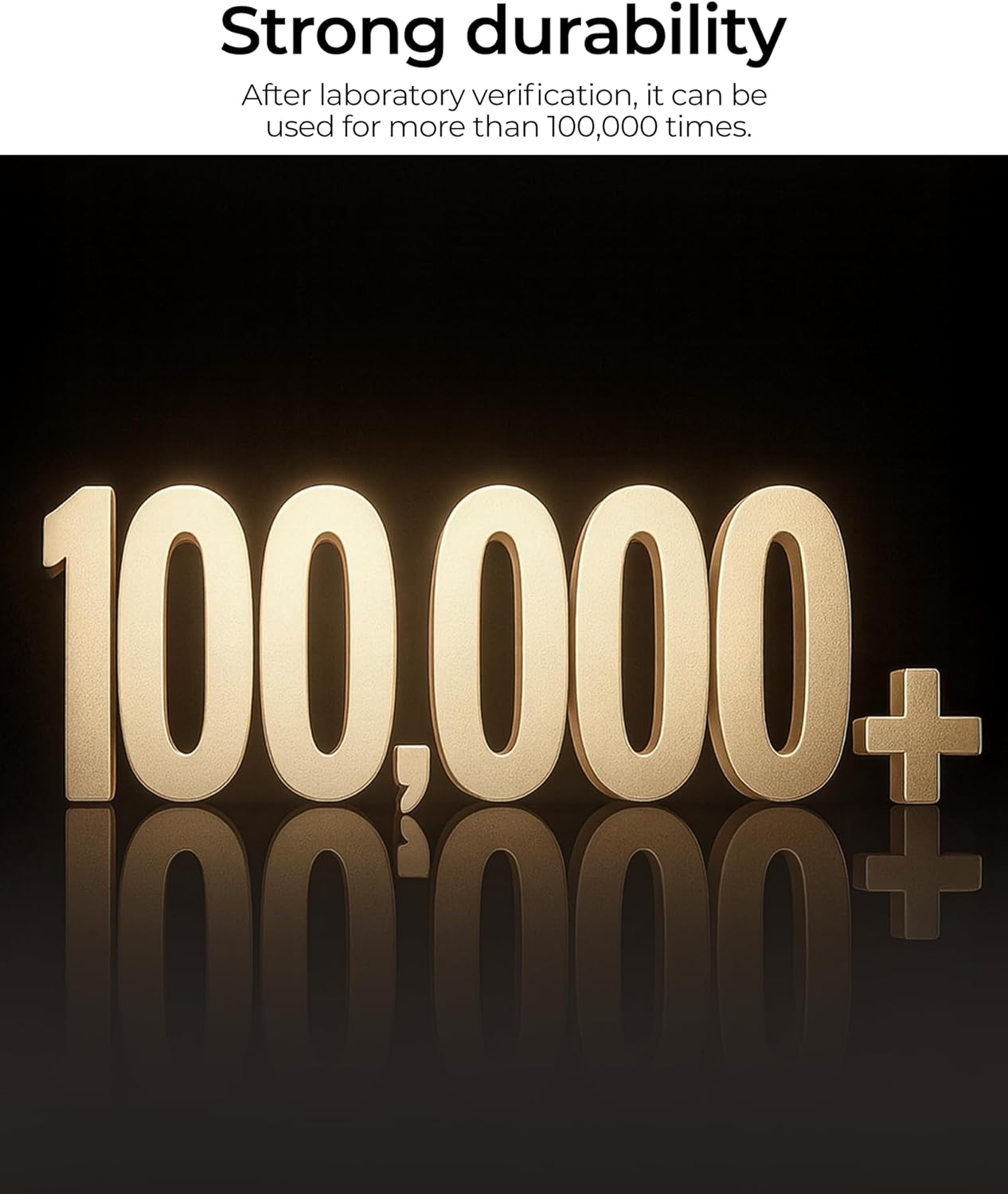
Image: Text graphic stating "Strong durability" and "100,000+" operations after laboratory verification.
6. استكشاف الأخطاء وإصلاحها
| مشكلة | السبب المحتمل | حل |
|---|---|---|
| القفل لا يستجيب. | لقد نفذت البطاريات. | Connect an external power bank via the USB-C port or replace the AA batteries. |
| لم يتم التعرف على بصمة الإصبع. | Finger is wet, dirty, or improperly placed. Fingerprint not registered. | Ensure finger is clean and dry. Place finger flat on the sensor. Re-register fingerprint if issues persist. |
| Password not accepted. | تم إدخال كلمة مرور غير صحيحة. | Verify the correct password. Ensure no random digits are mistakenly included if not using the anti-peep function. |
| IC card not working. | IC card not registered or damaged. | Ensure the IC card is properly registered. Try another registered card if available. |
| جهاز التحكم عن بعد لا يعمل. | Remote control battery depleted or out of range. | Replace the remote control battery. Ensure you are within the effective range of the lock. |
7. المواصفات
| ميزة | التفاصيل |
|---|---|
| ماركة | NGTeco |
| اسم الموديل | SL04-GL40N |
| نوع القفل | ديدبولت |
| طرق فتح القفل | Fingerprint, Password, IC Card, Remote Control |
| مادة | الزنك |
| لون | فضي |
| الأبعاد (الطول × العرض × الارتفاع) | 4 × 2.5 × 2.5 بوصة |
| وزن العنصر | 2.5 رطل |
| مصدر الطاقة | 4 بطاريات قلوية AA (غير مدرجة) |
| عمر البطارية | حتى 6 أشهر |
| الطاقة الطارئة | USB-C port for power bank |
| سعة المستخدم | ما يصل إلى 1,000 مستخدمين |
| فتح السجلات | ما يصل إلى 10,000 سجل |
| بروتوكول الاتصال | بلوتوث |
| سمك الزجاج المتوافق | 10 مم - 12 مم |
| Minimum Door Frame Width | 66 ملم |
8. الضمان والدعم
For warranty information and technical support, please refer to the official NGTeco webالموقع الإلكتروني أو تواصل مع قسم خدمة العملاء. احتفظ بإيصال الشراء لطلبات الضمان.
الشركة المصنعة: Smart Security Solutions
ماركة: NGTeco


