1. المقدمة
This manual provides essential information for setting up, operating, maintaining, and troubleshooting your NIMO 15.6-inch Laptop N152. Please read this manual thoroughly before using your device to ensure proper functionality and longevity.

Image 1.1: NIMO 15.6-inch Laptop, top-down view.
2. الإعداد
2.1 فك الصندوق والفحص الأولي
Carefully remove all components from the packaging. Verify that all items listed in the 'What's in the Box' section (Section 6) are present and undamaged. If any items are missing or damaged, contact customer support.
2.2 شحن الكمبيوتر المحمول
Before first use, fully charge your NIMO laptop. Connect the provided 65W USB-C PD Fast Charger to the laptop's USB-C port and then to a power outlet. The charging indicator light will illuminate. A 15-minute charge provides approximately 2 hours of use.

Image 2.1: The 65W USB-C PD Fast Charger can charge multiple devices.
2.3 التشغيل والتكوين الأولي
Press the power button to turn on the laptop. Follow the on-screen instructions to complete the Windows 11 Home setup, including language selection, network connection, and user account creation. You can set up the fingerprint reader during this process for secure login.
3. تعليمات التشغيل
3.1 لوحة المفاتيح ولوحة اللمس
The NIMO N152 features an ergonomic backlit keyboard. To adjust the backlight brightness or toggle it on/off, use the dedicated function keys (Fn + F-key combination, refer to keyboard legends). The touchpad supports multi-touch gestures for enhanced navigation.
قارئ بصمات الأصابع 3.2
The fingerprint reader is integrated into the touchpad for secure and instant login. Once configured, simply place your registered finger on the sensor to unlock your device.
3.3 ميزات العرض
The 15.6-inch Full HD (1920x1080) IPS anti-glare display offers clear visuals. The 180° hinge allows the screen to lay completely flat, useful for sharing content or collaborating.

Image 3.1: The 180° lay-flat hinge for versatile viewعمل.
3.4 الاتصال
يحتوي الكمبيوتر المحمول على منافذ مختلفة للأجهزة الخارجية:
- منافذ USB 3.0: لنقل البيانات بسرعة عالية.
- منفذ USB 2.0: للأجهزة USB القياسية.
- HDMI: الاتصال بالشاشات أو أجهزة العرض الخارجية.
- Type-C Ports: للشحن ونقل البيانات.
- قارئ بطاقة الذاكرة الصغيرة (Micro SD): لتوسيع مساحة التخزين أو النقل fileمن بطاقات الذاكرة.
- مقبس الصوت: لسماعات الرأس أو مكبرات الصوت الخارجية.
- قفل Kensington: لأسباب أمنية جسدية.
الصورة 3.2: الجانب view of the NIMO laptop showing available ports.
For wireless connectivity, the laptop supports Wi-Fi 6 for stable, high-speed internet and Bluetooth 5.2 for connecting wireless peripherals.
4. الميزات الرئيسية
أداء 4.1
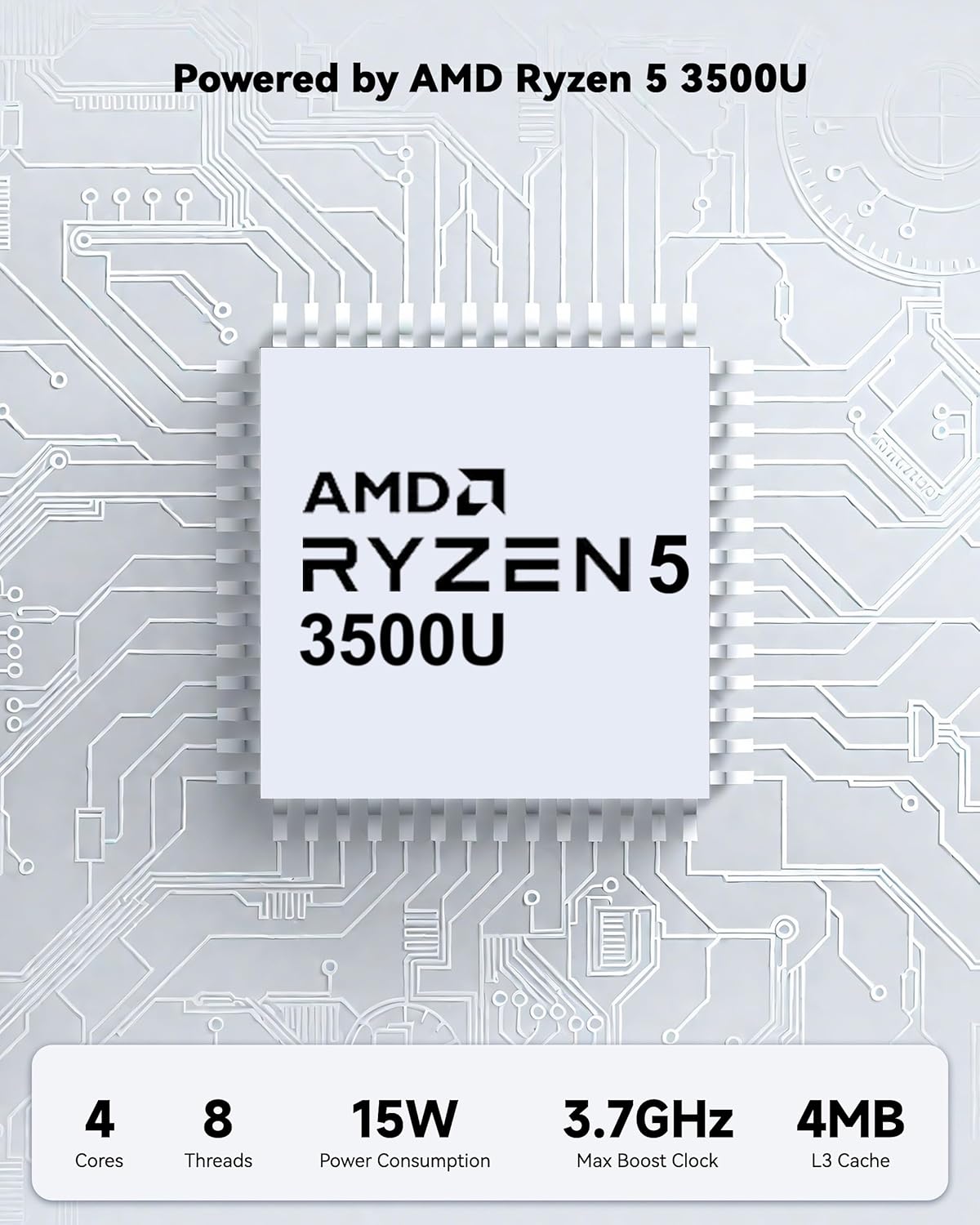
Powered by an AMD Ryzen 5 processor with 4 cores up to 3.7GHz and 16GB DDR4 RAM, the NIMO N152 is designed for efficient multitasking. The 512GB PCIe SSD ensures fast boot-ups and quick file transfers. The RAM is upgradable for future needs.

Image 4.1: AMD Ryzen 5 processor details.
4.2 Visuals and Audio
The 15.6-inch Full HD (1920x1080) IPS anti-glare display provides vibrant visuals with an 85% screen-to-body ratio. The integrated 2MP webcam allows for clear video calls.
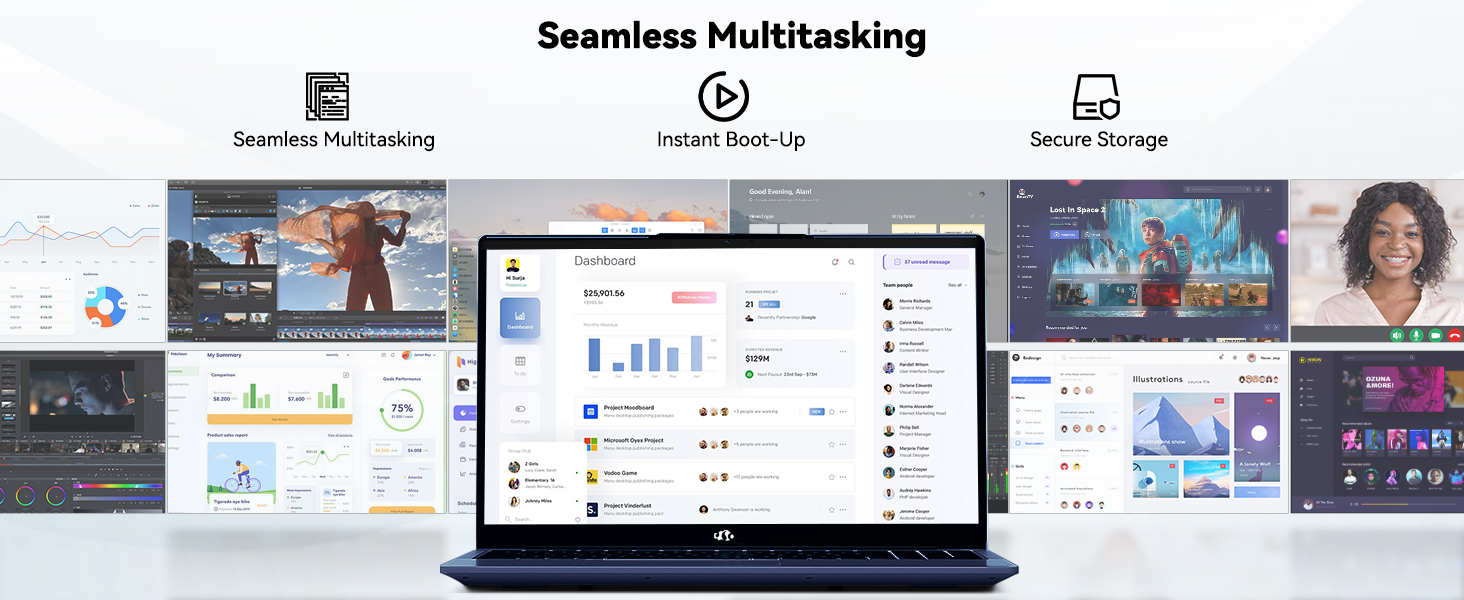
Image 4.2: The laptop's stunning Full HD display.

Image 4.3: The 1080p FHD camera for clear video conferencing.
4.3 عمر البطارية
The laptop features a 54WH battery with smart battery optimization for extended lifespan and efficient power control, providing approximately 9 hours of average battery life.

Image 4.4: Smart Battery Optimization features.
4.4 التصميم والقدرة على النقل
The NIMO N152 has a durable metal A-shell and a slim, lightweight design, weighing approximately 3.75 pounds.

Image 4.5: The NIMO laptop's lightweight and slim profile.
4.5 المنتج أكثرview فيديو
فيديو 4.1: عام علىview of the NIMO 15.6-inch laptop, highlighting its features and design.
4.6 Power and Portability Video
Video 4.2: This video demonstrates the power and portability aspects of the NIMO 15.6-inch laptop.
5. الصيانة
5.1 التنظيف
- استخدم قطعة قماش ناعمة وخالية من الوبر لتنظيف الشاشة والجزء الخارجي.
- بالنسبة للبقع العنيدة، قم بالتدليك برفقampامسح قطعة القماش بالماء أو بمنظف آمن للشاشات.
- تجنب المواد الكيميائية القاسية، والمواد الكاشطة، والمذيبات.
- Keep vents clear of dust and debris to ensure proper airflow.
5.2 العناية بالبطارية
- تجنب تفريغ البطارية بالكامل بشكل متكرر.
- قم بتخزين الكمبيوتر المحمول في مكان بارد وجاف عندما لا يكون قيد الاستخدام لفترات طويلة.
- Use only the provided NIMO charger.
5.3 تحديثات البرامج
Regularly update your operating system and drivers to ensure optimal performance and security. Windows 11 Home will prompt you for updates.
6. استكشاف الأخطاء وإصلاحها
6.1 الكمبيوتر المحمول لا يعمل
- تأكد من توصيل الشاحن بشكل آمن بالكمبيوتر المحمول ومأخذ الطاقة العامل.
- تأكد من أن منفذ الطاقة يعمل عن طريق توصيل جهاز آخر.
- Allow the laptop to charge for at least 30 minutes before attempting to power on again.
6.2 مشاكل الشاشة
- إذا كانت الشاشة فارغة، فحاول توصيل شاشة خارجية للتحقق مما إذا كان إخراج العرض يعمل.
- اضبط سطوع الشاشة باستخدام مفاتيح الوظائف.
- أعد تشغيل الكمبيوتر المحمول.
6.3 مشاكل الاتصال
- واي فاي: Check your router and internet connection. Ensure Wi-Fi is enabled on the laptop.
- بلوتوث: Verify Bluetooth is enabled and devices are in pairing mode.
- جهاز USB:٪ s: Try connecting the device to a different USB port or another computer to rule out device issues.
6.4 الأداء البطيء
- أغلق التطبيقات غير الضرورية التي تعمل في الخلفية.
- التحقق من وجود أي تحديثات Windows معلقة وتثبيتها.
- تأكد من وجود مساحة خالية كافية على SSD.
- قم بإجراء فحص للفيروسات.
7. المواصفات
| ميزة | مواصفة |
|---|---|
| اسم الموديل | نيمو N152 |
| حجم الشاشة | 15.6 بوصة |
| دقة الشاشة | 1920 × 1080 بكسل (Full HD IPS) |
| المعالج | AMD Ryzen 5 (4 Cores, up to 3.7 GHz) |
| كبش | ذاكرة وصول عشوائي 16 جيجابايت من نوع DDR4 (قابلة للترقية) |
| سرعة الذاكرة | 3200 ميجا هرتز |
| القرص الصلب | قرص صلب SSD بسعة 512 جيجابايت (PCIe) |
| معالج الرسوميات المساعد | AMD Integrated graphics |
| نظام التشغيل | ويندوز 11 هوم |
| نوع لاسلكي | واي فاي 6 (802.11a/b/g/n/ac)، بلوتوث 5.2 |
| منافذ USB 2.0 | 1 |
| منافذ USB 3.0 | 3 |
| متوسط عمر البطارية | 9 ساعة |
| وزن العنصر | 3.75 رطل |
| أبعاد المنتج | 14.07 × 8.98 × 0.76 بوصة |
| لون | أزرق |
| مؤخرة Webقرار الكاميرا | 2 ميجا بكسل |
| المميزات الخاصة | لوحة مفاتيح بإضاءة خلفية، قارئ بصمات الأصابع، صوت عالي الدقة، لوحة مفاتيح رقمية |
7.1 محتويات الصندوق
- جهاز كمبيوتر محمول واحد من طراز NIMO N152
- شاحن سريع من النوع C بقوة 65 واط بتقنية الشحن السريع PD
- 1 × دليل المستخدم
- ويندوز 11 هوم (مثبت مسبقًا)
8. الضمان والدعم
Your NIMO N152 laptop comes with a ضمان الشركة المصنعة لمدة عامين. Additionally, NIMO offers a 90-day hassle-free return and exchange policy. For any product-related questions, technical assistance, or warranty claims, please contact NIMO customer service.
معلومات الاتصال 8.1
For support, you can reach out to the professional after-sales team via email or phone. Please refer to the official NIMO website or product page for the most current contact details.

Image 8.1: NIMO products are covered by a 2-year support.

Image 8.2: 90-Day Return policy.


