1. المقدمة
Welcome to your new Xiaomi 32-inch G QLED Smart TV. This manual provides essential information for setting up, operating, and maintaining your television. Please read it thoroughly before use and retain it for future reference.
معلومات السلامة
- تأكد من التهوية المناسبة حول التلفزيون.
- لا تعرض التلفزيون للمطر أو الرطوبة.
- تجنب وضع التلفزيون بالقرب من مصادر الحرارة أو في ضوء الشمس المباشر.
- استخدم فقط سلك الطاقة المرفق مع التلفزيون.
- قم بإحالة جميع أعمال الصيانة إلى موظفي الخدمة المؤهلين.

الشكل 1.1: الجبهة view of the Xiaomi 32-inch G QLED Smart TV.
2. ماذا يوجد في الصندوق
تأكد من وجود جميع المكونات في العبوة:
- 1 x Xiaomi 32-inch G QLED Smart TV
- 1 × جهاز التحكم عن بعد
- 1 × دليل المستخدم (هذه الوثيقة)
- 2 x TV Stands
- 4 × مسامير لطاولات التلفزيون
- 2 × بطاريات AAA (للتحكم عن بعد)
- 1 الحبل العاشر الطاقة

Figure 2.1: Illustration of included items in the product packaging.
3. الإعداد
3.1 تركيب حوامل التلفزيون
- قم بوضع التلفاز بعناية على سطح ناعم ومستوٍ بحيث يكون وجهه لأسفل لمنع تلف الشاشة.
- قم بمحاذاة كل حامل مع فتحات البراغي المقابلة في الجزء السفلي من التلفزيون.
- Secure each stand using the provided screws.
- ارفع التلفاز إلى وضع مستقيم وضعه على سطح ثابت ومستوٍ.
3.2 التركيب على الحائط (اختياري)
If you choose to wall mount your TV, ensure you use a compatible VESA mount (not included) and follow the instructions provided with the wall mount kit. Professional installation is recommended.
3.3 توصيل الأجهزة الطرفية
Refer to the port diagram below for connecting external devices.
الشكل 3.1: خلفي view شاشة التلفزيون تعرض منافذ الإدخال/الإخراج المختلفة.
- منافذ HDMI (x2): Connect Blu-ray players, gaming consoles, set-top boxes.
- منافذ USB (x2): قم بتوصيل أجهزة تخزين USB لتشغيل الوسائط.
- الشبكة (إيثرنت): قم بالاتصال بشبكة منزلك عبر اتصال سلكي.
- إدخال الهوائي: قم بتوصيل هوائي للبث عبر الهواء.
- مدخلات AV: قم بتوصيل الأجهزة القديمة باستخدام كابلات الفيديو المركبة وكابلات الصوت الاستريو.
- مقبس صوت 3.5 ملم: قم بتوصيل سماعات الرأس أو مكبرات الصوت الخارجية.
3.4 توصيل الطاقة
قم بتوصيل سلك الطاقة بمدخل الطاقة الخاص بالتلفزيون، ثم بمأخذ الحائط. سيدخل التلفزيون في وضع الاستعداد.
4. تشغيل جهاز التلفزيون
4.1 التحكم عن بعد
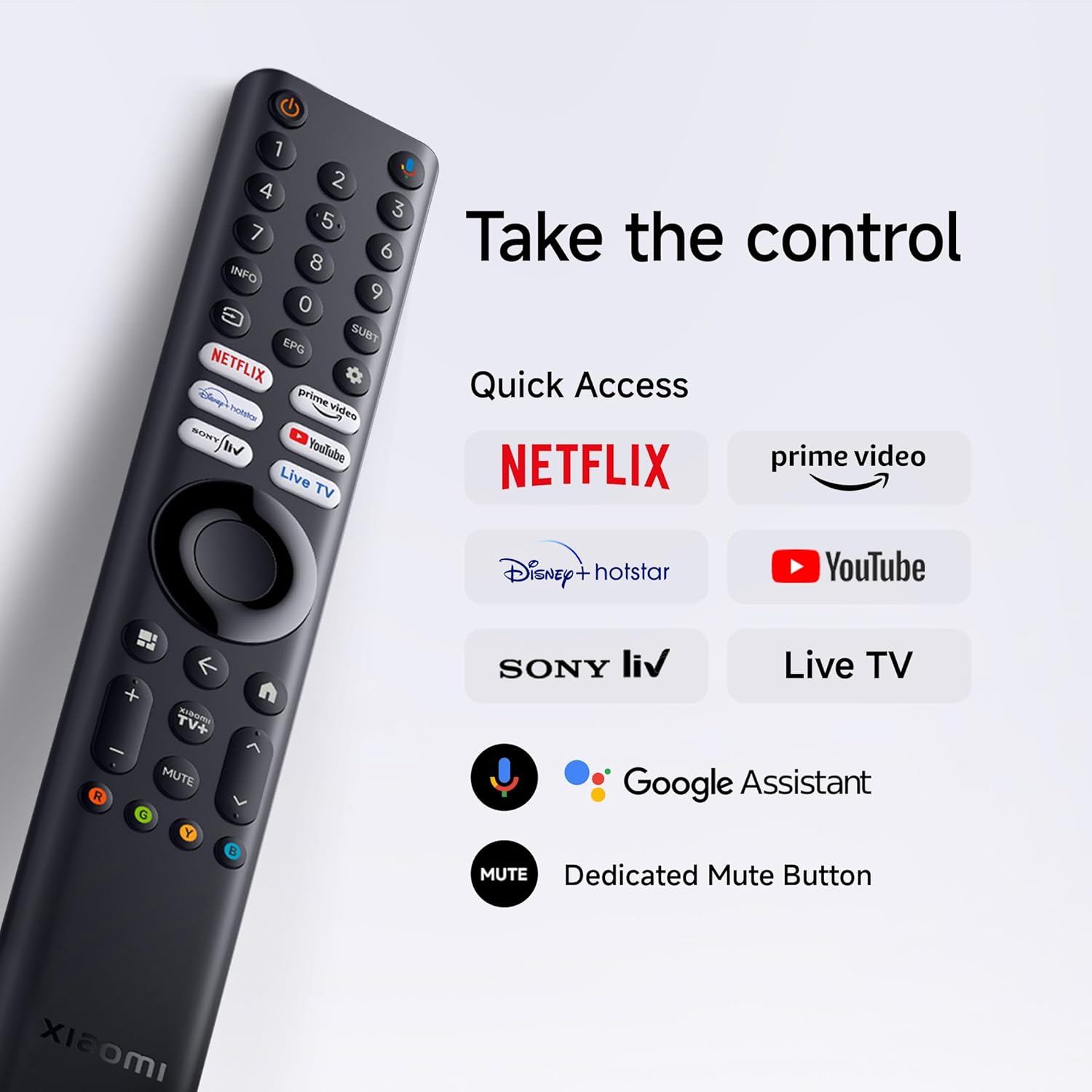
Insert the two AAA batteries into the remote control, observing polarity. The remote allows navigation, volume control, channel selection, and quick access to streaming services and Google Assistant.
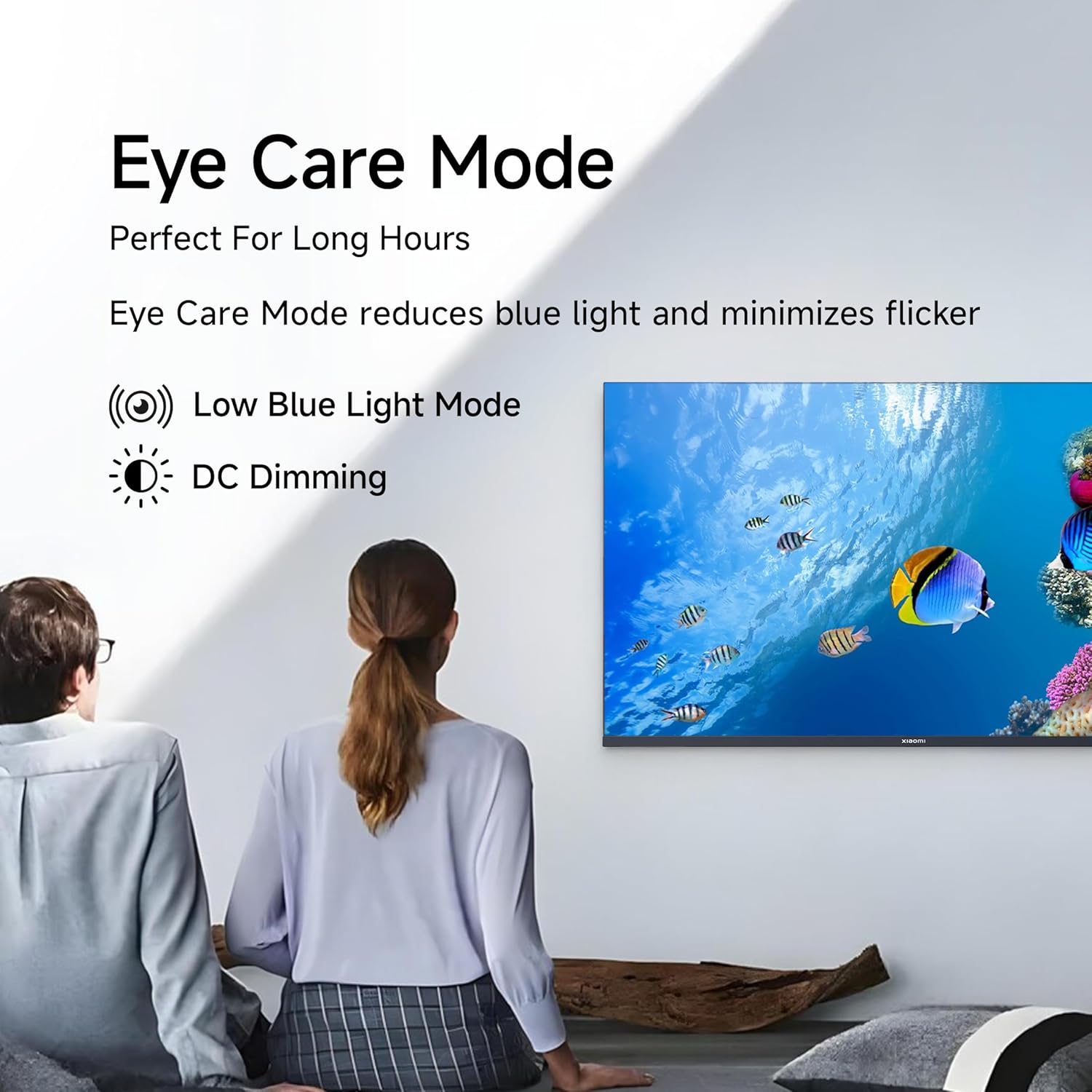
Figure 4.1: Xiaomi Smart TV remote control layout.
- زر الطاقة: يقوم بتشغيل/إيقاف تشغيل التلفزيون أو وضعه في وضع الاستعداد.
- لوحة التنقل: للتنقل عبر القائمة.
- زر موافق: يؤكد التحديدات.
- زر الرجوع: العودة إلى الشاشة السابقة.
- زر الصفحة الرئيسة: الوصول إلى الشاشة الرئيسية لـ Google TV.
- الحجم +/-: يضبط مستوى الصوت.
- زر كتم الصوت: كتم / إلغاء كتم الصوت.
- زر مساعد جوجل: تفعيل التحكم الصوتي.
- أزرار الوصول السريع: Dedicated buttons for Netflix, Prime Video, YouTube, and other streaming services.
4.2 ميزات التلفزيون الذكي (Google TV)
Your TV runs on Android 14 OS with Google TV, offering a personalized entertainment experience.

الشكل 4.2: انتهىview of Google TV features.
- Content First UI: Prioritizes content discovery.
- محترف شخصيfiles: إنشاء الموالية الفرديةfiles for tailored recommendations.
- مساعد جوجل: استخدم الأوامر الصوتية للبحث والتحكم والحصول على المعلومات.
- مدمج في Chromecast: Cast content from compatible mobile devices.
- قائمة المراقبة: Keep track of movies and shows you want to watch.
- الوضع المحيط: Display photos or useful information when the TV is idle.
- الأطفال المحترفينfile: Curated content and parental controls for children.
- التوصيات: Personalized suggestions based on your viewعادات جي.
4.3 التطبيقات المدعومة
The TV comes with pre-installed applications and supports downloads from the Google Play Store. Popular supported apps include Netflix, Prime Video, YouTube, JioCinema, JioHotstar, SonyLiv, and Zee5.

الشكل 4.3: مثالamples of supported streaming applications.
5. ميزات العرض
Experience enhanced visuals with the following display technologies:
- شاشة QLED: Quantum Dot technology delivers vivid, vibrant, and sharp picture quality.
- دقة عالية الوضوح (1366 × 768): يوفر صورًا واضحة ومفصلة.
- HDR 10 & HLG Support: Enhances contrast and color accuracy for compatible content.
- Vivid Picture Engine 2: Proprietary technology that fine-tunes every frame for improved clarity and realism.
- Wide Colour Gamut: Offers a broad spectrum of colors (up to 16.7 million) for rich and vivid visuals.
- وضع راحة العين: Reduces blue light and minimizes flicker for comfortable long-term viewعمل.
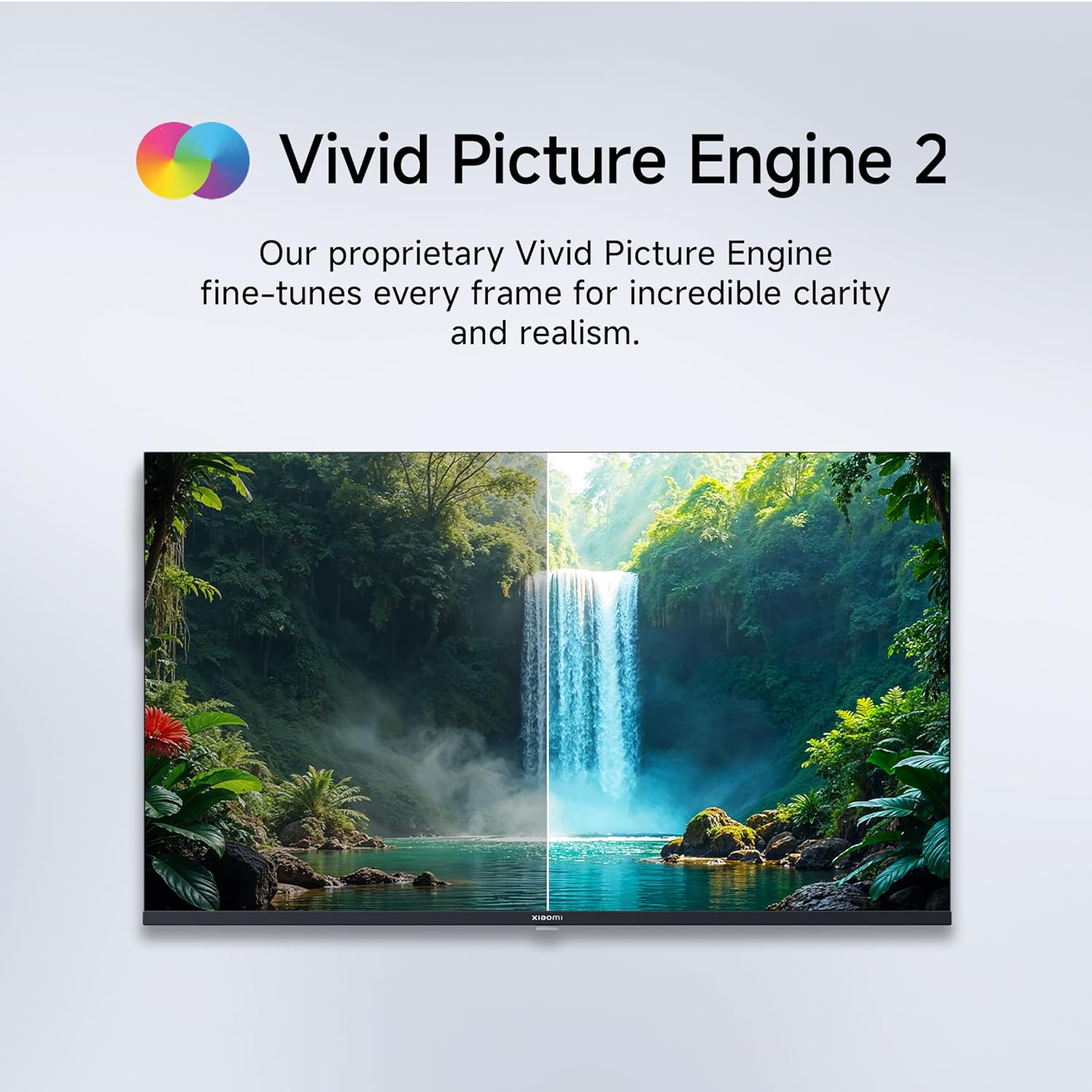
Figure 5.1: Quantum Clarity for exceptional contrast and color.
Figure 5.2: Vivid Picture Engine 2 for enhanced realism.
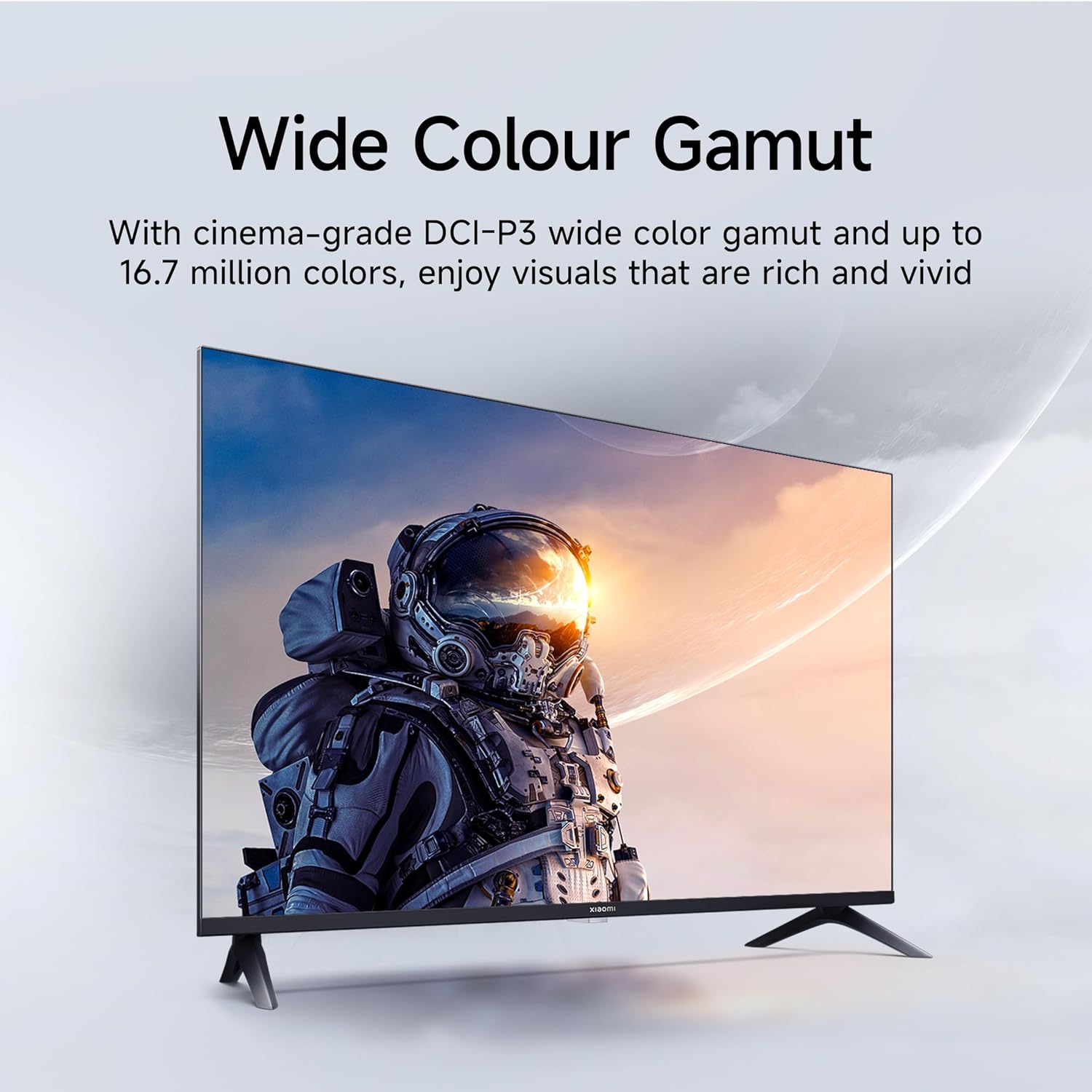
Figure 5.3: Eye Care Mode for reduced eye strain.
6. ميزات الصوت
Your TV is equipped with advanced audio technologies for an immersive sound experience:
- مخرج 20 واط: Powerful stereo speakers deliver clear and dynamic sound.
- صوت دولبي: Provides rich, clear, and powerful sound for movies, shows, and games.
- DTS-X & DTS Virtual:X: Creates a multi-dimensional audio experience, simulating surround sound without additional speakers.
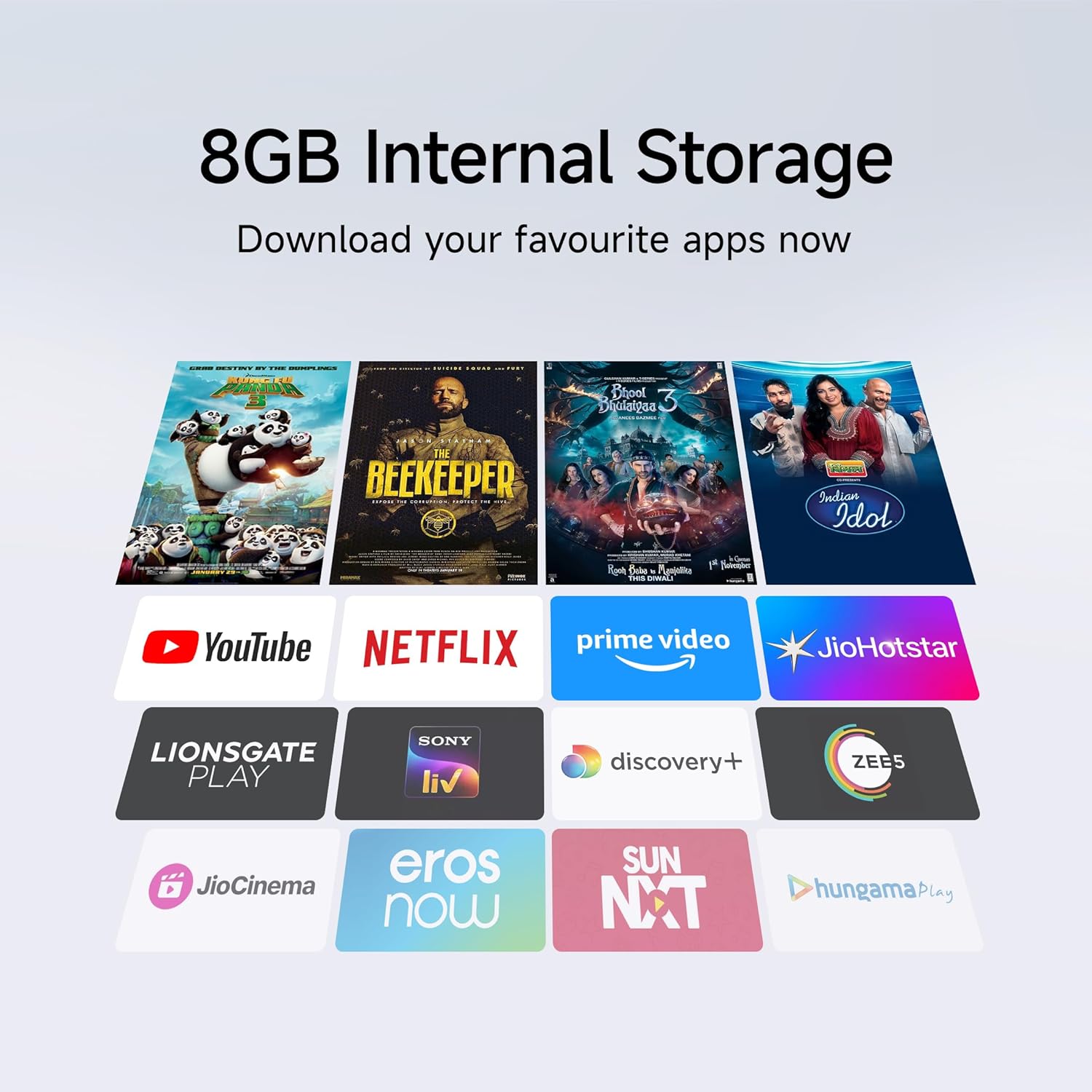
Figure 6.1: Enhanced audio experience with 20W speakers and Dolby/DTS technologies.
7. الاتصال
The TV offers various options for connecting to networks and other devices:
- شبكة واي فاي ثنائية النطاق: Connect wirelessly to your home network (2.4GHz and 5GHz).
- إيثرنت: للحصول على اتصال إنترنت سلكي مستقر.
- بلوتوث: قم بتوصيل سماعات الرأس اللاسلكية أو مكبرات الصوت أو غيرها من الملحقات التي تدعم تقنية البلوتوث.
- HDMI (x2) with ARC: Audio Return Channel (ARC) allows audio to be sent from the TV to a compatible sound system via a single HDMI cable.
- يو اس بي (×2): For connecting external storage.
8. الصيانة
8.1 تنظيف التلفزيون
- افصل دائمًا التلفاز عن الكهرباء قبل التنظيف.
- استخدم قطعة قماش ناعمة وجافة وخالية من الوبر لمسح الشاشة والخزانة.
- بالنسبة للعلامات العنيدة، قم بالتدليك برفقampاغسل القماش بالماء أو بمنظف الشاشة المتخصص (تجنب المواد الكيميائية القاسية).
- لا ترش السائل مباشرة على التلفزيون.
8.2 العناية العامة
- تجنب وضع الأشياء الثقيلة على التلفاز.
- احمِ التلفاز من درجات الحرارة والرطوبة القصوى.
- في حال نقل التلفزيون، تأكد من دعمه ومعالجته بشكل صحيح لمنع حدوث أي تلف.
9. استكشاف الأخطاء وإصلاحها
قبل الاتصال بدعم العملاء، جرب هذه الحلول الشائعة:
| مشكلة | السبب المحتمل | حل |
|---|---|---|
| لا يوجد طاقة | تم فصل سلك الطاقة؛ مشكلة في منفذ الطاقة | تحقق من توصيل سلك الطاقة؛ اختبر المنفذ بجهاز آخر. |
| لا توجد صورة، ولكن الصوت موجود | مصدر إدخال غير صحيح؛ كابل HDMI/AV غير موصول بإحكام | Press the "Input" button on the remote to select the correct source; Reconnect cables securely. |
| لا يوجد صوت ولكن الصورة موجودة | مستوى الصوت منخفض جدًا أو مكتوم؛ مشكلة في جهاز الصوت الخارجي | Unmute or increase volume; Check connections to external audio systems. |
| جهاز التحكم عن بعد لا يعمل | بطاريات فارغة؛ عائق بين جهاز التحكم عن بعد والتلفزيون | استبدال البطاريات، وإزالة أي عوائق. |
| لا يمكن الاتصال بشبكة Wi-Fi | كلمة مرور غير صحيحة؛ مشكلة في جهاز التوجيه؛ التلفاز بعيد جدًا عن جهاز التوجيه | Verify Wi-Fi password; Restart router; Move TV closer or use Ethernet. |
10. المواصفات
| ميزة | التفاصيل |
|---|---|
| ماركة | شاومي |
| نموذج | L32MB-APIN |
| حجم الشاشة | 32 بوصة (80 سم) |
| تكنولوجيا العرض | تلفزيون كيو إل إي دي |
| دقة | جاهز للعرض بجودة عالية (1366 × 768 بكسل) |
| معدل التحديث | 60 هرتز |
| نظام التشغيل | Android 14 OS, Google TV |
| ذاكرة الوصول العشوائي (RAM) | 1 جيجا بايت |
| التخزين الداخلي | 8 جيجا بايت |
| المعالج | A53 Quad Core Processor |
| مخرج الصوت | 20 واط |
| تقنيات الصوت | Dolby Audio, DTS-X, DTS Virtual:X |
| الاتصال | Dual Band Wi-Fi, Bluetooth, 2 x HDMI (ARC), 2 x USB, Ethernet, 3.5mm Audio, AV Input |
| Viewزاوية جي | 178 درجة |
| أبعاد المنتج (الطول × العرض × الارتفاع) | 19.8 × 71.6 × 46.9 سم (مع الحامل) |
| وزن العنصر | 3.2 كجم |
| سنة الموديل | 2025 |

الشكل 10.1: أبعاد المنتج ووزنه.

Figure 10.2: A53 Quad Core Processor for optimal performance.

Figure 10.3: Energy efficiency label.
11. الضمان والدعم
11.1 معلومات الضمان
Your Xiaomi TV comes with a ضمان شامل لمدة 1 سنوات on the product and an additional 1-year warranty on the panel, provided by the brand from the date of purchase. Please retain your purchase receipt for warranty claims.
11.2 دعم العملاء
For technical assistance, service requests, or warranty claims, please contact Xiaomi customer support. Refer to the official Xiaomi webللحصول على أحدث معلومات الاتصال، يرجى زيارة الموقع الإلكتروني أو الاطلاع على وثائق الشراء الخاصة بك.


