مقدمة
This manual provides essential instructions for setting up, operating, and maintaining your LIGE EF21-J Smart Watch. Please read this guide thoroughly to ensure proper use and to fully utilize all features of your device. This smart watch is designed to be a versatile companion for both business and sports activities, offering advanced health monitoring, communication, and fitness tracking capabilities.
محتويات الحزمة
تأكد من وجود جميع العناصر في الحزمة الخاصة بك:
- 1 x LIGE EF21-J Smart Watch
- 1 × حزام من الفولاذ المقاوم للصدأ
- 1 × حزام سيليكون
- 1 × كابل شحن مغناطيسي USB
- 1 × كابل شحن من النوع C
- 1 × دليل التعليمات (هذه الوثيقة)
المنتج انتهىview
The LIGE EF21-J Smart Watch features a 1.43-inch AMOLED display, a durable metal case, and interchangeable straps to suit various occasions. It integrates advanced sensors for comprehensive health and fitness tracking.

Image: The LIGE EF21-J Smart Watch shown in different lifestyle scenarios, highlighting its adaptability for business, casual, and active use.
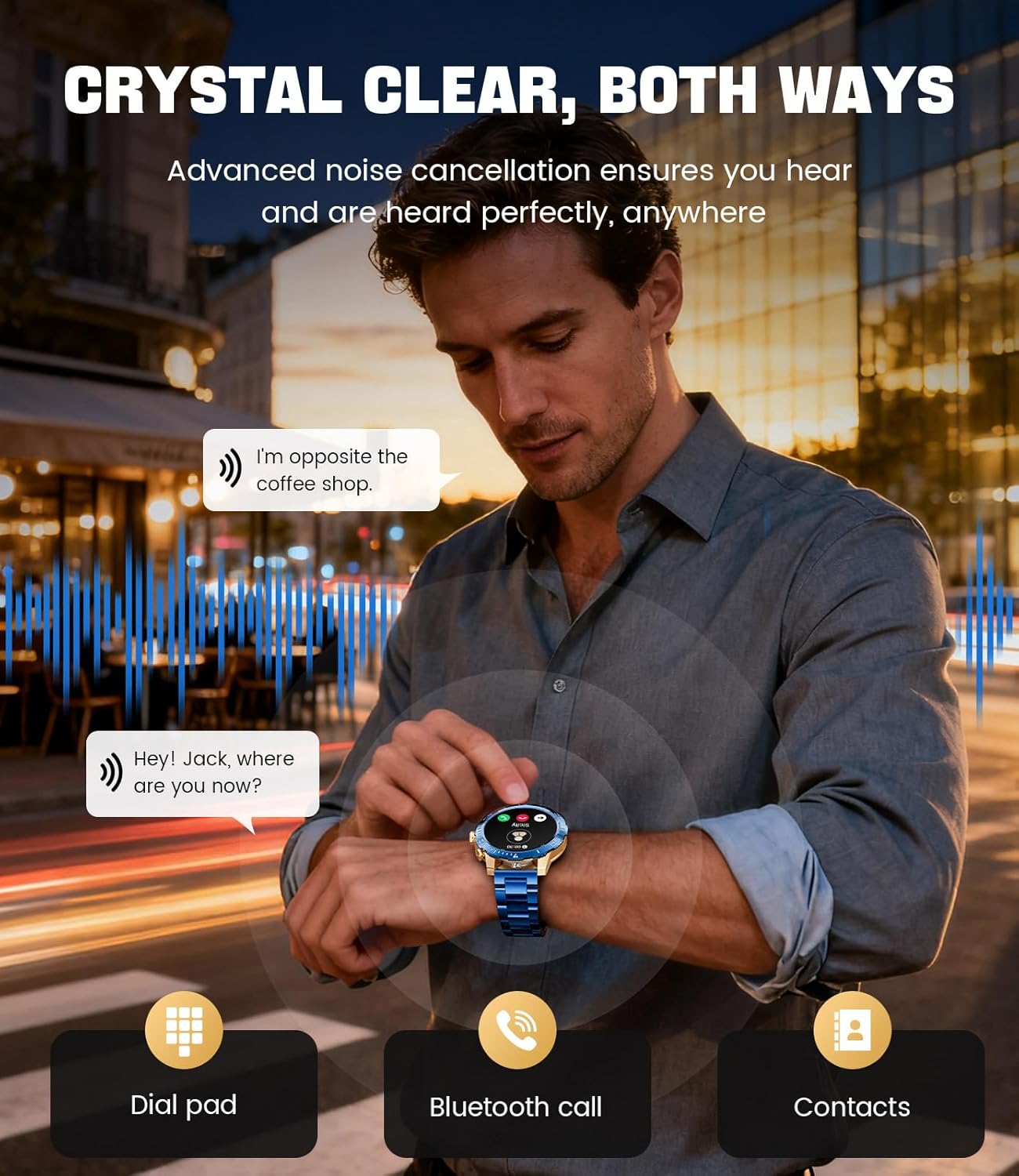
Image: A close-up of the LIGE EF21-J Smart Watch screen showing an incoming call, demonstrating its Bluetooth calling capability with clear audio.

Image: The LIGE EF21-J Smart Watch interface showing a selection of sports modes, including golf, climbing, and running, indicating its extensive activity tracking features.

Image: The LIGE EF21-J Smart Watch screen displaying heart rate, blood oxygen, and sleep data, illustrating its 24/7 health monitoring capabilities.
فيديو: عرض فيديو رسمي للمنتجasing the LIGE EF21-J Smart Watch's key features, including its AMOLED display, rotary encoder crown, charging capabilities, compatibility, sports modes, health monitoring, and various smart functions.
يثبت
1. شحن الساعة الذكية
Before first use, fully charge your LIGE EF21-J Smart Watch. The watch comes with both a USB magnetic charging cable and a Type-C charging cable for convenience.
- Connect the magnetic end of the charging cable to the charging points on the back of the watch. Ensure it snaps securely into place.
- Connect the USB or Type-C end of the cable to a compatible power adapter (not included) or a computer's USB port.
- ستعرض شاشة الساعة حالة الشحن. يستغرق الشحن الكامل عادةً حوالي ساعتين إلى ثلاث ساعات.

Image: The LIGE EF21-J Smart Watch connected to its magnetic charging cable, illustrating the charging process and the inclusion of both USB and Type-C cable options.
2. تثبيت التطبيق
To unlock the full functionality of your smart watch, download and install the companion application on your smartphone.
- The LIGE EF21-J Smart Watch uses the FitCloudPro App.
- بحث عن "FitCloudPro" in the Apple App Store (for iOS 12.0+ devices) or Google Play Store (for Android 8.0+ devices).
- تنزيل التطبيق وتثبيته.
3. إقران الجهاز
Pair your smart watch with the FitCloudPro app via Bluetooth to synchronize data and enable smart features.
- تأكد من تمكين Bluetooth على هاتفك الذكي.
- Open the FitCloudPro app and create an account or log in.
- Follow the in-app instructions to add a new device. The app will search for available devices.
- Select "EF21-J" or the corresponding device name from the list.
- قم بتأكيد طلب الاقتران على كل من هاتفك الذكي والساعة.
- بمجرد الاقتران، ستقوم الساعة بمزامنة الوقت والبيانات مع هاتفك.
تعليمات التشغيل
الملاحة الأساسية
- شاشة تعمل باللمس: مرر لليسار، لليمين، للأعلى، وللأسفل للتنقل بين القوائم والوظائف. انقر للتحديد.
- Rotary Encoder Crown: أدر التاج للتنقل بين القوائم أو ضبط الإعدادات. اضغط عليه للعودة إلى الشاشة الرئيسية أو لتأكيد اختياراتك.
- زر جانبي: يُستخدم عادةً للوصول السريع إلى الأوضاع الرياضية أو كزر للرجوع.
مكالمات البلوتوث
قم بإجراء واستقبال المكالمات مباشرة من معصمك عند توصيله بهاتفك الذكي.
- تأكد من إقران ساعتك بهاتفك عبر البلوتوث.
- To make a call: Access the dial pad or contacts list on your watch.
- To answer a call: When a call comes in, tap the green answer icon on the watch screen.
- To reject a call: Tap the red reject icon.
الإشعارات الذكية
استقبل تنبيهات المكالمات والرسائل وإشعارات التطبيقات مباشرة على ساعتك.
- Enable notification permissions for the FitCloudPro app in your phone's settings.
- Configure which app notifications you wish to receive through the FitCloudPro app.
- اسحب لأسفل من واجهة الساعة إلى view الإشعارات الأخيرة.
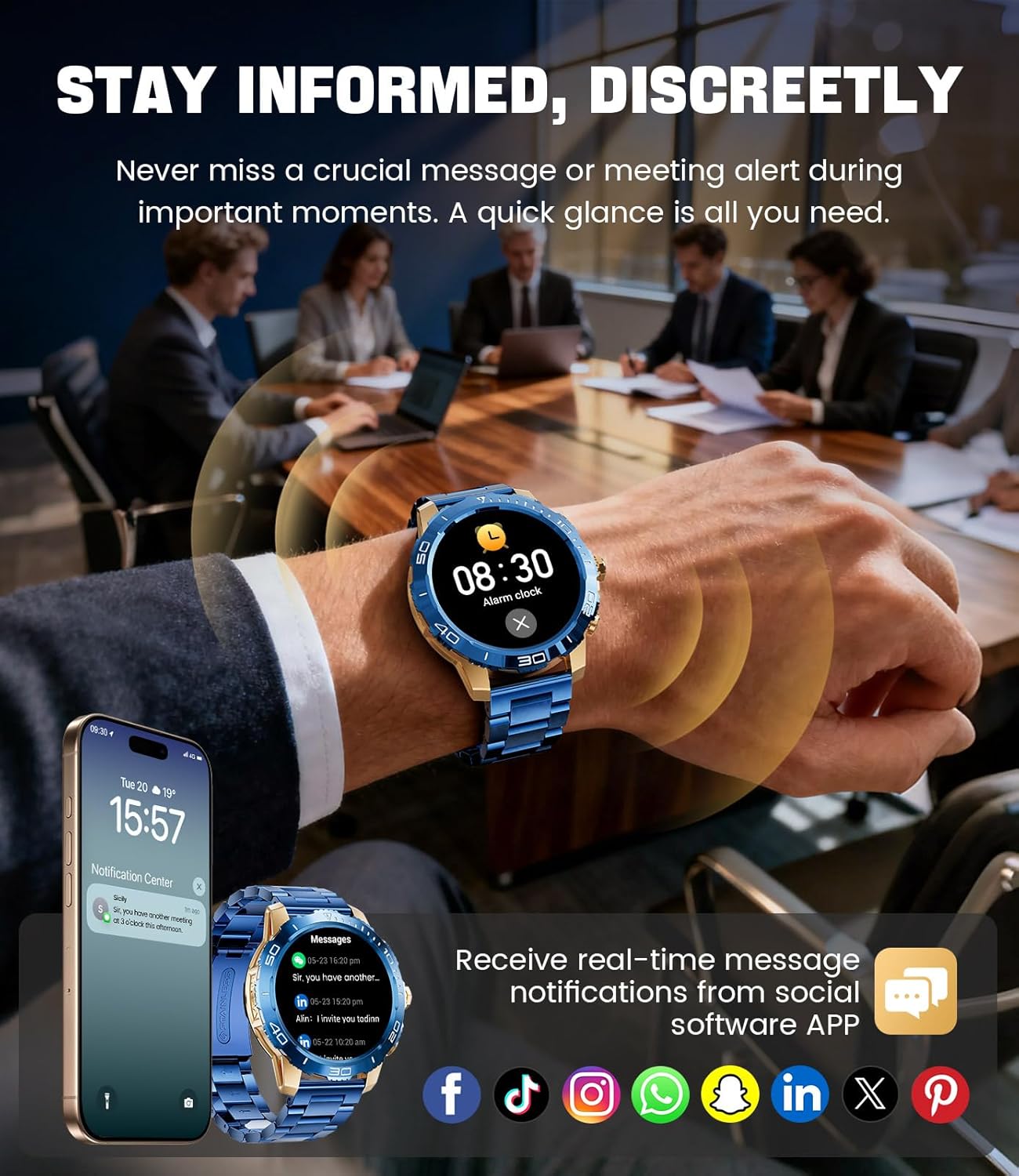
Image: The LIGE EF21-J Smart Watch screen showing incoming message notifications from various social media applications, demonstrating its ability to keep users informed discreetly.
أوضاع الرياضة
The watch supports over 200 sports modes to accurately track your physical activities.
- Access the sports mode menu from the main interface.
- Select your desired activity (e.g., running, cycling, yoga, basketball).
- ستبدأ الساعة بتتبع مقاييس مثل المسافة والخطوات والسعرات الحرارية المحروقة ومعدل ضربات القلب.
- End your workout by following the on-screen prompts. Data will sync to the FitCloudPro app for detailed analysis.
مراقبة الصحة
Monitor your heart rate, blood oxygen, and sleep patterns throughout the day.
- معدل ضربات القلب: تراقب الساعة معدل ضربات قلبك بشكل مستمر. View real-time data on the watch or historical trends in the app.
- أكسجين الدم (SpO2): قم بقياس مستويات الأكسجين في الدم حسب الطلب.
- تتبع النوم: Wear the watch to bed to track your sleep duration and quality. Data includes deep sleep, light sleep, and awake times.
- مراقبة الإجهاد: The watch can also provide insights into your daily stress levels.
Important: The LIGE EF21-J Smart Watch is not a medical device. Health data provided is for reference only and should not be used for medical diagnosis or treatment. Consult a healthcare professional for any health concerns.
وظائف أخرى
The watch offers a variety of additional features to enhance your daily life:
- مساعد صوت: Interact with your phone's voice assistant directly from your watch.
- التحكم في مشغل الموسيقى: تحكم في تشغيل الموسيقى على هاتفك الذكي (تشغيل، إيقاف مؤقت، تخطي المقاطع).
- النشرة الجوية: احصل على تحديثات الطقس في الوقت الحقيقي.
- التنبيه: Set alarms to wake you up or remind you of tasks.
- تذكير بالخمول: تلقي تنبيهات للتحرك بعد فترات من عدم النشاط.
- تذكير بشرب الماء: Set reminders to stay hydrated.
- مصباح يدوي: Use the watch screen as a small flashlight.
- العثور على هاتفي: حدد موقع الهاتف الذكي المقترن بك.
- حماية كلمة المرور: Enhance security with a screen lock password.

Image: The LIGE EF21-J Smart Watch interface showcasing a range of smart functions, including music control, weather, breath training, drink reminders, flashlight, and health monitoring summaries.
إدارة البطارية
The LIGE EF21-J Smart Watch is equipped with an 800mAh battery, designed for extended use.
- الاستخدام النموذجي: Expect over 10 days of battery life with regular use.
- وقت الاستعداد: The watch can last over 30 days in standby mode.
- الشحن: Use the provided USB magnetic or Type-C charging cables. Always use a compatible 5V/1A power adapter.
- تحسين البطارية: To extend battery life, reduce screen brightness, limit background app refresh, and disable unnecessary notifications.
صيانة
- تنظيف: Regularly wipe the watch screen and body with a soft, dry cloth. For stubborn dirt, use a slightly damp قطعة قماش وتجفف جيدا.
- مقاومة الماء: The watch has an IP68 water resistance rating, meaning it is protected against dust and can withstand immersion in water up to 1.5 meters for up to 30 minutes. It is suitable for daily use, hand washing, and light rain. تجنب الماء الساخن أو الساونا أو الغوص، لأن البخار والضغط العالي يمكن أن يؤثرا على الختم.
- العناية بالحزام: Clean silicone straps with mild soap and water. For stainless steel straps, use a soft brush and mild cleaning solution, then dry completely.
- تخزين: احفظ الساعة في مكان بارد وجاف عند عدم استخدامها. تجنب درجات الحرارة العالية.
استكشاف الأخطاء وإصلاحها
| مشكلة | حل |
|---|---|
| الساعة لا تعمل | تأكد من شحن الساعة بالكامل. وصلها بالشاحن لمدة 30 دقيقة على الأقل. |
| لا يمكن الاقتران بالهاتف |
|
| لم يتم تلقي الإخطارات |
|
| بيانات صحية غير دقيقة | Ensure the watch is worn snugly on your wrist, about one finger's width from your wrist bone. Avoid excessive movement during measurements. Remember, this is not a medical device. |
| عمر البطارية قصير |
|
تحديد
| ميزة | التفاصيل |
|---|---|
| رقم الموديل | EF21-J |
| عرض | شاشة AMOLED مقاس 1.43 بوصة، بدقة 466 × 466 بكسل |
| سعة البطارية | 800mAh ليثيوم بوليمر |
| عمر البطارية (نموذجي) | 10 أيام أو أكثر |
| وقت الاستعداد | 30 أيام أو أكثر |
| الاتصال | بلوتوث |
| مقاومة الماء | IP68 |
| توافق نظام التشغيل | أندرويد 8.0+ أو iOS 12.0+ |
| تطبيق مرافق | فيت كلاود برو |
| مراقبة الصحة | Heart Rate, Blood Oxygen, Sleep Tracking, Stress Monitoring |
| أوضاع الرياضة | أكثر من 200 وضع |
| المميزات الخاصة | Bluetooth Call, Voice Assistant, Music Control, Weather, Alarm, Sedentary Reminder, Drink Reminder, Flashlight, Find My Phone, Password Protection, AMOLED Always On Display |
| وزن العنصر | 7.1 أونصة (201 جرام) |
| أبعاد الحزمة | 6 × 4 × 0.9 بوصة (15.24 × 10.16 × 2.29 سم) |
الضمان والدعم
LIGE provides customer support for your EF21-J Smart Watch. If you encounter any issues or have questions regarding your device, please contact us through the Amazon messaging system. Our professional customer service team is available to assist you.
يرجى الرجوع إلى مستندات الشراء الخاصة بك لمعرفة شروط وأحكام الضمان المحددة.


