1. المقدمة
Welcome to your new NIMO 15.6" IPS FHD Student Laptop, Model N154. This manual provides essential information to help you get started, operate, and maintain your device. Designed for both home and business use, this laptop combines performance with user-friendly features to enhance your productivity and entertainment experience.
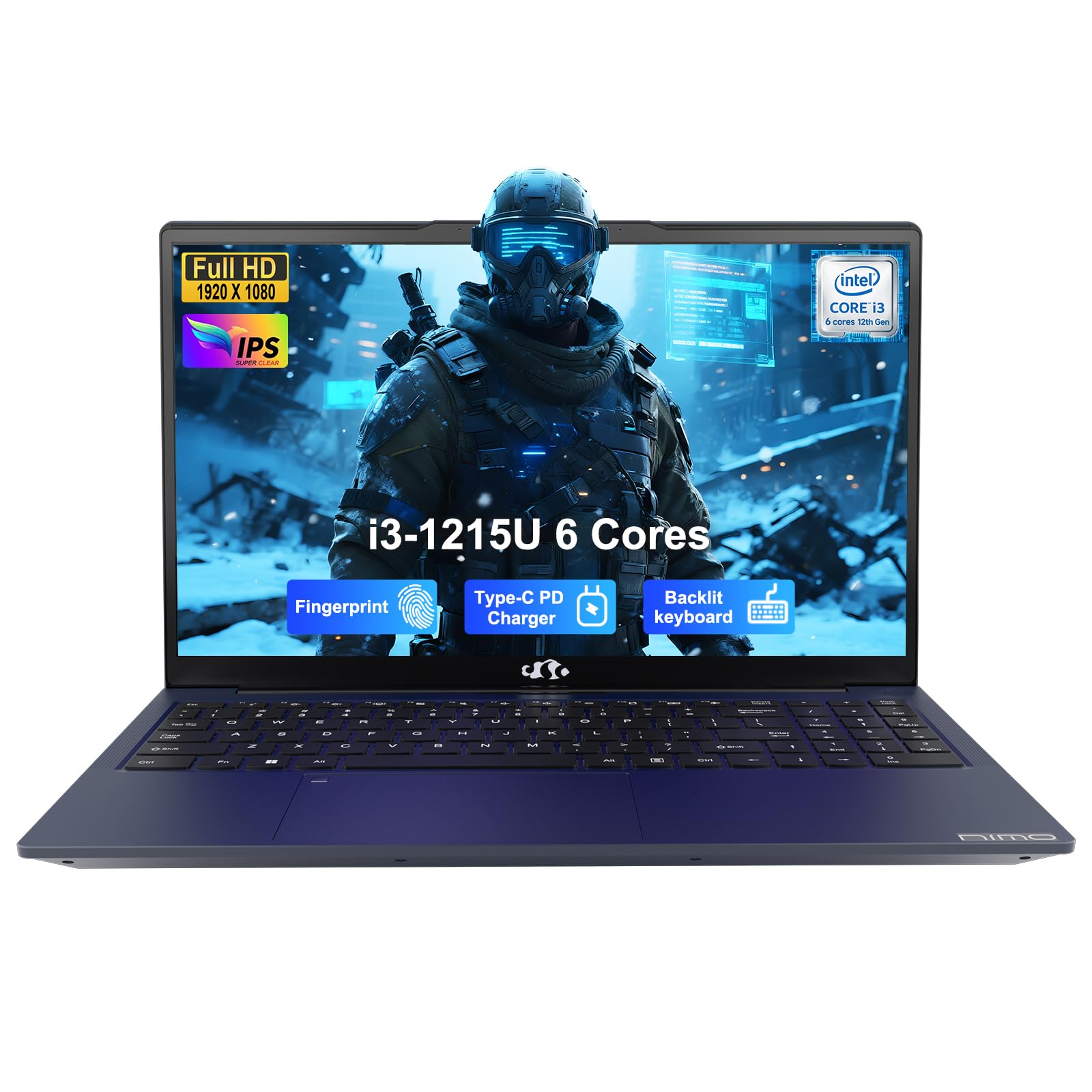
Image: The NIMO 15.6-inch IPS FHD Student Laptop, showcasinتصميمها الأنيق.
2. ماذا يوجد في الصندوق
يرجى التحقق من محتويات الحزمة للتأكد من وجود جميع العناصر:
- جهاز كمبيوتر محمول واحد من طراز NIMO N154
- شاحن سريع من النوع C بقوة 65 واط بتقنية الشحن السريع PD
- 1 × دليل المستخدم (هذه الوثيقة)
- ويندوز 11 هوم (مثبت مسبقًا)
3. الإعداد الأولي
3.1. Charging the Laptop
Before first use, fully charge your NIMO laptop using the included 65W USB-C PD Fast Charger. Connect the charger to the Type-C port on your laptop and a power outlet. The charging indicator light will illuminate.

Image: The 65W USB-C PD Fast Charger, capable of charging the laptop, tablet, and smartphone.
3.2. التشغيل والتكوين الأولي
Press the power button to turn on your laptop. Follow the on-screen instructions to complete the Windows 11 Home setup, including language selection, network connection, and user account creation.
4. تشغيل الكمبيوتر المحمول
4.1. العرض
Your laptop features a 15.6-inch Full HD (1920x1080) IPS anti-glare display. This screen provides clear visuals and reduces eye strain during extended use. The 180° open angle allows for flexible viewالمواقف.
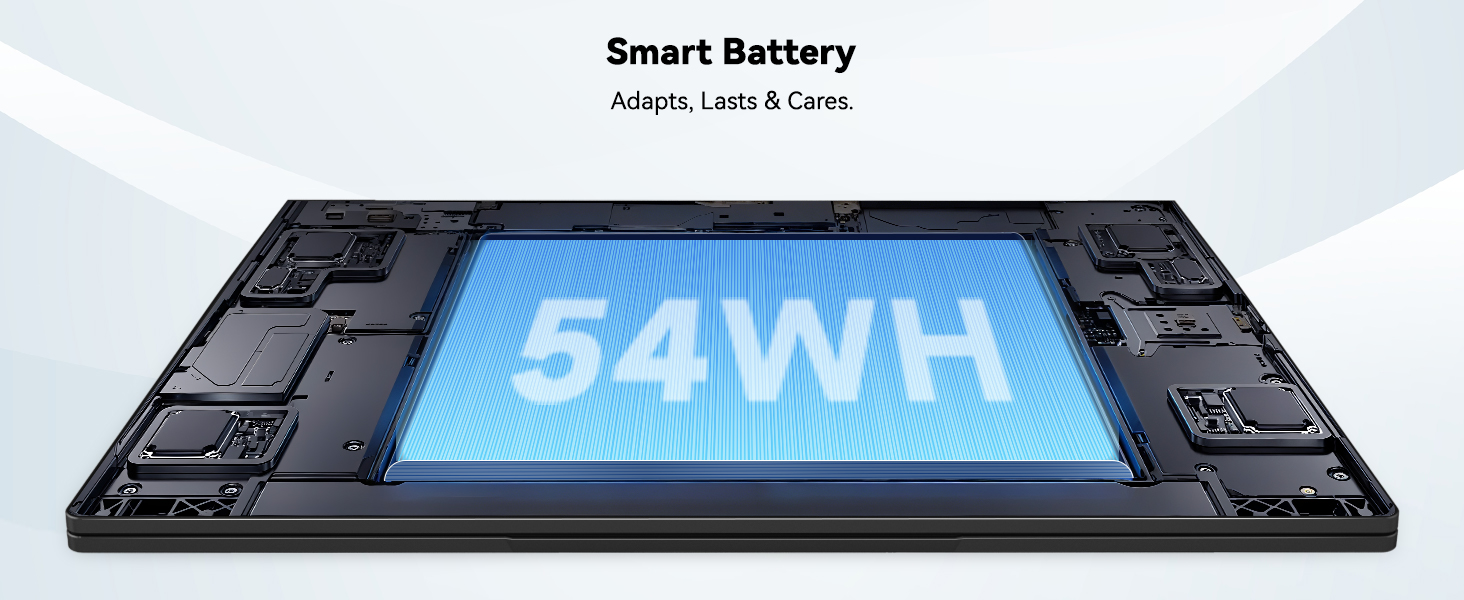
Image: The laptop's 15.6-inch Full HD IPS display with vibrant colors.
4.2. لوحة المفاتيح ولوحة اللمس
The ergonomic backlit keyboard allows for comfortable typing in various lighting conditions, with adjustable brightness. The touchpad includes an integrated fingerprint sensor for secure, one-touch login.

Image: Features of the laptop's input, including backlit keyboard, webcam shield, fingerprint sensor, and numeric keypad.
4.3. Fingerprint Login
Utilize the fingerprint sensor on the touchpad for quick and secure access to your laptop. Configure your fingerprint in the Windows settings for enhanced security.

Image: Close-up of the integrated fingerprint scanner on the touchpad for secure login.
4.4. المنافذ والاتصال
The NIMO N154 laptop offers a variety of ports for versatile connectivity:
- منفذ USB 2.0: 1
- منافذ USB 3.0: 3
- منفذ HDMI: For external display connections.
- ميناء من النوع C: Supports 65W Power Delivery for charging and data transfer.
- منفذ كارت الذاكرة الصغيرة: لتوسيع مساحة التخزين أو النقل files.
- مقبس سماعة رأس مزدوج: لإدخال/إخراج الصوت.
- فتحة قفل Kensington: لأسباب أمنية جسدية.
The laptop also features Wi-Fi 6 for fast and reliable wireless internet access.

Image: Diagram illustrating the various ports available on the NIMO laptop, including USB, HDMI, Type-C, Micro SD, headphone jack, and Kensington lock.
4.5. الصوت و Webكاميرا
Integrated speakers provide clear audio for video calls, online classes, and media consumption. The 2.0MP webcam is suitable for video conferencing, complemented by a privacy switch for enhanced security.

Image: Details on the 1080p FHD camera and privacy camera convenience features.
4.6. المعالج والأداء
Powered by the 6-Core Intel i3-1215U processor, your laptop is designed for efficient multitasking, handling numerous browser tabs, spreadsheets, and video calls without significant slowdowns.
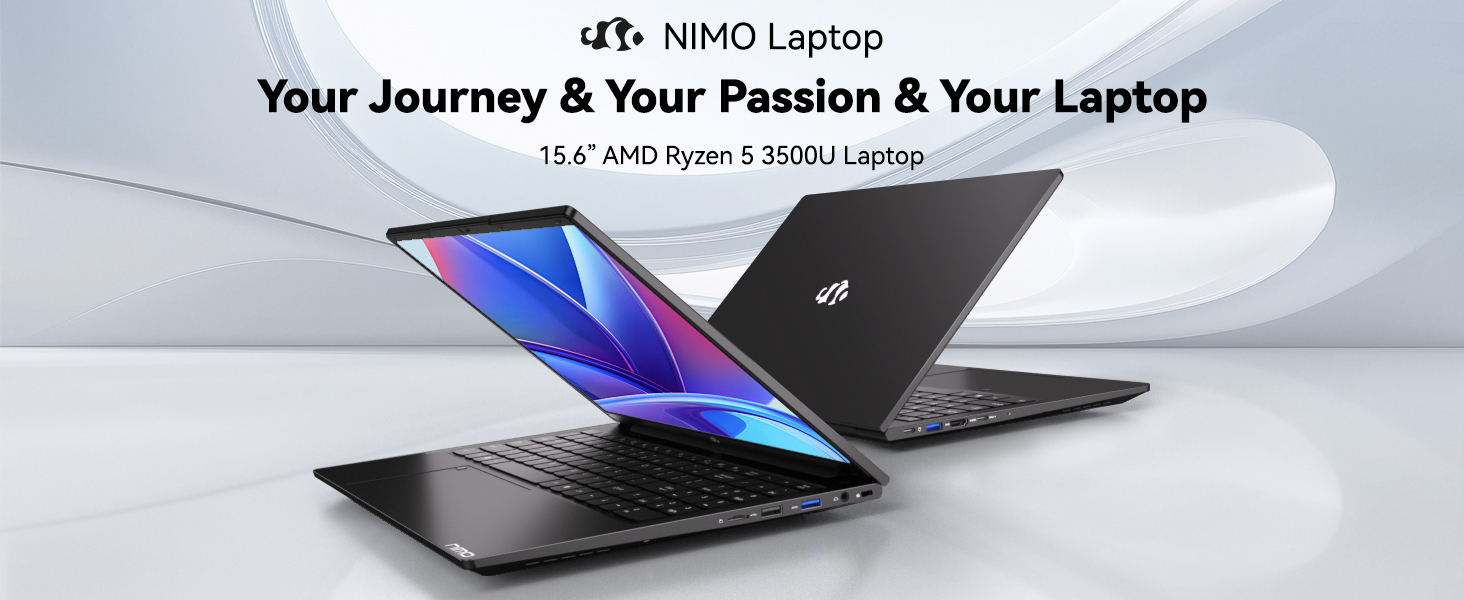
Image: Visual representation of the 12th Gen Intel Core i3-1215U Processor, highlighting its 6 cores, 8 threads, 15W power consumption, and 3.7 GHz Turbo Boost.
5. الصيانة
5.1. التنظيف
Regularly clean your laptop to ensure optimal performance and longevity. Use a soft, lint-free cloth for the screen and exterior. For stubborn marks, dampen the cloth with a small amount of water or a screen-safe cleaner. Avoid harsh chemicals.
5.2. تحديثات البرامج
Keep your operating system and drivers updated to benefit from the latest security patches and performance improvements. Windows Update can be accessed through the Settings menu.
5.3. العناية بالبطارية
To maximize battery life, avoid extreme temperatures and fully discharging the battery frequently. For long-term storage, charge the battery to around 50-70%.

Image: An illustration of the laptop's internal battery, labeled 54WH, emphasizing smart battery management.
6. استكشاف الأخطاء وإصلاحها
6.1. Laptop Not Powering On
- تأكد من توصيل الشاحن بشكل آمن بالكمبيوتر المحمول ومأخذ الطاقة العامل.
- تحقق مما إذا كان محول الطاقة يعمل بشكل صحيح.
- حاول الضغط باستمرار على زر الطاقة لمدة 10-15 ثانية لإجراء إعادة تعيين شاملة.
6.2. مشاكل الاتصال بشبكة الواي فاي
- تأكد من تمكين Wi-Fi في إعدادات Windows.
- أعد تشغيل جهاز التوجيه والمودم.
- Ensure your Wi-Fi drivers are up to date.
6.3. الأداء البطيء
- أغلق التطبيقات غير الضرورية التي تعمل في الخلفية.
- التحقق من وجود أي تحديثات Windows معلقة وتثبيتها.
- تأكد من أن وحدة التخزين (SSD) لديك بها مساحة خالية كافية.
للحصول على مزيد من المساعدة، يرجى الرجوع إلى قسم الضمان والدعم.
7. المواصفات
| ميزة | مواصفة |
|---|---|
| اسم الموديل | نيمو N154 |
| حجم الشاشة | 15.6 بوصة |
| دقة الشاشة | 1920 × 1080 بكسل (Full HD) |
| المعالج | Intel Core i3-1215U (6 أنوية، حتى 4.4 جيجاهرتز) |
| كبش | 8 جيجابايت DDR4 (3200 ميجاهرتز) |
| القرص الصلب | 512 جيجا بايت SSD |
| معالج الرسوميات المساعد | الرسومات المتكاملة |
| نظام التشغيل | ويندوز 11 هوم |
| نوع لاسلكي | Wi-Fi 6 (802.11a / b / g / n / ac) |
| منافذ USB 2.0 | 1 |
| منافذ USB 3.0 | 3 |
| متوسط عمر البطارية | 9 ساعة |
| وزن العنصر | 3.75 رطل |
| أبعاد المنتج | 14.07 × 8.98 × 0.76 بوصة |
| المميزات الخاصة | قارئ بصمات الأصابع، صوت عالي الدقة، فتحة بطاقة ذاكرة، لوحة مفاتيح رقمية |
8. الضمان والدعم
NIMO is committed to providing quality products and excellent customer service.
8.1. معلومات الضمان
Your NIMO N154 laptop comes with a comprehensive ضمان لمدة 2 سنوات, covering manufacturing defects and hardware malfunctions under normal use. This warranty ensures your investment is protected.

Image: Text indicating '2-Year Support' for Nimo products.
8.2. سياسة الإرجاع
نحن نقدم سياسة الإرجاع خلال 90 يومًا from the date of purchase. If you are not satisfied with your product, you may return it within this period according to the terms and conditions.

Image: Text indicating '90-Day Return' for Nimo products.
8.3. اتصل بالدعم
Our dedicated US-based support team is available to assist you with any questions or issues. You can reach us via email at Service@nimopc.com. We aim to provide professional and high-quality customer service.

Image: A customer service representative wearing a headset, representing professional customer assistance.


