1. المقدمة
This manual provides essential information for using your new vivo Y31 Pro 5G smartphone. Please read it carefully to ensure proper operation and to maximize the device's features. Keep this manual for future reference.

الصورة: الجبهة view of the vivo Y31 Pro 5G smartphone, showcasing عرضه.
2. ماذا يوجد في الصندوق
تأكد من وجود جميع العناصر في عبوة المنتج الخاص بك:
- هاتف فيفو Y31 برو 5G الذكي
- حافظة الهاتف
- محول الطاقة
- كابل يو اس بي
- أداة إخراج درج بطاقة SIM
- واقي الشاشة (مُطبق مسبقًا)
3. الإعداد
3.1. تركيب بطاقة SIM
- حدد مكان درج بطاقة SIM على جانب جهازك.
- قم بإدخال أداة إخراج درج بطاقة SIM في الفتحة الصغيرة الموجودة بجوار الدرج واضغط برفق حتى يخرج الدرج.
- ضع بطاقة Nano-SIM و/أو بطاقة microSD في الدرج مع توجيه الملامسات الذهبية لأسفل، مع التأكد من أنها موجهة بشكل صحيح.
- قم بإعادة إدخال الدرج داخل الهاتف بعناية حتى يستقر في مكانه.
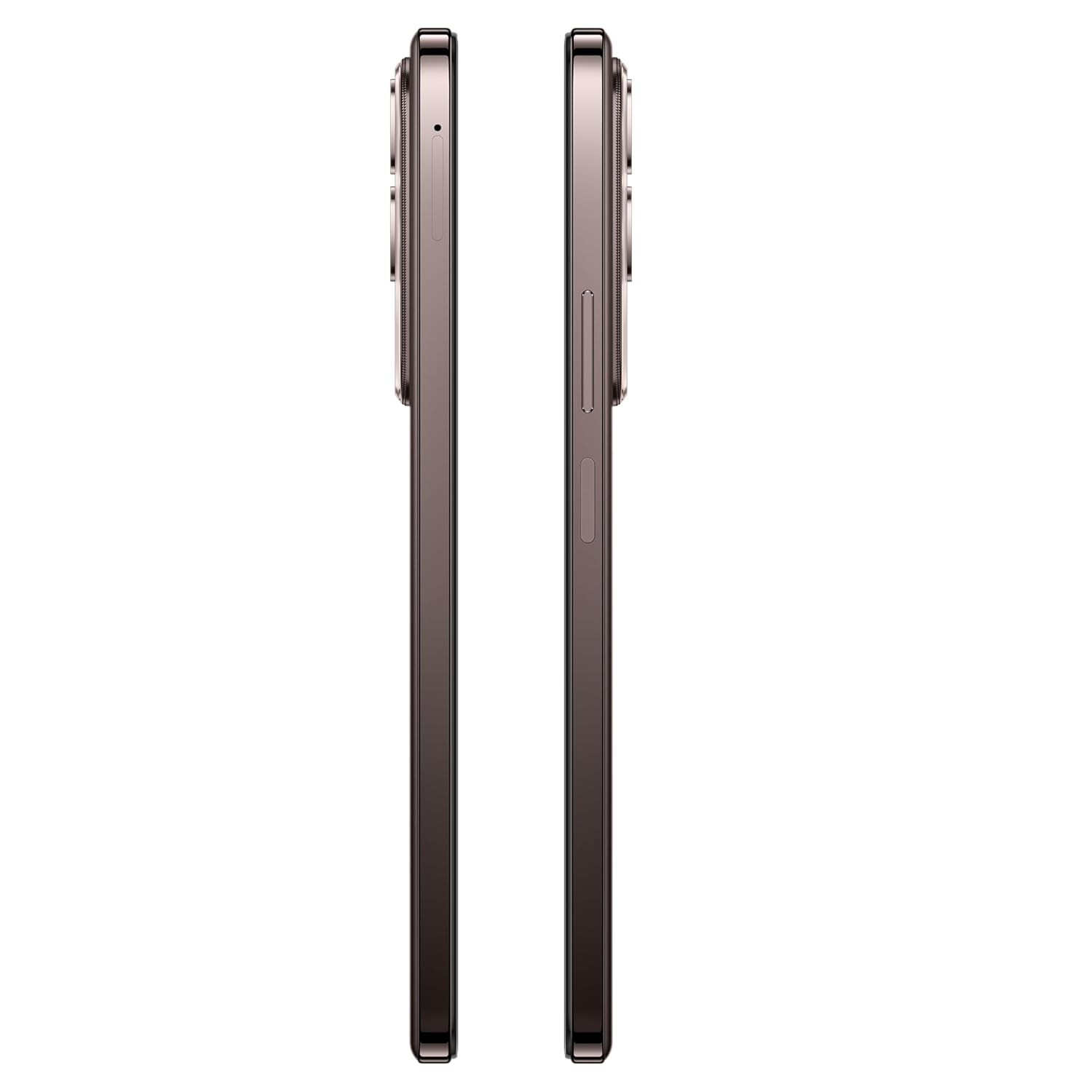
الصورة: الجانب view of the vivo Y31 Pro 5G, showing the SIM card tray location.
3.2. التشغيل الأولي والإعدادات الأساسية
- Press and hold the Power button (located on the right side) until the vivo logo appears.
- اتبع التعليمات التي تظهر على الشاشة لتحديد اللغة والمنطقة والاتصال بشبكة Wi-Fi.
- قم بتسجيل الدخول باستخدام حساب Google الخاص بك أو قم بإنشاء حساب جديد للوصول إلى خدمات Google ومتجر Play.
- قم بإعداد طريقة قفل الشاشة (رمز PIN، نمط، كلمة مرور، بصمة الإصبع، أو فتح الوجه).
4. تشغيل جهازك
4.1. ميزات العرض
The vivo Y31 Pro 5G features a 17.06 cm (6.72 inch) High Brightness FHD+ display with a 120 Hz refresh rate and up to 1050 Nits brightness for clear visuals and smooth scrolling.

Image: Illustration highlighting the phone's high brightness FHD display with 1050 Nits and 120 Hz refresh rate.
4.2. استخدام الكاميرا
Your device is equipped with a 50 MP + 2 MP rear camera system and an 8 MP selfie camera. It supports 4K video recording.
- التقاط الصور: Open the Camera app, select 'Photo' mode, and tap the shutter button.
- تسجيل مقاطع الفيديو: Switch to 'Video' mode and tap the record button to start/stop.
- ميزات الذكاء الاصطناعي: Utilize AI Erase and AI Photo Enhance for improved image quality and editing.
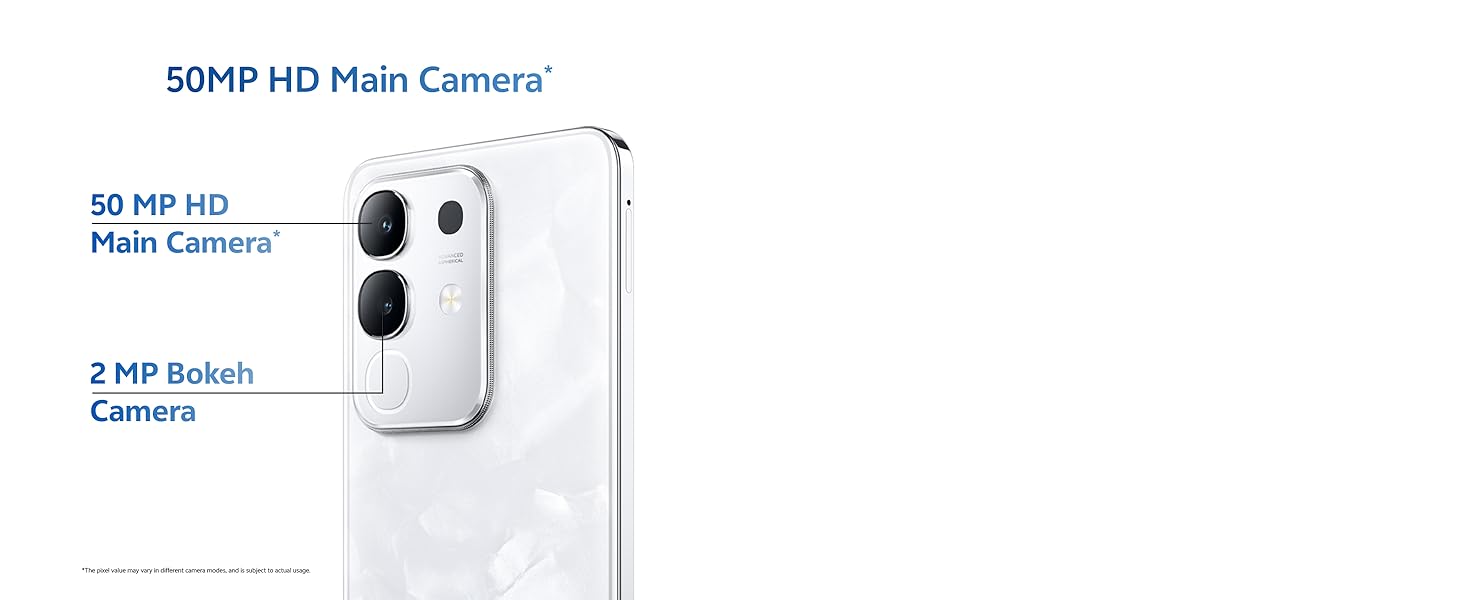
Image: Close-up of the vivo Y31 Pro 5G's rear camera module, showing the 50 MP main camera and 2 MP bokeh camera.

Image: Comparison showing video quality with and without 4K recording on the vivo Y31 Pro 5G.
4.3. إدارة البطارية
The device is powered by a 6500 mAh battery and supports 44W FlashCharge. For optimal battery life:
- Use the provided power adapter and USB cable for charging.
- تجنب درجات الحرارة القصوى.
- إدارة استخدام التطبيقات في الخلفية وسطوع الشاشة.
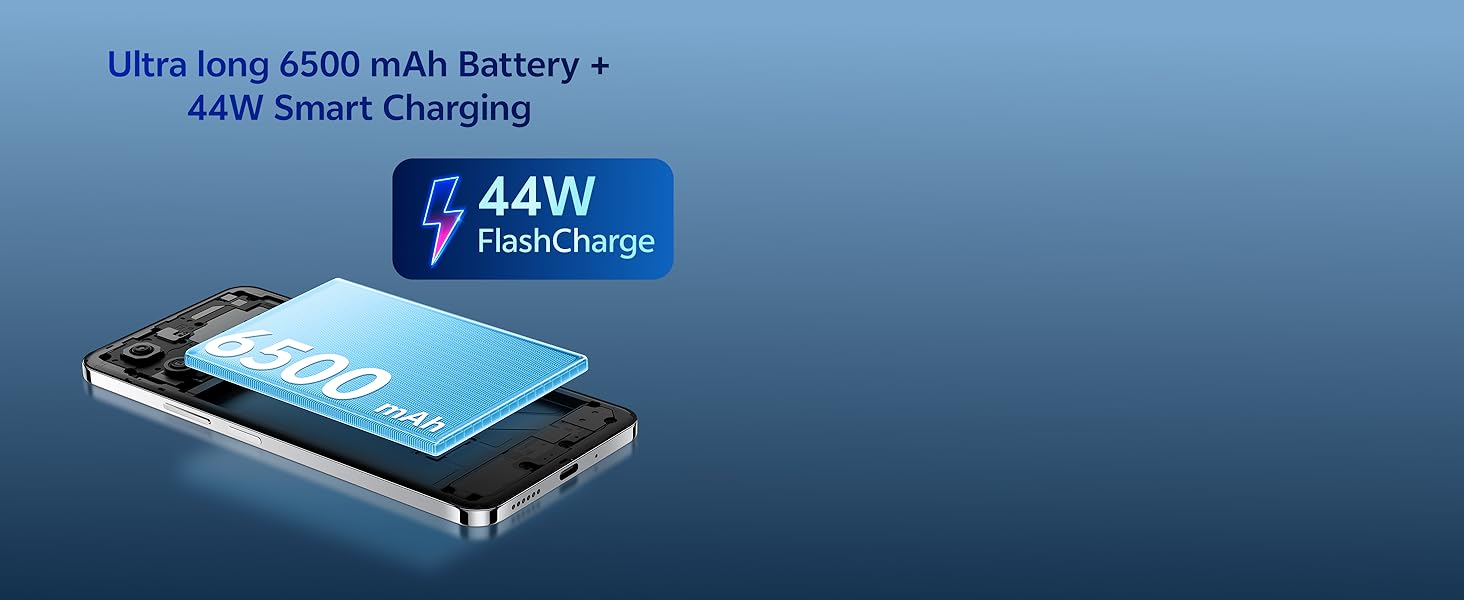
Image: Illustration of the vivo Y31 Pro 5G's 6500 mAh battery and 44W FlashCharge technology.
4.4. الاتصال
The vivo Y31 Pro 5G supports 5G network connectivity, Bluetooth, and built-in GPS.
- واي فاي: انتقل إلى الإعدادات > الشبكة والإنترنت > Wi-Fi للاتصال بالشبكات المتاحة.
- بلوتوث: انتقل إلى الإعدادات > الأجهزة المتصلة > البلوتوث للاقتران مع الأجهزة الأخرى.
- 5G: Ensure your SIM card and plan support 5G for high-speed mobile data.
4.5. سمعي
The device features dual stereo speakers for enhanced audio output.
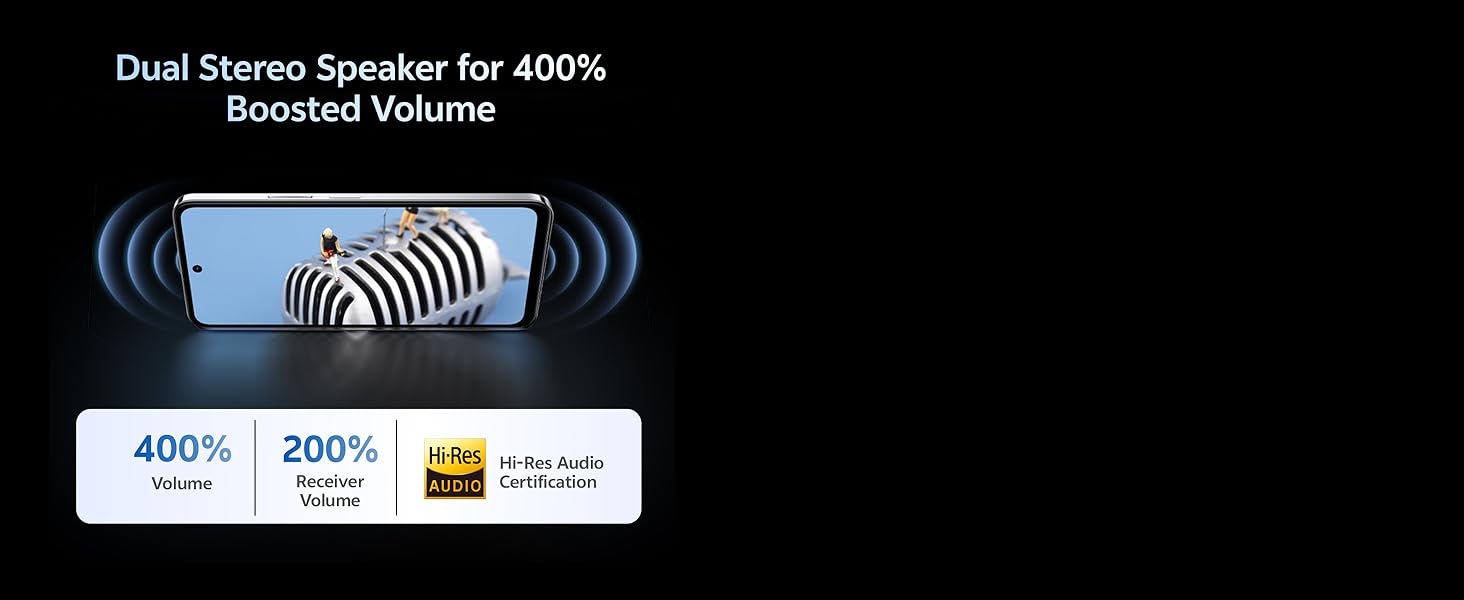
Image: Illustration depicting the dual stereo speaker system of the vivo Y31 Pro 5G.
5. الصيانة
5.1. تنظيف جهازك
- استخدم قطعة قماش ناعمة وخالية من الوبر لتنظيف الشاشة والجسم.
- تجنب استخدام المواد الكيميائية القاسية أو المواد الكاشطة.
- يتمتع الجهاز بتصنيف IP64 لمقاومة الغبار ورذاذ الماء. تجنب غمره في الماء.
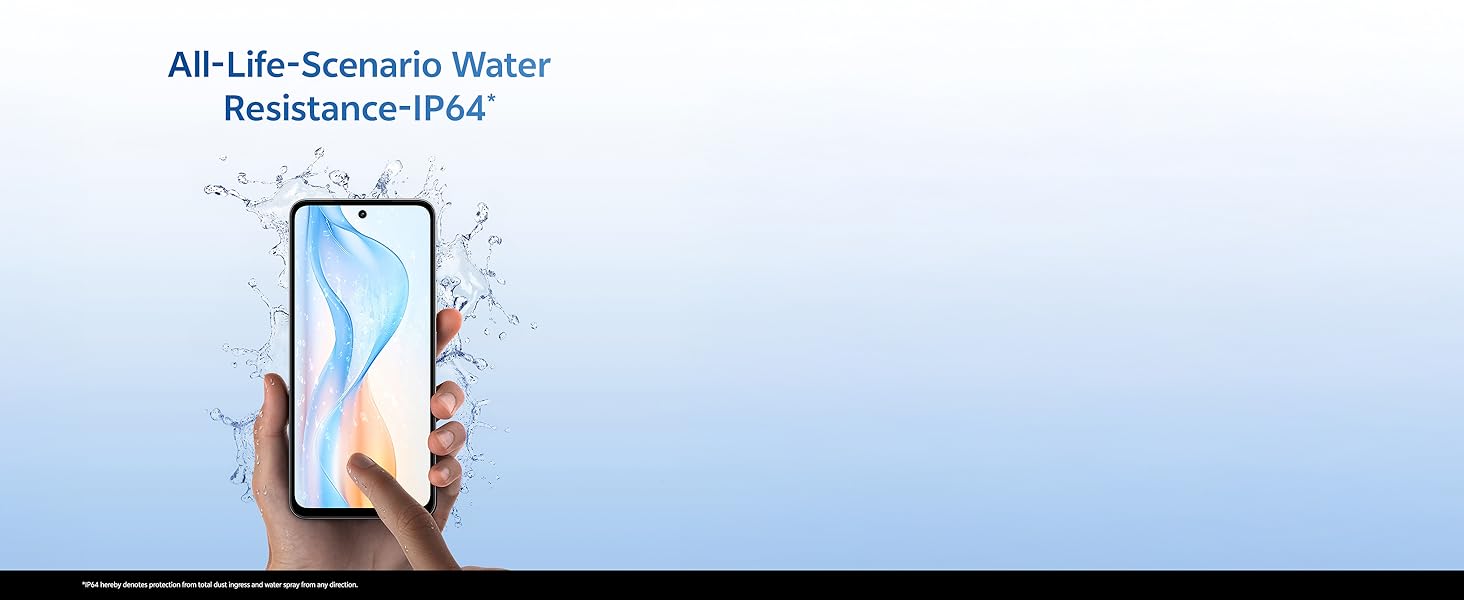
Image: Illustration demonstrating the IP64 water resistance of the vivo Y31 Pro 5G against splashes.
5.2. تحديثات البرامج
تحقق بانتظام من وجود تحديثات للبرامج لضمان حصول جهازك على أحدث الميزات والتصحيحات الأمنية. انتقل إلى الإعدادات > النظام > تحديث النظام.
6. استكشاف الأخطاء وإصلاحها
6.1. المشكلات الشائعة
- الجهاز لا يعمل: Ensure the battery is charged. Connect to the power adapter for at least 10 minutes before attempting to power on.
- تعطل التطبيقات: Clear the cache of the problematic app (Settings > Apps > [App Name] > Storage & cache > Clear cache). If the issue persists, reinstall the app.
- إشارة الشبكة ضعيفة: تحقق من تركيب بطاقة SIM لديك. انتقل إلى منطقة ذات تغطية شبكة أفضل.
- استنزاف البطارية بسرعة: قم بتقليل سطوع الشاشة، وتعطيل التطبيقات التي تعمل في الخلفية غير الضرورية، وإيقاف تشغيل الواي فاي/البلوتوث عند عدم استخدامها.
6.2. إعادة ضبط المصنع
إذا كان جهازك يواجه مشكلات مستمرة، فقد يؤدي إعادة ضبط المصنع إلى حلها. تحذير: سيؤدي هذا إلى مسح جميع البيانات على هاتفك. انسخ بياناتك المهمة احتياطيًا قبل المتابعة. انتقل إلى الإعدادات > النظام > خيارات إعادة الضبط > مسح جميع البيانات (إعادة ضبط المصنع).
7. المواصفات
| ميزة | مواصفة |
|---|---|
| نموذج | فيفو Y31 برو 5G |
| نظام التشغيل | نظام التشغيل Funtouch OS 15 |
| المعالج | ميديا تيك دايمنسيتي 7300 |
| كبش | 8 جيجا بايت |
| التخزين الداخلي | 128 جيجا بايت |
| عرض | 17.06 cm (6.72 inch) FHD+, 1050 Nits, 120 Hz Refresh Rate |
| الكاميرا الخلفية | 50 ميجابكسل + 2 ميجابكسل |
| كاميرا سيلفي | 8 ميجا بكسل |
| سعة البطارية | 6500 مللي أمبير |
| الشحن | شحن سريع بقوة 44 واط |
| الاتصال | شبكة الجيل الرابع، بلوتوث، نظام تحديد المواقع العالمي (GPS) |
| أبعاد | 16.6 × 7.6 × 0.8 سم |
| وزن | 204 جرام |
| متانة | Military Grade (MIL-STD-810H tested), IP64 Dust and Splash Resistance |
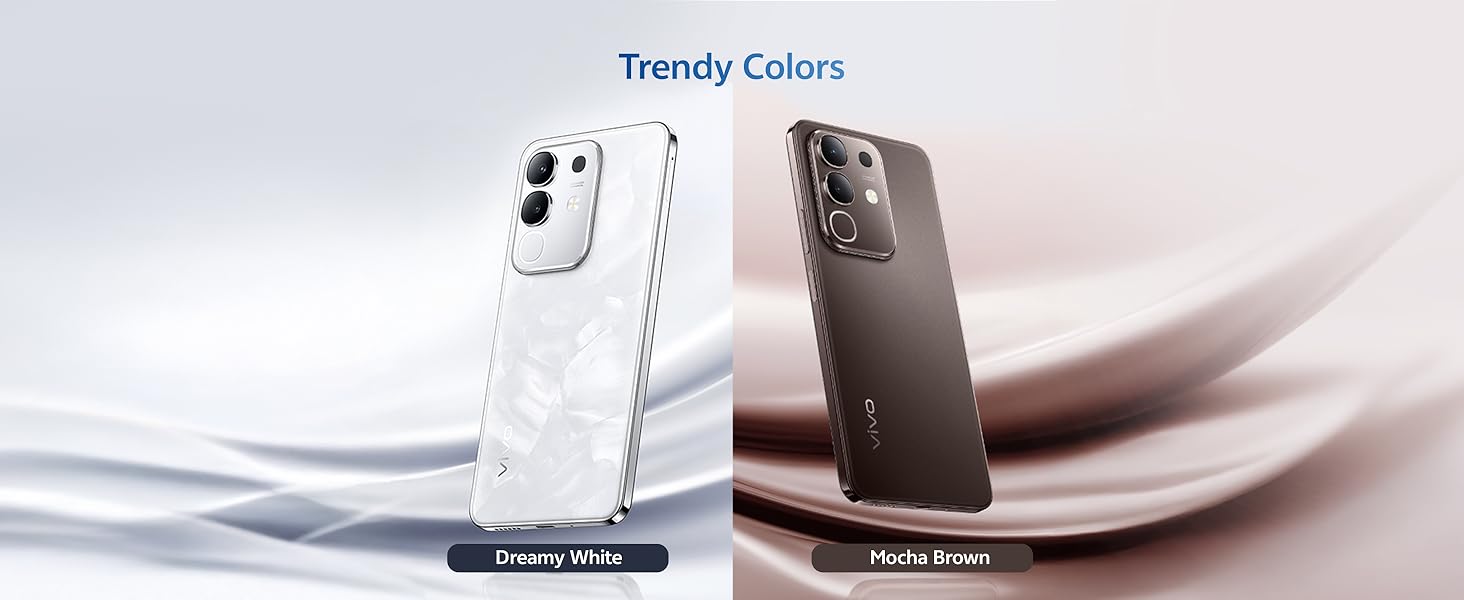
الصورة: أكثر منview of the vivo Y31 Pro 5G's powerful Dimensity 7300 processor and ultra-long 6500 mAh battery with 44W FlashCharge.
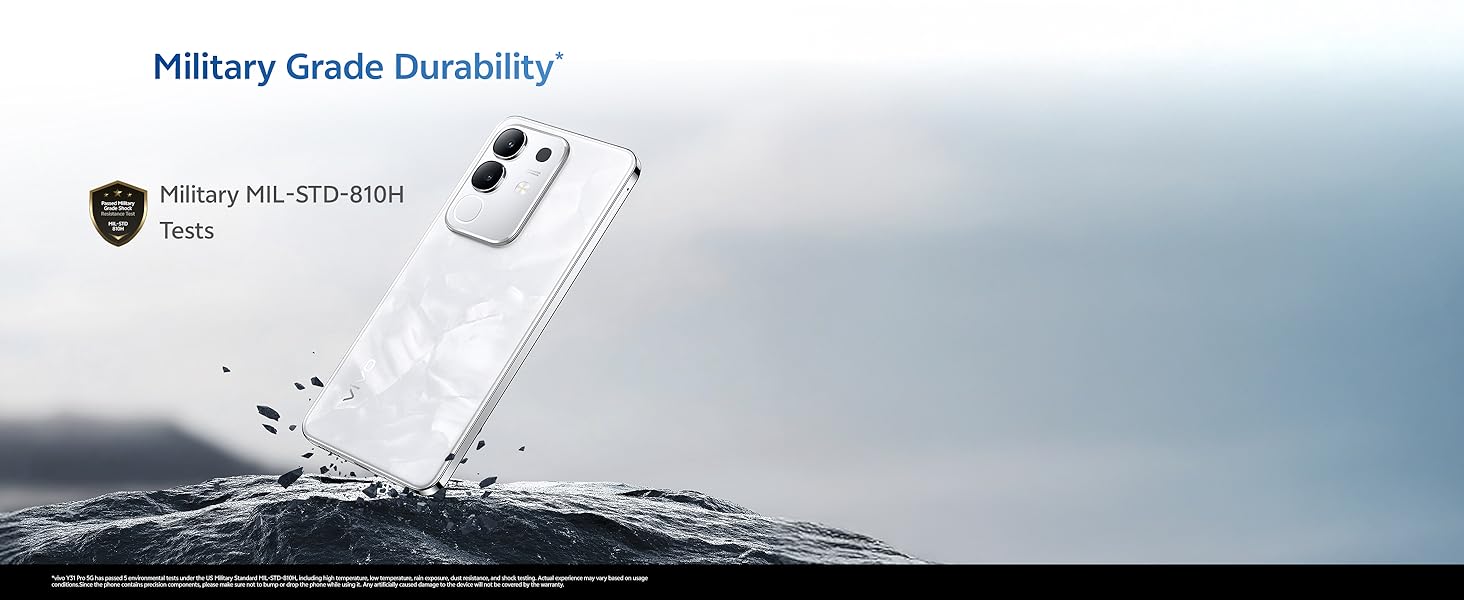
Image: The vivo Y31 Pro 5G demonstrating military-grade durability (MIL-STD-810H tested).
8. الضمان والدعم
Your vivo Y31 Pro 5G smartphone comes with a standard manufacturer's warranty. For detailed warranty terms and conditions, please refer to the warranty card included in your product packaging or visit the official vivo support webموقع.
For technical support, service, or further assistance, please contact vivo customer service through their official channels. You can find contact information on the vivo website or in your device's 'Settings' under 'About phone' or 'Support'.
الشركة المصنعة: شركة فيفو موبايل إنديا الخاصة المحدودة
بلد المنشأ: الهند


