مقدمة
This manual provides comprehensive instructions for the AOC ACW2212 Wireless Headset. Designed for professional use, this headset offers crystal-clear calls, versatile connectivity, and all-day comfort. Please read this manual thoroughly to ensure proper usage and maintenance of your device.

Image: The AOC ACW2212 Wireless Headset, showcasing its professional design for work and communication.
يثبت
ماذا يوجد في الصندوق
- 1 x Wireless Headset
- شنومكس x أوسب دونغل
- 1 x Type-C to 3.5mm Audio Cable
- 1 × كابل شحن من النوع C
- دليل المستخدم
شحن سماعة الرأس
Before first use, fully charge the headset. Connect the provided Type-C charging cable to the headset's charging port and a power source. The LED indicator will show charging status. A full charge provides up to 30 hours of talk time. The headset can be used while charging.

Image: The headset highlighting its 30-hour talk time and 2.5-hour fast charging capability.
Video: Demonstration of the headset being used while charging, ensuring uninterrupted calls.
خيارات الاتصال
The AOC ACW2212 headset offers three versatile connection methods:
- بلوتوث: Pair directly with your smartphone, tablet, or Bluetooth-enabled computer.
- دونجل USB: For devices without Bluetooth or for a more stable connection, plug the provided USB dongle into your PC or laptop. The headset will automatically connect.
- الاتصال السلكي: Use the included Type-C to 3.5mm audio cable to connect to devices with a 3.5mm audio jack.

Image: Visual representation of the headset's three connection types: Bluetooth, USB Dongle, and wired via cable.
Video: A user demonstrating the headset's hands-free calling capabilities, highlighting its ease of use for communication.
تعليمات التشغيل
عناصر التحكم والوظائف
The headset features intuitive controls for managing calls and audio:
- زر متعدد الوظائف: Located on the earcup, this button is used for power on/off, pairing, answering/ending calls, and playing/pausing audio.
- ضوابط الصوت: Dedicated buttons for adjusting audio volume up or down.
- ميكروفون كتم الصوت: An instant mute button is located directly on the microphone boom for quick privacy control during calls.

Image: Close-up of the headset's microphone boom, indicating the one-touch mute button for instant privacy.
استخدام الميكروفون
The noise-canceling microphone is designed for crystal-clear voice transmission, effectively blocking out background noise. It features a 270° rotatable design, allowing you to position it optimally for voice pickup or to move it out of the way when not in use.

Image: Diagram illustrating the 270° rotation capability of the headset's microphone for flexible positioning.
Video: A user discussing the comfort and noise-canceling features of the headset, emphasizing its suitability for extended use.
راحة
The headset is designed for all-day comfort with a lightweight build, an adjustable headband, and plush memory-foam ear cushions. This ergonomic design ensures lasting comfort during long meetings or extended use.

Image: Close-up of the headset's soft protein leather earcups, highlighting their comfortable and breathable design.
صيانة
To ensure the longevity and optimal performance of your AOC ACW2212 Wireless Headset, follow these maintenance guidelines:
- تنظيف: استخدم قطعة قماش ناعمة وجافة لتنظيف سماعة الرأس. تجنب استخدام المواد الكيميائية القاسية أو المواد الكاشطة.
- تخزين: قم بتخزين سماعة الرأس في مكان بارد وجاف بعيدًا عن أشعة الشمس المباشرة ودرجات الحرارة القصوى.
- العناية بالبطارية: Avoid fully discharging the battery frequently. Charge the headset regularly, even if not in constant use, to maintain battery health.
- التعامل معها بحذر: Do not drop or expose the headset to excessive force, as this may damage internal components.
استكشاف الأخطاء وإصلاحها
If you encounter issues with your headset, refer to the following common troubleshooting steps:
- لا يوجد طاقة: Ensure the headset is fully charged. Connect it to a power source using the Type-C charging cable.
- لا يوجد صوت/جودة صوت رديئة: Check that the headset is properly connected via Bluetooth, USB dongle, or wired connection. Ensure the volume is not muted or set too low on both the headset and the connected device.
- الميكروفون لا يعمل: Verify that the microphone is not muted using the mute button on the boom. Ensure the microphone is positioned correctly and selected as the input device in your device's audio settings.
- مشكلات الاقتران بالبلوتوث: Make sure the headset is in pairing mode (refer to your device's Bluetooth settings). Ensure no other devices are interfering with the Bluetooth signal.
- اتصال متقطع: Try moving closer to your connected device to reduce interference. Ensure the headset is fully charged.
لمزيد من المساعدة، يرجى الاتصال بدعم العملاء.
تحديد
| ميزة | التفاصيل |
|---|---|
| اسم الموديل | ايه سي دبليو 2212 |
| ماركة | شركة أو سي |
| تكنولوجيا الاتصال | سلكي، لاسلكي |
| تكنولوجيا الاتصالات اللاسلكية | بلوتوث |
| نسخة البلوتوث | 5.4 |
| مدى البلوتوث | 32.8 أقدام |
| التحكم في الضوضاء | إلغاء الضجيج السلبي |
| ميكروفون | Included, Noise-Canceling, 270° Rotatable |
| عمر البطارية (وقت التحدث) | تصل إلى 30 ساعة |
| وقت الشحن | ساعتان (شحن سريع) |
| منفذ الشحن | يو إس بي من النوع سي |
| مقبس سماعات الرأس | 3.5 ملم جاك |
| وضع الأذن | على الأذن |
| عامل الشكل | على الأذن |
| مادة | أكريلونيتريل بوتادين ستايرين (ABS) |
| وزن العنصر | 11.3 أونصات |
| الأجهزة المتوافقة | Cellphones, Desktops, Laptops |
الضمان والدعم
The AOC ACW2212 Wireless Headset comes with a worry-free guarantee and reliable customer support. For any product-related inquiries, technical assistance, or warranty claims, please refer to the contact information provided in the included User Manual or visit the official AOC support webموقع.
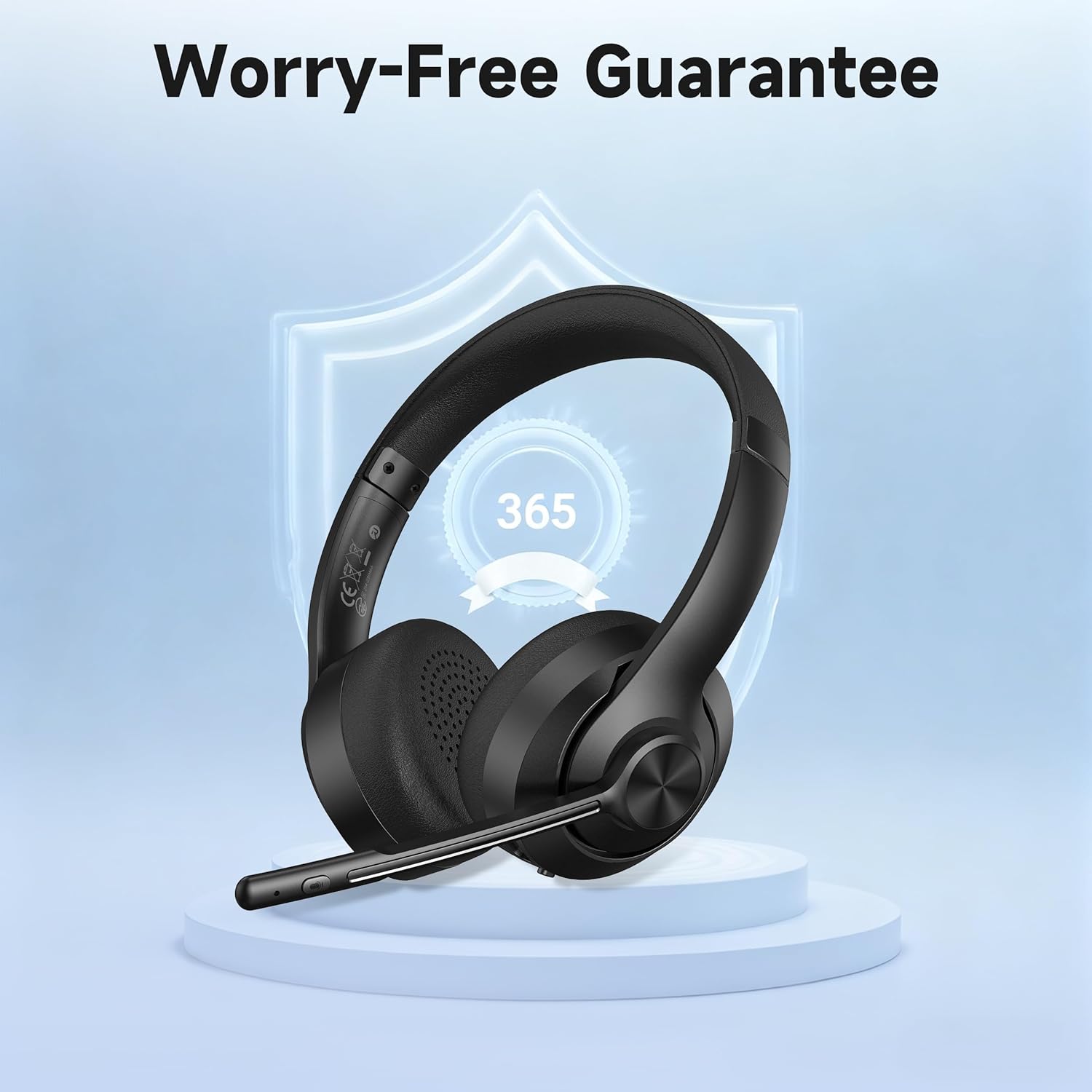
Image: The headset displayed with a shield icon, symbolizing the product's worry-free guarantee.


