مقدمة
Welcome to the world of XREAL One Pro AR Glasses. This manual provides comprehensive instructions for setting up, operating, maintaining, and troubleshooting your device. The XREAL One Pro combines cutting-edge display technology with advanced spatial computing to deliver an unparalleled augmented reality experience.
تتضمن الميزات الرئيسية ما يلي:
- X1 Spatial Computing Chip: Native 3DoF tracking with ultra-low 3ms M2P latency, expandable to 6DoF with XREAL Eye.
- X-Prism Optics: Ultra-slim, precision-engineered optics for a massive 171-inch virtual screen with a 57° FOV.
- 120Hz FHD Display: Powered by Sony's 0.55' Micro-OLED for smooth, immersive visuals.
- Sound by Bose: Professionally tuned audio for high-quality sound without additional headphones.
- Dual IPD Design: Available in M (57-66mm) and L (66-75mm) sizes with adjustable arms and nose pads for optimal comfort.
- توافق متعدد الاستخدامات: Connects to USB-C devices including iPhone 16/15, Android phones, Steam Deck, ROG Ally, Mac, and Windows PCs.
- Adjustable Brightness & Dimming: Up to 700 nits with electrochromic dimming for clear viewجي في أي بيئة.
دليل الإعداد
Follow these steps to set up your XREAL One Pro AR Glasses:
- Unboxing and Initial Connection: Carefully remove the glasses from their packaging. Connect the glasses via USB-C to a device that supports DisplayPort output. If your device does not support DisplayPort output, refer to the XREAL webموقع (xreal.com) for suggested compatible devices or contact customer service.
- تحديث النظام: For the best experience, ensure your XREAL One Pro is running the latest firmware. Visit xreal.com/ota, connect your glasses, and follow the on-screen instructions to update the device.
- XREAL Beam Pro & My Glasses App (Optional): If you own an XREAL Beam Pro, update it to the latest system version. Additionally, update the "My Glasses" app to version 1.5.0 or later before using it with XREAL One Pro.
- Prescription Lenses (Optional): If you have nearsightedness or astigmatism, custom prescription lenses are recommended for optimal clarity and comfort. For professional guidance on prescription lenses, visit honsvr.com/xreal to get your customized lenses.
- تعديل IPD: The XREAL One Pro comes in two sizes (M and L) to fit a wide range of Interpupillary Distances (IPD). Utilize the built-in IPD adjustment software to fine-tune the display for consistently clear visuals and minimal blurring.

Figure 1: XREAL One Pro with M (57-66mm) and L (66-75mm) IPD size options.
تعليمات التشغيل
العرض والمرئيات
The XREAL One Pro features a 171-inch spatial screen with a 57° Field of View, providing an immersive visual experience. The 120Hz refresh rate ensures smooth, flicker-free visuals.

Figure 2: X-Prism Optics delivering a 57° FOV and 171" Spatial Screen.
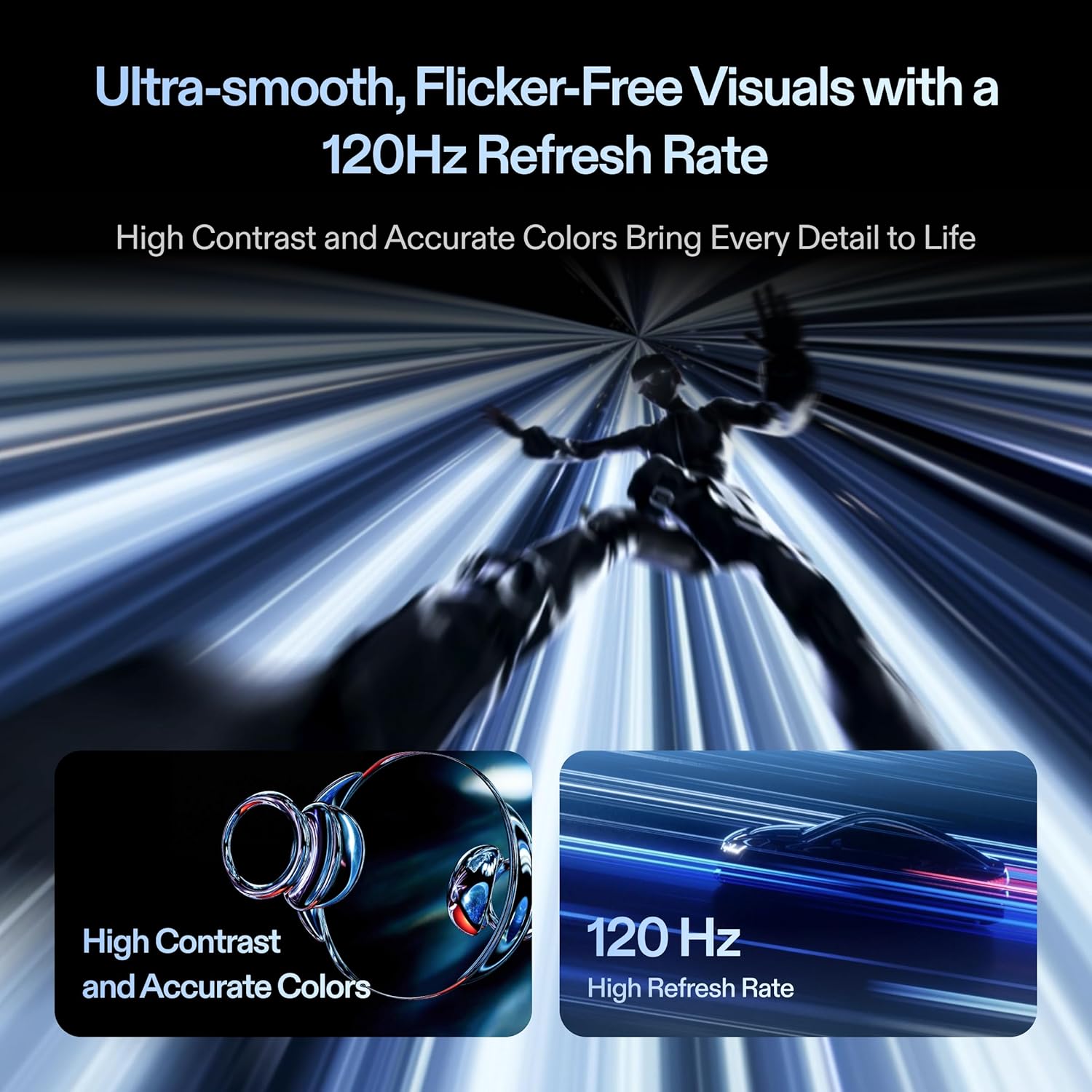
Figure 3: High contrast, accurate colors, and 120Hz refresh rate for ultra-smooth visuals.
Spatial Tracking and Anchoring
The integrated X1 Spatial Computing Chip provides Native 3DoF tracking, ensuring stable visuals even with head movements. For true spatial freedom, pair with the optional XREAL Eye to enable full 6DoF spatial anchoring, allowing the virtual screen to remain fixed in your physical space.

Figure 4: The X1 Spatial Computing Chip enables Native 3DoF tracking.

Figure 5: XREAL Eye, your gateway to 6DoF spatial anchoring for enhanced immersion.
تجربة صوتية
Enjoy high-quality audio tuned by Bose engineers, delivered through a unique sound chamber design. No additional headphones are required for gaming, movies, or calls.

Figure 6: Integrated Bose-tuned audio system for an immersive sound experience.
Adjustable Immersion
The XREAL One Pro features advanced electrochromic dimming and up to 700 nits of brightness. This allows you to instantly adjust the lens tint and screen brightness for optimal viewing indoors or under bright sunlight, providing control over your viewتجربة رائعة.

Figure 7: Three-stage electrochromic dimming for adjustable lens transparency.
Quick Settings Adjustments
One-tap controls on the XREAL One Pro allow for quick adjustments of brightness, display mode, screen size, or distance. Customizable shortcuts enable seamless adaptation of your AR environment to various activities.
فيديو المنتج
Video 1: Official XREAL One Pro product video showcasing features and design. This video demonstrates the glasses' capabilities and user experience.
صيانة
To ensure the longevity and optimal performance of your XREAL One Pro AR Glasses, follow these maintenance guidelines:
- تنظيف العدسات: Use a soft, lint-free microfiber cloth specifically designed for optics to clean the lenses. Gently wipe the lenses to remove dust, smudges, or fingerprints. Avoid using abrasive materials, paper towels, or harsh chemical cleaners, as these can scratch or damage the lens coatings.
- إطار التنظيف: Wipe the frame and temples with a soft, damp cloth. For stubborn dirt, a mild soap solution can be used, but ensure no liquid enters the electronic components. Dry thoroughly immediately after cleaning.
- تخزين: When not in use, store your XREAL One Pro glasses in their protective case to prevent scratches and damage from dust or impacts. Avoid exposing the glasses to extreme temperatures (hot or cold) or high humidity.
- تجنب أشعة الشمس المباشرة: Do not leave the glasses exposed to direct sunlight for extended periods, especially with the lenses facing the sun, as this can damage the internal display components.
- التعامل معها بحذر: Avoid dropping the glasses or subjecting them to strong impacts. Do not attempt to disassemble the glasses, as this will void the warranty and may cause irreparable damage.
استكشاف الأخطاء وإصلاحها
If you encounter issues with your XREAL One Pro AR Glasses, refer to the following common problems and solutions:
| مشكلة | السبب المحتمل | حل |
|---|---|---|
| لا يوجد عرض/شاشة سوداء | Incorrect connection, incompatible device, low power. | Ensure the USB-C cable is securely connected to a DisplayPort-compatible device. Check if the connected device has sufficient power. Try connecting to a different compatible device. |
| Blurred or distorted image | Incorrect IPD setting, dirty lenses, prescription not used. | Adjust the IPD using the built-in software. Clean the lenses with a microfiber cloth. If you require prescription lenses, ensure they are properly installed. |
| لا يوجد صوت | Audio settings on connected device, glasses volume. | Check the audio output settings on your connected device to ensure sound is routed to the glasses. Adjust the volume on the glasses or the connected device. |
| Glasses feel uncomfortable | Improper fit, incorrect nose pads. | Adjust the three-stage adjustable arms and try different sizes of zero-pressure nose pads to find the most comfortable fit. |
| وميض الشاشة | Software issue, unstable connection. | Ensure the glasses firmware is up to date. Check the USB-C connection for stability. Restart the connected device. |
If the problem persists after trying these solutions, please contact XREAL customer support for further assistance.
المواصفات الفنية
| ميزة | مواصفة |
|---|---|
| رقم الموديل | إكس 1112 |
| تكنولوجيا العرض | 0.55' Micro-OLED |
| دقة | FHD (1920x1080 per eye) |
| معدل التحديث | 120 هرتز |
| مجال View (فوف) | 57 درجة |
| حجم الشاشة الافتراضية | 171 Inches (from 4 meters) |
| سطوع | حتى 700 شمعة |
| التتبع | Native 3DoF (6DoF with optional XREAL Eye) |
| كمون | 3ms M2P (Motion-to-Photon) |
| الاتصال | USB-C (DisplayPort output required) |
| المنصات المتوافقة | Android, iOS (iPhone 15/16), Nintendo Switch 2, PlayStation 5, ROG Ally, Steam Deck, Windows, Xbox Series S, Xbox Series X |
| الأبعاد (الطول × العرض × الارتفاع) | 6.46 بوصة × 5.83 بوصة × 2.05 بوصة (16.4 سم × 14.8 سم × 5.2 سم) |
| وزن | 84 جرام (2.96 أونصة) |
| نطاق إيبد | M (57-66mm), L (66-75mm) |
| الشهادات | TÜV Rheinland (Blue Light Filtering, Flicker-Free) |
الضمان والدعم
XREAL provides support for its products to ensure customer satisfaction. For specific warranty details, please refer to the warranty card included with your product or visit the official XREAL webموقع.
خطط الحماية
Extended protection plans are available for your XREAL One Pro AR Glasses. These plans offer additional coverage beyond the standard manufacturer's warranty.
- خطة الحماية لمدة عامين: يوفر تغطية لمدة 24 شهرًا.
- خطة الحماية لمدة عامين: يوفر تغطية لمدة 36 شهرًا.
- حماية كاملة: خطة شهرية تغطي المشتريات السابقة والمستقبلية المؤهلة.
For more information on purchasing or activating a protection plan, please consult your retailer or the XREAL webموقع.
خدمة العملاء
If you require technical assistance, have questions about your product, or need to report an issue, please contact XREAL customer service. Contact information can typically be found on the XREAL official webموقع (xreal.com) أو داخل عبوة المنتج.


