1. المقدمة
The EWEADN TK100 is a 104-key wired mechanical keyboard designed with a retro typewriter aesthetic. It features durable double-shot injection round keycaps, responsive blue mechanical switches, and a white LED backlight with multiple effects. This manual provides detailed instructions for setting up, operating, maintaining, and troubleshooting your TK100 keyboard.
2. محتويات العبوة
يرجى التأكد من وجود جميع العناصر في الحزمة الخاصة بك:
- EWEADN TK100 Wired Mechanical Keyboard
3. الإعداد
Setting up your EWEADN TK100 keyboard is a simple plug-and-play process.
- فك لوحة المفاتيح: قم بإزالة لوحة المفاتيح من عبوتها بعناية.
- الاتصال بجهازك: Locate an available USB-A port on your computer (PC, Mac, laptop, desktop) or compatible device. Insert the USB cable from the keyboard firmly into the USB port.
- التثبيت التلقائي: Your operating system will automatically detect and install the necessary drivers. No additional software installation is required.
- جاهز للاستخدام: بمجرد اكتمال التثبيت، تصبح لوحة المفاتيح جاهزة للاستخدام الفوري.
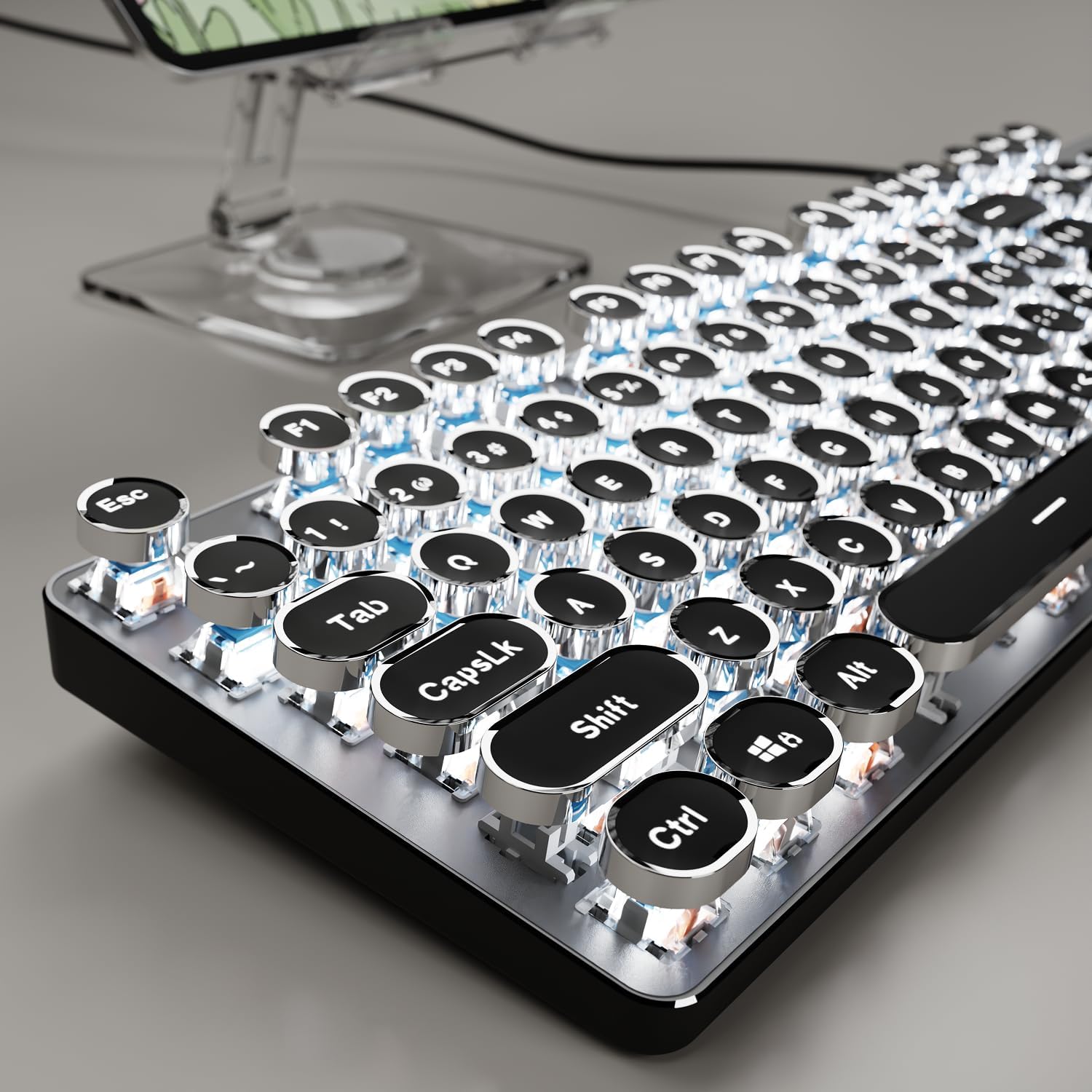
Image: The EWEADN TK100 keyboard connected and ready for use, highlighting its aesthetic design.
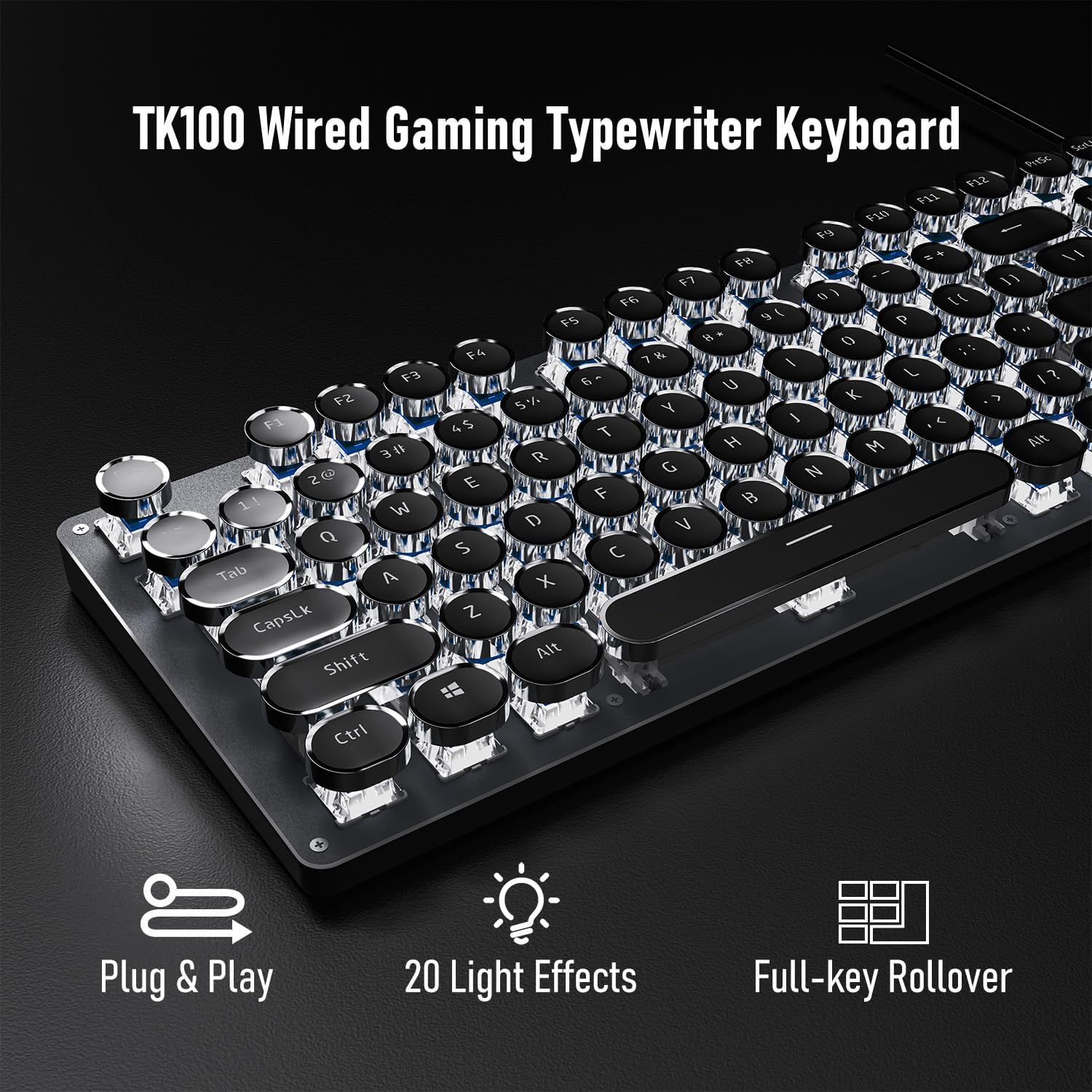
Image: Visual representation of the keyboard's plug-and-play functionality and full-key rollover capability.
4. تعليمات التشغيل
4.1 التحكم في الإضاءة الخلفية
The TK100 keyboard features a white LED backlight with various effects and brightness levels.
- تغيير تأثيرات الضوء: يضعط FN + INS to cycle through 20 preset basic lighting effects.
- Game Lighting Effects: يضعط FN + 6, 7, 8, 9، أو 0 to activate 4 specific game lighting effects.
- ضبط السطوع/السرعة: يضعط FN + السهم لأعلى (↑) to increase brightness or breathing speed. Press FN + السهم للأسفل (↓) to decrease brightness or breathing speed (5 levels available).
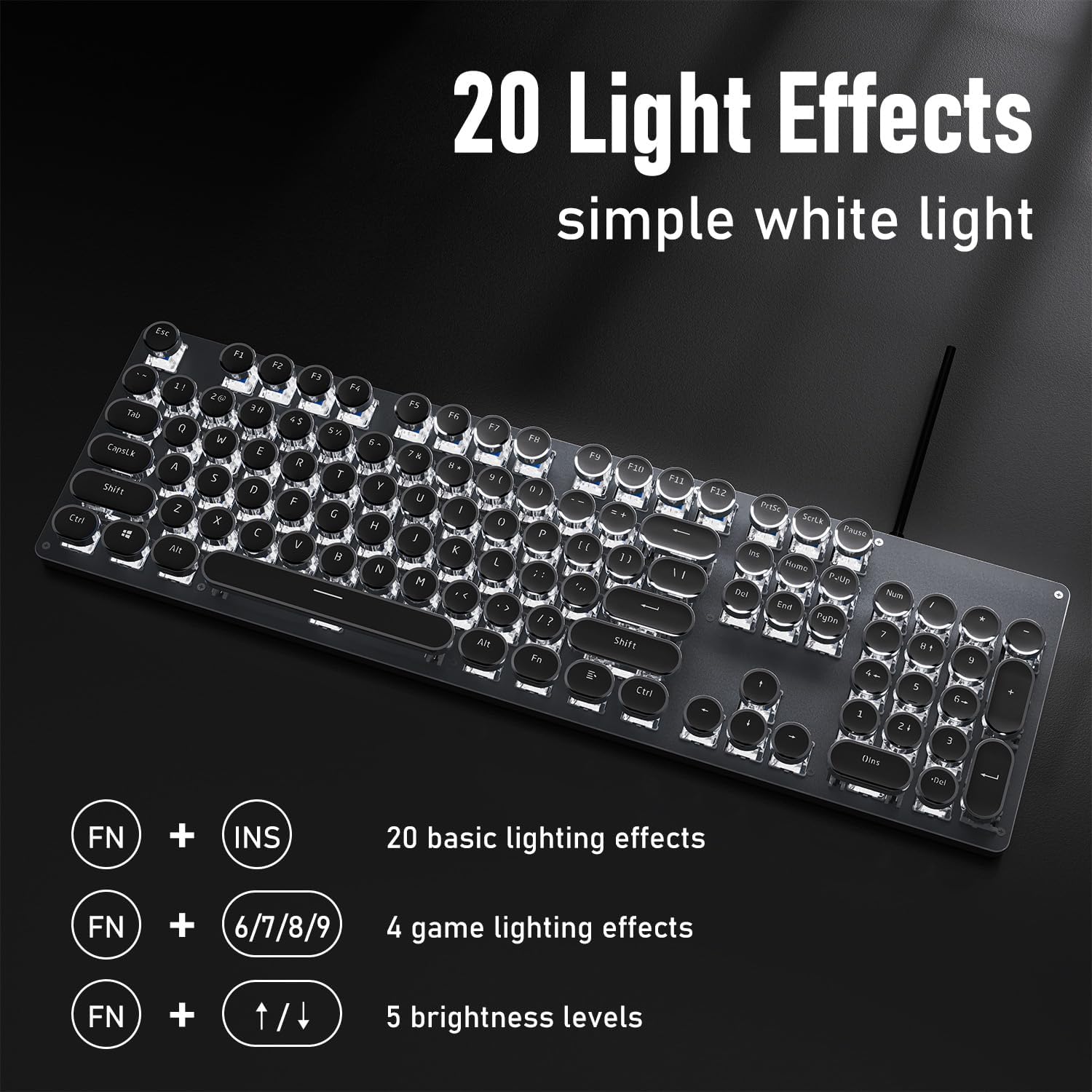
الصورة: عرض لوحة المفاتيحasing its 20 light effects and the FN key combinations for adjusting them.
4.2 الميزات الرئيسية
- Mechanical Blue Switches: The TK100 utilizes highly durable mechanical blue switches, known for their tactile feedback and crisp, audible click. This provides a satisfying typing experience and quick response time.
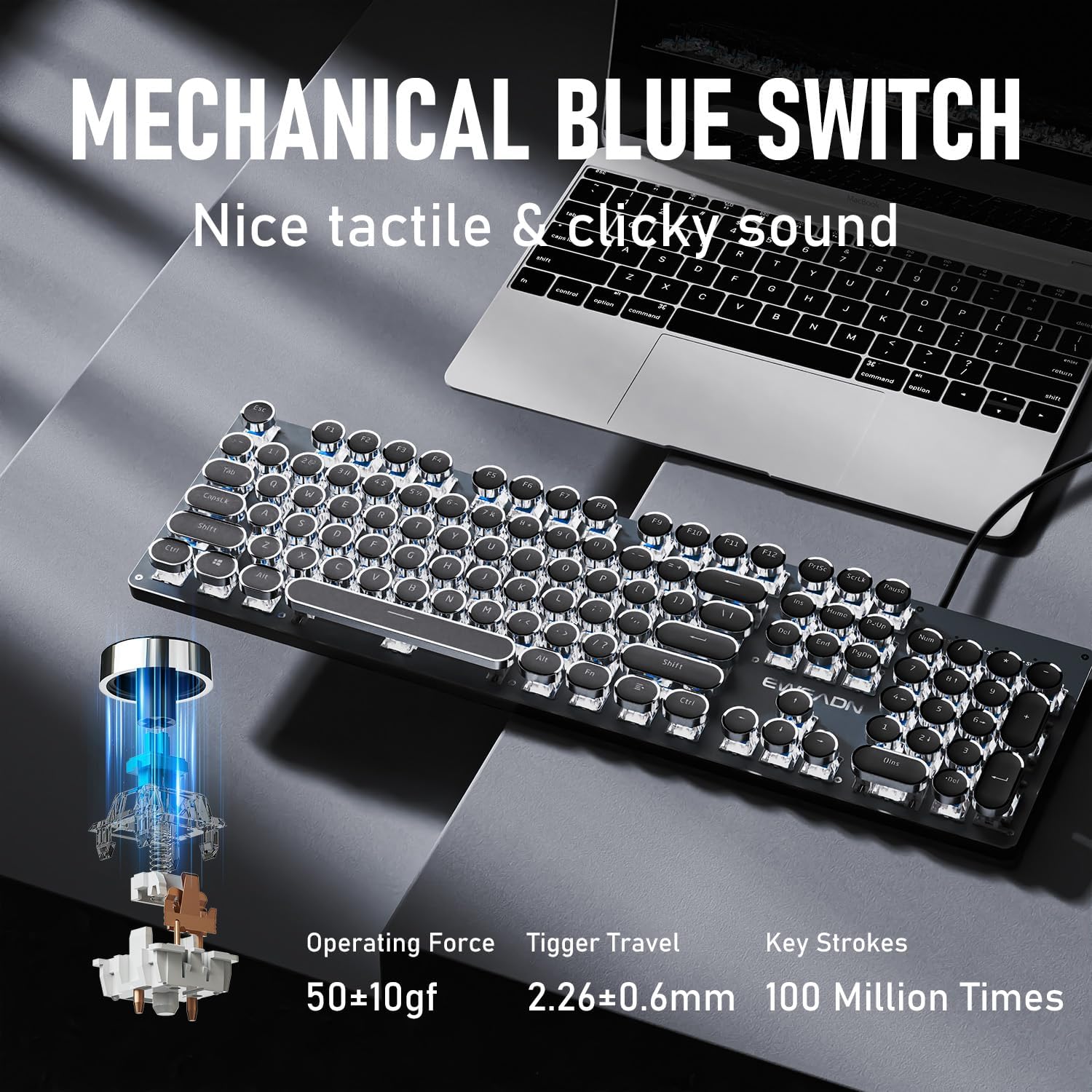
الصورة: مفصلة view of the mechanical blue switch, highlighting its specifications for performance and durability.
- Retro Punk Round Keycaps: The keyboard features double-shot injection retro punk round keycaps. These keycaps are designed for durability, clear character visibility, and a comfortable typing feel.

Image: A close-up of the unique retro punk round keycaps, showcasing their design and clarity.
- Anti-Ghosting & Full Key Rollover: Equipped with anti-ghosting technology, the TK100 ensures that every keystroke is accurately registered, even during rapid, multi-key commands. This full key rollover capability is essential for gaming and fast typing, preventing missed inputs.
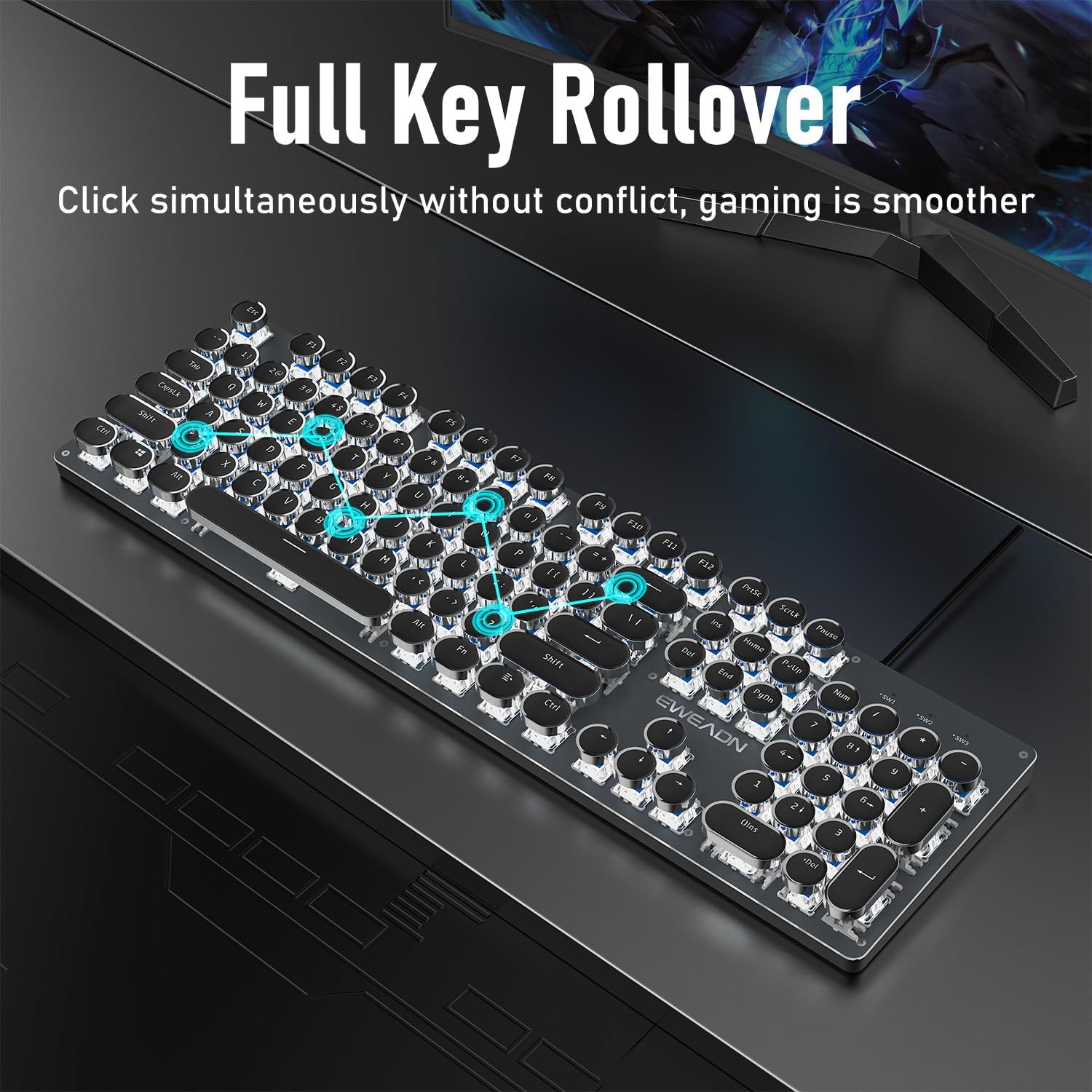
Image: The keyboard demonstrating its full key rollover feature, ensuring smooth and accurate input during simultaneous key presses.
- تصميم مريح: The keyboard features stepped floating keycaps that conform to your fingertips for comfortable typing. It also includes two-level adjustable foot supports, allowing you to set the keyboard angle for reduced fatigue during extended use.
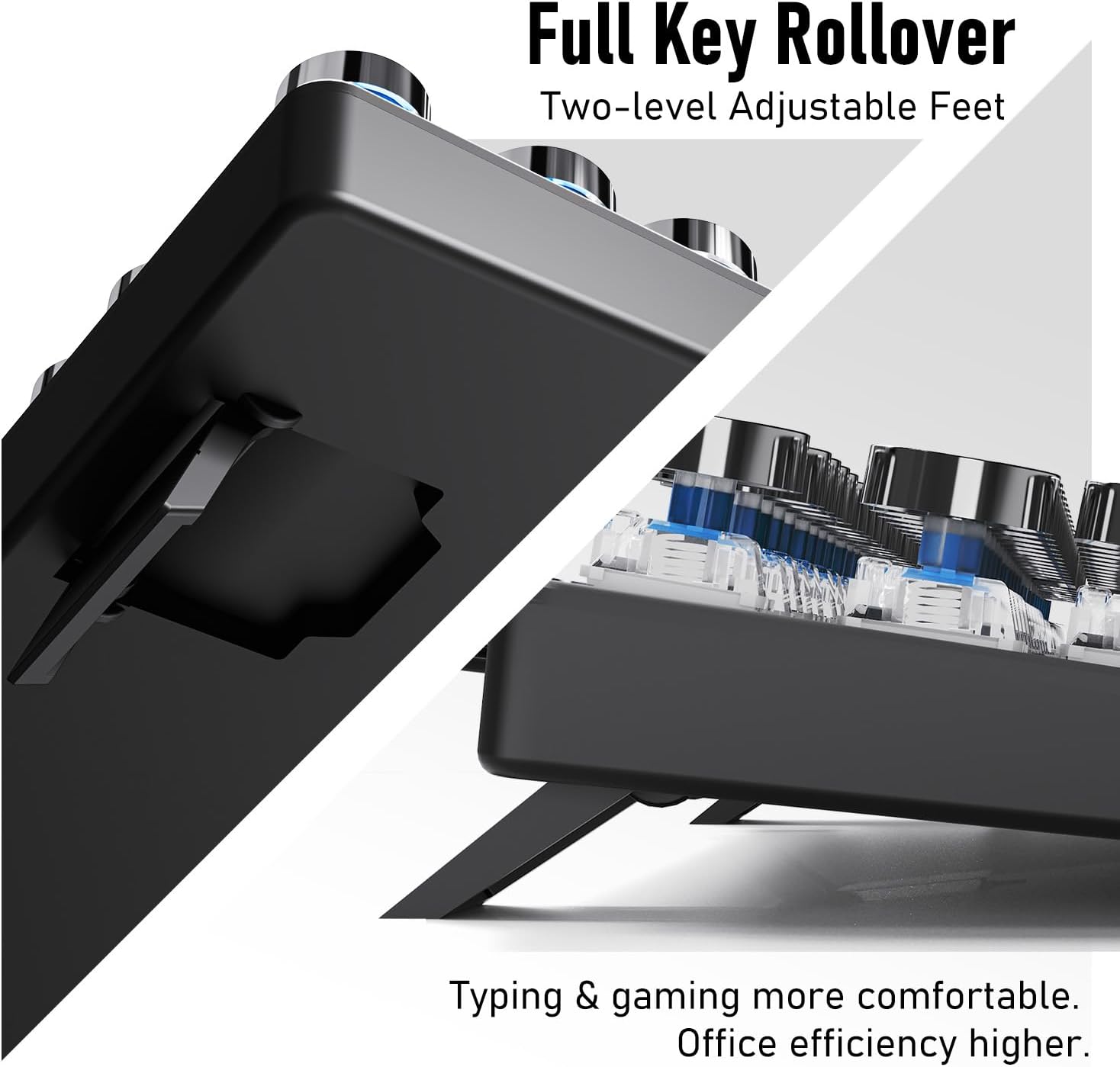
الصورة: أ view of the keyboard's adjustable feet, designed to enhance typing comfort and efficiency.
4.3 Multimedia & Hotkeys
The TK100 keyboard provides convenient access to multimedia controls:
- Dedicated quick-access buttons for volume control.
- Dedicated quick-access buttons for backlight effects.
- Dedicated quick-access buttons for play/pause and track switching.
5. الصيانة
To ensure the longevity and optimal performance of your EWEADN TK100 keyboard, follow these maintenance guidelines:
- التنظيف المنتظم: استخدم قطعة قماش ناعمة وخالية من الوبر وامسحها برفق.ampened with water or a mild cleaning solution to wipe down the keycaps and keyboard surface. Avoid harsh chemicals or abrasive materials.
- إزالة الغبار: استخدم الهواء المضغوط لإزالة الغبار والحطام من بين أغطية المفاتيح وتحت المفاتيح.
- منع الانسكاب: Avoid spilling liquids on the keyboard. If a spill occurs, immediately disconnect the keyboard from your computer and allow it to dry completely before reconnecting.
- تخزين: عند عدم استخدام لوحة المفاتيح لفترات طويلة، قم بتخزينها في بيئة نظيفة وجافة بعيدًا عن أشعة الشمس المباشرة ودرجات الحرارة القصوى.
6. استكشاف الأخطاء وإصلاحها
If you encounter issues with your EWEADN TK100 keyboard, please refer to the following common solutions:
- لوحة المفاتيح لا تستجيب:
- Ensure the USB cable is securely connected to both the keyboard and the computer's USB port.
- حاول توصيل لوحة المفاتيح بمنفذ USB مختلف على جهاز الكمبيوتر الخاص بك.
- اختبر لوحة المفاتيح على جهاز كمبيوتر آخر لتحديد ما إذا كانت المشكلة في لوحة المفاتيح أو في جهاز الكمبيوتر الأصلي.
- أعد تشغيل الكمبيوتر الخاص بك.
- الإضاءة الخلفية لا تعمل أو تومض:
- تأكد من توصيل لوحة المفاتيح بشكل صحيح واستقبال الطاقة.
- يضعط FN + السهم لأعلى (↑) to increase brightness.
- Cycle through different backlight modes using FN + INS to see if the issue persists across all modes.
- المفاتيح لا تستجيب أو يتم الكتابة مرتين:
- Ensure the keyboard is clean and free of debris that might be obstructing key presses.
- If specific keys are problematic, gently remove the keycap (if possible) and clean around the switch.
- Verify that no software or operating system settings are interfering with key input.
If these steps do not resolve your issue, please contact EWEADN customer support.
7. المواصفات
| ميزة | التفاصيل |
|---|---|
| رقم الموديل | ت ك100 |
| تكنولوجيا الاتصال | USB-A سلكي |
| وصف لوحة المفاتيح | Typewriter Style Mechanical Keyboard Wired |
| عدد المفاتيح | 104 |
| مفتاح نوع التبديل | مفتاح ميكانيكي أزرق |
| الإضاءة الخلفية | LED أبيض، لون واحد |
| المميزات الخاصة | Backlit, Ergonomic, Hotkeys and Media Keys, Round Key, Anti-Ghosting, Full Key Rollover |
| الأجهزة المتوافقة | Laptop, PC, Gaming Console, Tablet, Smartphone |
| وزن العنصر | 1.9 رطل |
| أبعاد الحزمة | 19 × 7 × 2 بوصة |
8. الضمان والدعم
EWEADN stands by the quality of its products. The TK100 keyboard comes with a 48-month brand support period, ensuring assistance for any manufacturing defects or operational issues.
دعم العملاء
For any inquiries, technical assistance, or warranty claims, please contact our expert support team:
دعم البريد الإلكتروني: eweadnkeyboard@outlook.com
Our team is dedicated to providing prompt and helpful responses to ensure your satisfaction.


