مقدمة
Welcome to the user manual for your new DORO Leva E30 4G Flip Phone. This guide provides essential information on how to set up, operate, maintain, and troubleshoot your device. The DORO Leva E30 is designed for ease of use, featuring a large 2.8-inch main screen, an external display, high-contrast keys, clear sound, and a dedicated Doro Secure button for emergencies. Please read this manual carefully to ensure optimal performance and safety.

Image: The DORO Leva E30 4G Flip Phone highlighting its simple, user-friendly design, dual screen, Doro Secure button, clear sound, hearing aid compatibility, large keys with voice feedback, and three speed dial keys.
معلومات السلامة
- Always follow local regulations for mobile phone use, especially in hospitals, aircraft, or near medical devices.
- لا تستخدم الهاتف أثناء القيادة.
- احتفظ بالهاتف بعيدًا عن درجات الحرارة العالية وأشعة الشمس المباشرة والرطوبة.
- Use only Doro-approved batteries, chargers, and accessories.
- Avoid exposing the phone to strong magnetic fields.
- لا تحاول تفكيك الهاتف أو إصلاحه بنفسك. استعن بفنيي صيانة مؤهلين.
محتويات الحزمة
Your DORO Leva E30 package typically includes:
- DORO Leva E30 4G Flip Phone
- بطارية
- حامل الشحن
- دليل البدء السريع
- Note: A USB-C charging cable and power adapter may not be included and might need to be purchased separately.
يثبت
1. إدخال بطاقة SIM والبطارية
- قم بإزالة الغطاء الخلفي للهاتف بعناية.
- Insert your Nano SIM card into the designated slot, ensuring the gold contacts face downwards and the cut corner is correctly aligned.
- أدخل البطارية، مع محاذاة نقاط التلامس مع تلك الموجودة في الهاتف.
- أعد تركيب الغطاء الخلفي حتى يستقر في مكانه بشكل آمن.
2. شحن الهاتف
- Connect the USB-C cable (if included or purchased separately) to the charging cradle and then to a power adapter.
- Place the phone in the charging cradle. Ensure it is seated correctly and the charging indicator appears on the screen.
- Allow the phone to charge fully before its first use.
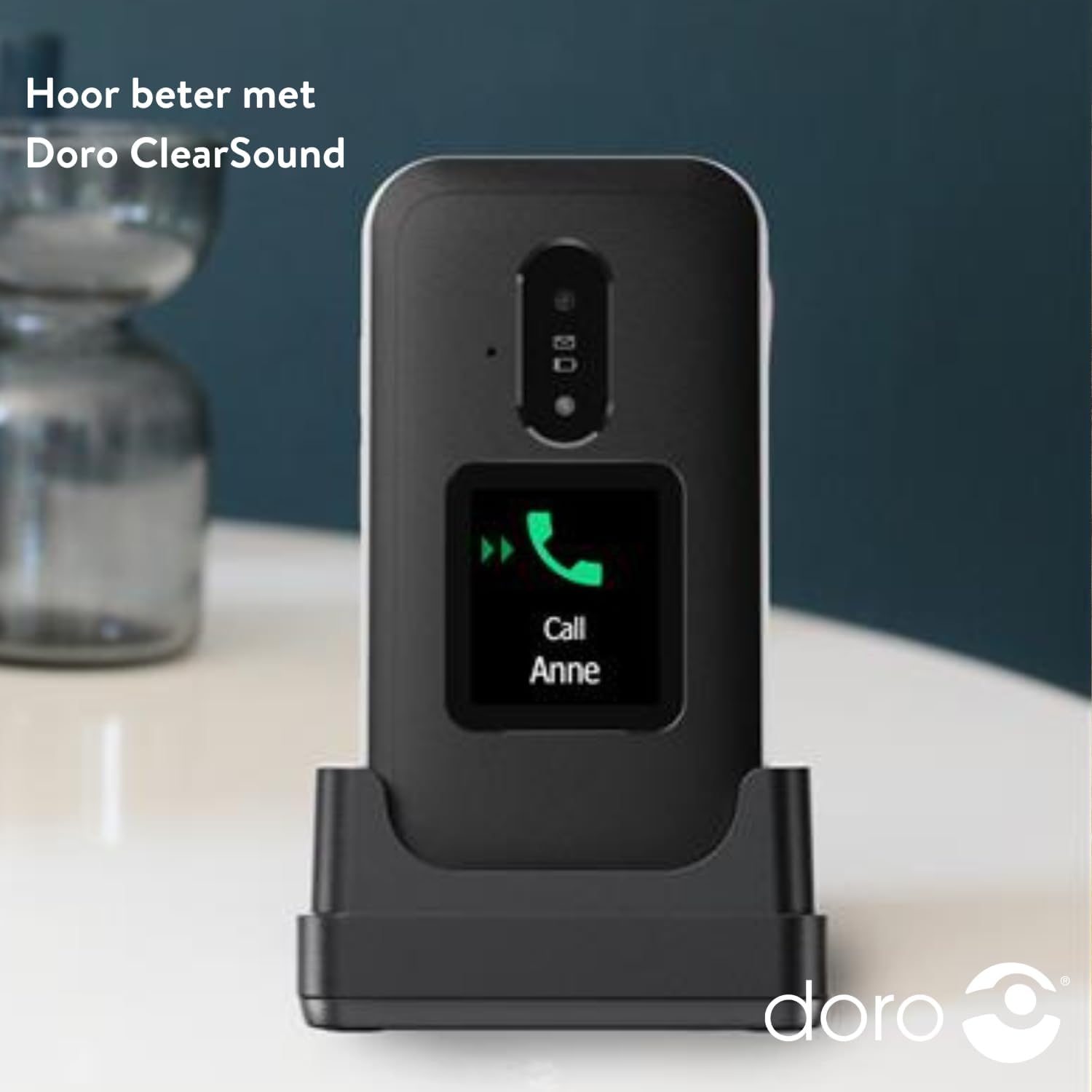
Image: The DORO Leva E30 phone resting in its charging cradle, demonstrating how to charge the device. The image also mentions "Hear better with Doro ClearSound".
3. تشغيل / إيقاف التشغيل
- To power on, press and hold the red End Call/Power button until the Doro logo appears.
- To power off, press and hold the red End Call/Power button, then select 'Power off' from the options.
تعليمات التشغيل
وظائف الاتصال الأساسية
- إجراء مكالمة: أدخل رقم الهاتف باستخدام لوحة المفاتيح واضغط على زر الاتصال الأخضر.
- الرد على مكالمة: When the phone rings, open the flip to answer, or press the green Call button. The external screen will display caller ID.
- إنهاء المكالمة: أغلق الغطاء أو اضغط على زر إنهاء المكالمة الأحمر.
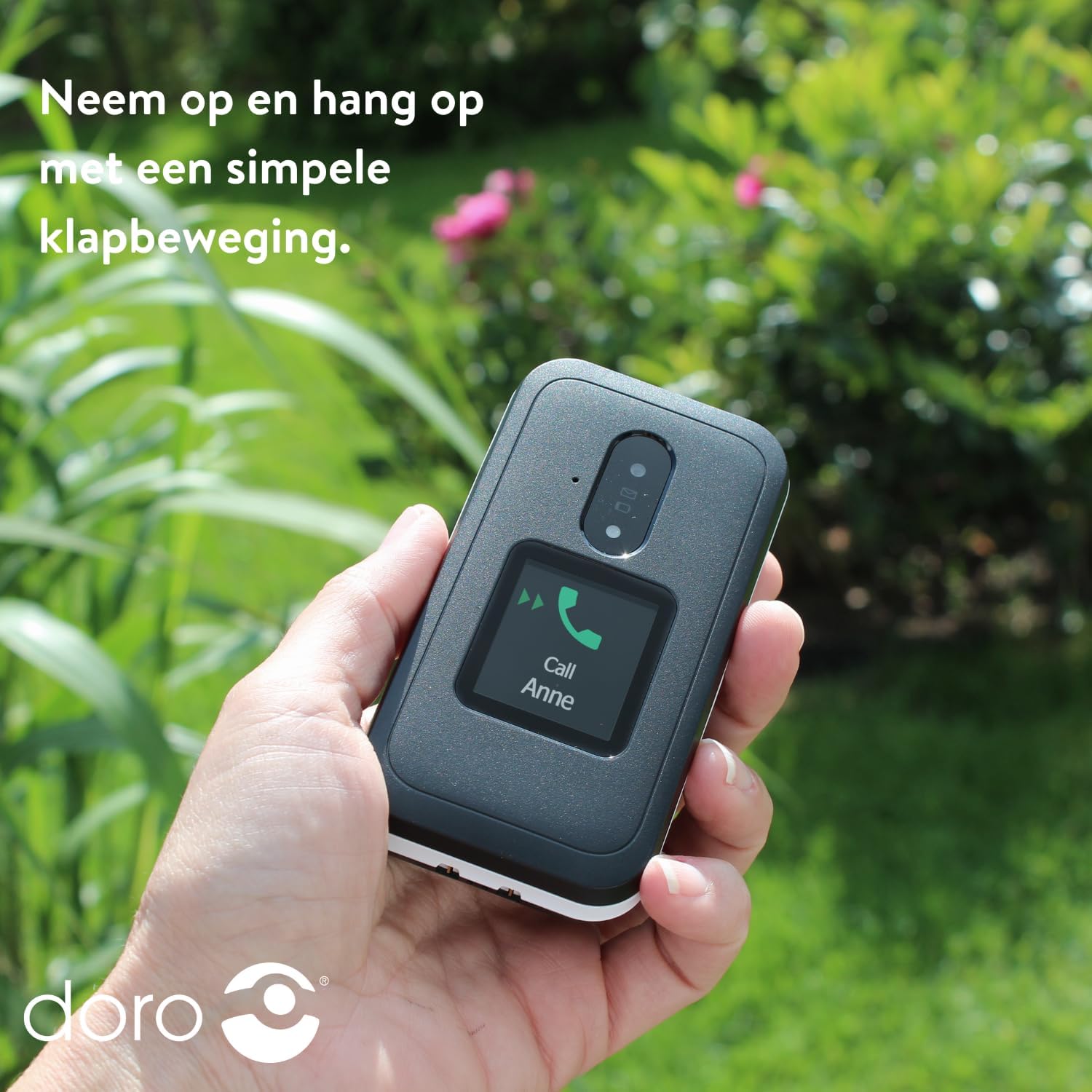
Image: A hand holding the DORO Leva E30, illustrating how to answer and end calls with a simple flip motion. The external screen shows an incoming call from "Anne".
الرسائل
To send and receive text messages, navigate to the 'Messages' menu using the navigation keys and the 'OK' button. The large, high-contrast keys make typing easier.

Image: The DORO Leva E30 displaying its simple menu interface, with the 'Messages' icon prominently visible. Other icons for Doro Secure, Camera, Flashlight, and Splash-proof (IP54) are also shown.
استخدام الكاميرا
The phone includes a camera for taking photos. Access the camera from the main menu. Point the camera at your subject and press the designated button to capture an image.
زر دورو الآمن
The Doro Secure button (often located on the back of the phone) is a key safety feature. When pressed and held, it can automatically call and send an SMS alert to pre-set emergency contacts. Ensure your emergency contacts are configured correctly in the phone settings.

Image: The DORO Leva E30, emphasizing its ergonomic design and the prominent Doro Secure button. The image also illustrates how the phone's well-spaced, high-contrast keys and large screen facilitate easy calling, texting, and photo-taking, and mentions the included charging station.
شاشة خارجية
The external display shows important information such as time, date, battery status, and caller ID for incoming calls without needing to open the phone.
التحكم في مستوى الصوت
Adjust the call volume using the dedicated volume buttons located on the side of the phone. Be mindful that these buttons can sometimes be accidentally pressed, so ensure the volume is set to your preferred level before and during calls.
توافق المعينات السمعية
The DORO Leva E30 is designed to be compatible with hearing aids, providing a clearer audio experience for users with hearing impairments.
مصباح يدوي
Activate the built-in flashlight feature from the phone's menu for convenient illumination when needed.
Splash Resistance (IP54)
The phone has an IP54 rating, meaning it is protected against dust ingress and splashing water from any direction. This does not mean it is waterproof; avoid submerging the phone in water.
صيانة
- تنظيف: استخدم قطعة قماش ناعمة وجافة لتنظيف سطح الهاتف. تجنب استخدام المواد الكيميائية القاسية أو المواد الكاشطة.
- العناية بالبطارية: To prolong battery life, avoid fully discharging the battery frequently. Charge the phone regularly, preferably using the provided charging cradle.
- تخزين: قم بتخزين الهاتف في مكان بارد وجاف عندما لا يكون قيد الاستخدام لفترات طويلة.
استكشاف الأخطاء وإصلاحها
| مشكلة | حل |
|---|---|
| الهاتف لا يعمل. | تأكد من تركيب البطارية بشكل صحيح وشحنها بالكامل. حاول شحن الهاتف لمدة 30 دقيقة على الأقل. |
| لا يمكن إجراء أو استقبال المكالمات. | تأكد من تركيب بطاقة SIM بشكل صحيح. تأكد من وجود تغطية شبكة. اتصل بمزود الخدمة إذا استمرت المشكلة. |
| جودة المكالمة سيئة. | Move to an area with better network reception. Adjust the call volume. Ensure the speaker/microphone is not obstructed. |
| يتم استنزاف البطارية بسرعة. | Reduce screen brightness. Close unused applications. Limit background data usage. Ensure the phone is not in an area with poor signal, which can increase battery consumption. |
| الهاتف لا يستجيب. | Remove the battery, wait a few seconds, and reinsert it to perform a soft reset. |
تحديد
| ميزة | التفاصيل |
|---|---|
| ماركة | دورو |
| اسم الموديل | ليفا E30 |
| نظام التشغيل | Mocor OS |
| حجم الشاشة | 2.8 بوصة (الشاشة الرئيسية) |
| دقة | 320 × 240 بكسل |
| الاتصال | 4G |
| سعة تخزين الذاكرة | 17 GB (Internal, likely including OS) |
| لون | اسود/ابيض |
| مقاومة الماء | IP54 (مقاوم للرذاذ) |
الضمان والدعم
For detailed warranty information and customer support, please refer to the documentation included with your purchase or visit the official Doro webقد تختلف شروط وأحكام الضمان حسب المنطقة والتاجر.
You can often find additional support, FAQs, and contact information on the manufacturer's webموقع: www.doro.com


