1. المقدمة
This manual provides essential information for setting up, operating, and maintaining your Huidun Hibook 6 Laptop. Please read it thoroughly to ensure proper use and to maximize the lifespan of your device.
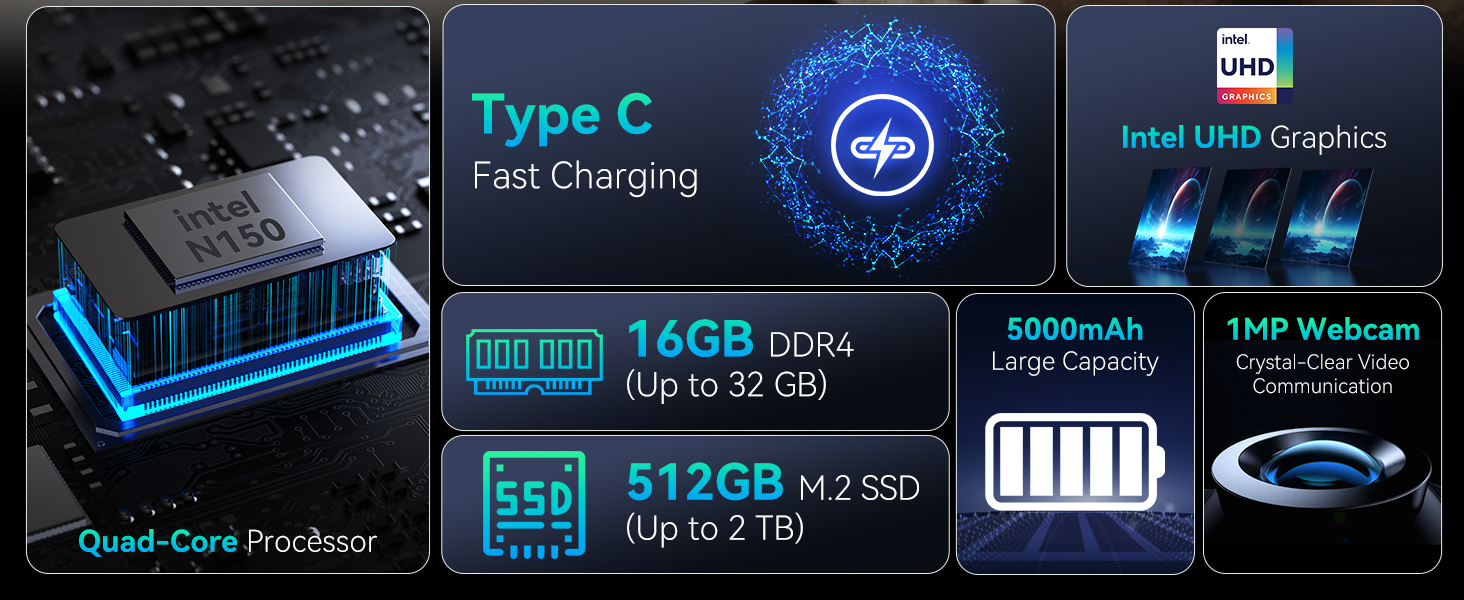
The Huidun Hibook 6 is a 15.6-inch laptop designed for productivity and entertainment, featuring an Intel N150 processor, 16GB DDR4 RAM, and a 512GB SSD. It comes pre-installed with Windows 11 Home.
2. الإعداد
2.1 فك الصندوق والفحص الأولي
أزل جميع المكونات من العبوة بعناية. تأكد من وجود جميع العناصر المذكورة في قسم "محتويات العلبة" وأنها سليمة. في حال وجود أي عناصر مفقودة أو تالفة، يرجى الاتصال بخدمة العملاء فوراً.
فيديو: Unboxing the Huidun Hibook 6 Laptop. This video demonstrates the unboxing process and shows the included accessories.

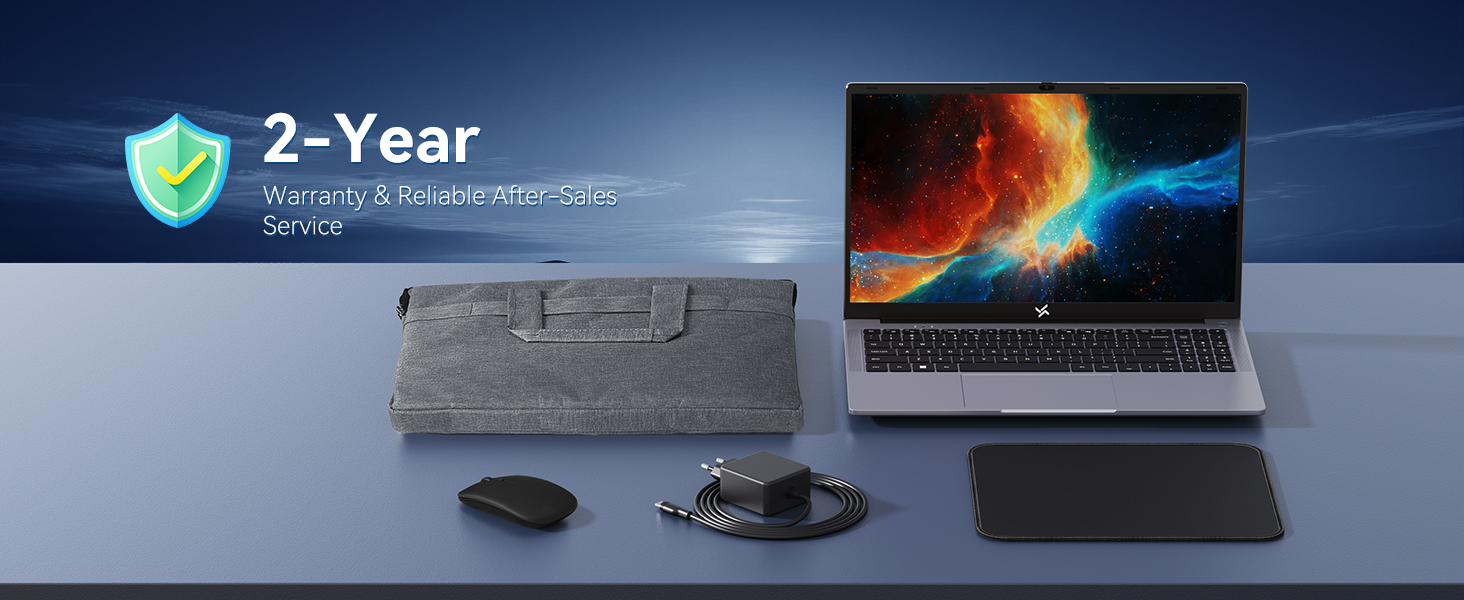
صورة: The Huidun Hibook 6 Laptop displayed with its accompanying Type-C charger, wireless mouse, and protective laptop bag.
2.2 شحن الكمبيوتر المحمول
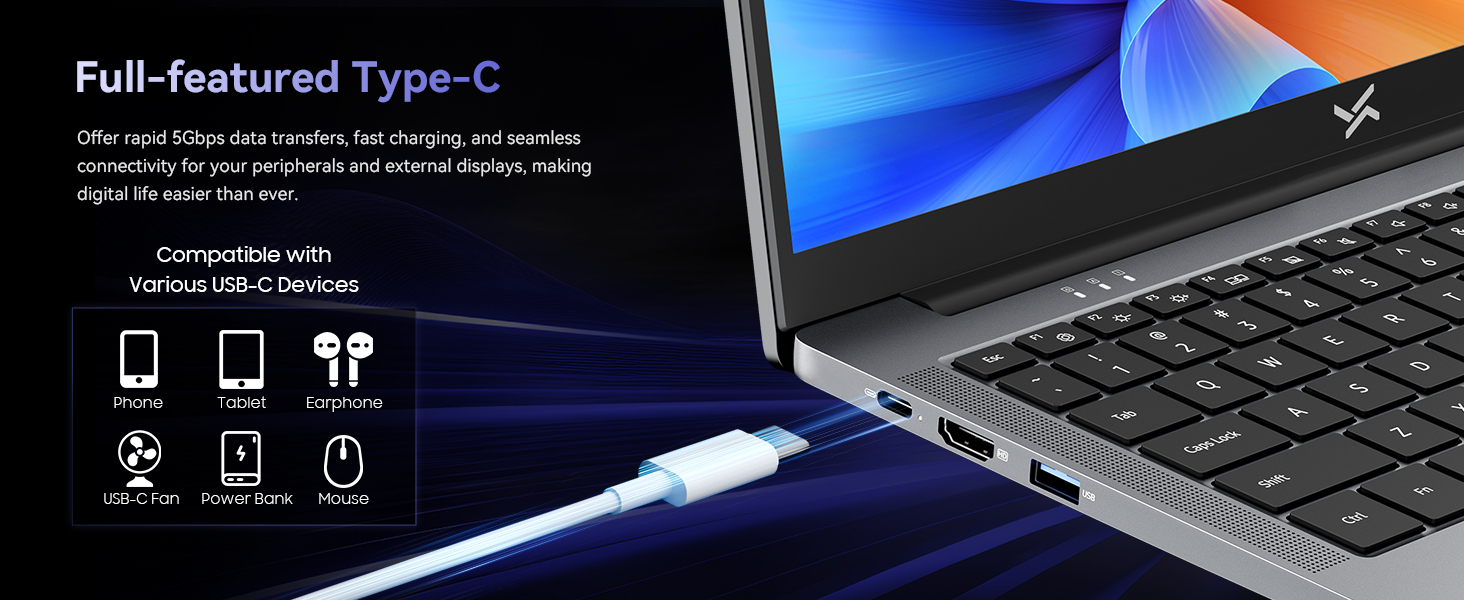
Before first use, connect the provided Type-C PD charger to the laptop's Type-C port and a power outlet. The battery indicator light will show charging status. Allow the laptop to charge fully before initial use.
صورة: Demonstrates connecting the Type-C charger to the laptop for fast charging.
2.3 التشغيل
Press the power button located on the top right of the keyboard to turn on the laptop. Follow the on-screen instructions to complete the initial Windows 11 setup, including language selection, network connection, and user account creation.
3. تعليمات التشغيل
أداء 3.1
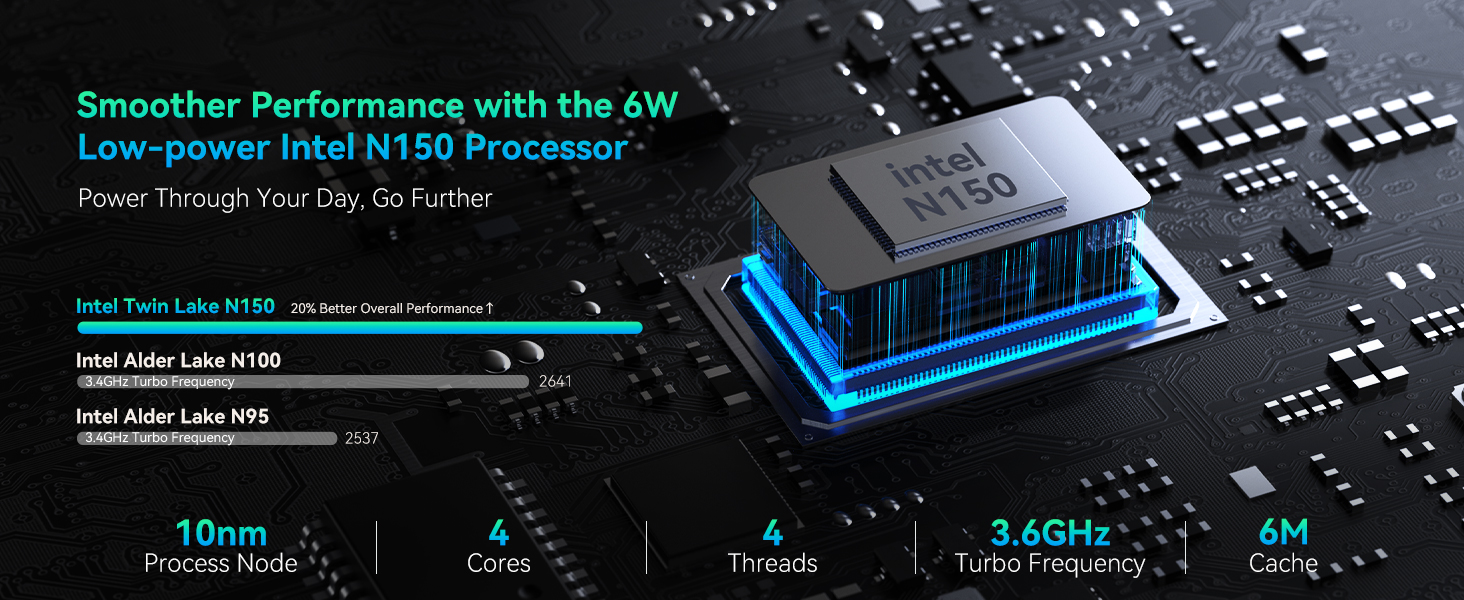
The Huidun Hibook 6 is equipped with an Intel N150 Quad-Core processor (up to 3.6GHz) and 16GB DDR4 RAM, providing efficient performance for daily tasks, multitasking, and multimedia. The 512GB M.2 SSD ensures fast boot times and quick application loading.

صورة: مفصل view of the Intel N150 CPU architecture and performance metrics.
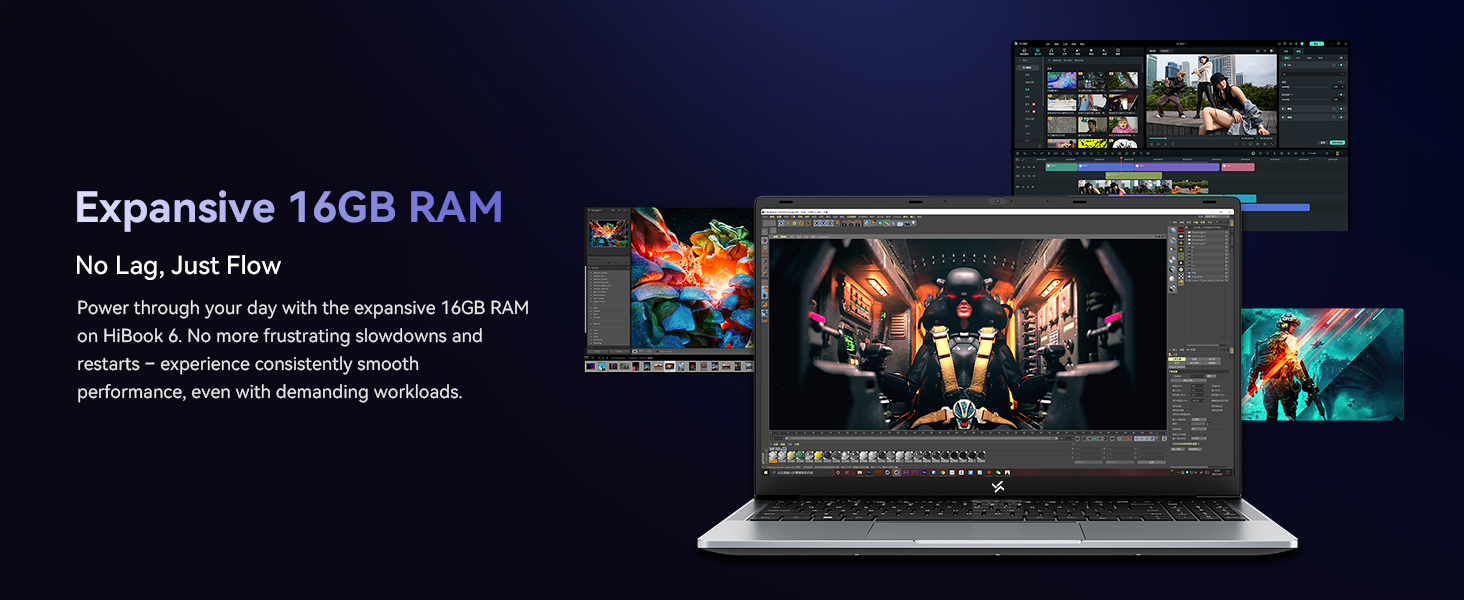
صورة: Visual representation of the laptop's 16GB RAM handling multiple tasks efficiently.
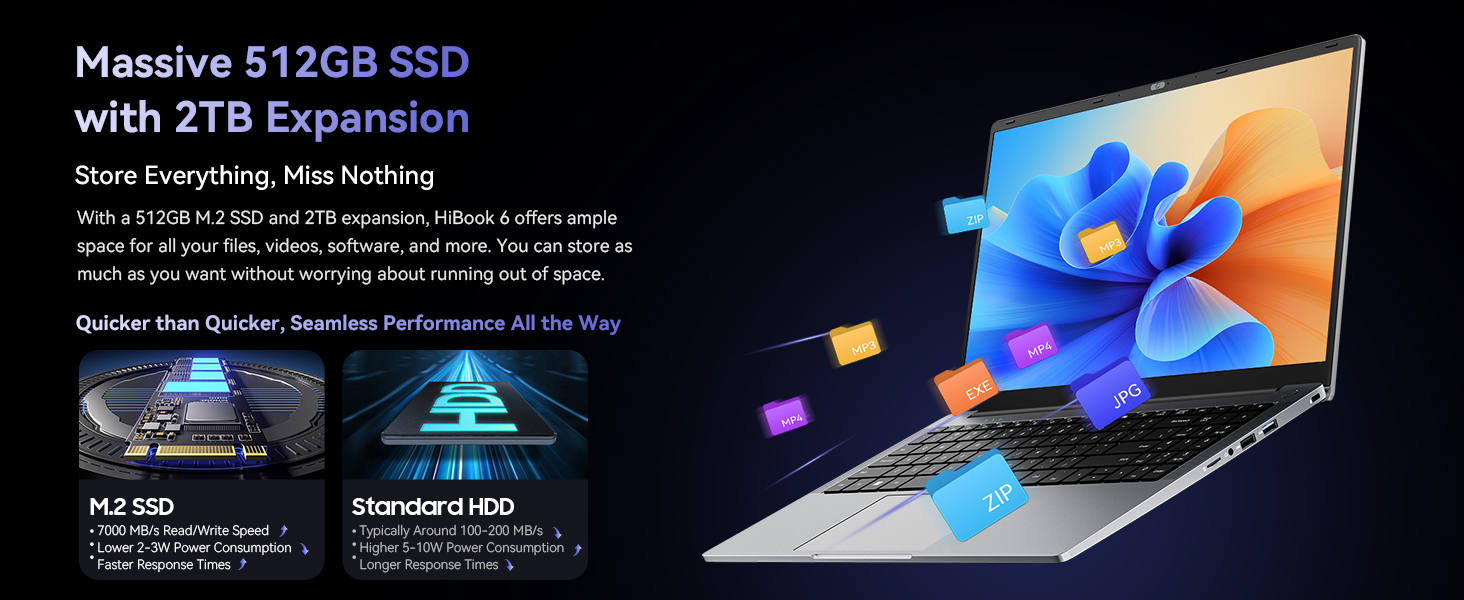
صورة: Illustrates the 512GB SSD and its expandability for storing files.
3.2 العرض
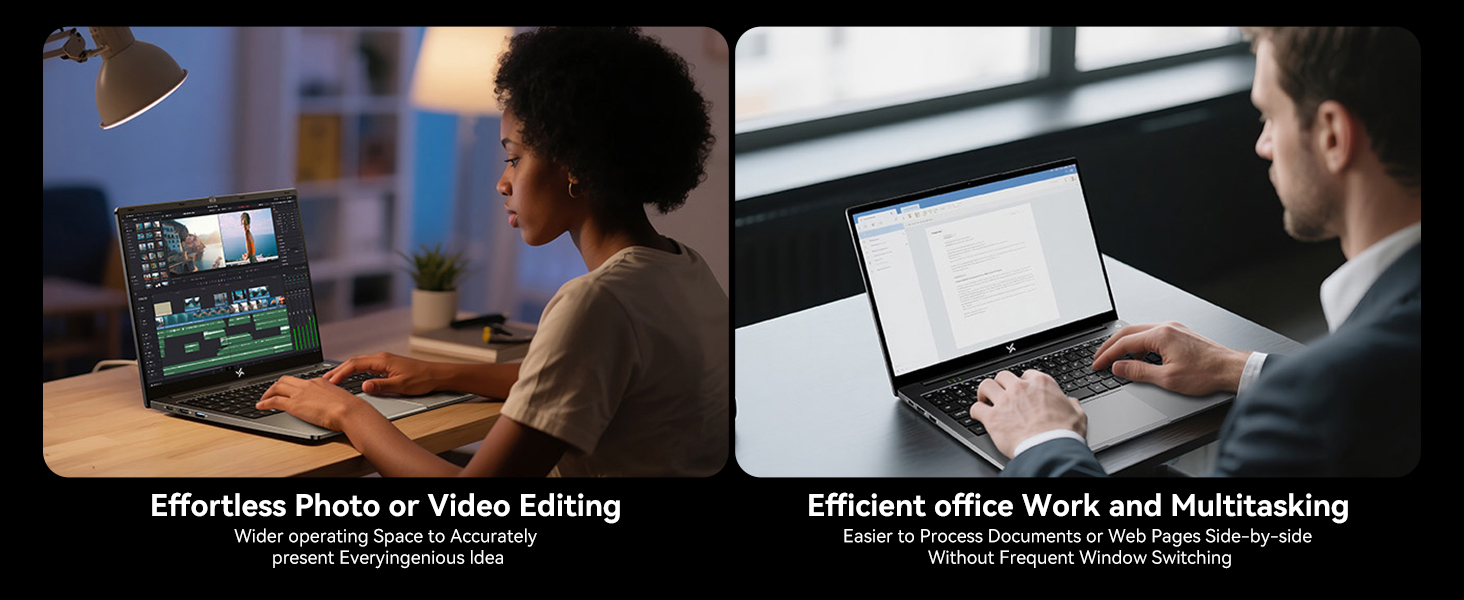
The 15.6-inch Full HD IPS display (1920x1080) offers clear visuals and an 84% screen-to-body ratio. It features low blue light technology to reduce eye strain during extended use. The 180° lay-flat hinge allows for flexible viewالمشاركة والمشاركة.
صورة: The laptop's 15.6-inch Full HD IPS screen with TÜV Rheinland Low Blue Light Certification.
صورة: Illustration of the 180° rotatable hinge for enhanced flexibility.
3.3 البطارية والشحن
The laptop features a 5000mAh (38Whr) battery and supports 45W Type-C fast charging (PD 3.0 compliant, with 100W fast charging support). This allows for quick power-ups, reaching 60% charge in approximately 45 minutes.
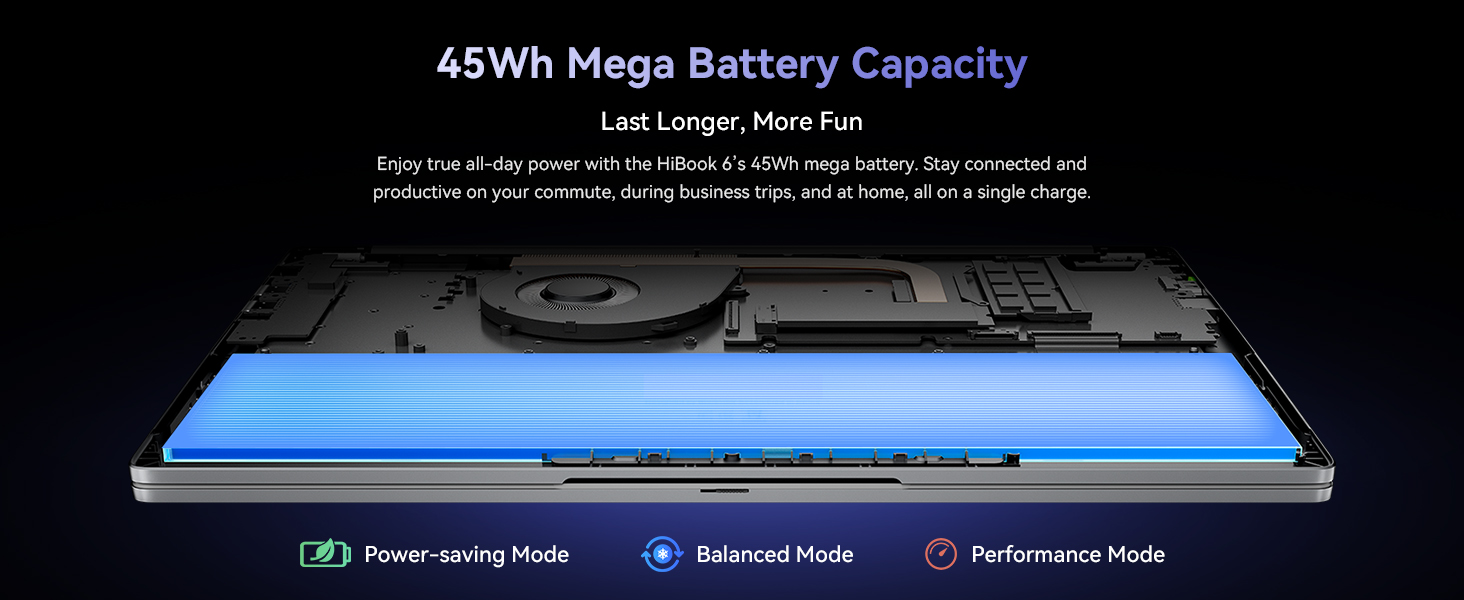
صورة: Visual of the laptop's battery and power management modes.
3.4 الاتصال
The Hibook 6 offers a range of ports for versatile connectivity:
- 1x Full-featured Type-C (PD 3.0, DisplayPort 1.4)
- 2x USB 3.2 Gen1 ports
- 1 × منفذ USB 2.0
- 1x HDMI 2.0 port (supports 4K output)
- 1 × مقبس صوت 3.5 ملم
- 1 × فتحة بطاقة TF
It also includes Dual-band Wi-Fi and Bluetooth 5.0 for wireless connections.
صورة: زيادةview of the laptop's various input/output ports.
3.5 قابلية النقل
Weighing 1.7kg (3.74 lbs) and featuring a slim 19.5mm profile, the Hibook 6 is designed for easy portability, making it suitable for on-the-go use.

صورة: The slim and lightweight design of the Hibook 6 laptop.
3.6 لوحة مفاتيح رقمية
The laptop includes an independent numeric keypad, enhancing productivity for data entry and financial tasks.
صورة: The integrated numeric keypad on the laptop.
4. الصيانة
4.1 التنظيف
استخدم قطعة قماش ناعمة وخالية من الوبر لتنظيف الشاشة والأسطح الخارجية. بالنسبة للبقع العنيدة، دampen the cloth slightly with water or a screen-safe cleaner. Avoid harsh chemicals or abrasive materials.
4.2 نظام التبريد
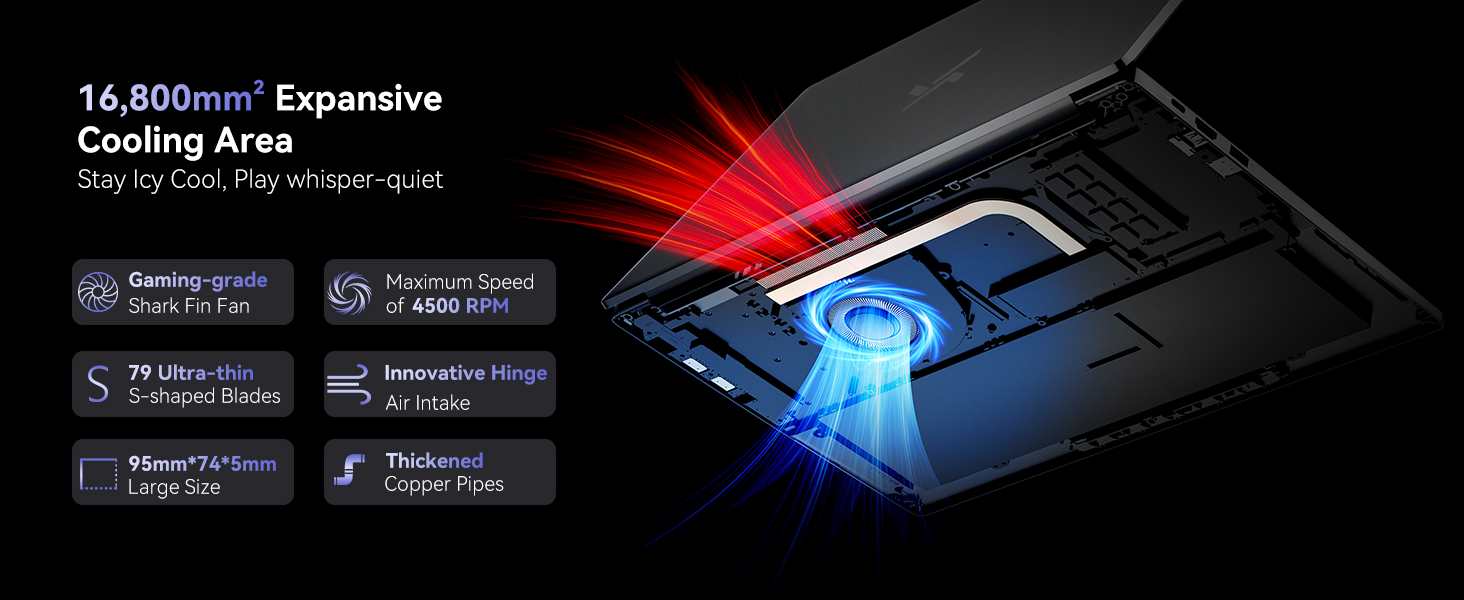
The laptop features a dual copper tube and fan cooling system to maintain optimal operating temperatures. Ensure that the air vents are not obstructed to allow for proper airflow. Regularly clean dust from the vents using compressed air.
صورة: Diagram of the laptop's cooling system, showing the fan and copper pipes.
4.3 العناية بالبطارية
To prolong battery life, avoid fully discharging the battery frequently. It is recommended to keep the battery charge between 20% and 80% when possible. Store the laptop in a cool, dry place when not in use for extended periods.
5. استكشاف الأخطاء وإصلاحها
5.1 الكمبيوتر المحمول لا يعمل
- Ensure the laptop is connected to the charger and the charger is plugged into a working power outlet.
- Check if the power adapter is securely connected to both the laptop and the wall socket.
- Try pressing and holding the power button for 10-15 seconds to perform a hard reset.
5.2 تبقى الشاشة فارغة
- If an external monitor is connected, disconnect it to see if the internal display activates.
- اضبط سطوع الشاشة باستخدام مفاتيح الوظائف (على سبيل المثال، Fn + F2/F3).
- أعد تشغيل الكمبيوتر المحمول.
5.3 الأداء البطيء
- أغلق التطبيقات غير الضرورية التي تعمل في الخلفية.
- التحقق من وجود أي تحديثات Windows معلقة وتثبيتها.
- تأكد من وجود مساحة خالية كافية على SSD.
- قم بإجراء فحص للفيروسات للتحقق من وجود برامج ضارة.
5.4 مشاكل اتصال Wi-Fi
- تأكد من تمكين Wi-Fi في إعدادات Windows.
- أعد تشغيل جهاز التوجيه والمودم.
- قم بتحديث برامج تشغيل محول الواي فاي الخاص بك.
For further assistance, refer to the Warranty & Support section.
6. المواصفات
| ميزة | التفاصيل |
|---|---|
| اسم الموديل | Hibook 6 |
| المعالج | Intel N150 Quad-Core (up to 3.6GHz) |
| كبش | 16 جيجا بايت DDR4 |
| تخزين | 512GB M.2 SSD (expandable up to 2TB) |
| عرض | 15.6-inch Full HD IPS (1920x1080 pixels, 220 nits, 45% NTSC) |
| الرسومات | رسومات Intel UHD |
| نظام التشغيل | ويندوز 11 هوم |
| بطارية | 5000mAh (38Whr) Lithium Ion |
| الشحن | 45W Type-C PD (supports 100W fast charging) |
| الموانئ | 1x Type-C (PD 3.0), 2x USB 3.2 Gen1, 1x USB 2.0, 1x HDMI 2.0, 1x 3.5mm Audio, 1x TF Card Slot |
| الاتصال اللاسلكي | Dual-band Wi-Fi, Bluetooth 5.0 |
| الأبعاد (الطول × العرض × الارتفاع) | 14.07 × 9 × 0.66 بوصة (35.7 × 22.9 × 1.68 سم) |
| وزن | 3.74 رطل (1.7 كجم) |
| لون | رمادي فضائي |
7. الضمان والدعم
The Huidun Hibook 6 Laptop comes with a 24-month repair warranty covering manufacturer defects. Huidun also provides lifetime technical support for its products.

صورة: Huidun Care details, including warranty and support information.
7.1 الاتصال بالدعم
For setup guidance, troubleshooting, or any other technical inquiries, please contact Huidun customer support. Support is available Monday through Saturday, with responses typically provided within 24 hours.
You may also find helpful resources and FAQs on the official Huidun website or by scanning the QR code provided with your laptop for direct assistance.


