1. المقدمة
The Avantree C82 Aura is an advanced Auracast transmitter designed to broadcast audio to multiple Auracast-enabled hearing aids. Utilizing Qualcomm Bluetooth 5.4 technology, it provides stable, low-latency audio transmission for an enhanced listening experience. This manual provides detailed instructions for setting up, operating, and maintaining your C82 Aura transmitter.

Image: The Avantree C82 Aura Auracast Transmitter, a compact USB-C device with an orange indicator light.
2. محتويات العبوة
يرجى التأكد من وجود جميع العناصر في الحزمة الخاصة بك:
- C82 Aura USB-C Adapter
- محول USB-A إلى USB-C
3. انتهى المنتجview
The C82 Aura is a plug-and-play device designed for simplicity. It features a USB-C connector for direct connection to compatible devices and an indicator light for status updates.
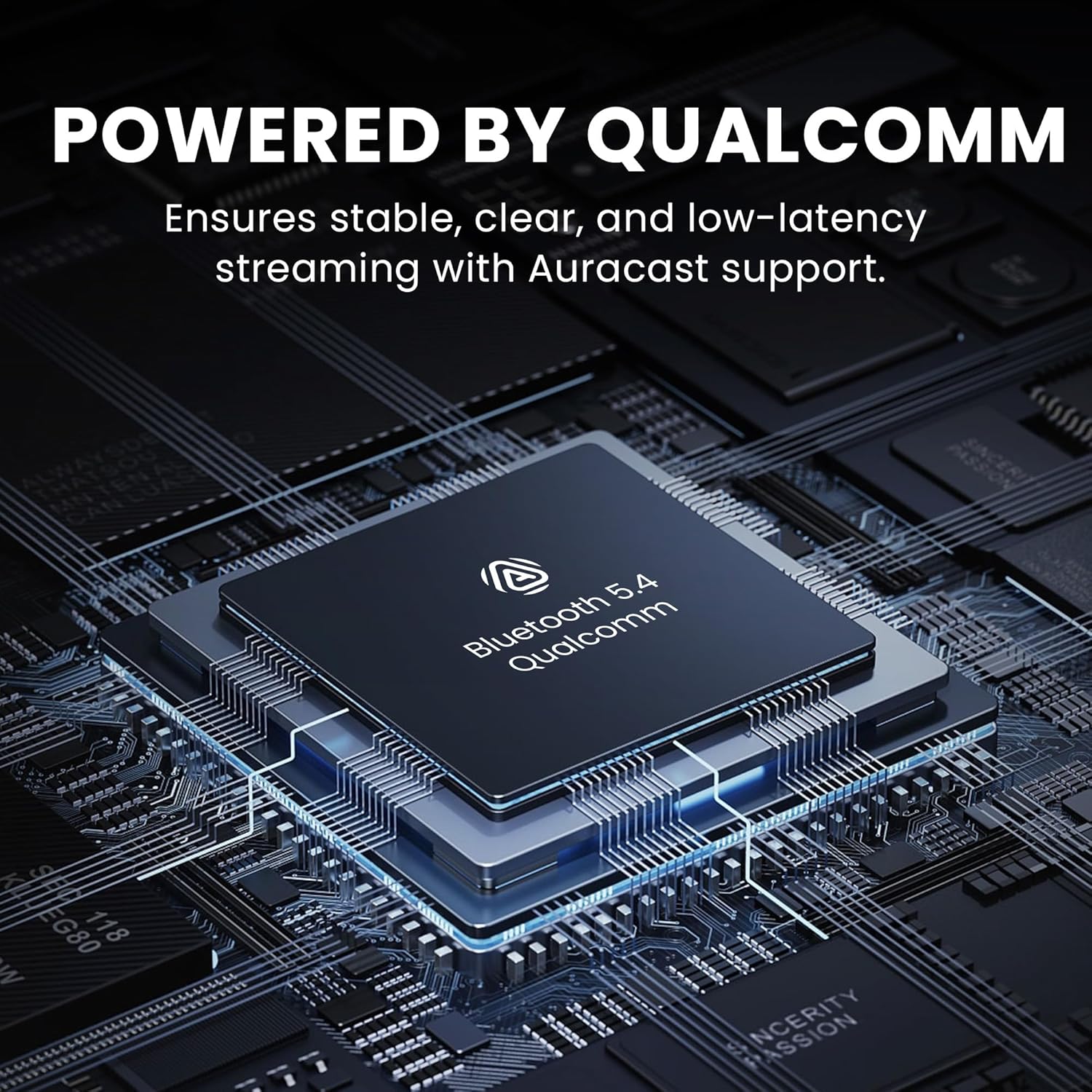
Image: A close-up of the Qualcomm Bluetooth 5.4 chipset, highlighting the core technology of the C82 Aura for stable and clear audio.
المميزات الرئيسية:
- دعم Auracast: Specifically designed for Auracast-enabled hearing aids.
- بلوتوث شنومكس: Equipped with Qualcomm's latest chipset for stable, low-latency audio.
- Private & Public Modes: Offers secure audio streams with a password or open sharing.
- توافق USB-C: Connects to a wide range of devices with USB-C audio output.
- البرامج الثابتة قابلة للترقية: Allows for future feature enhancements and compatibility updates.
4. الإعداد والاستخدام الأولي
- Connect the C82 Aura:
Insert the C82 Aura USB-C adapter into a compatible USB-C port on your device (e.g., PC, Mac, tablet, phone). If your device only has USB-A ports, use the included USB-A to USB-C converter.

Image: Diagram illustrating the wide compatibility of the C82 Aura with USB-C and USB-A devices, including the use of the USB-A converter.
- تشغيل الطاقة:
Once connected, the C82 Aura will power on automatically. The indicator light will flash, indicating it is ready for pairing.
- Pair with Auracast Hearing Aids:
Ensure your Auracast-enabled hearing aids are in pairing mode. Refer to your hearing aid's manual for specific instructions on enabling Auracast pairing.
On your compatible device (e.g., Samsung Galaxy S20+ or newer, or through your hearing aid's official app), search for available Auracast broadcasts. Select the "Avantree C82 Aura" broadcast.

Image: An elderly woman pointing towards three Auracast-enabled hearing aids and the C82 Aura, emphasizing that the device is exclusively for Auracast hearing aids.
- اختيار إخراج الصوت:
On your computer or mobile device, ensure that the C82 Aura is selected as the audio output device.
5. أوضاع التشغيل
The C82 Aura supports both Private and Public Auracast modes.

Image: A diagram illustrating the Private and Public modes of the C82 Aura. Private mode requires a password for secure listening, while Public mode allows open sharing without a password.
5.1. Private Mode (Password Protected)
In Private Mode, a password is required for hearing aids to connect to the C82 Aura's broadcast. This ensures that only authorized users can access your audio stream, ideal for personal use or sensitive content.
- When connecting for the first time, your hearing aid app or device will prompt you to enter the password. This password is typically printed on the C82 Aura device itself.
- After successful connection, the device may remember the password for future use, but some systems might require re-entry upon reconnection or device reboot.
5.2. Public Mode (No Password)
Public Mode allows any Auracast-enabled hearing aid or compatible listening device within range to connect to the audio broadcast without a password. This is suitable for shared listening environments where security is not a primary concern.
- By default, the C82 Aura may operate in Public Mode, or it can be configured via firmware updates to remove password requirements.
- In Public Mode, the broadcast will appear as an open network for Auracast receivers.
6. التوافق
The Avantree C82 Aura is specifically designed for Auracast-enabled hearing aids. It is not compatible with classic Bluetooth headphones or LE Audio CIS earbuds (e.g., for gaming).
6.1. Compatible Hearing Aids
The following hearing aids are supported:
- GN Danalogic Extend
- Jabra Enhance Pro 20 / 30, Enhance Select 500
- ReSound Nexia / Vivia / Savi / Enzo IA
- Beltone Envision / Serene / Commence
- Starkey Edge AI (requires Samsung S20+ / Pixel 7 or newer for pairing)
Important: Devices not listed above are not compatible.

Image: A graphic detailing the specific models of Auracast hearing aids supported by the C82 Aura, with a warning about incompatible devices.
6.2. Compatible Source Devices
The C82 Aura connects to devices with USB-C audio output. This includes:
- Smartphones (e.g., iPhone 15/16, Samsung Galaxy)
- Tablets (e.g., iPad, Android tablets)
- Laptops (PC, Mac)
- أجهزة الكمبيوتر المكتبية
The included USB-A to USB-C converter ensures compatibility with older laptops, desktops, and PCs that only have USB-A ports.
7. تحديث البرامج الثابتة
The C82 Aura's firmware is upgradable, allowing you to benefit from new features, wider compatibility, and performance improvements. Regularly check the official Avantree webموقع للحصول على أحدث إصدارات البرامج الثابتة.

Image: A laptop screen showing a "Firmware update successful" message, with icons indicating new features, wider compatibility, and easy upgrades for Windows and macOS.
7.1. How to Update Firmware
- Visit the official Avantree support page for the C82 Aura.
- Download the latest firmware update tool and firmware file لنظام التشغيل الخاص بك (ويندوز أو ماك أو إس).
- Follow the instructions provided with the download to perform the firmware update. This typically involves connecting the C82 Aura to your computer and running the update tool.
ملحوظة: Firmware updates can sometimes resolve connectivity issues or introduce new functionalities, such as removing password requirements for public broadcasts.
8. استكشاف الأخطاء وإصلاحها
| مشكلة | حل |
|---|---|
| No Audio / Cannot Connect |
|
| Password Prompt Repeatedly |
|
| Intermittent Audio / Poor Quality |
|
| Not Working with Classic Bluetooth Headphones | The C82 Aura is designed exclusively for Auracast-enabled hearing aids and is not compatible with standard Bluetooth headphones or LE Audio CIS earbuds. |
9. المواصفات
| ميزة | التفاصيل |
|---|---|
| رقم الموديل | ايه تي دي جي-سي82 |
| ماركة | أفانتري |
| نسخة البلوتوث | 5.4 (Qualcomm Chipset) |
| ترميز الصوت | ال سي 3 |
| نوع الموصل | USB Type-C (with USB Type-A converter) |
| الأجهزة المتوافقة | Auracast Hearing Aids (GN Danalogic Extend, Jabra Enhance Pro 20/30, ReSound Nexia/Vivia/Savi/Enzo IA, Beltone Envision/Serene, Starkey Edge AI) |
| Input Source Compatibility | PC, Mac, Tablets, Phones with USB-C audio output |
| أبعاد | 4.92 × 3.43 × 0.67 بوصة (الحزمة) |
| وزن العنصر | 0.071 أونصات |
| لون | أسود |
10. الضمان والدعم
Avantree products typically come with a manufacturer's warranty. For specific warranty details, product registration, or technical support, please visit the official Avantree support webموقع.
الدعم عبر الإنترنت: www.avantree.com/support
You can also find FAQs, troubleshooting guides, and contact information for customer service on their webموقع.


