1. المقدمة
The Machenike G3V2 Bluetooth Controller is a versatile gaming peripheral designed for multi-platform compatibility, including Switch, iOS, Android, and Windows PC. It features Hall Effect joysticks and triggers, customizable buttons, RGB lighting, and a dedicated charging station for an enhanced gaming experience.
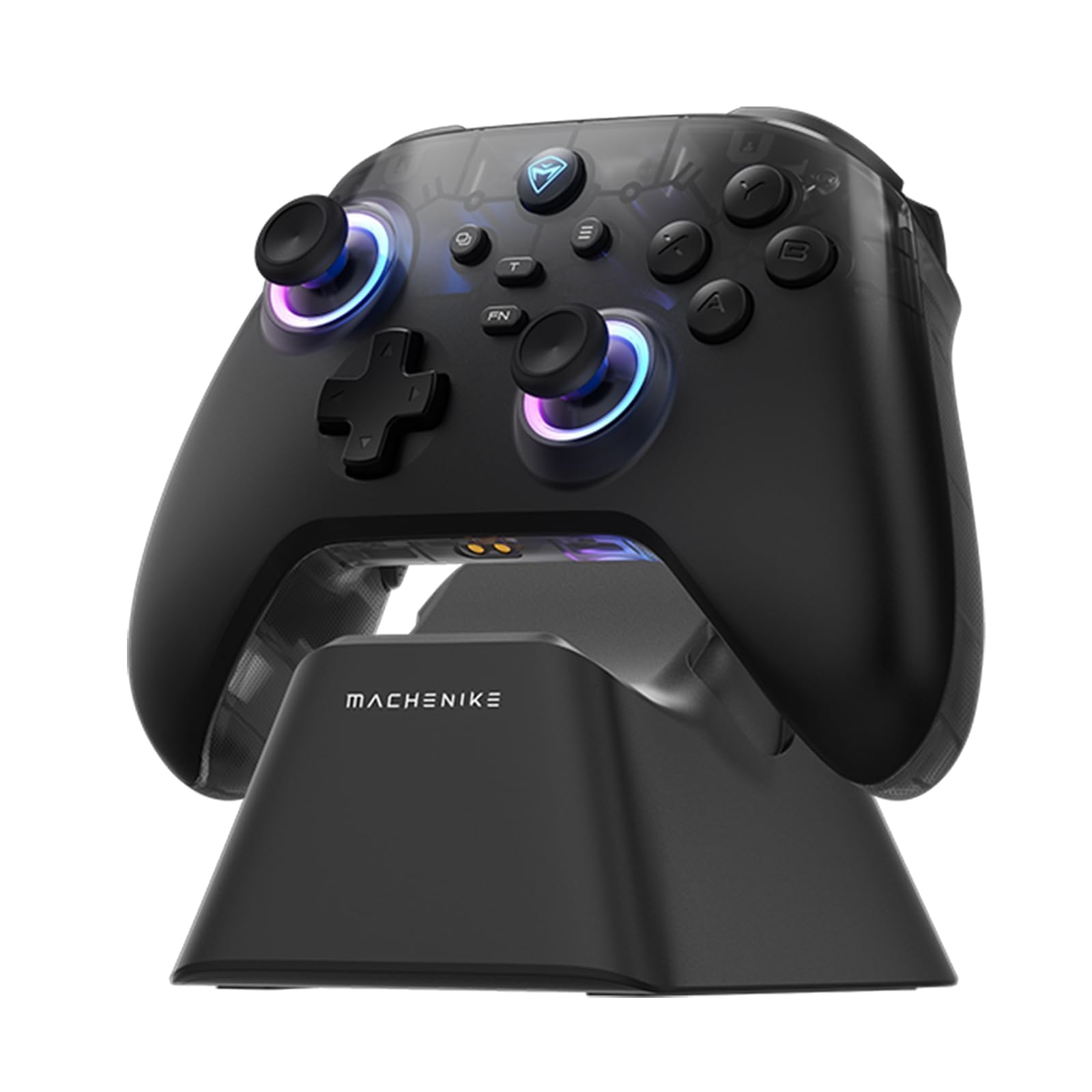
Image: The Machenike G3V2 Bluetooth Controller, showcasing its ergonomic design and vibrant RGB lighting around the joysticks.
2. الميزات الرئيسية
- Lightning-Fast 1000Hz Responsiveness: Equipped with ultra-high gaming responsiveness for instant command capture and millisecond-level feedback.
- Convenient Charging Dock: Includes a dedicated charging dock for efficient and fast recharging via USB-C, protecting the controller and ensuring optimal performance.
- Dual Hall-Effect Joysticks and Triggers: Features newly upgraded Hall-Effect sensing joysticks and high-precision trigger buttons for superior control and durability, eliminating drift.
- Customizable Force Adjustable Stick Tension: Unique force adjustment feature allows customization of joystick feedback from lightweight to precise, adapting to various game needs.
- Fast Charging & Extended Playtime: Built-in 1000mAh high-capacity battery provides extended playtime with fast-charging technology.
- دعم متعدد المنصات: Compatible with Switch/Switch 2, iOS, Android, and Windows PC.
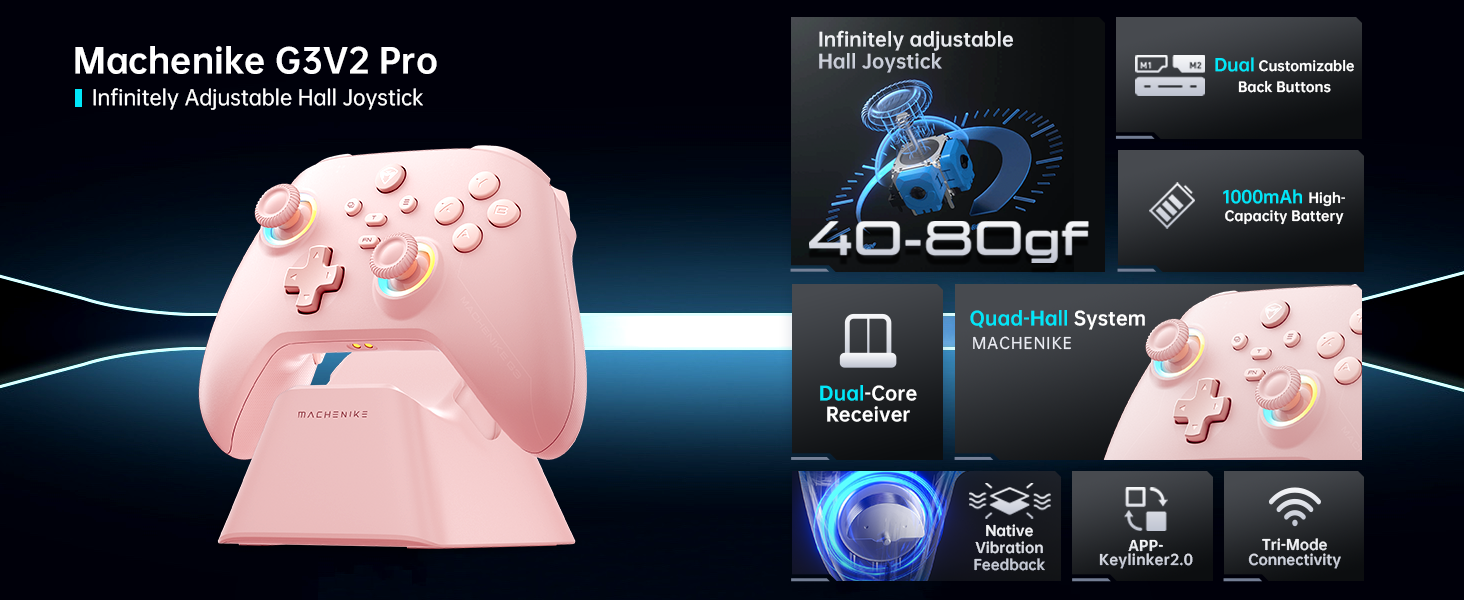
الصورة: أكثر منview of the Machenike G3V2 controller's key features, including its Hall Effect joysticks, customizable back buttons, and connectivity options.
3. الإعداد والاتصال
3.1 Connecting to Nintendo Switch (Bluetooth Mode)
- Ensure your controller is charged.
- على وحدة التحكم ، اضغط مع الاستمرار على الصفحة الرئيسية + Y اضغط على الزرين معًا حتى يومض ضوء المؤشر بسرعة، ويتغير الوميض من بطيء إلى سريع. هذا يضع وحدة التحكم في وضع الاقتران مع جهاز سويتش.
- على جهاز نينتندو سويتش الخاص بك، انتقل إلى قائمة الصفحة الرئيسية.
- Select the 'Controllers' icon, then choose 'Change Grip/Order'.
- انتظر حتى يتم توصيل وحدة التحكم تلقائيًا. بمجرد التوصيل، ستهتز وحدة التحكم، وسيظهر رمزها على شاشة جهاز سويتش.
- اضغط على A اضغط على الزر الموجود على وحدة التحكم للتأكيد.
- To toggle between Switch and Xbox button layouts (A/B, X/Y swap), press الجبهة الوطنية + أ.
Video: A tutorial demonstrating how to connect the Machenike G3V2 controller to a Nintendo Switch console via Bluetooth mode, including button presses and on-screen confirmation.
3.2 Connecting to PC/iOS/Android (Bluetooth/Wired/2.4G)
The Machenike G3V2 controller supports multiple connection modes for various platforms:
- بلوتوث: For iOS, Android, and some PC setups. Activate Bluetooth on your device and search for 'Machenike G3V2' to pair.
- 2.4G لاسلكي: Use the included USB dongle for PC and other compatible devices. Plug the dongle into your device, then power on the controller.
- السلكية: Connect the controller directly to your PC or compatible device using a USB-C cable.
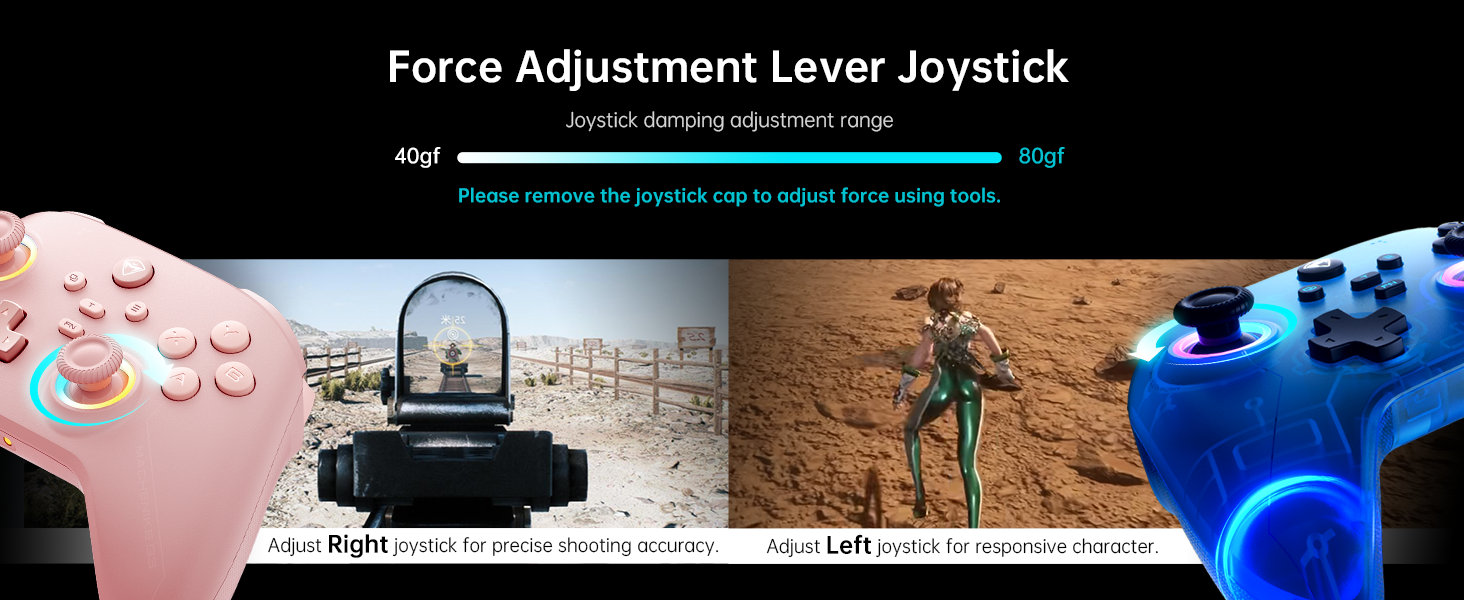
Image: The Machenike G3V2 controller highlighting its ergonomic design, anti-slip grip, and responsive triggers for comfortable and precise control.
4. التشغيل والتخصيص
4.1 أزرار خلفية قابلة للبرمجة (M1/M2)
The controller features two customizable back buttons (M1 and M2) that can be assigned to single keys or complex macros. This is particularly useful for games requiring quick actions or combos.
- To Assign a Single Key:
أ. اضغط مع الاستمرار FN + M1 (or M2) simultaneously until the joystick light ring glows with a soft blue breathing effect, indicating recording mode.
b. Press the desired button you wish to assign (e.g., 'A' button).
ج. يضعط M1 (or M2) once to save the assignment. The light ring will flash three times, confirming successful saving. - To Clear an Assignment:
أ. اضغط مع الاستمرار FN + M1 (or M2) simultaneously to enter recording mode.
b. Without pressing any other button, press M1 (or M2) again to save a blank input. The light ring will flash three times, clearing the previous assignment. - To Record a Macro (Multiple Keys):
أ. اضغط مع الاستمرار FN + M1 (or M2) simultaneously to enter recording mode.
b. Press the sequence of keys you want to record (e.g., A, B, X, Y, RB, LB). The timing between key presses will be recorded.
ج. يضعط M1 (or M2) once to save the macro. The light ring will flash three times.
Video: A detailed guide on how to set up and record keystroke macros using the programmable back buttons (M1/M2) on the Machenike G3V2 controller.
4.2 معايرة عصا التحكم والزناد
Calibration helps maintain accuracy and prevent drift in joysticks and triggers. This can be done whether the controller is off or connected.
- معايرة جويستيك:
أ. اضغط مع الاستمرار على ب + رجوع + الصفحة الرئيسية buttons simultaneously until the blue LED starts flashing.
b. Move both joysticks in full circles (about three rotations) slowly and steadily.
ج. اضغط على يبدأ اضغط على الزر للحفظ. سيتم إيقاف تشغيل وحدة التحكم، مما يشير إلى نجاح عملية المعايرة. - معايرة الزناد:
أ. اضغط مع الاستمرار على Y + رجوع + الصفحة الرئيسية buttons simultaneously until the red LED starts flashing.
b. Press both triggers normally all the way down three times. Ensure gentle but full pressure.
ج. اضغط على يبدأ اضغط على الزر للحفظ. سيتم إيقاف تشغيل وحدة التحكم، مما يشير إلى نجاح عملية المعايرة.
After calibration, reconnect the controller to your device to test the new settings. Always use normal, gentle pressure during calibration for accurate results.
Video: A guide on how to calibrate the joysticks and triggers of the Machenike G3V2 controller to ensure optimal performance and accuracy.
إضاءة RGB 4.3
The controller features dynamic RGB lighting around the joysticks. Specific controls for changing lighting modes or colors can often be found in the Keylinker 2.0 mobile application or through dedicated button combinations (refer to the app for advanced customization).
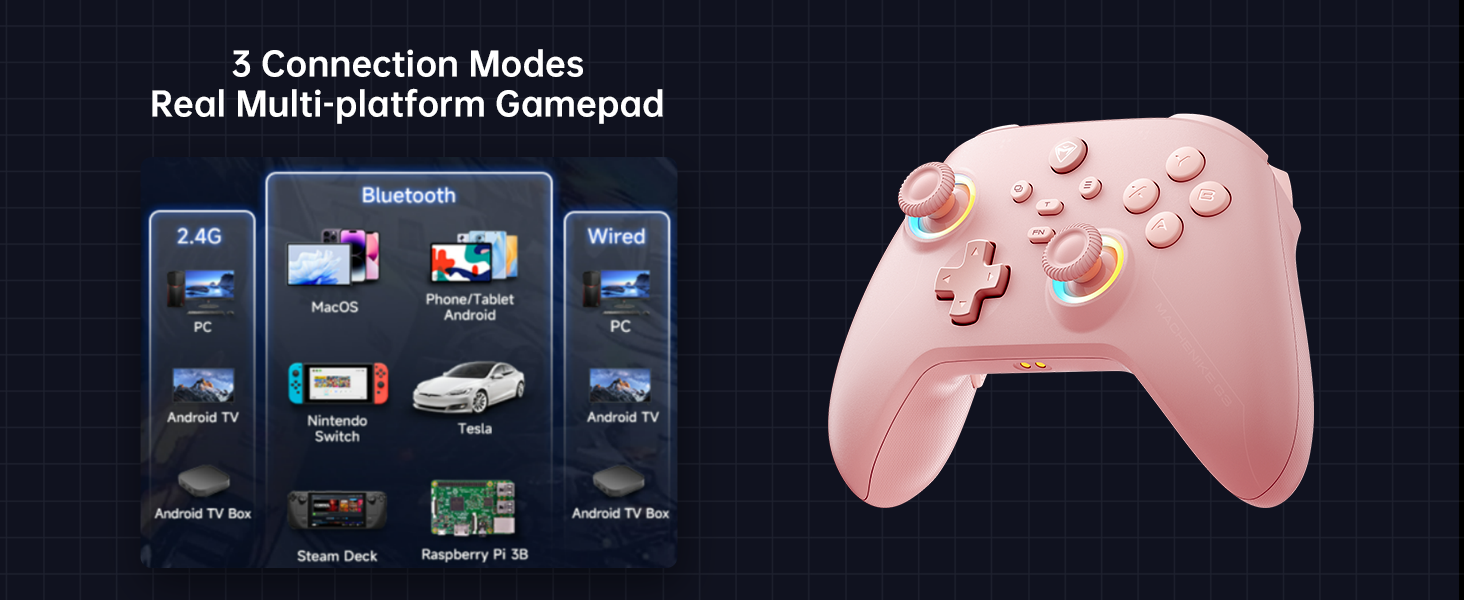
Image: The Machenike G3V2 controller illustrating its 4-level native vibration feedback, providing immersive experiences for various game genres.
5. الشحن
The Machenike G3V2 controller comes with a 1000mAh high-capacity battery and a dedicated charging dock.
- استخدام قاعدة الشحن: Simply place the controller onto the dedicated charging dock. The built-in USB-C port on the dock facilitates quick recharging.
- الشحن المباشر عبر USB-C: You can also charge the controller directly using a USB-C cable connected to a power source.
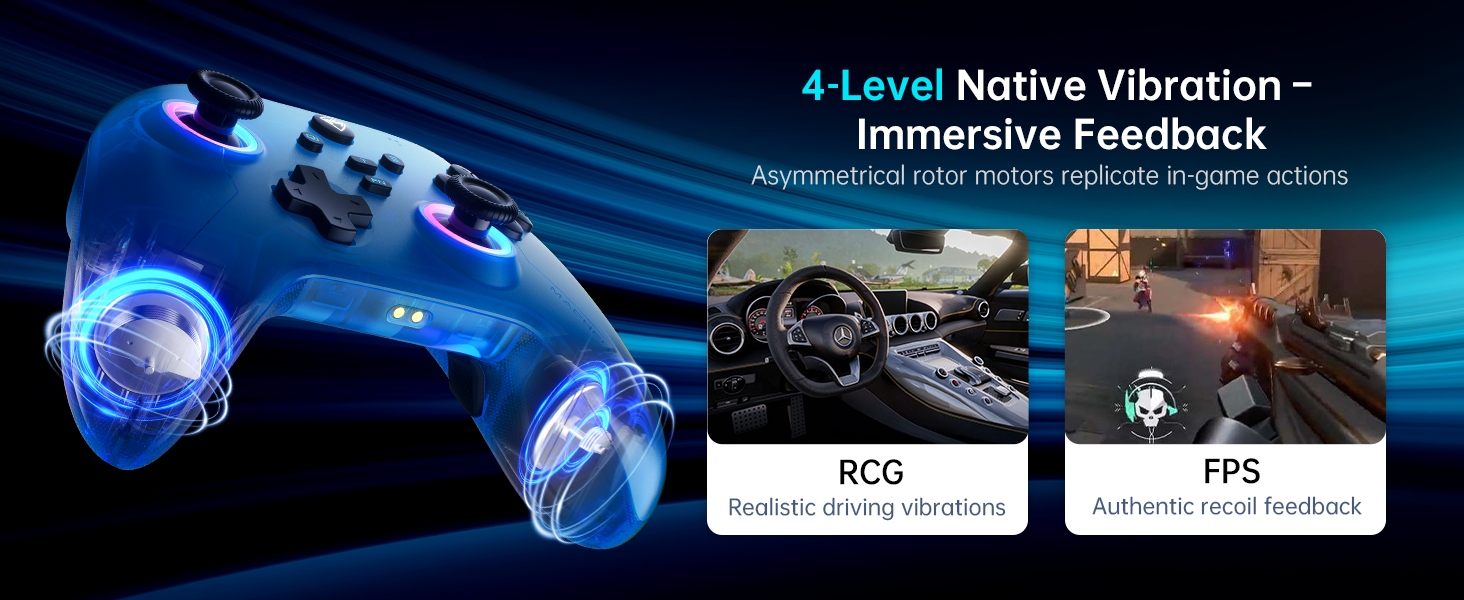
Image: The Machenike G3V2 controller resting on its dedicated charging dock, ready for an instant power boost.
6. التوافق
- المنصات المدعومة: Nintendo Switch, Switch 2, iOS, Android, Windows PC.
- غير متوافق مع: Xbox, PlayStation, or GeForce Now.
- For other game platforms not explicitly mentioned, please consult customer service before purchase.
7. الصيانة
- تنظيف: استخدم قطعة قماش ناعمة وجافة لتنظيف وحدة التحكم. تجنب استخدام المواد الكيميائية القاسية أو المواد الكاشطة.
- تخزين: قم بتخزين وحدة التحكم في مكان بارد وجاف بعيدًا عن أشعة الشمس المباشرة ودرجات الحرارة القصوى.
- العناية بالبطارية: لإطالة عمر البطارية، تجنب تفريغ وحدة التحكم بالكامل بشكل متكرر. اشحنها بانتظام، حتى في حال عدم استخدامها لفترات طويلة.
8. استكشاف الأخطاء وإصلاحها
- وحدة التحكم غير متصلة:
- تأكد من شحن وحدة التحكم بالكامل.
- Verify the correct pairing mode is activated for your device (e.g., Y+Home for Switch).
- On your device, try forgetting the controller from Bluetooth settings and re-pairing.
- For PC, try connecting via the 2.4G dongle or wired connection. - انحراف عصا التحكم أو عدم دقتها:
- Perform joystick calibration as described in Section 4.2. - Trigger Issues:
- Perform trigger calibration as described in Section 4.2. - الأزرار لا تستجيب:
- Ensure the controller is properly connected.
- Check if any programmable back buttons (M1/M2) have unintended assignments (clear them if necessary).
- Reconnect the controller. - مشاكل الشحن:
- Ensure the charging dock or USB-C cable is properly connected.
- حاول استخدام كابل USB-C أو محول طاقة مختلف.
9. المواصفات
| ميزة | التفاصيل |
|---|---|
| رقم الموديل | ترقية PE |
| ASIN | B0F93RPT5H |
| الشركة المصنعة | ماشينيكي |
| وزن العنصر | 0.529 أونصات |
| أبعاد الحزمة | 6.93 × 6.46 × 3.23 بوصة |
| البطاريات | 1 بطارية ليثيوم بوليمر (متضمنة) |
| الاتصال | بلوتوث، 2.4 جيجا لاسلكي، سلكي (USB-C) |
| معدل التصويت | 1000 هرتز |
| عصا التحكم | Hall Effect, Adjustable Tension (40-80gf) |
| المحفزات | Hall Effect, 255 Levels, Millimeter Precision |
| أزرار قابلة للبرمجة | 2 Back Buttons (M1, M2) |
| اهتزاز | التغذية الراجعة الاهتزازية الأصلية ذات 4 مستويات |
10. الضمان والدعم
Machenike products are designed for durability and performance. For warranty information, technical support, or service inquiries, please refer to the official Machenike webالموقع أو تواصل مع خدمة العملاء مباشرةً. احتفظ بإيصال الشراء لطلبات الضمان.
قد تكون الموارد عبر الإنترنت والأسئلة الشائعة متاحة أيضًا على متجر ماشينيكي على أمازون.


