مقدمة
This guide provides detailed instructions for the Microsoft Surface Pro (2025). It is designed to assist both new and experienced users in understanding and utilizing the device's full capabilities, from initial setup to advanced features and troubleshooting.
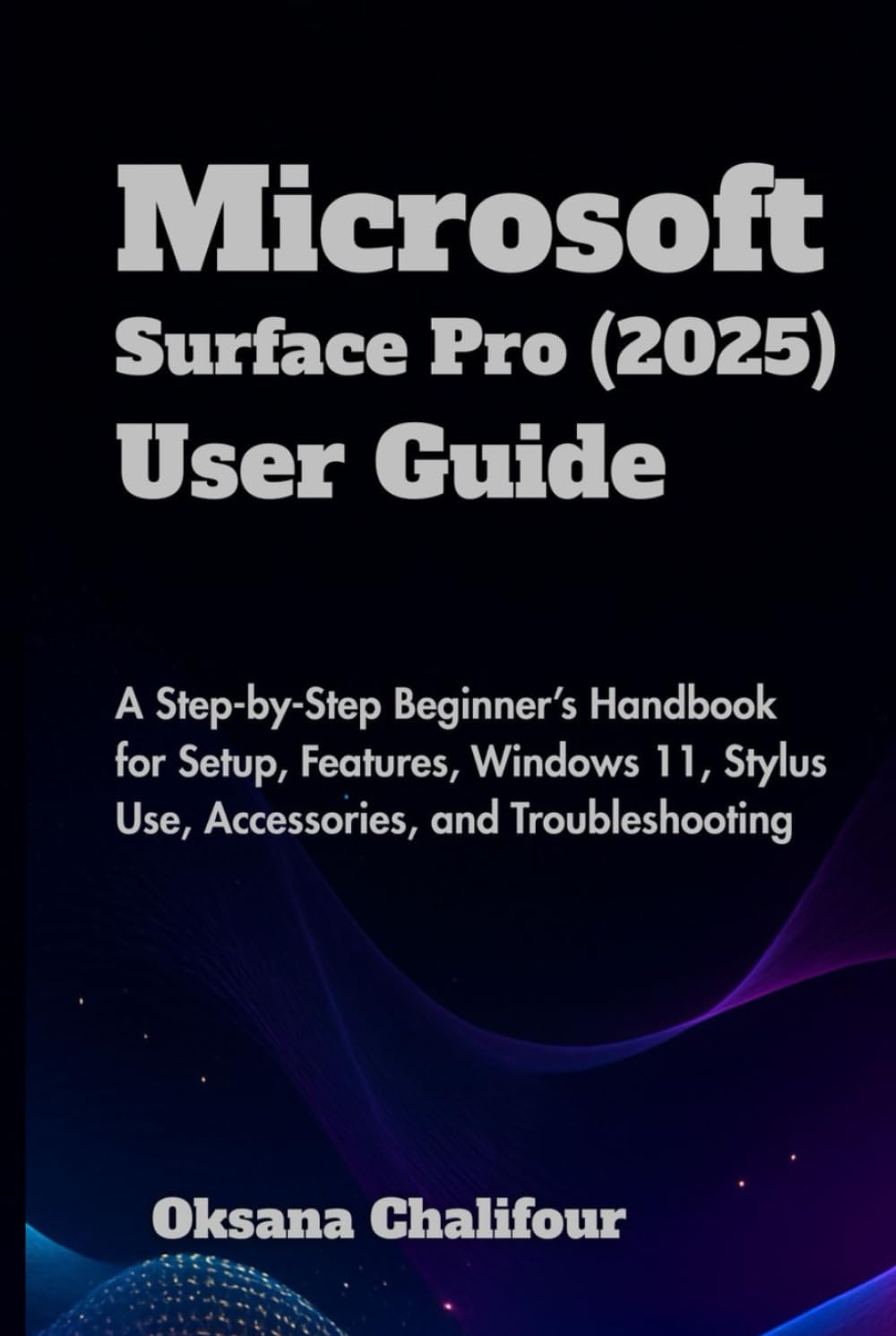
Image 1: Front cover of the user guide for Microsoft Surface Pro (2025).
1. Setup and Personalization
This section outlines the steps for setting up your new Microsoft Surface Pro (2025) and personalizing its settings to suit your preferences.
1.1 تكوين الجهاز الأولي
- تشغيل الطاقة: Press and hold the power button located on the top edge of your Surface Pro until the Microsoft logo appears.
- اللغة والمنطقة: Follow the on-screen prompts to select your preferred language, country, and keyboard layout.
- الاتصال بشبكة Wi-Fi: Select your Wi-Fi network from the list and enter the password. An internet connection is required for initial setup and updates.
- Microsoft Account: Sign in with your Microsoft account. If you do not have one, you can create one during this step. This account is essential for accessing Microsoft services and syncing settings.
- PIN Creation: Set up a PIN for quick and secure login.
- ويندوز هيلو: Configure facial recognition or fingerprint (if available on your model) for enhanced security and convenience.
1.2 Personalizing Windows 11
- Desktop Background: انتقل إلى Settings > Personalization > Background to change your desktop image.
- المواضيع: Explore various themes in Settings > Personalization > Themes to customize the look and feel of your operating system.
- قائمة ابدأ: Pin frequently used applications to the Start Menu for quick access. Right-click an app and select "Pin to Start."
- شريط المهام: Customize taskbar items by right-clicking an empty area of the taskbar and selecting "Taskbar settings."
2. تشغيل جهاز Surface Pro
This section covers the core functionalities of your Surface Pro, including navigating Windows 11 and utilizing essential accessories.
2.1 التنقل في Windows 11
- قائمة ابدأ: Access all your applications, settings, and power options from the centered Start button.
- الحاجيات: Swipe from the left edge of the screen or click the Widgets icon on the taskbar to view personalized information.
- مركز العمل: Swipe from the right edge of the screen or click the notification icon to access quick settings and notifications.
- Multitasking with Snap Layouts: Hover over the maximize button of a window to reveal Snap Layouts, allowing you to arrange multiple windows efficiently.
- Virtual Desktops: Use the Task View icon on the taskbar to create and manage multiple virtual desktops for organizing your workspace.
2.2 Using Surface Accessories
قلم السطح
- الاقتران: Ensure your Surface Pen is charged. Go to Settings > Bluetooth & devices > Add device and select "Bluetooth." Hold the top button of the pen until the LED flashes to pair.
- الكتابة والرسم: Use the pen for natural writing and drawing in compatible applications like Microsoft OneNote or Whiteboard.
- تخصيص الأزرار: Customize the top button's actions (e.g., launch OneNote, take a screenshot) in Settings > Bluetooth & devices > Pen & Windows Ink.
Detachable Keyboard (Type Cover)
- إرفاق: Align the magnetic connector of the keyboard with the bottom edge of your Surface Pro until it clicks into place.
- Using the Trackpad: The integrated trackpad supports multi-touch gestures for navigation.
- الإضاءة الخلفية: Adjust keyboard backlighting using the dedicated function keys (if available).
3. الصيانة
Proper maintenance ensures the longevity and optimal performance of your Surface Pro.
3.1 تنظيف جهازك
- شاشة: استخدم قطعة قماش ناعمة وخالية من الوبر وامسحها برفق.ampاغسلها بالماء أو بمنظف شاشات معتمد. تجنب المواد الكيميائية القاسية.
- Casing: امسحي الجزء الخارجي بقطعة قماش ناعمة.amp قطعة قماش.
- الموانئ: Gently remove dust from ports using compressed air, holding the can upright.
3.2 تحديثات البرامج
- تحديثات الويندوز: Regularly check for and install Windows updates via الإعدادات > تحديث Windows to ensure security and performance improvements.
- تحديثات برنامج التشغيل: Surface drivers are typically updated through Windows Update. For specific accessory drivers, check the Microsoft support webموقع.
3.3 العناية بالبطارية
- تجنب درجات الحرارة القصوى.
- لا تترك البطارية تفرغ بالكامل بشكل متكرر.
- للتخزين طويل الأمد، اشحن البطارية إلى حوالي 50%.
4. استكشاف المشكلات الشائعة وإصلاحها
This section addresses common problems you might encounter with your Surface Pro and provides solutions.
4.1 الجهاز لا يستجيب
- إعادة التشغيل القسري: Press and hold the power button for about 30 seconds until the device turns off and then restarts.
- التحقق من الطاقة: تأكد من شحن الجهاز أو توصيله بمصدر طاقة.
4.2 مشاكل اتصال Wi-Fi
- تبديل Wi-Fi: Turn Wi-Fi off and on again from the Action Center.
- إعادة تشغيل جهاز التوجيه: أعد تشغيل جهاز توجيه الواي فاي الخاص بك.
- تحديث برامج التشغيل: Ensure your network adapter drivers are up to date via مدير الجهاز.
4.3 Surface Pen Not Working
- التحقق من البطارية: Replace the battery in the Surface Pen if it's low.
- Re-pair Pen: اذهب الى الإعدادات > البلوتوث والأجهزة and remove then re-pair the Surface Pen.
- تحديث البرامج الثابتة: Check for Surface Pen firmware updates through Windows Update.
5. المواصفات
Key technical specifications for this user guide for the Microsoft Surface Pro (2025).
| ميزة | التفاصيل |
|---|---|
| Model (of device covered) | Surface Pro (2025) |
| Operating System (of device covered) | ويندوز 11 |
| Publisher (of this guide) | نُشرت بشكل مستقل |
| Publication Date (of this guide) | 16 مايو 2025 |
| لغة | إنجليزي |
| ISBN-13 (for this guide) | 979-8284166468 |
| Item Weight (for this guide) | 9.9 أونصات |
| Dimensions (for this guide) | 6 × 0.53 × 9 بوصة |
Note: Detailed hardware specifications for the Microsoft Surface Pro (2025) device itself are not included in this guide. Please refer to official Microsoft documentation for full device specifications.
6. الضمان والدعم
For information regarding your Microsoft Surface Pro (2025) device warranty and support options, please refer to the official Microsoft webالموقع أو الوثائق المضمنة مع جهازك.
- دعم مايكروسوفت الرسمي: support.microsoft.com/surface
- معلومات الضمان: Details on your device's limited warranty can typically be found on the Microsoft support site or within your device's settings under "About."
- الخدمة والإصلاح: If your device requires service, contact Microsoft Support for assistance and authorized repair options.


