1. المقدمة
This manual provides essential information for setting up, operating, maintaining, and troubleshooting your Roku Smart TV 2025 – 24-Inch Select Series 720p HD TV. Please read these instructions carefully before using your television.
The Roku Select Series HD TV offers a streamlined entertainment experience. It features bright HD picture quality, auto speech clarity, and a night mode. Access free live television directly from the home screen and utilize the voice remote for content discovery across various applications. This television is suitable for various rooms including bedrooms, living rooms, kitchens, or children's rooms.
2. ماذا يوجد في الصندوق
تأكد من وجود جميع المكونات في العبوة:
- Roku Select Series 24" HD TV
- Stands and screws
- Roku Voice Remote with batteries
- دليل البدء السريع

Image: The Roku Select Series TV box contents, showing the television, remote, and stand components.
3. الإعداد
3.1 تركيب حوامل التلفزيون
- قم بوضع شاشة التلفزيون بعناية على سطح ناعم ونظيف لمنع الخدوش.
- قم بمحاذاة كل حامل مع فتحات البراغي المقابلة في الجزء السفلي من التلفزيون.
- ثبّت الحوامل باستخدام البراغي المرفقة. تأكد من إحكام ربطها.
3.2 توصيل الأجهزة الطرفية
Your Roku TV includes multiple ports for connecting external devices:
- منافذ HDMI: Connect devices such as cable boxes, gaming consoles, or Blu-ray players. The HDMI 1 (ARC) port supports Audio Return Channel for simplified audio connections.
- منفذ USB: For media playback from a USB drive or powering compatible devices.
- مدخل الهوائي/الكابل: قم بتوصيل هوائي للبث الأرضي أو اتصال تلفزيون الكابل.
- إخراج الصوت البصري: للاتصال بشريط الصوت أو جهاز استقبال الصوت.
- مدخلات AV: لتوصيل الأجهزة القديمة باستخدام كابلات الفيديو المركبة وكابلات الصوت الاستريو.

Image: Close-up of the back of the Roku TV, highlighting the HDMI, USB, optical, and AV input ports.
3.3 التشغيل الأولي والاتصال بالشبكة
- قم بتوصيل كابل الطاقة بالتلفزيون ثم بمأخذ الحائط.
- Insert the included AAA batteries into the voice remote.
- اضغط على زر التشغيل في جهاز التحكم عن بعد لتشغيل التلفزيون.
- اتبع التعليمات التي تظهر على الشاشة لاختيار لغتك، والاتصال بشبكة Wi-Fi الخاصة بك، وتفعيل حساب Roku الخاص بك.
4. Operating Your Roku TV
4.1 استخدام جهاز التحكم الصوتي
The Roku Voice Remote simplifies navigation and content search. It features dedicated buttons for popular streaming services and voice control capabilities.
- زر الصوت: Press and hold to speak commands for searching content, launching apps, or controlling playback.
- لوحة التنقل: Use the directional arrows and OK button to move through menus and select items.
- اختصارات التطبيق: Dedicated buttons provide quick access to services like Netflix, Disney+, and Prime Video.
- ضوابط الصوت: Adjust TV volume directly from the remote.
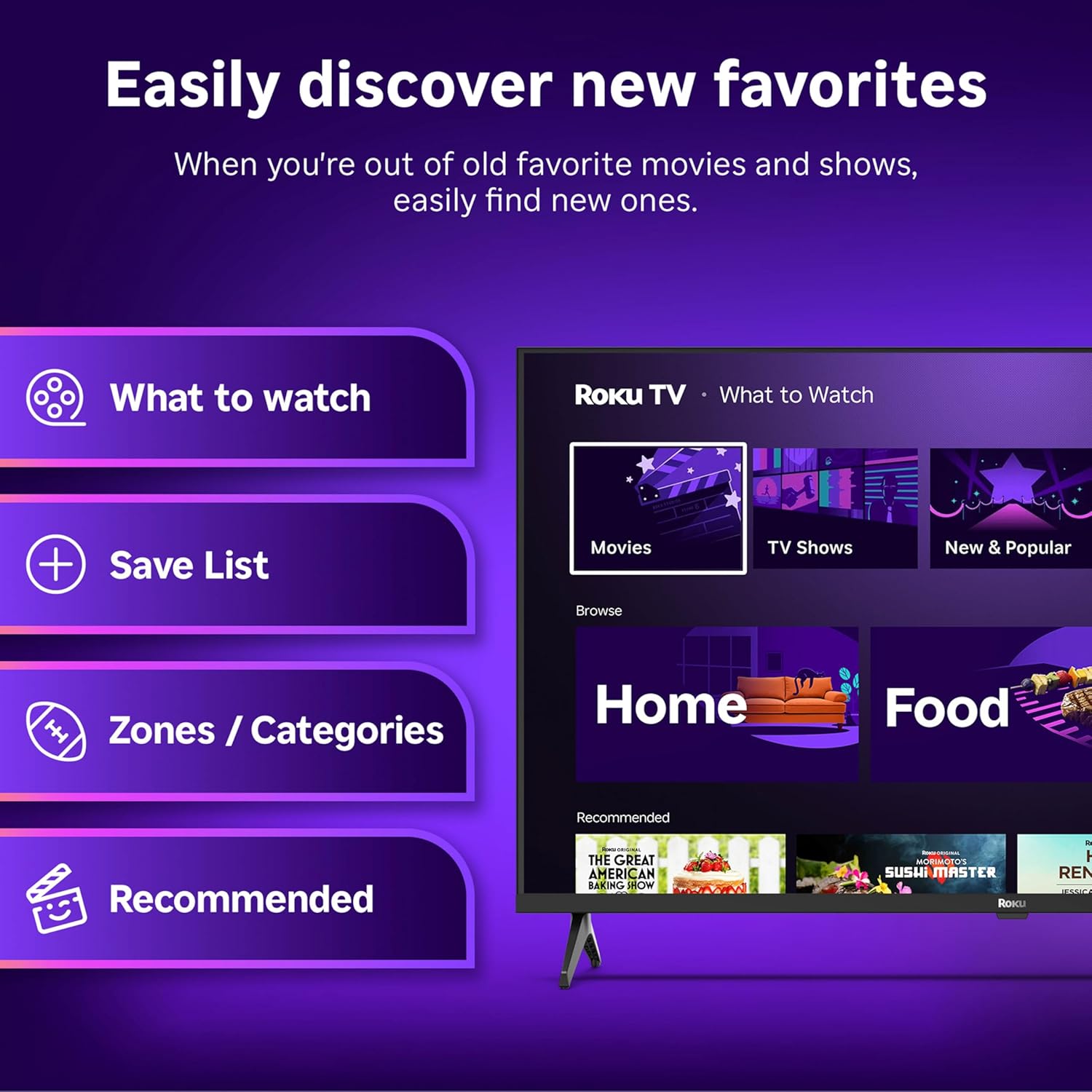
Image: The Roku Voice Remote, showing its layout and key functions.
4.2 Streaming and App Navigation
The Roku TV home screen provides quick access to all your streaming channels and inputs. You can customize the order of your apps for personalized access.
- الشاشة الرئيسية: Displays your installed apps, recommended content, and TV inputs.
- متجر البث المباشر: Browse and add new streaming channels.
- البث التلفزيوني المباشر: Access free live television channels directly from the home screen.
- يبحث: Use the search function or voice remote to find movies, shows, actors, or directors across various services.

Image: The Roku TV user interface, showing the home screen with app tiles and menu options.
4.3 إعدادات الصورة والصوت
Your Roku TV features Smart Picture technology to optimize viewing and offers enhanced audio features.
- Smart Picture: Automatically adjusts picture settings based on the content being viewed (e.g., movie, sports, vivid, standard).
- Audio Clarity: Designed for clear speech and louder sound.
- Bluetooth Headphone Mode: Connect your wireless headphones for private listening.

Image: A vibrant nature scene displayed on the Roku TV, demonstrating the clear picture quality.
4.4 تكامل المنزل الذكي
The Roku TV integrates with various smart home ecosystems for convenient voice control and content sharing.
- التحكم الصوتي: Compatible with Roku Voice, Siri, Alexa, and Google Assistant for hands-free operation.
- آبل إيربلاي: Effortlessly share videos, photos, and music from your Apple devices to your TV.

Image: A Roku TV screen with a smart speaker nearby, illustrating voice control integration with smart home systems.
5. الصيانة
5.1 تنظيف التلفزيون الخاص بك
- افصل دائمًا التلفاز عن الكهرباء قبل التنظيف.
- استخدم قطعة قماش ناعمة وخالية من الوبر لمسح الشاشة والخزانة برفق.
- بالنسبة للعلامات العنيدة، قم بالتدليك برفقampبلّل قطعة القماش بالماء أو بمنظف شاشات لطيف وغير كاشط. لا ترش المنظف مباشرة على الشاشة.
- تجنب استخدام المواد الكيميائية القاسية، أو الوسادات الكاشطة، أو المذيبات.
5.2 تحديثات البرامج
Your Roku TV receives automatic software updates to provide new features and improve performance. Ensure your TV is connected to the internet to receive these updates.
6. استكشاف الأخطاء وإصلاحها
If you encounter issues with your Roku TV, try the following basic troubleshooting steps:
- لا يوجد طاقة: تأكد من توصيل كابل الطاقة بإحكام بالتلفزيون ومقبس كهربائي سليم. جرّب مقبسًا كهربائيًا آخر.
- لا صورة/صوت: Verify that the correct input source is selected. Check all cable connections (HDMI, AV, etc.) are secure.
- جهاز التحكم عن بعد لا يستجيب: استبدل بطاريات جهاز التحكم عن بُعد. تأكد من عدم وجود أي عوائق بين جهاز التحكم عن بُعد والتلفزيون.
- مشاكل الاتصال بالشبكة: Restart your Wi-Fi router. Go to the TV's network settings to reconnect to your Wi-Fi.
- التطبيق لا يتم تحميله: Try restarting the app. If the issue persists, remove the app and reinstall it from the Streaming Store.
- اعدادات المصنع: As a last resort, a factory reset can resolve many software issues. This will erase all personal settings and installed apps. Access this option through the TV's Settings menu.
7. المواصفات
| ميزة | مواصفة |
|---|---|
| ماركة | روكو |
| رقم الموديل | 24R2D5 |
| حجم الشاشة | 24 بوصة |
| تكنولوجيا العرض | قاد |
| دقة | 720 بكسل |
| معدل التحديث | 60 هرتز |
| نسبة العرض إلى الارتفاع | 16:9 |
| تكنولوجيا الاتصال | بلوتوث ، واي فاي |
| المميزات الخاصة | Bluetooth Headphone Mode, Dolby Audio, Voice Remote |
| وزن العنصر | 5.7 رطل |
| أبعاد المنتج | 7 × 21.1 × 14.3 بوصة |
| البطاريات المطلوبة | بطاريتان AAA (لجهاز التحكم عن بعد) |
8. الضمان والدعم
For warranty information and technical support, please refer to the documentation included with your product or visit the official Roku support webموقع. احتفظ بإيصال الشراء الخاص بك لمطالبات الضمان.
Roku offers various support resources, including online FAQs, troubleshooting guides, and customer service contact options.


