مقدمة
This manual provides comprehensive instructions for the setup, operation, maintenance, and troubleshooting of your Machenike G3V2 Bluetooth Gaming Controller. Please read this manual carefully to ensure optimal performance and longevity of your device.
فيديو: Machenike G3V2 UG Controller Description. This video provides a general overview of the controller's features and design.
يثبت
1. محتويات العبوة
تأكد من وجود جميع العناصر في العبوة:
- Machenike G3V2 Bluetooth Gaming Controller
- قاعدة الشحن
- كابل USB-C
- دليل المستخدم
- Dual-Core Receiver (for 2.4G wireless connection)
2. شحن وحدة التحكم
The controller features a built-in 1000mAh high-capacity battery. For initial use, fully charge the controller.
- Connect the USB-C cable to the charging dock.
- Place the controller onto the charging dock.
- The controller's RGB lighting will indicate charging status.

صورة: The Machenike G3V2 controller resting on its dedicated charging dock, illustrating the charging process.

صورة: داخلي view highlighting the 1000mAh high-capacity battery, ensuring extended playtime.
3. توصيل وحدة التحكم
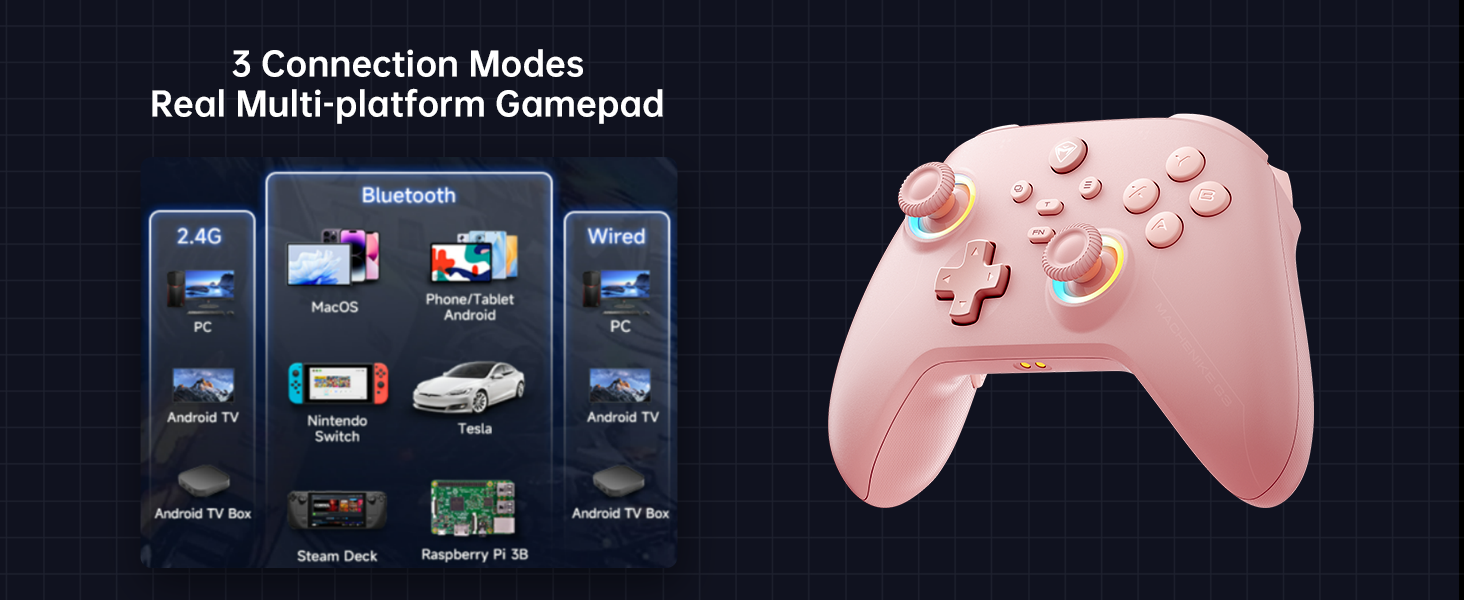
The Machenike G3V2 supports Tri-Mode Connectivity: Bluetooth, 2.4G Wireless (via Dual-Core Receiver), and Wired USB-C.
3.1. Connecting to Nintendo Switch (Bluetooth Mode)
- Ensure your Nintendo Switch is powered on.
- On the Machenike G3V2 controller, hold the Y + Home buttons simultaneously until the indicator light flashes rapidly, changing from slow to fast flashing. This puts the controller into Switch pairing mode.
- On your Switch, navigate to the HOME Menu, select "Controllers", then "Change Grip/Order".
- Wait for the controller to connect automatically. Once connected, the controller will vibrate, and its icon will appear on the Switch screen.
- اضغط على A اضغط على الزر الموجود على وحدة التحكم للتأكيد.
- To swap the A/B/X/Y button layout to match the Switch standard, press الجبهة الوطنية + أ.
فيديو: Product Tutorial - How to Connect to Switch Host. This video demonstrates the step-by-step process of pairing your controller with a Nintendo Switch.
3.2. Connecting to PC/Other Devices (2.4G Wireless)
For PC and other compatible devices, use the included Dual-Core Receiver for a 2.4G wireless connection.
- Plug the Dual-Core Receiver into an available USB port on your device.
- قم بتشغيل وحدة التحكم. يجب أن تتصل تلقائيًا بجهاز الاستقبال.
- The controller supports a 1000Hz polling rate for ultra-low latency via 2.4G wireless.
صورة: The Dual-Core Receiver, which supports simultaneous connection of two controllers for cooperative play.
3.3. اتصال سلكي
Connect the controller directly to your device using the USB-C cable for a stable wired connection. This mode also supports a 1000Hz polling rate.
تعليمات التشغيل
1. عصي التحكم ومشغلات تأثير هول
The controller features dual Hall-Effect sensing joysticks and high-precision trigger buttons, designed for durability and accuracy without drift.

صورة: An illustration of the infinitely adjustable Hall Joystick and other key features like dual customizable back buttons and 1000mAh battery.
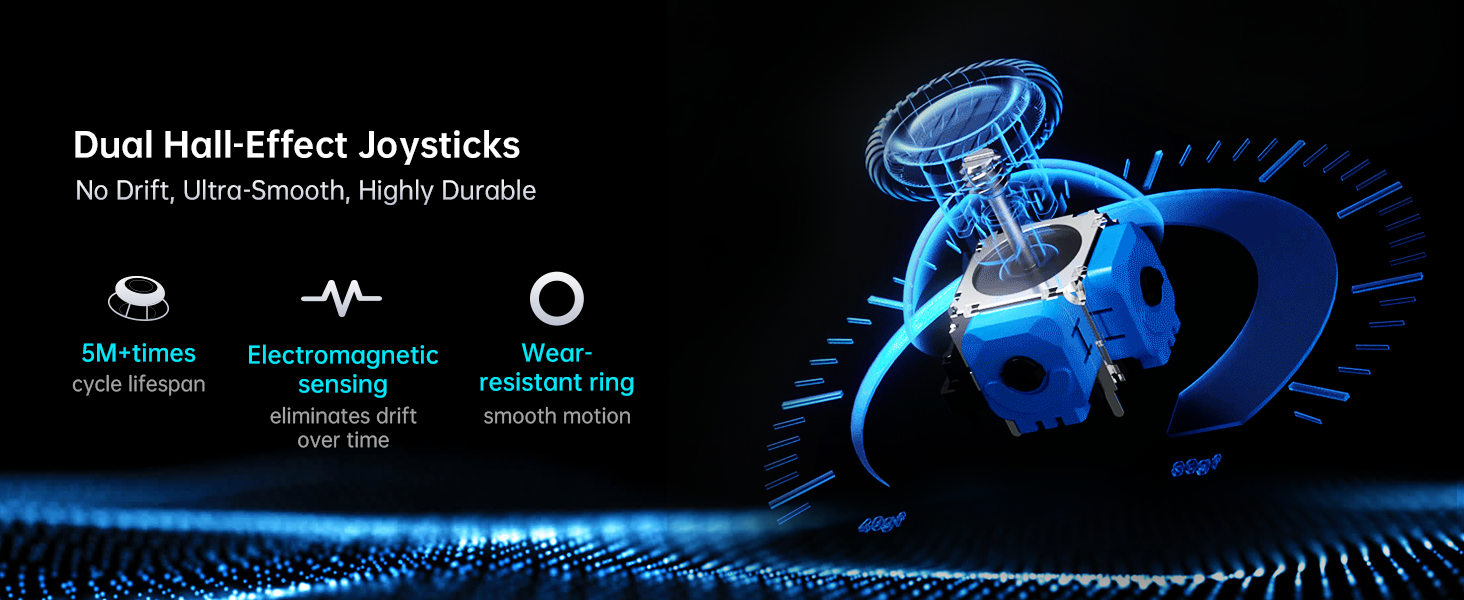
صورة: تفصيلية view of the dual Hall-Effect Joysticks, emphasizing their no-drift, ultra-smooth, and highly durable characteristics with 5M+ cycle lifespan and electromagnetic sensing.
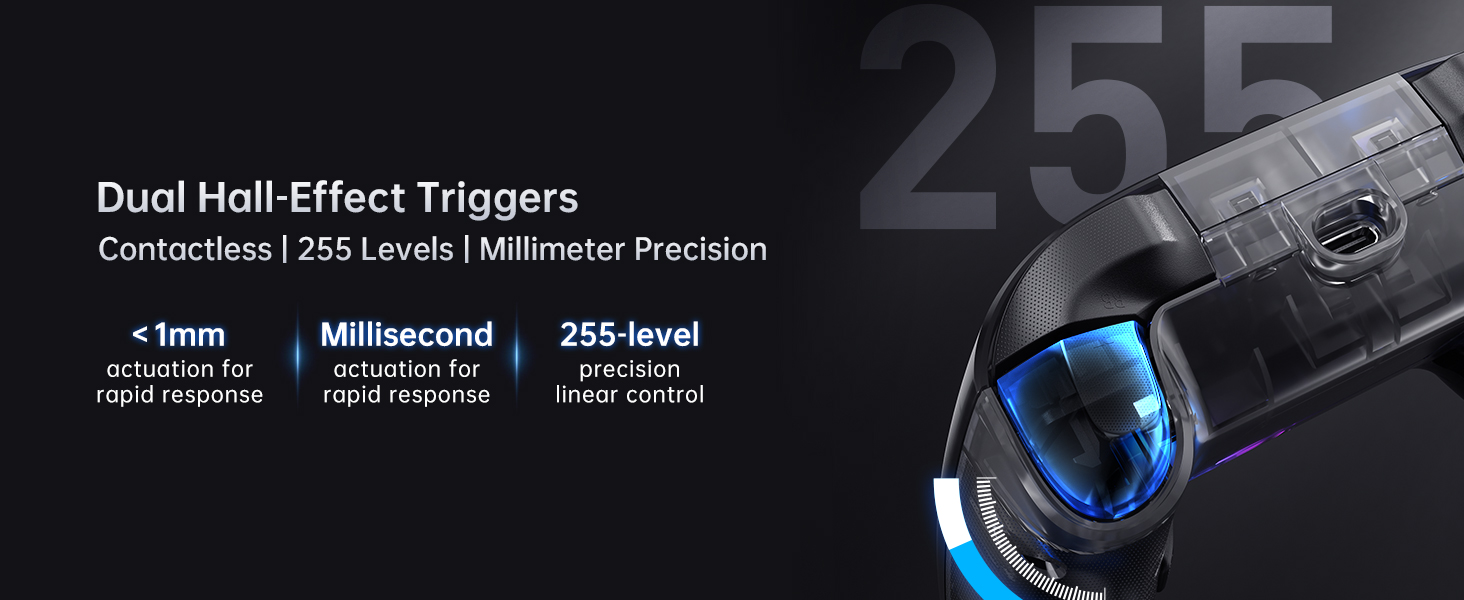
صورة: A close-up of the dual Hall-Effect Triggers, highlighting contactless operation, 255 levels of linear control, and millisecond actuation for rapid response.
2. Joystick and Trigger Calibration
If you experience slight misalignment or drift with joysticks or triggers, perform a calibration:
2.1. معايرة عصا التحكم
- اضغط مع الاستمرار على B + Back + Home buttons simultaneously until the blue LED flashes.
- Move both joysticks in full circles (about three full rotations) slowly and steadily.
- اضغط على يبدأ button to save. The controller will power off, indicating successful calibration.
- Reconnect the controller to resume normal operation.
2.2. Trigger Calibration
- اضغط مع الاستمرار على Y + Back + Home buttons simultaneously until the red LED flashes.
- Press both triggers normally all the way down three times. Do not press too hard.
- اضغط على يبدأ button to save. The controller will power off, indicating successful calibration.
- Reconnect the controller to resume normal operation.
ملحوظة: When calibrating, use normal, gentle pressure to ensure accurate results and avoid abnormal behavior.
فيديو: Product Tutorial - How to Calibration Trigger and Joystick. This video guides you through the calibration process for both joysticks and triggers.
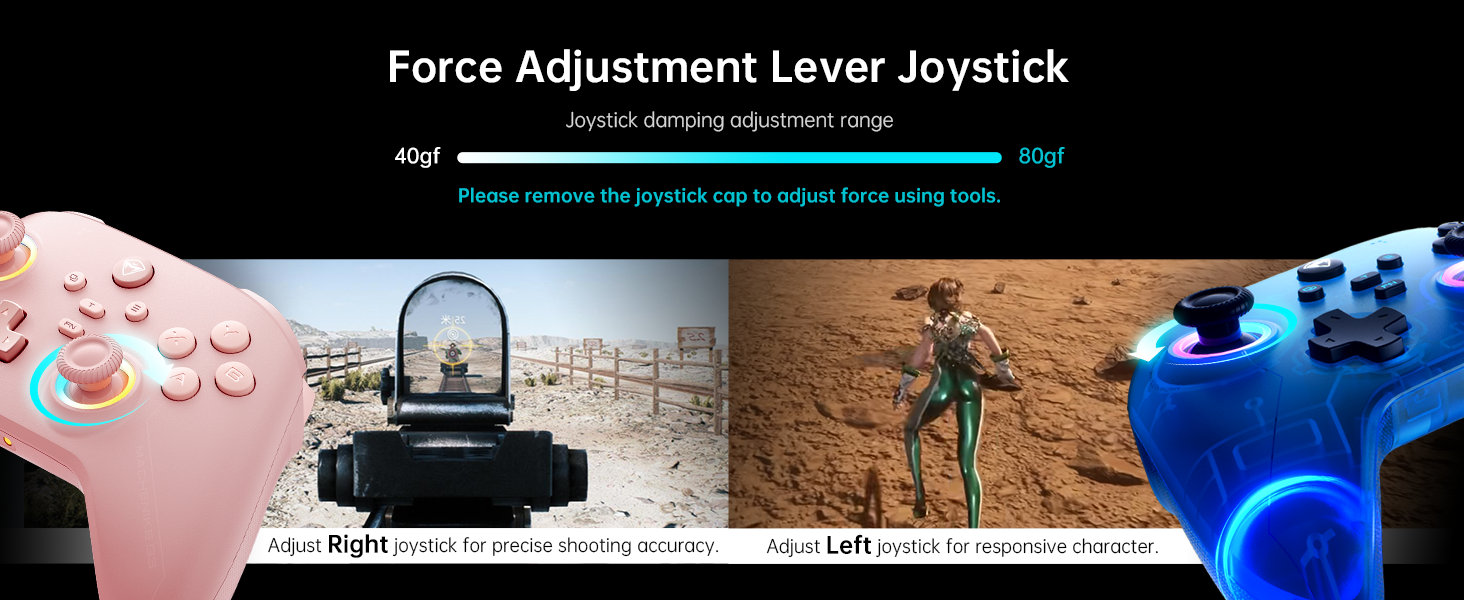
3. Customizable Force Adjustable Stick Tension
The joysticks feature adjustable tension, allowing customization from lightweight and agile to heavy and precise. This feature helps adapt to various game requirements.
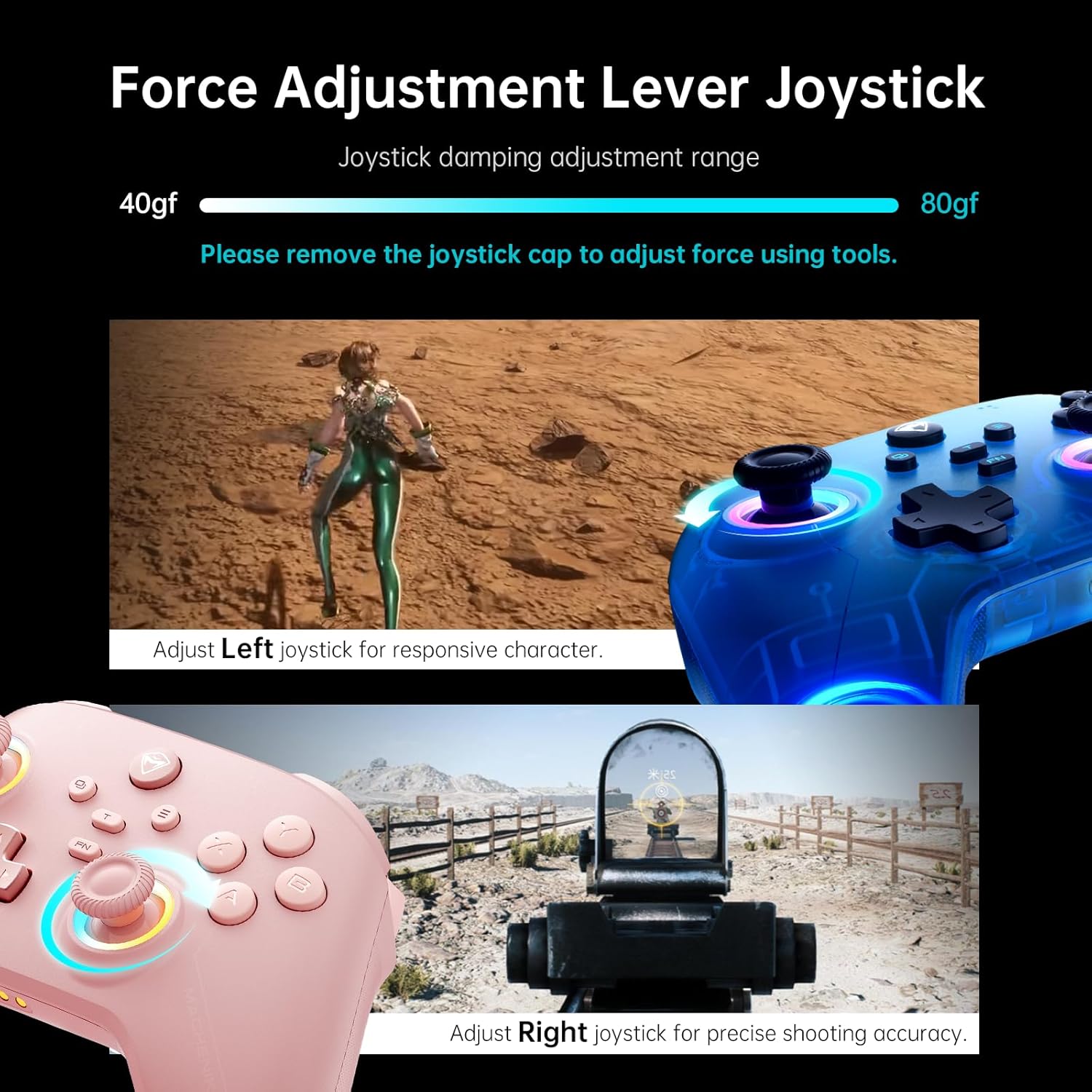
صورة: An illustration showing the force adjustment lever for joysticks, with a damping adjustment range of 40-80gf. Tools are required to remove the joystick cap for adjustment.
4. أزرار خلفية قابلة للبرمجة (M1/M2)
The controller includes two customizable back buttons (M1 and M2) that can be programmed for single key assignments or complex macros (up to 32 programmable actions).
4.1. Assigning a Single Key
- يمسك FN + M1 (or M2) to enter recording mode. The left joystick's light ring will glow with a soft blue breathing effect.
- Press the desired key you wish to assign (e.g., A, B, X, Y, RB, LB).
- يضعط M1 (or M2) again to save the assignment. The light ring will flash three times, indicating successful saving.
4.2. Recording Multiple Keys (Macro)
- يمسك FN + M1 (or M2) to enter recording mode.
- Press the sequence of keys you want to record (e.g., A, B, X, Y, RB, LB). The timing between key presses will be recorded.
- يضعط M1 (or M2) again to save the macro. The light ring will flash three times.
- When you press the assigned back button, it will automatically send the entire recorded combo.
4.3. Clearing an Assignment
- يمسك FN + M1 (or M2) to enter recording mode.
- Without pressing any other key, press M1 (or M2) again to save a blank input. The light ring will flash three times. This effectively clears the previous assignment.
فيديو: Product Tutorial - How to Record Keystroke Macros. This video demonstrates how to program the back buttons for single keys and macros.
صورة: An illustration of the dual customizable back buttons (M1 and M2) and their macro recording and remapping capabilities.
5. إضاءة RGB
The controller features dual-ring dynamic RGB lighting around the joysticks, offering customizable aesthetic appeal.

صورة: وحدة التحكم المعروضةasing its dual 1000Hz polling rate and RGB lighting around the joysticks.
6. Native Vibration Feedback
Experience immersive feedback with 4-level native vibration, where asymmetrical rotor motors replicate in-game actions for realistic driving vibrations and authentic recoil feedback.
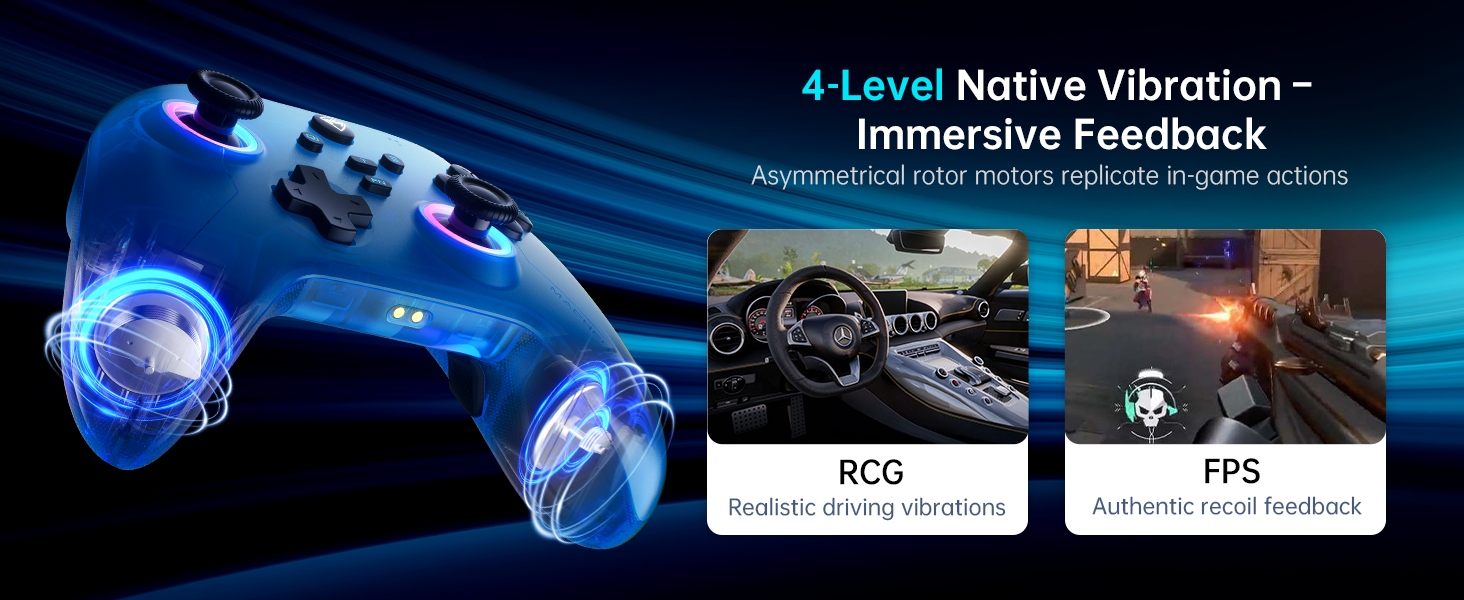
صورة: An illustration demonstrating the 4-level native vibration feature, providing immersive feedback for various game genres like RCG (racing) and FPS (first-person shooter).
7. Mobile App Customization (Keylinker 2.0)
Utilize the Keylinker 2.0 mobile application for smart, hassle-free quick setup and advanced customization options, including precise timing adjustments for macros.

صورة: Screenshots of the Keylinker 2.0 mobile application interface, showing various customization options for the controller.
صيانة
1. العناية بالبطارية
The 1000mAh high-capacity battery provides extended playtime. To maximize battery life:
- تجنب تفريغ البطارية بالكامل بشكل متكرر.
- قم بتخزين وحدة التحكم في مكان بارد وجاف عند عدم استخدامها.
- Use the dedicated charging dock for efficient and fast charging.
2. التنظيف
To clean your controller:
- استخدم قطعة قماش ناعمة وجافة لمسح السطح.
- بالنسبة للأوساخ العنيدة، قم بإزالة الأوساخ برفق.ampen قطعة القماش بالماء أو محلول تنظيف لطيف.
- Avoid using harsh chemicals or abrasive materials, as these can damage the controller's finish.
استكشاف الأخطاء وإصلاحها
1. مشاكل الاتصال
- لم يتم إقران وحدة التحكم: Ensure the controller is in the correct pairing mode (e.g., Y+Home for Switch). Check your device's Bluetooth settings.
- اتصال متقطع: Ensure the controller is within range of your device. For 2.4G wireless, ensure the Dual-Core Receiver is securely plugged in and not obstructed.
- لم يتم التعرف على الاتصال السلكي: Try a different USB-C cable or USB port. Ensure the cable is fully inserted.
2. Joystick Drift or Trigger Malfunction
If joysticks or triggers exhibit unintended movement or fail to register input correctly, perform the calibration steps detailed in the "Operating Instructions" section (Joystick and Trigger Calibration).
3. Programmable Button Issues
- Button not responding: Ensure the button has been correctly assigned. Try clearing the assignment and re-recording it.
- Macro timing issues: Use the Keylinker 2.0 mobile app for more precise timing adjustments in macros.
4. مشاكل اتصال التطبيق
If you encounter issues with the Keylinker 2.0 app, ensure your controller is connected to your mobile device via Bluetooth and the app is updated to the latest version.
تحديد
| ميزة | التفاصيل |
|---|---|
| رقم الموديل | PE-Upgrade |
| الاتصال | Bluetooth, 2.4G Wireless (Dual-Core Receiver), Wired (USB-C) |
| التوافق | Switch/Switch 2, iOS, Android, Windows PC (Not compatible with Xbox, PlayStation, GeForce Now) |
| عصا التحكم | Dual Hall-Effect, Infinitely Adjustable Stick Tension (40-80gf) |
| المحفزات | Dual Hall-Effect, Contactless, 255 Levels, Millimeter Precision |
| معدل التصويت | 1000Hz (Ultra-Low Latency) |
| سعة البطارية | بطارية ليثيوم بوليمر 1000 مللي أمبير في الساعة (متضمنة) |
| أزرار قابلة للبرمجة | 2 (M1, M2) - Up to 32 programmable actions |
| اهتزاز | 4-Level Native Vibration Feedback |
| إضاءة | Dual-Ring Dynamic RGB Lighting |
| دعم التطبيق | Keylinker 2.0 |
| وزن العنصر | 1.01 رطل |
| أبعاد الحزمة | 6.89 × 6.46 × 3.23 بوصة |
الضمان والدعم
For warranty information and customer support, please refer to the official Machenike website or contact Machenike customer service directly. You can also visit the متجر ماشينيكي على أمازون للحصول على موارد إضافية ومعلومات الاتصال.
Protection plans are available for purchase separately to extend coverage for your device.


