1. المقدمة
This manual provides essential information for the safe and efficient operation of your LG 65-Inch NANO80 4K Smart TV (Model: 65NANO80AUA). Please read this manual thoroughly before using the product and retain it for future reference.

الصورة 1.1: الجبهة view of the LG 65-Inch NANO80 4K Smart TV.
2. معلومات هامة حول السلامة
Always follow basic safety precautions when using this television to reduce the risk of fire, electric shock, and injury. Keep this manual handy for quick reference.
- مصدر الطاقة: Connect the TV to an AC 120V, 60Hz power outlet. Do not overload power outlets.
- تهوية: تأكد من التهوية الجيدة حول التلفزيون. لا تسد فتحات التهوية.
- الماء والرطوبة: لا تُعرِّض التلفزيون للمطر أو الرطوبة. لا تضع أي أجسام مملوءة بالسوائل عليه.
- تنظيف: افصل التلفاز عن الكهرباء قبل التنظيف. استخدم قطعة قماش ناعمة وجافة. تجنب استخدام المنظفات السائلة.
- الموقع: Place the TV on a stable, level surface or mount it securely to a wall. Keep out of reach of children.
- الخدمة: لا تحاول خدمة هذا المنتج بنفسك. قم بإحالة جميع أعمال الصيانة إلى أفراد الخدمة المؤهلين.
3. دليل الإعداد
3.1 فك التعبئة
أخرج التلفاز وجميع ملحقاته من العبوة بحرص. احتفظ بالعبوة لاستخدامها في النقل أو الصيانة مستقبلاً.
3.2 Stand Assembly (Table Mount)
If using the included stand for table mounting:
- ضع شاشة التلفزيون لأسفل على سطح ناعم ومستوٍ لمنع التلف.
- Attach the stand components to the TV using the provided screws, ensuring they are securely fastened.
- ارفع التلفاز بحرص وضعه على سطح مستوٍ وثابت.

الصورة 3.1: الجانب view of the TV illustrating the stand assembly.
3.3 توصيل الأجهزة الطرفية
Connect external devices to your TV using the appropriate ports. The LG NANO80AUA features multiple connectivity options:
- HDMI: For high-definition audio and video from devices like gaming consoles, Blu-ray players, or set-top boxes.
- USB: لتوصيل أجهزة تخزين USB لتشغيل الوسائط files.
- إيثرنت: للاتصال بالإنترنت السلكي.
- بلوتوث: For wireless connection to compatible headphones or speakers.
- واي فاي: للوصول إلى الإنترنت لاسلكيًا.
الصورة 3.2: خلفي view يعرض التلفزيون منافذ الإدخال المختلفة.
3.4 التشغيل الأولي والإعداد
- قم بتوصيل كابل الطاقة بالتلفزيون ثم بمأخذ الحائط.
- اضغط على زر التشغيل في التلفزيون أو جهاز التحكم عن بعد السحري.
- اتبع الإرشادات التي تظهر على الشاشة لإكمال الإعداد الأولي، بما في ذلك تحديد اللغة، واتصال الشبكة، ومسح القنوات.
4. تشغيل التلفزيون
4.1 Magic Remote Usage
The LG Magic Remote provides intuitive control over your TV. It features a dedicated AI button for quick access to smart features.
- المؤشر: Point and click on the screen like a mouse.
- التحكم الصوتي: Press the AI icon and speak into the remote to search for content or control TV functions.

Image 4.1: The LG Magic Remote highlighting its AI features.
4.2 ميزات التلفزيون الذكي (webOS 25)
Your LG NANO80AUA runs on webOS 25, offering a universe of entertainment and smart functionalities.
- تطبيقات البث: Access popular streaming services like Netflix, Prime Video, Disney+, and Apple TV. (Internet connection and subscriptions may be required).
- AI Voice ID: The TV can recognize individual voice signatures to offer personalized content recommendations.
- بحث الذكاء الاصطناعي: Provides personalized recommendations and solutions, including integration with Microsoft Copilot.
- روبوت محادثة يعمل بالذكاء الاصطناعي: Understands your intent and provides immediate solutions for settings configuration and troubleshooting.
- قنوات ال جي: Access over 100 free channels with an internet connection.
- شاشة النسخ المتطابق: Use Apple AirPlay 2 and Google Cast to display content from your smartphone, tablet, or computer.
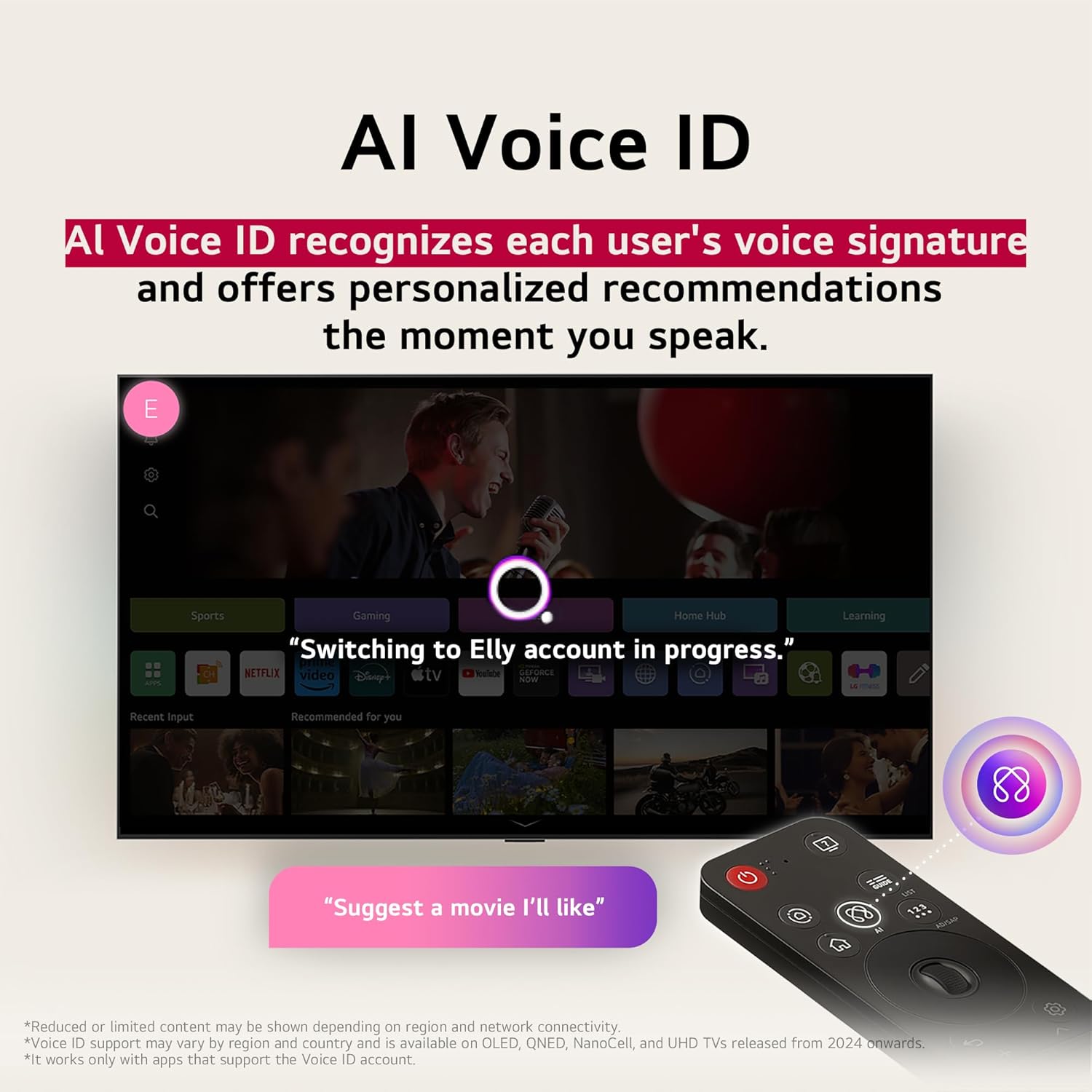
Image 4.2: AI Voice ID in action, providing personalized recommendations.

Image 4.3: AI Search interface on the LG TV.

Image 4.4: AI Chatbot providing assistance on the LG TV.
4.3 إعدادات الصورة
Your NANO80AUA TV delivers stunning 4K visuals with advanced picture technologies.
- شاشة عرض بدقة 4K UHD: Enjoy content in ultra-high definition.
- α7 AI Processor 4K Gen 8: Enhances brightness, sound, and refines picture detail with 4K upscaling and Dynamic Tone Mapping Pro.
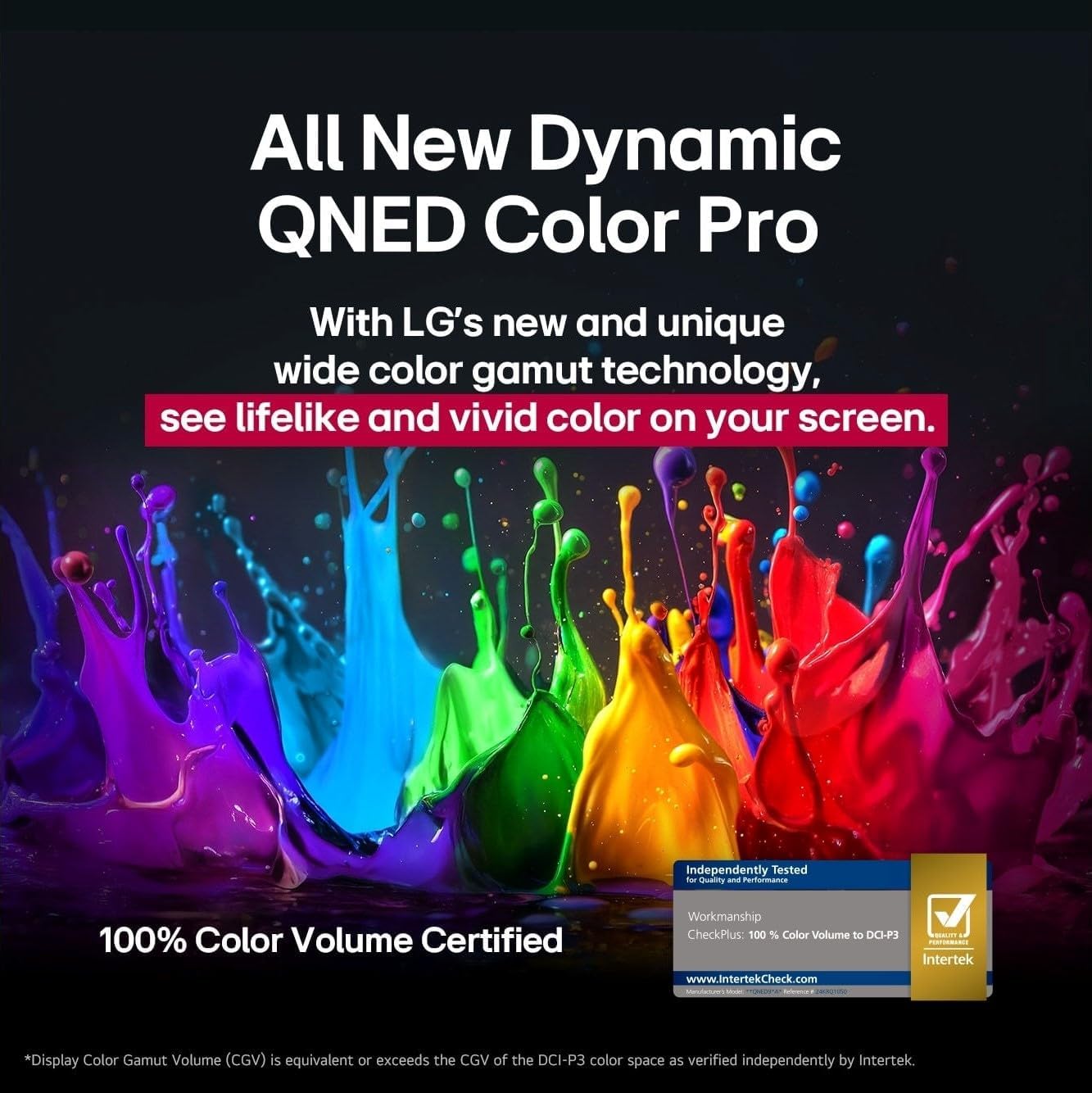
- شاشة نانو سيل: Experience over a billion vibrant colors.
- HDR10 & HGIG: Supports High Dynamic Range for improved contrast and color in compatible content.
- AI Picture Pro: يقوم بتحليل كل إطار لتحسين الدقة والسطوع والعمق والوضوح.
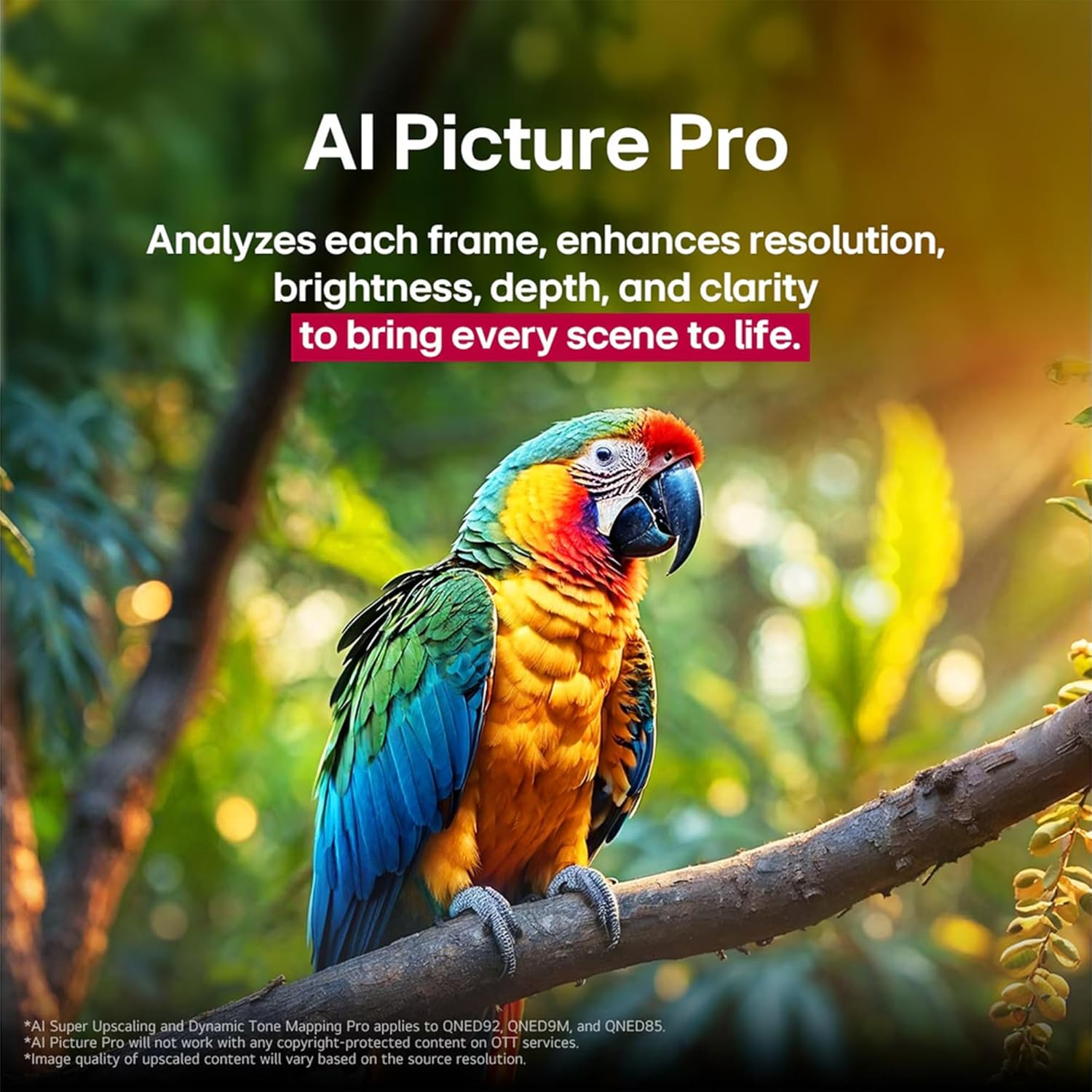
Image 4.5: The α7 AI Processor 4K Gen 8, responsible for picture enhancements.

Image 4.6: AI Picture Pro analyzing and enhancing image quality.
4.4 إعدادات الصوت
The TV features integrated sound enhancements for an immersive audio experience.
- AI Sound Pro: Fine-tunes your sound for impact, adapting to the content and environment.
- تكوين مكبر الصوت: 2.0 channel with 20 Watts output.
- مخرج الصوت: Digital audio output mode.
4.5 ميزات الألعاب
مُحسّن لتجربة لعب سريعة الاستجابة:
- ALLM (وضع الكمون المنخفض التلقائي): يتحول تلقائيًا إلى وضع زمن الاستجابة المنخفض لتجربة لعب أكثر سلاسة.
- HGIG (HDR Gaming Interest Group): Ensures HDR gaming content is displayed as intended by game developers.
- VRR (معدل التحديث المتغير): Supported for smoother gameplay, reducing screen tearing and stuttering. (Only works with games or PC inputs that support 60Hz).

Image 4.7: Gaming experience on the LG NANO80AUA with VRR.
5. الصيانة
5.1 تنظيف التلفزيون الخاص بك
- شاشة: امسح الشاشة برفق بقطعة قماش ناعمة وخالية من الوبر. لإزالة البقع الصعبة، امسح برفقampen the cloth with water or a specialized screen cleaner (ensure it's TV-safe).
- الإطار والحامل: استخدم قطعة قماش ناعمة وجافة لمسح الغبار.
- مهم: Never spray cleaners directly onto the screen or frame. Always unplug the TV before cleaning.
5.2 تحديثات البرامج
يدعم تلفزيون LG الخاص بك webOS Re:New Program, which provides software upgrades over five years. Ensure your TV is connected to the internet to receive the latest updates for optimal performance and new features.
6. استكشاف الأخطاء وإصلاحها
إذا واجهت مشكلات مع التلفزيون الخاص بك، فراجع الحلول الشائعة التالية:
| مشكلة | الحل المحتمل |
|---|---|
| لا يوجد طاقة | تأكد من توصيل سلك الطاقة بإحكام بالتلفزيون ومقبس الكهرباء. اختبر المقبس بجهاز آخر. |
| لا توجد صورة، ولكن الصوت موجود | تأكد من اختيار مصدر الإدخال الصحيح. تحقق من توصيلات الكابلات بالأجهزة الخارجية. |
| لا يوجد صوت ولكن الصورة موجودة | Check the volume level and mute settings. Verify audio cable connections. If using external speakers, ensure they are powered on and correctly configured. |
| جهاز التحكم عن بعد لا يعمل | استبدل البطاريات في جهاز التحكم السحري. تأكد من عدم وجود أي عوائق بين جهاز التحكم والتلفزيون. أعد إقران جهاز التحكم إذا لزم الأمر. |
| لا يمكن الاتصال بشبكة Wi-Fi | Restart your router and modem. Check Wi-Fi settings on the TV and ensure the password is correct. Move the TV closer to the router if possible. |
For more detailed troubleshooting, refer to the on-screen help guide or visit the LG support webموقع.
7. المواصفات
Key technical specifications for the LG 65-Inch NANO80 4K Smart TV (Model: 65NANO80AUA):
- ماركة: LG
- نموذج: 65NANO80AUA
- سنة الموديل: 2025
- حجم الشاشة: 65 بوصة
- تكنولوجيا العرض: 4K UHD NanoCell
- دقة: 3840 × 2160 بكسل (4K)
- معدل التحديث: 60 هرتز
- المعالج: معالج α7 AI الجيل السادس 4K
- نظام التشغيل: webنظام التشغيل 25
- دعم HDR: HDR10, HGIG
- قوة إخراج الصوت: 20 واط (قناتان)
- الاتصال: بلوتوث، إيثرنت، HDMI، USB، واي فاي
- ميزات الألعاب: ALLM (Auto Low Latency Mode), VRR (Variable Refresh Rate)
- المساعدون الصوتيون: اليكسا مدمج
- الأبعاد (مع الحامل): 145.4 سم (عرض) × 90.3 سم (ارتفاع) × 26.9 سم (عمق)
- وزن: 27.5 كجم
- المكونات المتضمنة: Power Cable, Magic Remote, Stand, Remote Control Batteries
ملاحظة: المواصفات عرضة للتغيير دون إشعار.
8. الضمان والدعم
For warranty information, product registration, and technical support, please visit the official LG website or contact LG customer service. Keep your purchase receipt for warranty claims.
دعم عملاء LG: Visit LG Support Page