1. المقدمة
Welcome to your Karlsson Brisk Alarm Clock. This manual provides detailed instructions for the proper setup, operation, and maintenance of your new timepiece. Please read this manual thoroughly before use and retain it for future reference.
1.1 محتويات العبوة
- Karlsson Brisk Alarm Clock (Dark Grey)
- حامل متكامل
- دليل المستخدم (هذا المستند)

الشكل 1: الجبهة view of the Karlsson Brisk Alarm Clock, Dark Grey.
2. الإعداد
2.1 إدخال البطارية
The Karlsson Brisk Alarm Clock requires one AA battery (not included) for operation.
- حدد مكان حجرة البطارية على الجزء الخلفي من الساعة.
- Open the battery compartment cover by sliding or gently prying it open.
- قم بإدخال بطارية AA واحدة، مع التأكد من القطبية الصحيحة (+/-) كما هو موضح داخل الحجرة.
- أغلق غطاء حجرة البطارية جيدًا.

الشكل 2: العودة view of the clock, highlighting the battery compartment and control knobs.
2.2 ضبط الوقت
Once the battery is inserted, set the current time:
- Locate the time setting knob (usually the rightmost knob) on the back of the clock (refer to Figure 2).
- Gently turn this knob clockwise or counter-clockwise to adjust the hour and minute hands to the current time.
3. تشغيل المنبه
3.1 ضبط المنبه
To set your desired alarm time:
- Locate the alarm setting knob (usually the leftmost knob) on the back of the clock (refer to Figure 2).
- Turn the alarm setting knob to move the small alarm hand to your desired alarm time.
- Ensure the alarm ON/OFF switch (located on the back, typically a slider) is in the "ON" position to activate the alarm.
3.2 Turning the Alarm On/Off
Use the ON/OFF switch on the back of the clock to activate or deactivate the alarm function.
- Slide the switch to "ON" to enable the alarm. The alarm will sound at the set time.
- Slide the switch to "OFF" to disable the alarm. The alarm will not sound.
4. الصيانة
4.1 التنظيف
To clean the clock, gently wipe the surface with a soft, dry cloth. Do not use abrasive cleaners, chemical solvents, or excessive moisture, as these may damage the finish or internal components.
4.2 استبدال البطارية
Replace the AA battery when the clock hands slow down or stop moving, or if the alarm sound weakens. Follow the "Inserting the Battery" instructions in Section 2.1.
5. استكشاف الأخطاء وإصلاحها
| مشكلة | السبب المحتمل | حل |
|---|---|---|
| الساعة لا تعمل / عقاربها لا تتحرك | Battery incorrectly inserted or depleted. | Check battery polarity. Replace with a new AA battery. |
| إنذار لا يصدر | Alarm switch is OFF, battery low, or alarm time incorrectly set. | Ensure alarm ON/OFF switch is in "ON" position. Replace battery. Verify alarm hand is set to the desired time. |
6. المواصفات
| ميزة | التفاصيل |
|---|---|
| ماركة | كارلسون |
| نموذج | Brisk Alarm Clock |
| لون | رمادي غامق |
| مادة | حديد |
| الأبعاد (العرض × الارتفاع × العمق) | 11 سم × 13.8 سم × 6.5 سم |
| وزن | 300 جرام |
| مصدر الطاقة | بطاريتان AA (غير متضمنة) |
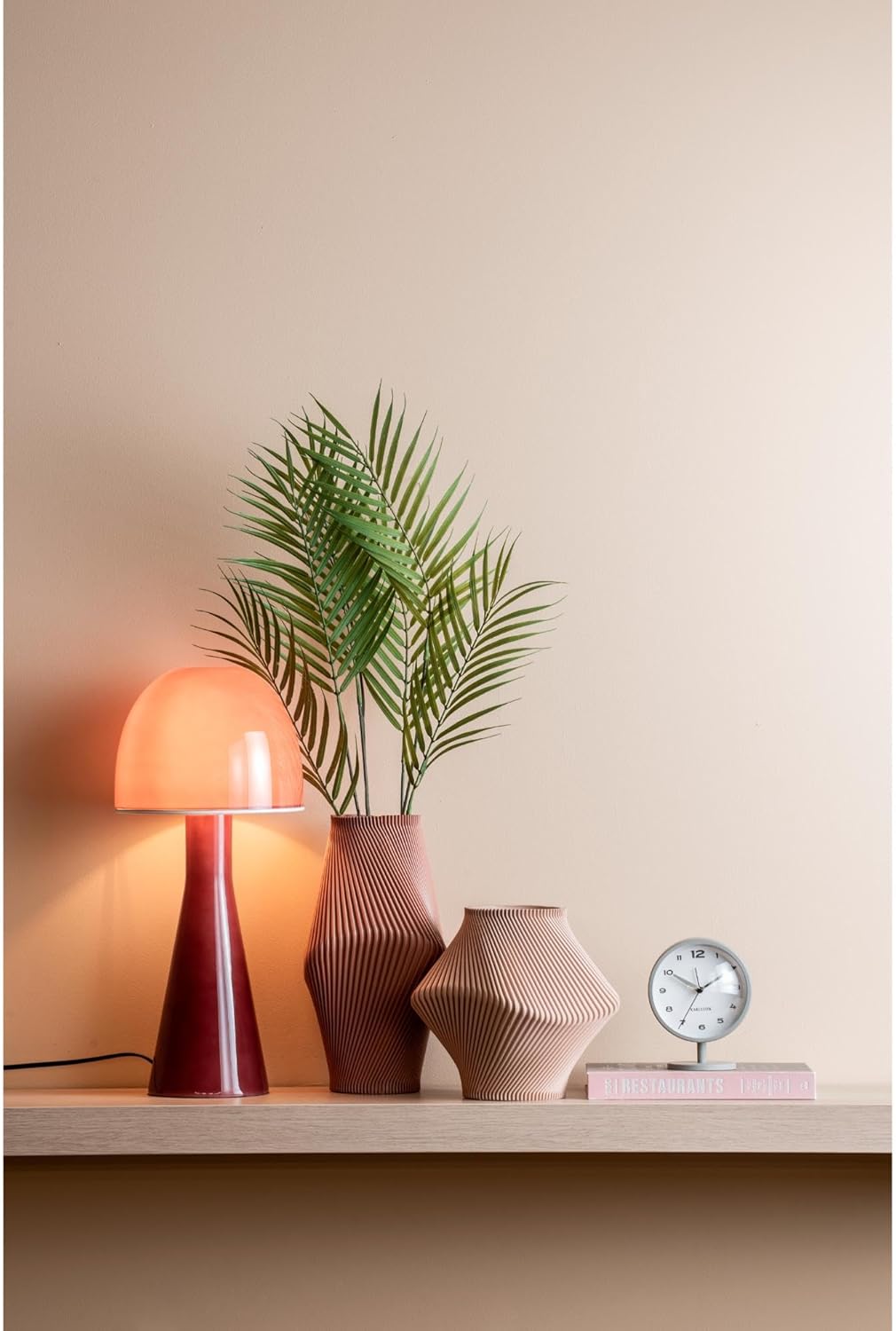
Figure 3: The Karlsson Brisk Alarm Clock displayed in a contemporary interior, illustrating its size and aesthetic.
7. الضمان والدعم
For warranty information, technical support, or service inquiries, please refer to the retailer where the product was purchased. It is recommended to keep your proof of purchase for any warranty claims. You may also visit the official Karlsson webموقع للحصول على موارد دعم إضافية.


