Introduction to Your Google Pixel 9a
This manual provides detailed, step-by-step instructions to help you navigate your new Google Pixel 9a smartphone with ease. Designed for both first-time Pixel users and those upgrading from a previous model, this guide covers essential functions, customization options, and troubleshooting tips to ensure the best user experience.
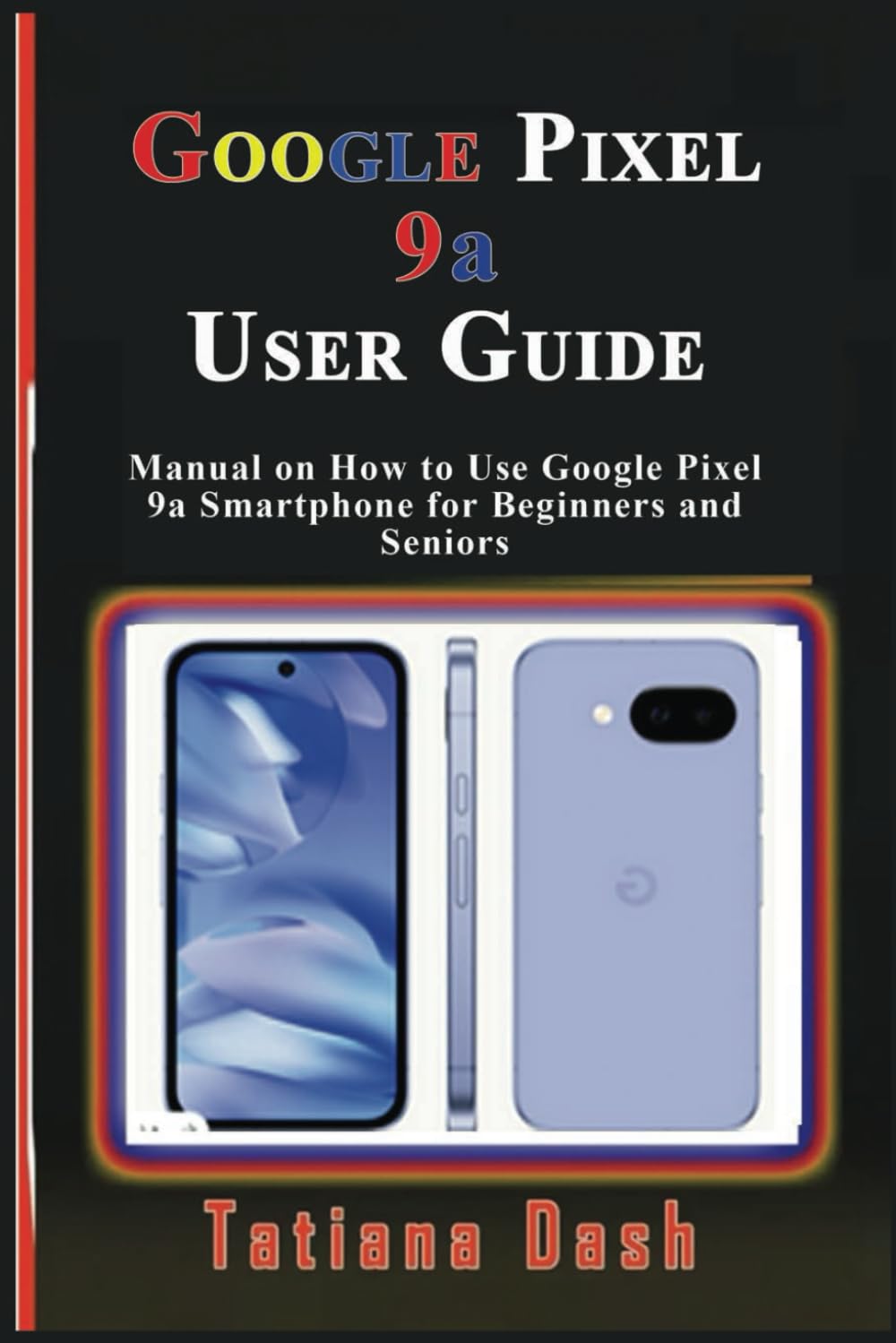
Image: Front cover of the Google Pixel 9a User Guide. This image displays the title and author of the manual.
1. إعداد الجهاز
Begin your Pixel 9a experience by setting up your device and configuring your network settings.
1.1 تكوين الجهاز الأولي
- تشغيل الطاقة: اضغط مع الاستمرار على زر الطاقة حتى يظهر شعار جوجل.
- اختيار اللغة: اختر اللغة المفضلة لديك من القائمة.
- الاتصال بشبكة Wi-Fi: Select an available Wi-Fi network and enter the password if required.
- نسخ التطبيقات والبيانات: اتبع التعليمات التي تظهر على الشاشة لنقل البيانات من جهاز قديم أو إعداده كجهاز جديد.
- تسجيل الدخول إلى حساب Google: أدخل بيانات اعتماد حساب Google الخاص بك أو قم بإنشاء حساب جديد.
1.2 eSIM or SIM Card Settings
- Physical SIM: Insert your nano-SIM card into the SIM tray using the provided SIM ejector tool.
- تفعيل الشريحة الإلكترونية (eSIM): انتقل إلى الإعدادات > الشبكة والإنترنت > شرائح SIM واتبع التعليمات لإضافة شريحة eSIM Profile.
2. Operating Your Pixel 9a
Familiarize yourself with the core functionalities and interface of your smartphone.
2.1 Mastering the Interface
- الشاشة الرئيسية: Learn to navigate between home screens, add widgets, and organize apps.
- إيماءات التنقل: فهم إيماءات التمرير للشاشة الرئيسية، والرجوع، والتطبيقات الحديثة.
- الإعدادات السريعة: Swipe down from the top of the screen to access essential settings like Wi-Fi, Bluetooth, and flashlight.
- إشعارات: Manage and respond to notifications from the notification shade.
2.2 خيارات التخصيص
- خلفيات: Change your home and lock screen wallpapers via Settings > Wallpaper & style. Explore AI wallpapers for unique designs.
- المواضيع: Apply different themes to alter the overall look and feel of your device.
- الحاجيات: Add widgets to your home screen for quick access to information and functions.
- اعدادات العرض: Adjust brightness, dark theme, night light, and screen timeout in الإعدادات > العرض.
2.3 Calls, Messages, & Contacts
- اجراء اتصالات: استخدم تطبيق الهاتف للاتصال بالأرقام أو تحديد جهات الاتصال.
- إعداد البريد الصوتي: Configure your voicemail service through your carrier's instructions.
- Google Messages: Send and receive text messages, including RCS chats, using the Messages app.
- إدارة جهات الاتصال: Add, edit, and organize contacts in the Contacts app. Sync contacts with your Google Account for backup.
2.4 Connectivity Essentials
- واي فاي: الاتصال بالشبكات اللاسلكية عبر الإعدادات > الشبكة والإنترنت > الإنترنت.
- بيانات الجوال: Enable or disable mobile data and manage data usage in الإعدادات > الشبكة والإنترنت > شرائح SIM.
- بلوتوث: قم بإقرانها مع أجهزة البلوتوث مثل سماعات الرأس أو مكبرات الصوت عبر الإعدادات > الأجهزة المتصلة.
- مشاركة قريبة: يشارك files quickly with nearby Android devices.
- نقطة اتصال شخصية: Turn your Pixel 9a into a Wi-Fi hotspot to share your mobile data connection.
- USB & Bluetooth Tethering: Share your internet connection with other devices via USB cable or Bluetooth.
2.5 Google Camera & Photos
- التقاط الصور: افتح تطبيق الكاميرا وانقر على زر الغالق.
- أوضاع الكاميرا: Explore various modes such as Portrait, Night Sight, Panorama, and Video.
- صور جوجل: Automatically back up your photos and videos to Google Photos for secure storage and easy access across devices.
3. Battery & Performance Optimization
Optimize your device's battery life and overall performance.
- توفير البطارية: قم بتفعيل وضع توفير الطاقة في الإعدادات > البطارية > توفير البطارية to extend battery life by limiting background activity.
- بطارية قابلة للتكيف: This feature learns your usage patterns to prioritize power for apps you use most.
- ادارة المساحة: Regularly check and free up storage space via الإعدادات > التخزين للحفاظ على الأداء الأمثل.
- الرفاهية الرقمية: Use Digital Wellbeing features to monitor and manage your screen time and app usage.
4. Privacy & Security
Protect your personal information and secure your device.
- العثور على جهازي: Set up Find My Device to locate, lock, or erase your phone remotely if it's lost or stolen.
- تصفح آمن: Ensure Safe Browsing is enabled in your browser settings to protect against malicious webالمواقع.
- أذونات التطبيق: Review and manage app permissions in الإعدادات > التطبيقات > عرض جميع التطبيقات > [اسم التطبيق] > الأذونات.
- لوحة معلومات الخصوصية: Access the Privacy Dashboard to see which apps have accessed your location, camera, or microphone recently.
5. Troubleshooting & Updates
Solutions for common issues and information on software updates.
5.1 المشكلات الشائعة والحلول
- تعطل التطبيق: Clear app cache/data or reinstall the app.
- مشاكل الاتصال: Toggle Wi-Fi/Bluetooth off and on, restart your device, or reset network settings.
- الجهاز لا يستجيب: Perform a soft reset by holding the power button for about 30 seconds.
5.2 إعادة ضبط الجهاز
- إعادة تشغيل رقيقة: Simply restart your phone.
- Hard Reset (Factory Data Reset): اذهب الى الإعدادات > النظام > خيارات إعادة الضبط > مسح جميع البيانات (إعادة ضبط المصنع). تحذير: سيؤدي هذا إلى مسح جميع البيانات الموجودة على جهازك. لذا، يُرجى عمل نسخة احتياطية من المعلومات المهمة أولاً.
5.3 تحديثات البرامج
Your Pixel 9a will receive regular software updates to improve performance, add new features, and enhance security. Check for updates in الإعدادات > النظام > تحديث النظام.
6. Tips, Tricks & Hidden Features
Discover advanced functionalities to enhance your Pixel 9a experience.
- نقرة سريعة: Assign custom actions to a double-tap on the back of your phone.
- الروتينات: Automate tasks based on specific conditions (e.g., turn on Wi-Fi when you arrive home).
- Hidden Pixel 9a Features: Explore unique Pixel-exclusive features for photography, AI, and more.
- Comparison to Pixel 8a: Understand the key improvements and differences if you are upgrading from a Pixel 8a.

Image: Back cover of the Google Pixel 9a User Guide. This image shows the ISBN barcode and publishing details.
رقم ISBN-13: 979-8315618027
7. المواصفات
Key technical specifications for the Google Pixel 9a User Guide (Paperback).
| ميزة | التفاصيل |
|---|---|
| ASIN | B0F2MZQW46 |
| الناشر | نُشرت بشكل مستقل |
| تاريخ النشر | 26 مارس 2025 |
| لغة | إنجليزي |
| طول الطباعة | 60 صفحة |
| رقم الكتاب الدولي المعياري 13 | 979-8315618027 |
| وزن العنصر | 5 أونصات |
| أبعاد | 6 × 0.14 × 9 بوصة |
8. معلومات الضمان والدعم
Information regarding product warranty and customer support is not available in the provided data for this user manual. Please refer to the official Google Pixel 9a documentation or Google's support website for warranty details and assistance.


