This manual provides detailed instructions for the installation, operation, and maintenance of your MOUNTUP Heavy Duty Single Monitor Arm. Designed for screens ranging from 22 to 42 inches and supporting weights from 4.4 to 33 lbs, this monitor arm offers superior stability and ergonomic adjustability to optimize your workspace. Please read this manual thoroughly before installation to ensure safe and correct usage.
Before beginning, ensure all parts are accounted for. The package typically includes:

Image: MOUNTUP Heavy Duty Single Monitor Arm, showcasing its main components including the adjustable arm, the C-clamp mounting option, and the grommet base option. A monitor is shown attached to the arm, illustrating its functionality.
The MOUNTUP monitor arm offers two versatile mounting methods:

Image: A detailed diagram illustrating the two available mounting options: the C-clamp for desk edges (0.39-2.76 inches thick) and the grommet hole mount for desks with existing holes (0.39-2.36 inches thick, 0.39-2.36 inches hole diameter).
The monitor arm is compatible with VESA patterns of 75x75mm and 100x100mm. Ensure your monitor has one of these patterns.

Image: This graphic details the monitor arm's adaptability, showing VESA compatibility (75x75mm, 100x100mm), load capacity (4.4-33 lbs), height range (9.3-22.1 inches), and maximum extension (23.8 inches).
The MOUNTUP monitor arm allows for a wide range of adjustments to achieve optimal ergonomic positioning:

Image: This image showcases the monitor arm's full range of motion, including tilt (+90°/-45°), swivel (±90°), and 360° rotation, allowing for optimal ergonomic positioning.
Video: This video demonstrates the various adjustments possible with the MOUNTUP Heavy Duty Monitor Arm, including height, tilt, swivel, and rotation, highlighting its ergonomic flexibility.
The monitor arm features an integrated cable management system to keep your workspace tidy and free from clutter. Route your monitor cables through the designated channels along the arm to maintain a clean aesthetic and prevent cable damage.

Image: An image demonstrating the integrated cable management system of the monitor arm, which helps organize wires and free up desktop space for a cleaner, more productive environment.

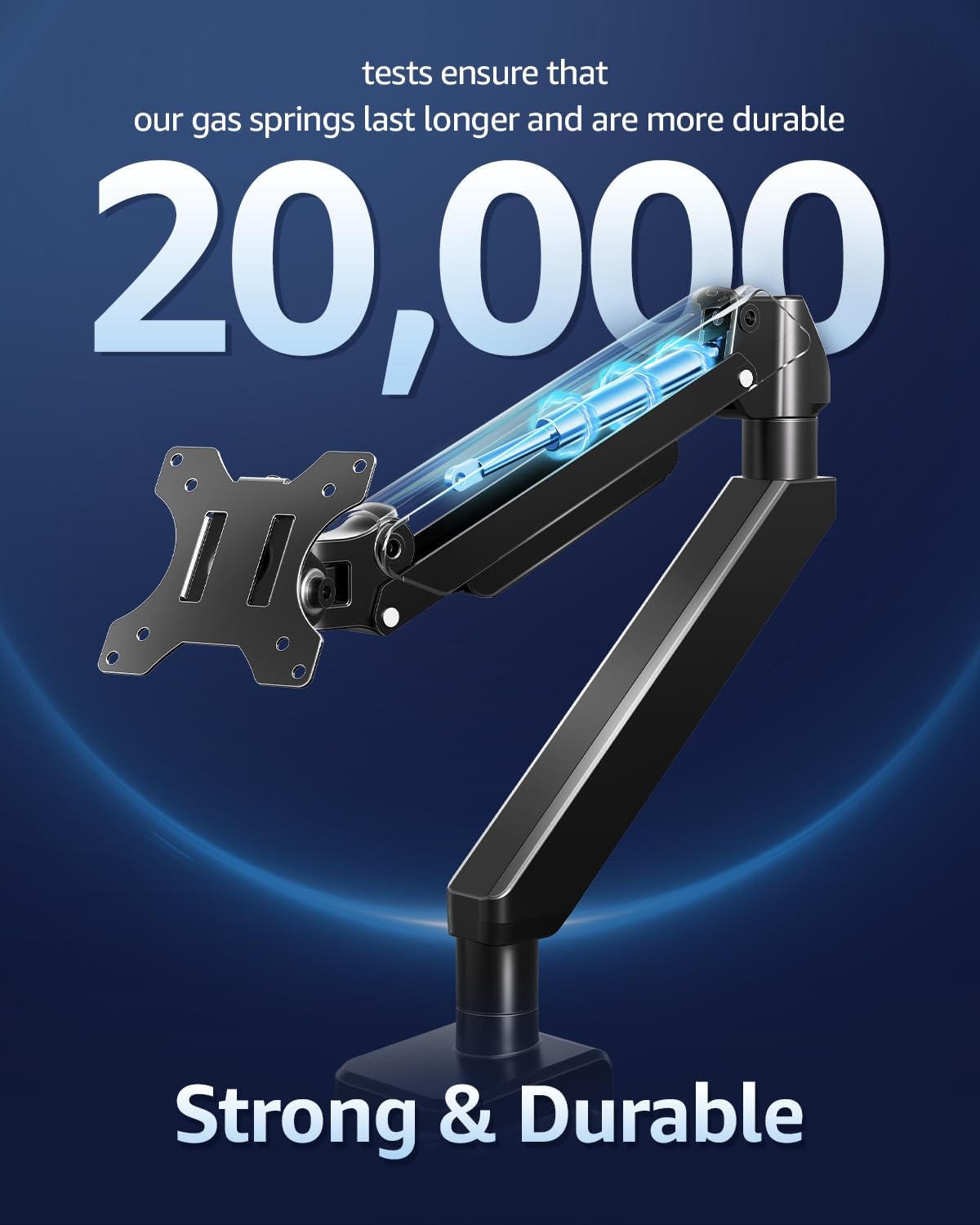
الصورة: مقطع view highlighting the durable gas springs within the monitor arm, indicating their longevity and reliability, tested for over 20,000 cycles.
| ميزة | مواصفة |
|---|---|
| حجم الشاشة المتوافق | 22-42 بوصة |
| سعة التحميل | 4.4 - 33 رطل (2 - 15 كجم) |
| التوافق مع VESA | 75×75 مم، 100×100 مم |
| نوع التركيب | حامل سطح الطاولة (C-Clamp or Grommet Base) |
| سي- Clamp سمك المكتب | 0.39 - 2.76 بوصة |
| سُمك فتحة التثبيت المكتبية | 0.39 - 2.36 بوصة |
| قطر فتحة الحلقة | 0.39 - 2.36 بوصة |
| نوع الحركة | إمالة، تدوير، تدوير، ضبط الارتفاع، حركة كاملة |
| زاوية الميل | +90° / -45° |
| زاوية الدوران | ±90 درجة |
| تناوب | 360° |
| الطول الحد الاقصى | 22.1 بوصة |
| أقصى امتداد | 23.8 بوصة |
| مادة | سبائك الفولاذ |
| لون | أسود |

Image: An illustration highlighting the monitor arm's robust load capacity, capable of supporting up to 33 pounds, ensuring stability for various monitor sizes.

Image: An image illustrating the monitor arm's capability to support large ultrawide monitors up to 42 inches, providing an expansive viewتجربة رائعة.
For detailed warranty information regarding your MOUNTUP Heavy Duty Single Monitor Arm, please refer to the official MOUNTUP website or the warranty card included in your product packaging. Warranty terms and conditions may vary by region and retailer.
Should you require technical assistance, have questions about installation, or need further support for your MOUNTUP Heavy Duty Single Monitor Arm, please contact MOUNTUP customer service through their official website or the contact information provided in your product documentation. Please have your model number (Heavy Duty Single Monitor Arm) and purchase details ready when contacting support.
![]() |
دليل التعليمات لتثبيت شاشة واحدة على المكتب من MOUNTUP دليل التعليمات الشامل لحامل المكتب الفردي MOUNTUP، والذي يوضح بالتفصيل التجميع والتركيب والتعديلات والصيانة للشاشات المتوافقة مع VESA. |
![]() |
دليل تركيب حامل الشاشة المكتبي الفردي MOUNTUP MU3003 تعليمات التثبيت الشاملة لحامل الشاشة المكتبي الفردي MOUNTUP MU3003، الذي يغطي كل شيءamp تركيب قاعدة الحلقة المعدنية، وربط الشاشة، وتعديل الإمالة والدوران. يتضمن أبعاد المنتج وتفاصيل الأجهزة. |
![]() |
دليل تركيب حامل الشاشة المكتبي الفردي المتميز من MOUNTUP دليل شامل للتركيب والتعديل لحامل الشاشة المكتبي MOUNTUP Premium Single Monitor (طراز AG9-21-US1.0). يتميز بتوافقه مع معايير VESA (75x75 مم، 100x100 مم)، ويدعم الشاشات التي يتراوح وزنها بين 1 كجم و17 كجم (2.2-37.5 رطل). يتضمن كلاً من:amp وخيارات تركيب الحلقات، وضبط شد زنبرك الغاز، وإدارة الكابلات. |
![]() |
دليل تعليمات حامل الشاشة المكتبي الفردي MOUNTUP YZ2216-US3.0 دليل تعليمات شامل لحامل الشاشة المكتبي MOUNTUP YZ2216-US3.0 الفردي، يشرح بالتفصيل إجراءات التجميع والتركيب والتعديل لأذرع الشاشة ذات الزنبرك الغازي. يتضمن أبعاد المنتج، ومحتويات العبوة، ودليلًا تفصيليًا. |
![]() |
دليل تركيب حامل الشاشة المزدوجة MOUNTUP تعليمات تركيب شاملة لحامل الشاشة المزدوج MOUNTUP، المزود بأذرع شاشة هوائية، وحوامل VESA، وارتفاع قابل للتعديل. تتضمن تفاصيل حولamp وتركيب قاعدة الحلقة، وتجميع الذراع، وتركيب الشاشة. |
![]() |
دليل التعليمات لحامل الشاشة المزدوجة على المكتب من MOUNTUP دليل التعليمات الشامل لحامل المكتب المزدوج MOUNTUP، وتفاصيل التجميع وخيارات التثبيت (clamp ملحقات الشاشة والتعديلات والصيانة للشاشات المتوافقة مع معايير VESA. |