مقدمة
Thank you for choosing the iJoy Squishmallows Bluetooth Over-Ear Headphones. This manual provides essential information for setting up, operating, and maintaining your new headphones. Please read these instructions carefully before use to ensure optimal performance and longevity of your device.

iJoy Squishmallows Bluetooth Over-Ear Headphones, Black/White - Multi color variant.
ماذا يوجد في الصندوق
تأكد من وجود جميع العناصر قبل متابعة الإعداد:
- سماعات بلوتوث
- كابل شحن USB
- كابل مساعد احتياطي
- دليل المستخدم (هذا المستند)
مميزات المنتج
- اتصال بلوتوث لاسلكي: Enjoy audio freedom with Bluetooth 4.0.
- تصميم فوق الأذن: Comfortable earcups for extended listening.
- الضوابط المتكاملة: 5-button control for playback, calls, and equalizer.
- عمر بطارية طويل: ما يصل إلى 15 ساعة من اللعب بشحنة واحدة.
- تصميم قابل للطي: Compact and portable for travel and storage.
- خيارات التشغيل المتعددة: Supports Bluetooth, Micro SD card, FM radio, and wired Aux connection.
- ميكروفون مدمج: لإجراء مكالمات بدون استخدام اليدين.

استمتع بما يصل إلى 15 ساعات من تشغيل الصوت المتواصل.

Features noise cancelling technology and includes an Aux cable for wired use.
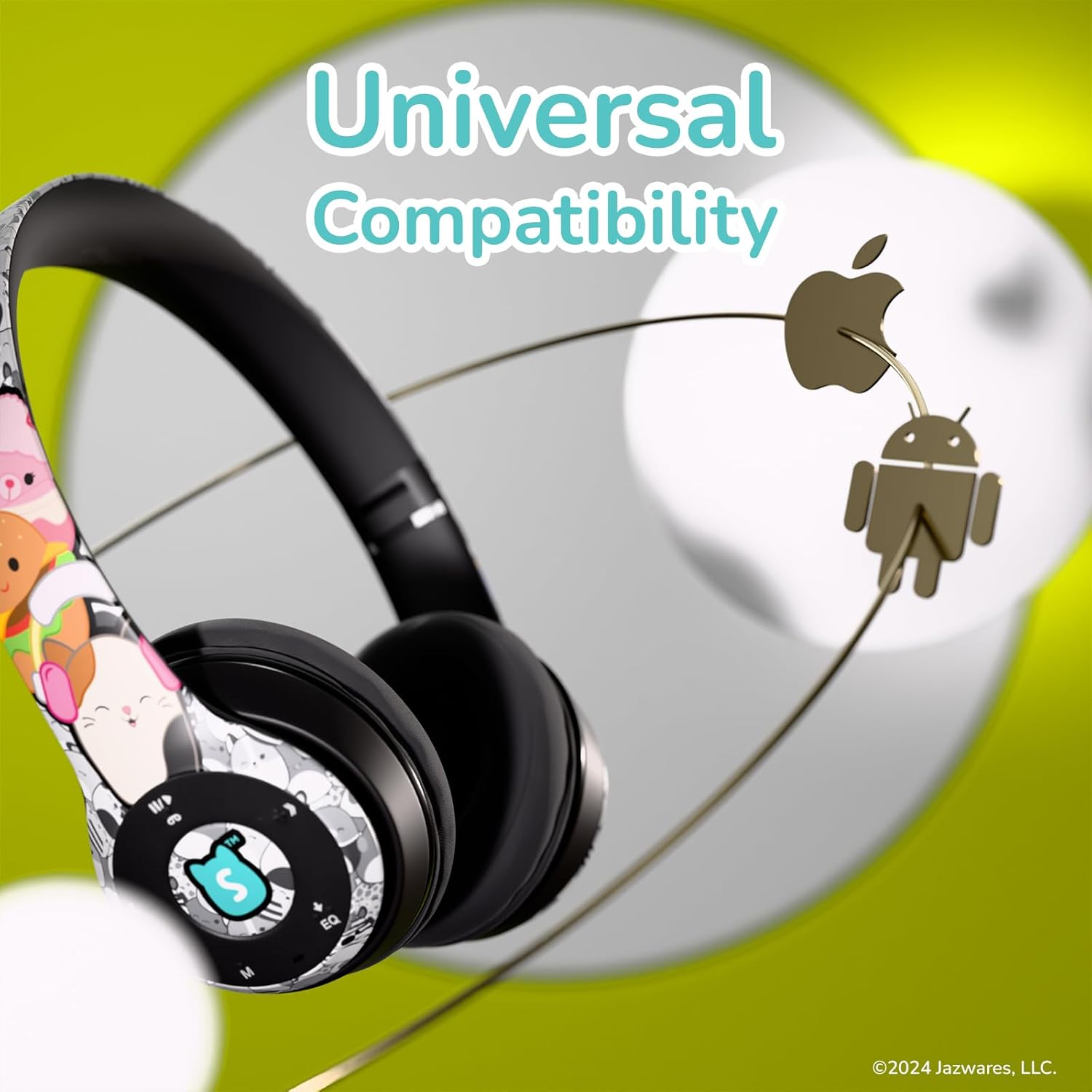
Universally compatible with Bluetooth-enabled devices.

تصميم قابل للطي عملي لسهولة التخزين والنقل.
يثبت
1. شحن سماعات الرأس
- Locate the USB charging port on the headphones.
- Connect the provided USB charging cable to the headphones and a compatible USB power source (e.g., computer USB port, wall adapter).
- سيضيء مؤشر LED أثناء الشحن ثم ينطفئ أو يتغير لونه عند الشحن الكامل.
- تستغرق عملية الشحن الكامل عادةً ما يقرب من 2 إلى 3 ساعات.
2. اقتران بلوتوث
- تأكد من شحن سماعات الرأس بالكامل.
- Press and hold the Power button (usually the Play/Pause button) until the LED indicator flashes blue and red, indicating pairing mode.
- على جهازك (الهاتف الذكي، الجهاز اللوحي، الكمبيوتر)، قم بتمكين البلوتوث وابحث عن الأجهزة المتاحة.
- Select "iJoy Squishmallows" from the list of devices.
- بمجرد الاتصال، سيعرض مؤشر LED عادةً ضوءًا أزرق ثابتًا أو يومض باللون الأزرق ببطء.
تعليمات التشغيل
ضوابط أكثرview

Control buttons located on the earcup for easy access.
- Play/Pause/Answer Call Button: Press once to play/pause music or answer/end a call. Press and hold to reject a call.
- Volume Up / Next Track Button (+ / >>): اضغط مرة واحدة لزيادة مستوى الصوت. اضغط مع الاستمرار للانتقال إلى المقطع التالي.
- Volume Down / Previous Track Button (- / <<): اضغط مرة واحدة لخفض مستوى الصوت. اضغط مع الاستمرار للانتقال إلى المقطع السابق.
- Mode Selector Button (M): Press to switch between Bluetooth, FM Radio, and Micro SD card modes.
- Equalizer Switcher Button (EQ): Press to cycle through available equalizer presets.
باستخدام بطاقة مايكرو SD
- Insert a Micro SD card (with MP3 audio files) في الفتحة المخصصة على سماعات الرأس.
- Press the 'M' button to switch to Micro SD card mode.
- Use the Play/Pause and track skip buttons to control playback.
باستخدام راديو FM
- Press the 'M' button to switch to FM Radio mode.
- اضغط مع الاستمرار على زر التشغيل/الإيقاف المؤقت لمسح وحفظ محطات FM المتاحة تلقائيًا.
- استخدم أزرار المسار التالي/السابق للتنقل بين المحطات المحفوظة.
Wired Connection (Aux Cable)
- Insert the provided 3.5mm Aux cable into the Aux-in port on the headphones.
- Connect the other end of the Aux cable to your audio device's 3.5mm audio output.
- The headphones will automatically switch to wired mode. Note that controls on the headphones may be limited in wired mode, and playback will be controlled by your connected device.
الرد على المكالمات
- عند ورود مكالمة، ستتوقف الموسيقى مؤقتًا.
- Press the Play/Pause/Answer Call button once to answer the call.
- Press the Play/Pause/Answer Call button once again to end the call.
- Press and hold the Play/Pause/Answer Call button to reject an incoming call.
صيانة
- تنظيف: استخدم قطعة قماش ناعمة وجافة لتنظيف سماعات الرأس. لا تستخدم منظفات أو مذيبات كاشطة.
- تخزين: عند عدم الاستخدام، احفظ سماعات الرأس في مكان بارد وجاف، بعيدًا عن أشعة الشمس المباشرة ودرجات الحرارة القصوى. يتيح تصميمها القابل للطي تخزينها بشكل مضغوط.
- العناية بالبطارية: للحفاظ على عمر البطارية، اشحن سماعات الرأس بانتظام، حتى لو لم تستخدمها بكثرة. تجنب تفريغ البطارية بالكامل لفترات طويلة.
- تجنب الرطوبة: احتفظ بسماعات الرأس بعيدًا عن الماء والرطوبة الزائدة.
استكشاف الأخطاء وإصلاحها
| مشكلة | الحل المحتمل |
|---|---|
| لا يتم تشغيل سماعات الرأس. | تأكد من شحن سماعات الرأس بالكامل. اضغط مع الاستمرار على زر التشغيل لبضع ثوانٍ. |
| لا يمكن الاقتران عبر البلوتوث. | Ensure headphones are in pairing mode (flashing blue/red LED). Turn off and on Bluetooth on your device. Move closer to the headphones. |
| لا يوجد صوت أو مستوى الصوت منخفض. | Check volume levels on both headphones and connected device. Ensure headphones are properly paired or Aux cable is fully inserted. |
| استقبال الراديو FM ضعيف. | Ensure you are in an area with good signal strength. Re-scan for stations. |
| لم يتم التعرف على بطاقة الذاكرة الصغيرة (Micro SD). | Ensure the card is inserted correctly and contains compatible audio files (MP3). Try reinserting the card. |
تحديد
| ميزة | التفاصيل |
|---|---|
| اسم الموديل | Squishmallows Bluetooth Headphones |
| رقم الموديل | SQ-BTHP |
| تكنولوجيا الاتصال | لاسلكي (بلوتوث)، سلكي (مقبس 3.5 ملم) |
| نسخة البلوتوث | 4.0 |
| مدى البلوتوث | حتى 33 قدمًا (10 أمتار) |
| عمر البطارية | حتى ساعتين |
| نوع التحكم | زر |
| وضع الأذن | فوق الأذن |
| مادة | قماش فخم |
| وزن العنصر | 5 أونصة (حوالي 142 جرامًا) |
| الشركة المصنعة | شركة كويست الولايات المتحدة الأمريكية |
| رمز المنتج الموحد | 810146467779 |
الضمان والدعم
iJoy products are designed for quality and reliability. For information regarding warranty coverage, technical support, or customer service, please refer to the contact details provided on the product packaging or visit the official iJoy webيرجى الاحتفاظ بإثبات الشراء الخاص بك لأي مطالبات بالضمان.


