مقدمة
This manual provides detailed instructions for the setup, operation, and maintenance of your Skullcandy Crusher 540 Active Wireless Bluetooth Headphones. Please read thoroughly to ensure optimal performance and longevity of your device.
ماذا يوجد في الصندوق
The Skullcandy Crusher 540 Active package includes the following items:
- Crusher 540 Active Headphones
- حافظة حماية
- كابل 3.5 مم
- كابل شحن USB-C
- دليل المستخدم (هذا المستند)
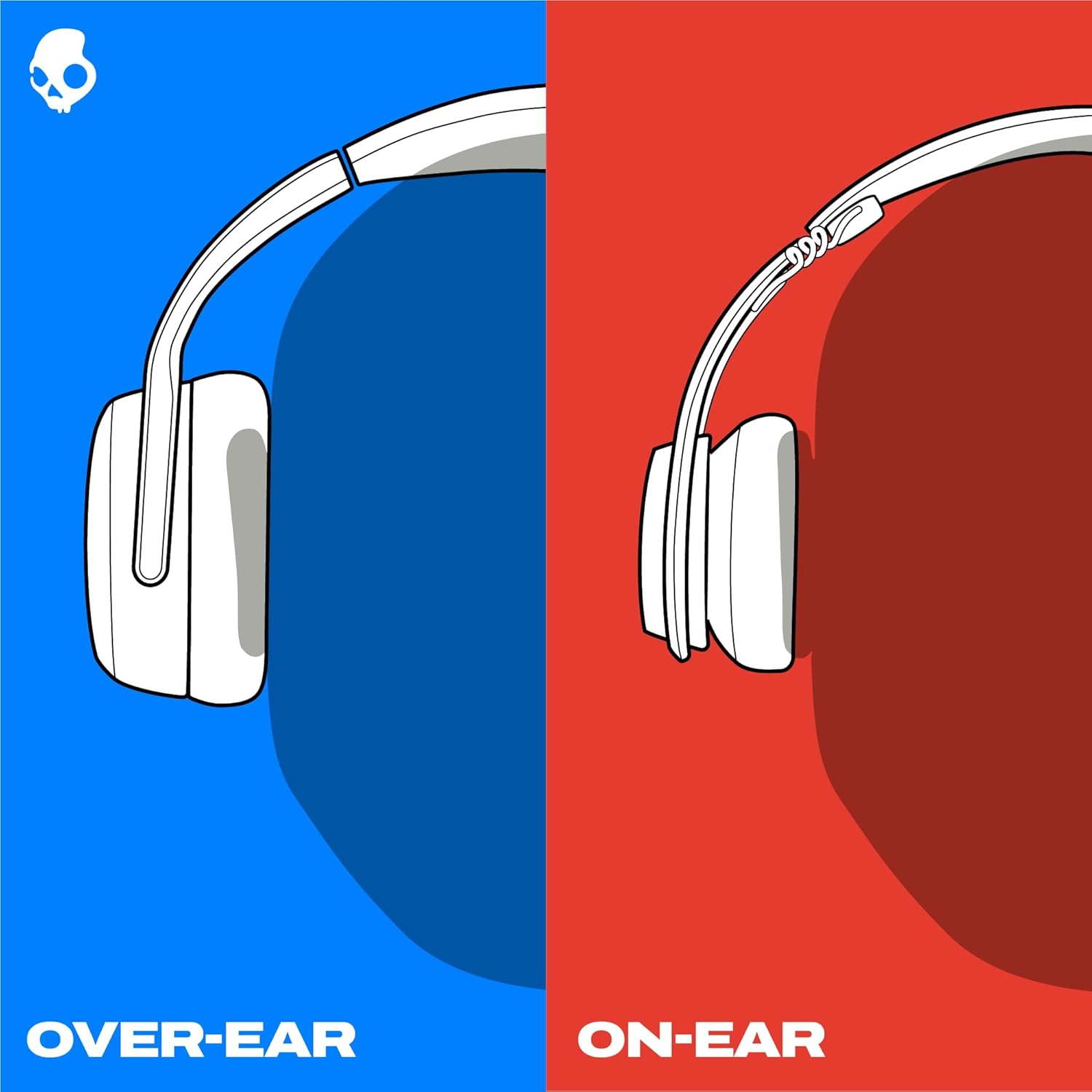
Image: All items included in the Skullcandy Crusher 540 Active package, neatly arranged.
يثبت
تشغيل/إيقاف التشغيل
- لتشغيل: Press and hold the Power button for 1 second. The LED will show purple for 1 second, and a voice prompt will say "Power On".
- لإيقاف التشغيل: Press and hold the Power button for 2 seconds. The LED will show purple for 1 second.
بلوتوث الاقتران
Your headphones will automatically enter pairing mode the first time they are powered on. For subsequent pairings or to pair with a new device, follow these steps:
- Initial Pairing (First Use): Power on the headphones. A voice prompt will say "Power On", then "Pairing". The LEDs will pulse red and blue, indicating pairing mode.
- New Device Pairing (Headphones already paired): If your headphones are already powered on and paired to a device, press and hold the Multi-function button for 4 seconds. You will hear "Disconnected", then "Pairing". The LEDs will pulse red and blue.
- New Device Pairing (Headphones off): If your headphones are off, press and hold the Power button for 4 seconds. The headphones will power on and directly enter pairing mode. A voice prompt will say "Ready to Pair".
- On your device (smartphone, tablet, etc.), open Bluetooth settings.
- Locate "Crusher 540 Active" in the list of available devices and select it.
- Accept any "Pair" or "OK" prompts that appear on your device screen.
- Once connected, a voice prompt will say "Connected".

الصورة: الجانب view of the Skullcandy Crusher 540 Active Headphones, highlighting the controls.
تشغيل سماعات الرأس الخاصة بك
الضوابط الافتراضية
The Crusher 540 Active headphones feature onboard button controls for various functions:
- Play/Pause Audio or Answer/End Call: Press the Multi-function button (MFB) once.
- رفض المكالمة الواردة: Press the MFB for 1 second.
- Adjust Crusher Bass: Move the Crusher slider (on the left earcup) up for more bass or down for less bass.
- رفع الصوت: اضغط على زر "+" مرة واحدة.
- اخفض الصوت: اضغط على زر "-" مرة واحدة.
- المسار للأمام: Hold the "+" button for 1 second.
- تتبع للوراء: Hold the "-" button for 1 second.
- Activate Device Assistant: Press the MFB twice, then speak your command.

Image: Close-up of the right earcup showing the volume and multi-function buttons.
عمر البطارية والشحن
Your headphones offer up to 40 hours of listening time on a single charge.
- الشحن: Use the provided USB-C cable to charge your headphones. The LED will indicate charging status.
- حالة البطارية: You can check the battery life in the Skullcandy App or on your paired device.
- إشعار انخفاض البطارية: When approximately 35 minutes (15%) of playtime remain, a voice prompt will say "Battery Low" every 10 minutes.
- الشحن السريع: A 10-minute charge provides over 4 hours of playtime.

Image: The Skullcandy Crusher 540 Active headphones with the USB-C charging cable inserted into the port.
Skullcandy App Features
Enhance your listening experience by utilizing the Skullcandy App:
- محترف الصوت الشخصيfile: إنشاء محترف صوت شخصيfile by taking a short hearing test within the app. This tunes your headphones to your unique hearing, revealing details you might have missed.
- أوضاع EQ: Select from three preset Equalizer (EQ) modes: Music, Podcast, or Movie. A custom EQ mode is also available.
- Access User Guides & Troubleshooting: The app provides additional support resources.

Image: A smartphone displaying the Skullcandy app interface, showing options for Personal Sound and Equalizers.
صيانة
Proper care ensures the longevity and performance of your Skullcandy Crusher 540 Active headphones.
- تنظيف: Use a soft, dry cloth to clean the exterior of the headphones. For ear cushions, gently wipe with a damp cloth and mild soap if necessary, then allow to air dry completely. Avoid harsh chemicals or abrasive materials.
- مقاومة العرق والماء: The headphones feature a sweat and water-resistant nano-coating. While designed to withstand workouts, avoid submerging them in water. Ensure the charging port cover is securely closed when not charging.
- تخزين: When not in use, store the headphones in their protective case to prevent damage from dust, scratches, and impacts. Avoid storing in extreme temperatures.
استكشاف الأخطاء وإصلاحها
Resetting Your Headphones
If you experience pairing difficulties or other functional issues, a reset may resolve the problem:
- First, remove "Crusher 540 Active" from your device's Bluetooth paired list (e.g., "Forget This Device" in your phone's Bluetooth settings).
- قم بإيقاف تشغيل Bluetooth على جهازك.
- قم بتشغيل سماعات الرأس.
- Press the Volume Up ("+") and Volume Down ("-") buttons simultaneously for 2 seconds.
- A tone will indicate a successful reset, and the headphone's LED will quickly flash light blue three times.
- The headphones will then enter pairing mode, indicated by a voice prompt saying "Pairing" and the LED pulsing red and blue.
- Turn on your device's Bluetooth and re-pair with "Crusher 540 Active" as described in the "Bluetooth Pairing" section.
القضايا العامة
- لا يوجد طاقة: تأكد من شحن سماعات الرأس. وصّلها بمصدر طاقة باستخدام كابل USB-C.
- لا يوجد صوت: Check volume levels on both headphones and the connected device. Ensure the headphones are properly paired.
- ضعف جودة الصوت: Ensure the headphones are within range of the paired device. Check for interference from other wireless devices.
تحديد
| اسم الموديل | Crusher 540 Active |
| رقم الموديل | S6EVW-T992 |
| ماركة | سكول كاندي |
| تكنولوجيا الاتصال | لاسلكي (بلوتوث 5.0) |
| عمر البطارية | حتى ساعتين |
| شحن سريع | 10 دقائق من الشحن تكفي لتشغيل لمدة 4 ساعة |
| مستوى مقاومة الماء | Water Resistant (Sweat and Water-resistant nano-coating) |
| ميزة خاصة | Multi-Sensory Crusher Bass Technology, Personal Sound via App |
| وضع الأذن | فوق الأذن |
| التحكم في الضوضاء | عزل الصوت |
| المكونات المضمنة | Crusher 540 Active Headphones, Protective Case, 3.5mm Aux Cable, USB-C Charging Cable, User Manual |
| وزن العنصر | 1.1 جنيه (0.5 كيلوجرام) |
| أبعاد المنتج | 8.46 × 5.55 × 3.5 بوصة |
الضمان والدعم
- ضمان: The Skullcandy Crusher 540 Active headphones include a 1-Year USA Limited Warranty.
- يدعم: For further assistance, refer to the Skullcandy App for user guides and troubleshooting help, or visit the official Skullcandy webموقع.
Official User Guide Video
Video: A comprehensive user guide for the Skullcandy Crusher 540 Active headphones, demonstrating setup, features, and controls. This video provides visual instructions for powering on/off, Bluetooth pairing, using onboard controls, and navigating the Skullcandy App features like Personal Sound and EQ Modes.


