1. المقدمة
This user manual provides essential information for the safe and efficient operation of your TCL 50T6C 50-inch QLED 4K HDR Fire TV. Please read this manual thoroughly before using your television and retain it for future reference.
2. معلومات السلامة
Always follow basic safety precautions when using this product to reduce the risk of fire, electric shock, and injury. Keep the television away from moisture, direct sunlight, and heat sources. Ensure proper ventilation and do not block ventilation openings. Use only attachments/accessories specified by the manufacturer. Disconnect the power cord during lightning storms or when unused for long periods.
3. ماذا يوجد في الصندوق
تأكد من وجود جميع المكونات:
- كابل الطاقة
- جهاز التحكم عن بعد
- يقف
- دليل المستخدم (هذا المستند)
4. انتهى المنتجview والأبعاد
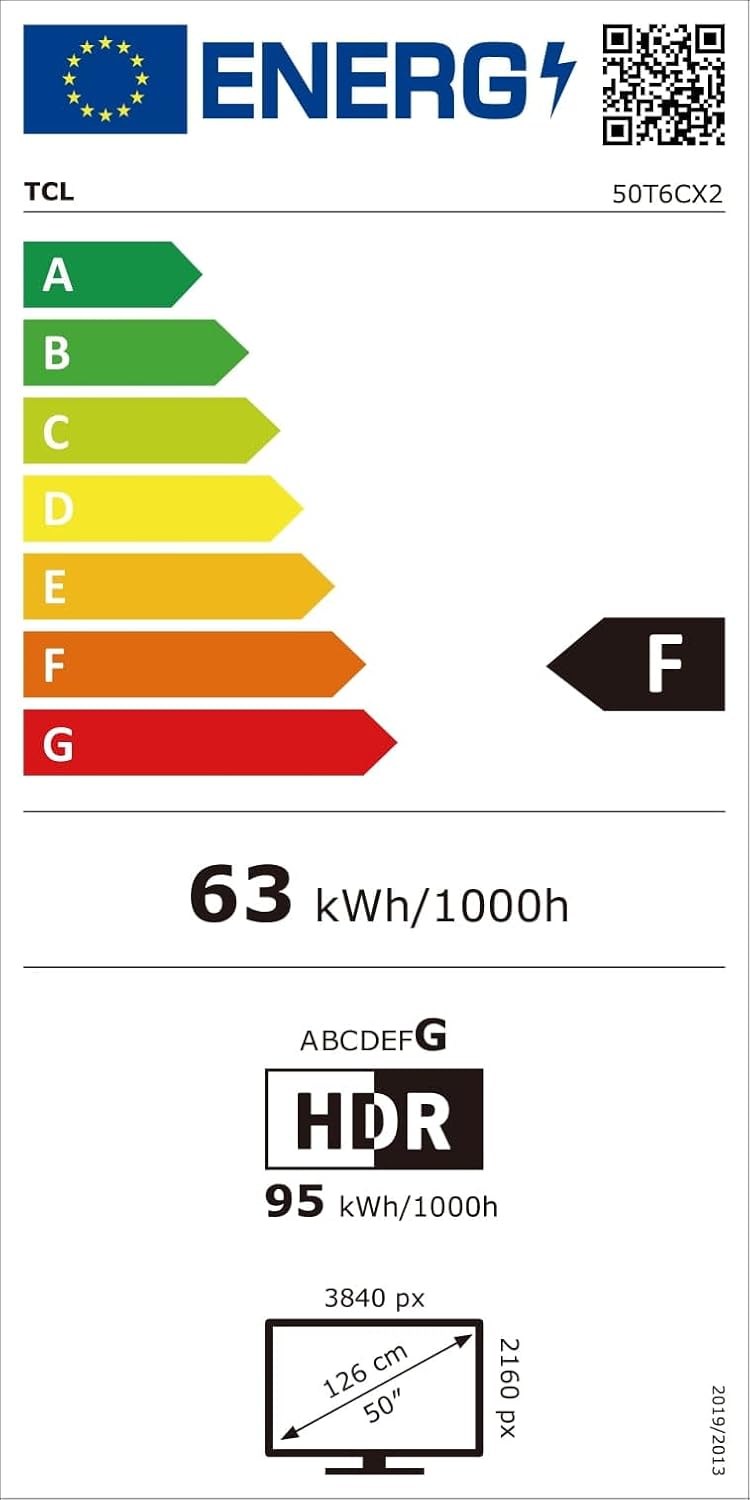
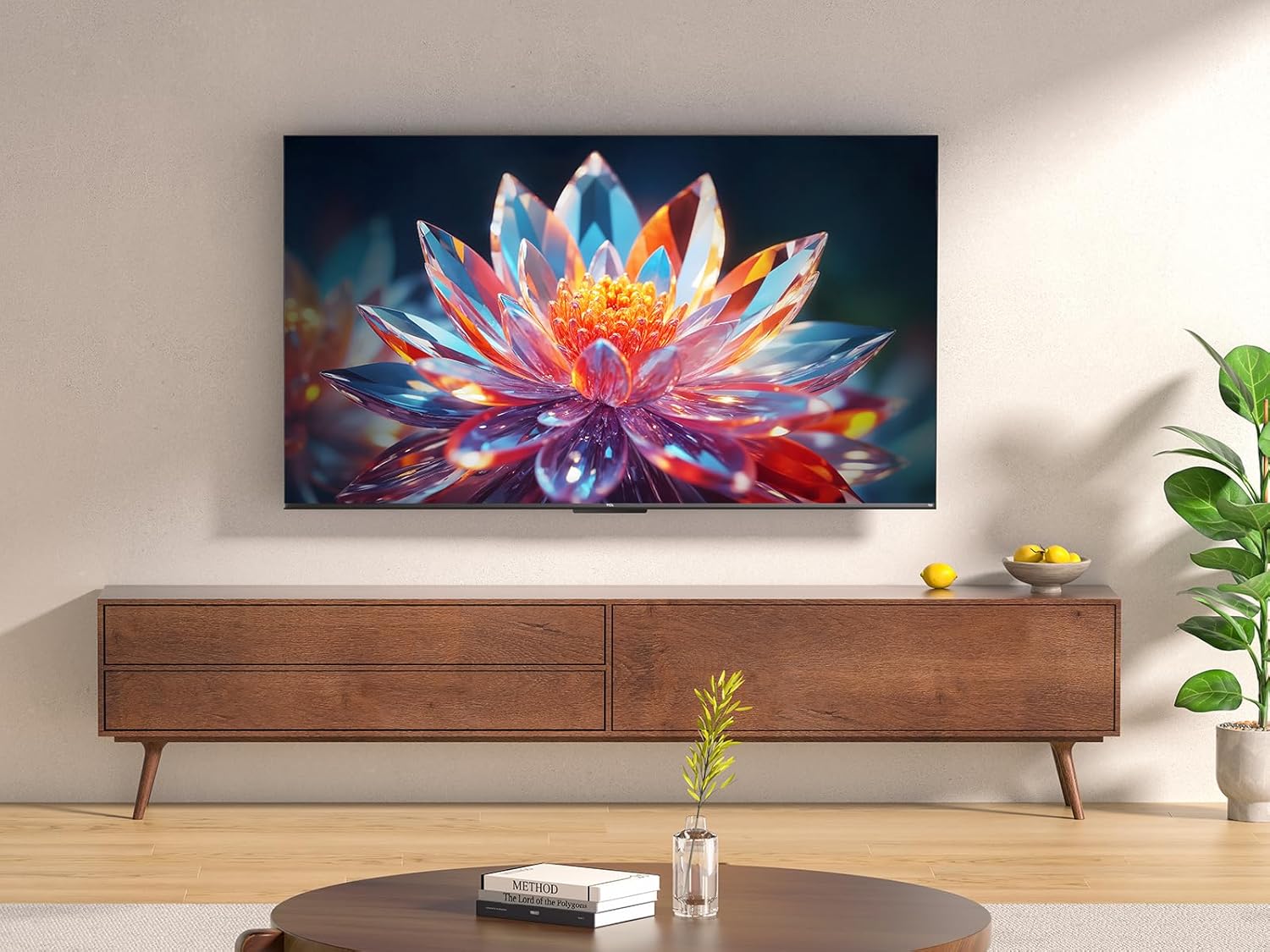
The TCL 50T6C is a 50-inch QLED 4K HDR Fire TV designed for an immersive viewing experience. Below are the key dimensions of the television.

5. الإعداد
5.1 تركيب الحامل
لتثبيت حامل التلفزيون:
- ضع التلفزيون بعناية على سطح ناعم ومسطح بحيث يكون وجهه لأسفل لمنع تلف الشاشة.
- قم بمحاذاة أرجل الحامل مع الفتحات المقابلة لها في الجزء السفلي من التلفزيون.
- ثبّت أرجل الحامل باستخدام البراغي المرفقة. تأكد من إحكام ربطها.
5.2 التركيب على الحائط
For wall mounting, use a VESA-compatible mount (200x200mm for this model). Consult a professional for wall mounting to ensure safety and proper installation. Refer to the wall mount's instructions for specific details.
5.3 توصيل الأجهزة
Your TCL 50T6C TV offers various connectivity options:
- HDMI: Connect up to three HDMI devices (e.g., Blu-ray player, game console, soundbar) for high-definition audio and video.
- USB: Connect a USB drive for media playback.
- الكابل/القمر الصناعي: Connect your antenna or satellite cable for broadcast TV.
- إيثرنت: قم بتوصيل كابل إيثرنت للحصول على اتصال إنترنت سلكي.
- واي فاي: اتصل بشبكتك المنزلية لاسلكيًا.
- بلوتوث: قم بتوصيل أجهزة بلوتوث متوافقة مثل سماعات الرأس أو مكبرات الصوت.
5.4 تشغيل الطاقة والإعداد الأولي
- قم بتوصيل كابل الطاقة بالتلفزيون ومأخذ الطاقة.
- اضغط على زر الطاقة الموجود على التلفزيون أو جهاز التحكم عن بعد لتشغيله.
- Follow the on-screen instructions to complete the initial Fire TV setup, including network connection, language selection, and Amazon account login.
6. تشغيل جهاز التلفزيون
6.1 التحكم عن بعد
The included remote control provides full functionality for navigating your Fire TV and controlling your television.

6.2 واجهة Fire TV
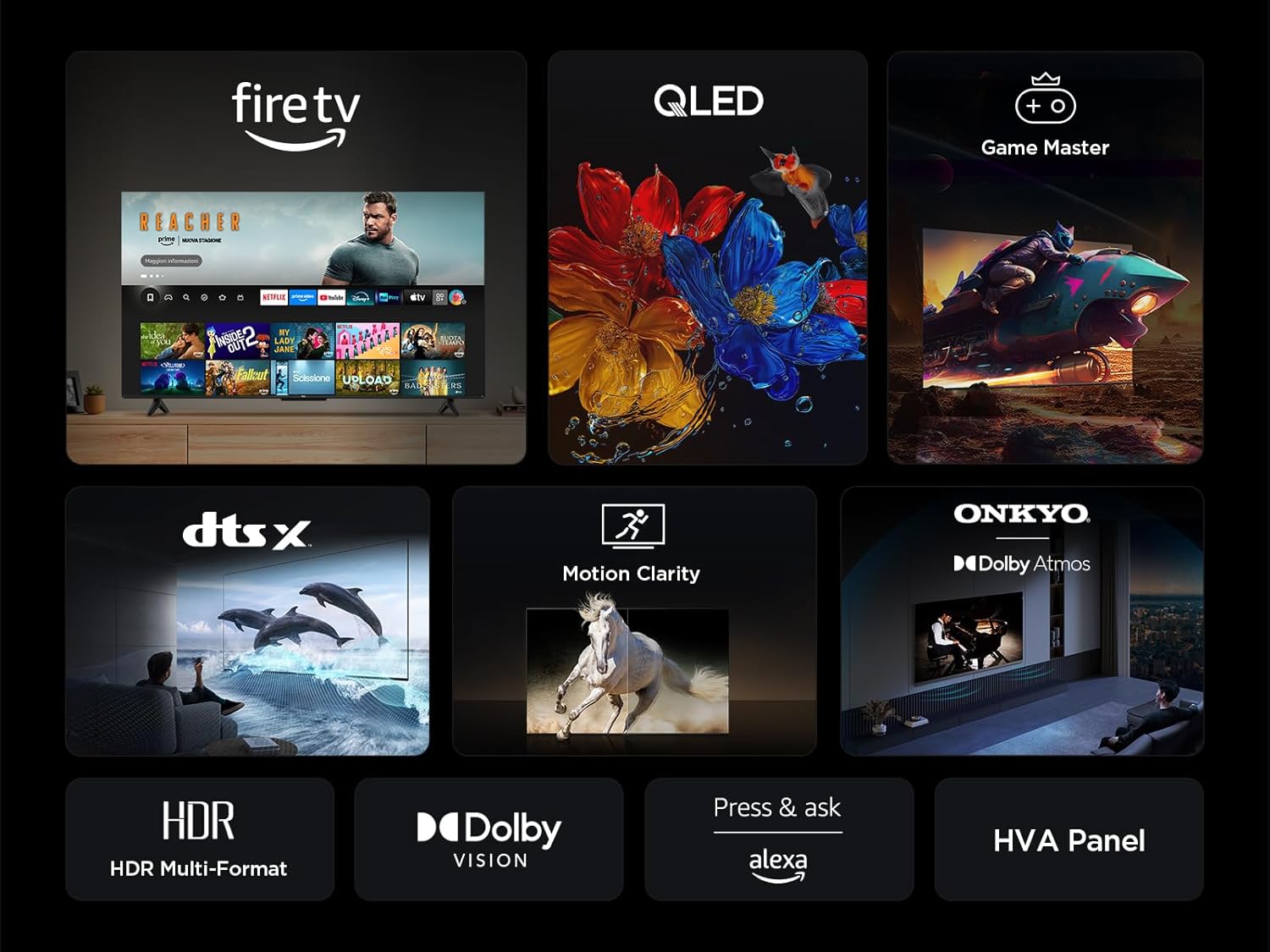
Your TV features an integrated Fire TV experience, providing access to a wide range of streaming content, live TV, and apps from a single home screen.

6.3 تقنية شاشة QLED
Experience vibrant and accurate colors with QLED technology. This TV utilizes Quantum Dot technology to produce over a billion shades of color, offering a realistic and wide color gamut with striking contrast.

6.4 HDR Multi-Format Support
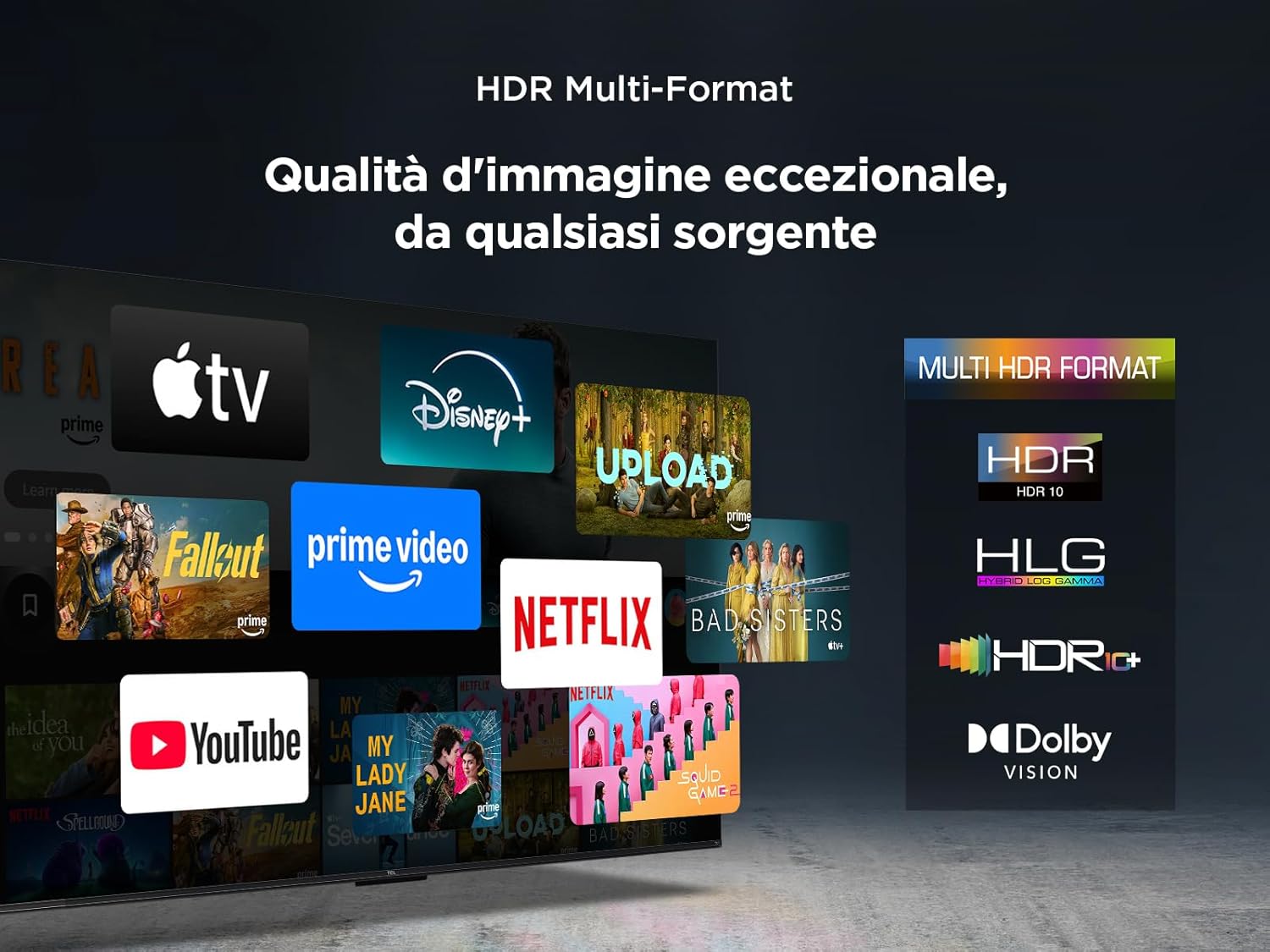
The TV supports multiple HDR formats, including HDR10, HLG, HDR10+, and Dolby Vision, ensuring exceptional image quality from various sources. This allows you to view content in the best possible format.
6.5 Audio Features (Dolby Atmos & DTS:X)
Immerse yourself in a captivating audio experience with Dolby Atmos and DTS:X technologies. These features provide rich, clear, and powerful sound, enhancing your viewمتعة.

6.6 Motion Clarity
Motion Clarity (MEMC) technology ensures smooth and harmonious images, reducing blur and judder in fast-moving scenes, ideal for sports and action films.

6.7 ميزات الألعاب
For gamers, the TCL 50T6C offers an optimized gaming experience with features like HDMI 2.1, ALLM (Auto Low Latency Mode), and VRR (Variable Refresh Rate) for smoother gameplay and reduced input lag.

6.8 التحكم الصوتي أليكسا
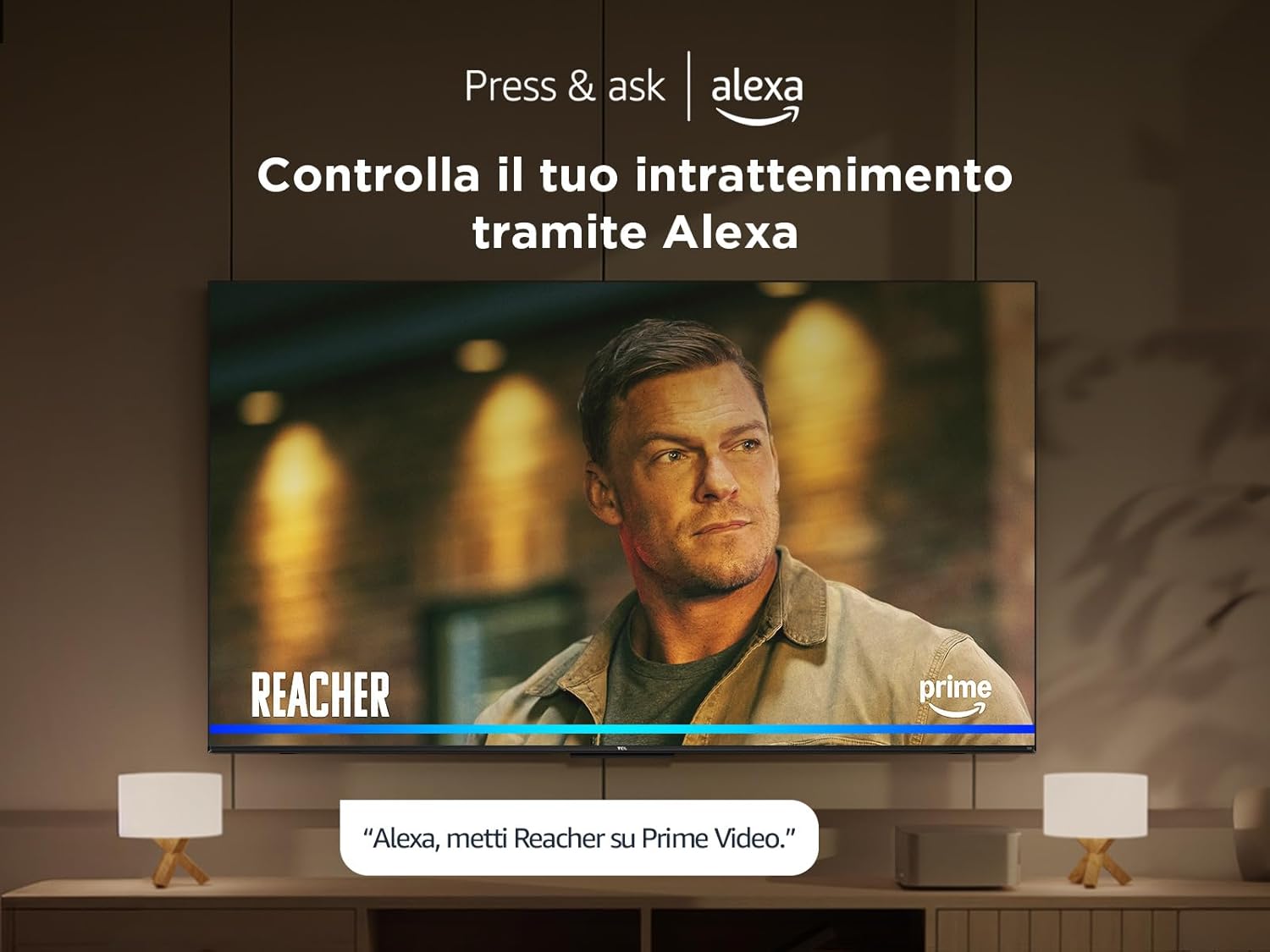
Control your TV and smart home devices using your voice with integrated Alexa. Simply press the microphone button on your remote and speak your command.
7. الصيانة
لضمان طول عمر جهاز التلفزيون الخاص بك وأدائه الأمثل:
- تنظيف الشاشة: امسح الشاشة برفق بقطعة قماش ناعمة وخالية من الوبر. لإزالة البقع الصعبة، استخدم منظف شاشات مصمم خصيصًا لأجهزة التلفزيون، وضعه على قطعة القماش، وليس مباشرة على الشاشة.
- تنظيف الإطار: استخدم قطعة قماش ناعمة وجافة لمسح إطار التلفزيون وحامله.
- تجنب المواد الكيميائية القاسية: Do not use alcohol, benzene, thinners, or other volatile substances, as they may damage the TV.
- تهوية: تأكد من عدم سد فتحات التهوية الموجودة في الجزء الخلفي من التلفزيون لمنع ارتفاع درجة الحرارة.
8. استكشاف الأخطاء وإصلاحها
إذا واجهت مشكلات مع التلفزيون الخاص بك، فجرب الحلول التالية:
- لا يوجد طاقة: Check if the power cable is securely connected and the power outlet is working. Try a different outlet.
- لا صورة/صوت: تأكد من اختيار مصدر الإدخال الصحيح. تحقق من جميع توصيلات الكابلات (HDMI، الهوائي).
- جهاز التحكم عن بعد لا يعمل: استبدل البطاريات. تأكد من عدم وجود أي عوائق بين جهاز التحكم عن بُعد والتلفزيون.
- جودة الصورة رديئة: Check antenna/cable connections. Adjust picture settings in the TV menu. For streaming content, check your internet connection speed.
- مشاكل الاتصال بالإنترنت: Restart your router and modem. Reconnect to the Wi-Fi network or try a wired Ethernet connection.
If problems persist, consult the online support resources or contact customer service.
9. المواصفات الفنية
| ميزة | مواصفة |
|---|---|
| الشركة المصنعة | تي سي إل |
| رقم الموديل | 50T6C |
| حجم الشاشة | 50 بوصة |
| تكنولوجيا الشاشة | تلفزيون كيو إل إي دي |
| دقة | 4K |
| معدل التحديث | 60 هرتز |
| المميزات الخاصة | 60 Hz VRR & MEMC, Dolby Audio, Fire OS Alexa, Quantum Dot |
| تكنولوجيا الاتصال | بلوتوث، إيثرنت، HDMI، USB، واي فاي |
| نسبة العرض إلى الارتفاع | 16:9 |
| أبعاد المنتج (WxDxH) | 111.1 × 25.7 × 68.4 سم |
| وزن | 10.6 كجم |
9.1 كفاءة الطاقة
10. الضمان والدعم
للحصول على معلومات الضمان ودعم العملاء، يرجى الرجوع إلى بطاقة الضمان المرفقة مع المنتج أو زيارة موقع دعم TCL الرسمي. webالموقع. احتفظ بإيصال الشراء كإثبات للشراء.


