مقدمة
Thank you for choosing the ZEBRONICS EnergiPod 10MR1 Power Bank. This device is designed to provide portable and efficient charging for your electronic devices. With its 10000mAh capacity, 22.5W super fast charging, and multiple output ports, it ensures your devices stay powered on the go. This manual provides essential information on how to set up, operate, maintain, and troubleshoot your power bank.

Image: The ZEBRONICS EnergiPod 10MR1 Power Bank, a sleek black device, is shown held comfortably in a hand, highlighting its compact and portable design.
ماذا يوجد في الصندوق
Upon unboxing your ZEBRONICS EnergiPod 10MR1 Power Bank, please ensure all the following items are present:
- Power bank - 1 unit
- كابل شحن - وحدة واحدة
- دليل رمز الاستجابة السريعة - وحدة واحدة
المنتج انتهىview والميزات
The ZEBRONICS EnergiPod 10MR1 is engineered with several key features to enhance your charging experience:
بطارية ذات سعة عالية
Featuring a 10000mAh battery capacity, it ensures efficient charging for your devices, providing ampالطاقة للاستخدام الممتد.
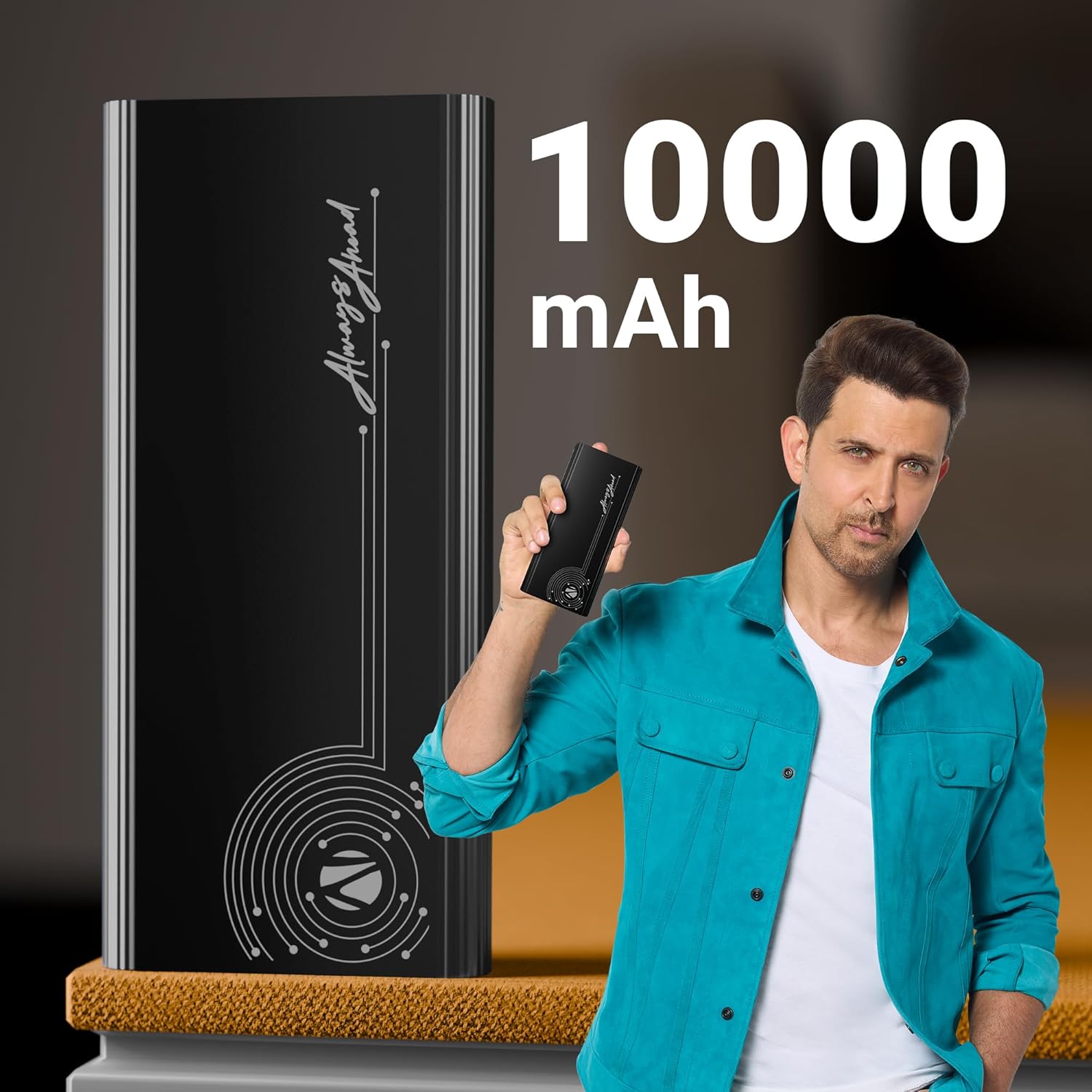
Image: The power bank is displayed alongside text indicating its 10000 mAh capacity, emphasizing its substantial power reserve.
Super Fast Charging Output
Efficiently charges a range of compatible smartphones and tablets with a maximum output of 22.5W. The PD3.0 Type-C output ensures rapid charging for supported devices.
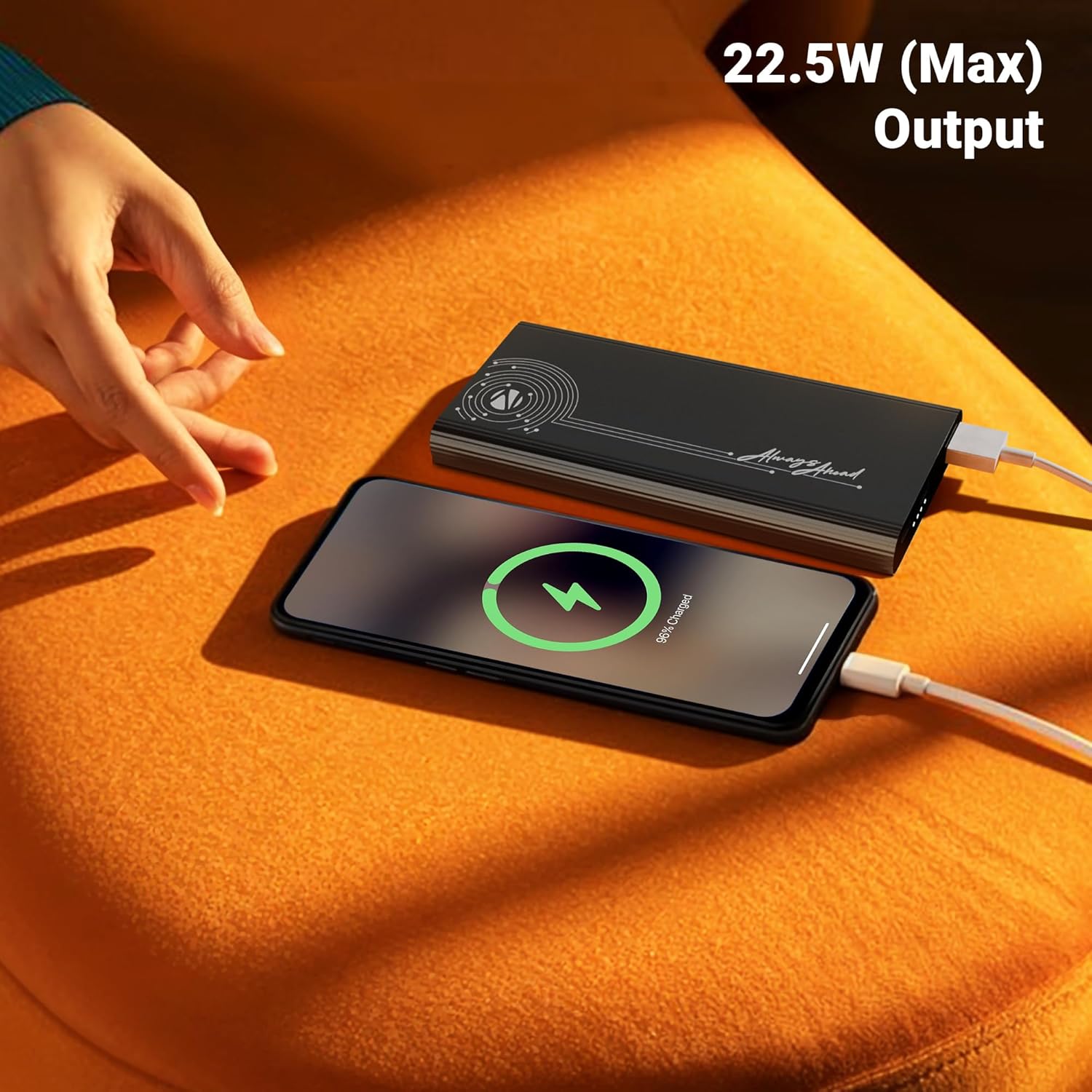
Image: A smartphone is shown connected to the power bank, displaying a charging icon, with text highlighting the 22.5W maximum output for fast charging.
منافذ إخراج متعددة
Distinguished by its DC 5V/3A, 9V/2.22A, 12V/1.67A, 5~11V/2A PPS Type-C2 Output, PD 3.0 (with PPS) Type-C Output, and USB-A port output (DC 5V/3A, 9V/2A, 12V/1.85A), it facilitates the charging of multiple devices simultaneously.

Image: The power bank is shown connected to both a smartphone and a tablet, demonstrating its capability to charge multiple devices using its Type-C output ports.
اتصال الإدخال
The power bank comes with DC 5V/3A, 9V/2A, 12V/1.5A Input via Type-C1 / C2 input ports for convenient recharging.
حماية السلامة
Incorporates overcharge, overload, and short-circuit protection to ensure a safe charging process for both the power bank and your connected devices.
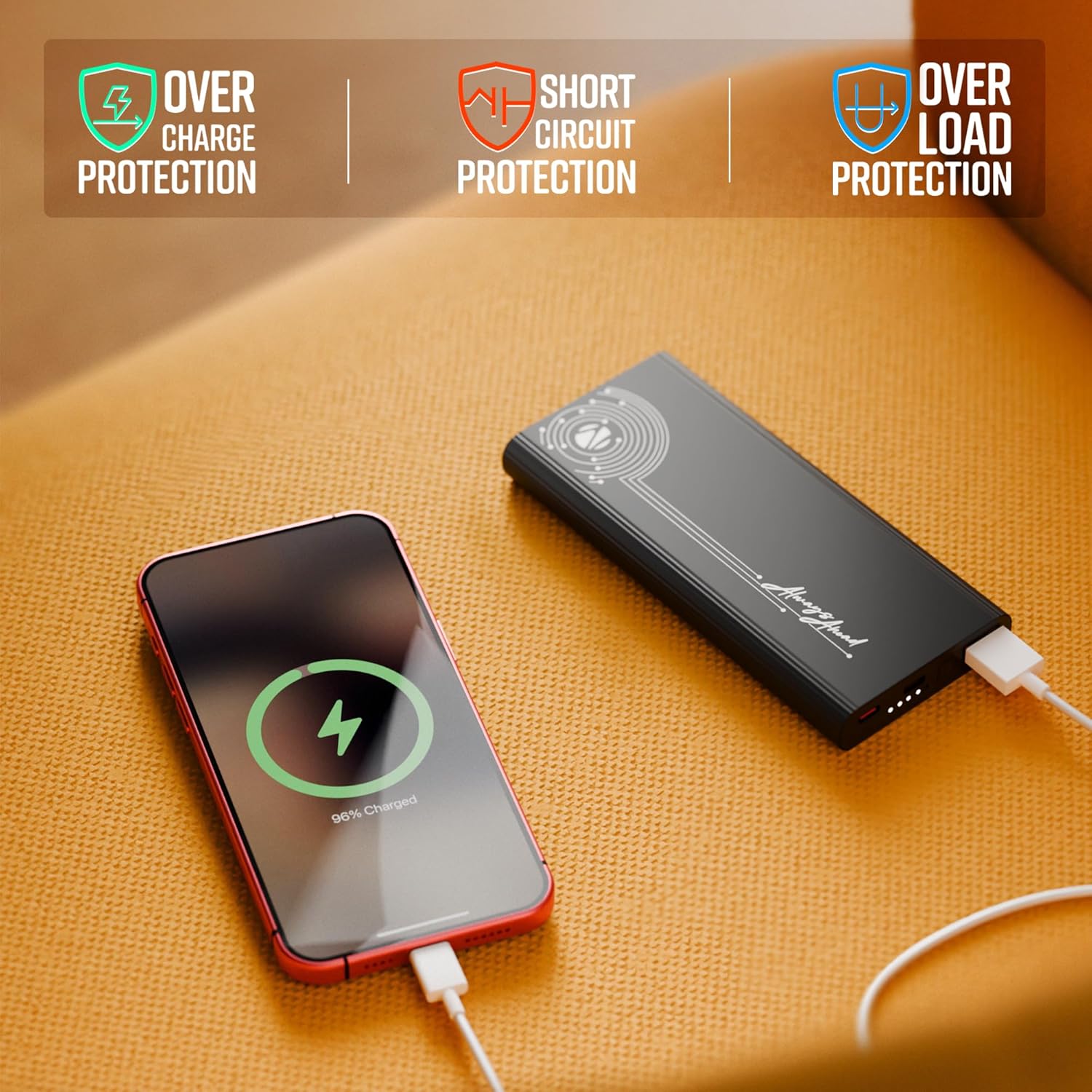
Image: The power bank is shown with visual indicators for its built-in safety features: overcharge protection, short circuit protection, and overload protection.
مؤشر LED
A clear LED indicator shows information on the remaining battery percentage, allowing you to monitor the power bank's charge level easily.
تصميم ممتاز
Carry this compact and stylish metal-outlook power bank effortlessly. It features a premium finish outlook with patterned edges for a better grip.

Image: A collage of close-up shots highlighting the power bank's design elements: patterned edges for grip, durable metal body, sleek profile, LED battery indicators, and its rapid charging capability.
يثبت
شحن بنك الطاقة
- Connect the provided charging cable to one of the Type-C input ports (Type-C1 or Type-C2) on the power bank.
- Connect the other end of the charging cable to a compatible USB wall adapter (not included) or a computer's USB port. For optimal charging speed, use a fast-charging adapter.
- The LED indicator lights will illuminate to show the charging progress. When all indicators are solid, the power bank is fully charged.
Note: It is recommended to fully charge the power bank before its first use to ensure optimal performance.
تعليمات التشغيل
شحن أجهزتك
- Identify the appropriate charging cable for your device (USB-A to your device, or Type-C to your device).
- Connect one end of your device's charging cable to the corresponding output port on the power bank (USB Out, Type C Out).
- قم بتوصيل الطرف الآخر من الكابل بجهازك.
- سيبدأ بنك الطاقة تلقائيًا بشحن جهازك. وستُظهر مؤشرات LED مستوى شحن البطارية المتبقي في بنك الطاقة.

الصورة: تفصيلية view of the power bank's ports, including USB Out, Power Button, Type C In, and Type C In/Out, illustrating the various connectivity options.
التحقق من مستوى البطارية
اضغط على زر الطاقة مرة واحدة لتفعيل مؤشرات LED، والتي ستعرض مستوى البطارية الحالي لبنك الطاقة.
صيانة
- تنظيف: استخدم قطعة قماش ناعمة وجافة لتنظيف سطح البطارية المحمولة. تجنب استخدام المواد الكيميائية القاسية أو المواد الكاشطة.
- تخزين: قم بتخزين بنك الطاقة في مكان بارد وجاف بعيدًا عن أشعة الشمس المباشرة ودرجات الحرارة العالية والرطوبة.
- العناية بالبطارية: لإطالة عمر البطارية، تجنب تفريغها بالكامل بشكل متكرر. أعد شحنها عندما يكون مستوى البطارية منخفضًا.
- التعامل: لا تقم بإسقاط بنك الطاقة أو تفكيكه أو محاولة إصلاحه بنفسك. فقد يؤدي ذلك إلى إلغاء الضمان والتسبب في تلفه.
استكشاف الأخطاء وإصلاحها
| مشكلة | السبب المحتمل | حل |
|---|---|---|
| بنك الطاقة لا يشحن |
|
|
| الجهاز لا يشحن من بنك الطاقة |
|
|
| الشحن البطيء |
|
|
إذا استمرت المشكلة بعد تجربة هذه الحلول، فيرجى الاتصال بدعم العملاء.
تحديد
| رقم الموديل | Zeb-PB 13 |
| سعة البطارية | 10000 مللي أمبير |
| الحد الأقصى لقوة الإخراج | 22.5 واط |
| Input (Type-C1 / C2) | تيار مستمر 5 فولت/3 أمبير، 9 فولت/2 أمبير، 12 فولت/1.5 أمبير |
| Output (Type-C2) | تيار مستمر 5 فولت/3 أمبير، 9 فولت/2.22 أمبير، 12 فولت/1.67 أمبير، 5~11 فولت/2 أمبير PPS |
| الإخراج (USB-A) | تيار مستمر 5 فولت/3 أمبير، 9 فولت/2 أمبير، 12 فولت/1.85 أمبير |
| نوع الموصل | منفذ USB A واحد، منفذان USB من النوع C |
| لون | أسود |
| وزن العنصر | 628 جرام |
| بلد المنشأ | الهند |
الضمان والدعم
This product is covered by a standard manufacturer's warranty. For specific warranty terms and conditions, please refer to the QR Code Guide included in the box or visit the official ZEBRONICS webموقع.
For technical support, troubleshooting assistance, or any inquiries regarding your ZEBRONICS EnergiPod 10MR1 Power Bank, please contact ZEBRONICS customer service. Contact details can typically be found on the manufacturer's webالموقع أو تغليف المنتج.
يمكنك أيضًا العثور على دعم إضافي وأسئلة شائعة على متجر زيبرونيكس على أمازون.


