1. المقدمة
This manual provides essential information for the safe and efficient operation of your NexiGo PJ40 Ultra Outdoor Netflix Projector. Please read this manual thoroughly before using the projector and retain it for future reference.
2. معلومات السلامة
اتبع احتياطات السلامة التالية لمنع تلف جهاز العرض وضمان سلامة المستخدم:
- لا تسدّ فتحات التهوية. تأكد من وجود تدفق هواء كافٍ حول جهاز العرض.
- لا تعرض جهاز العرض للمطر أو الرطوبة أو درجات الحرارة العالية.
- استخدم فقط محول الطاقة المرفق مع جهاز العرض.
- تجنب النظر مباشرة إلى عدسة جهاز العرض عندما يكون lamp هو على.
- أبقِ جهاز العرض بعيدًا عن مصادر الحرارة وأشعة الشمس المباشرة.
- افصل سلك الطاقة أثناء العواصف الرعدية أو عند عدم الاستخدام لفترات طويلة.
3. محتويات العبوة
تأكد من وجود جميع العناصر في العبوة:
- NexiGo PJ40 Ultra Projector
- Remote Control (with 2x AAA batteries)
- محول الطاقة
- كابل HDMI
- كبل AV
- عدسة تنظيف القماش
- فلتر هواء احتياطي
- دليل المستخدم
4. انتهى المنتجview
The NexiGo PJ40 Ultra is a high-performance projector designed for versatile entertainment. It features native 1080p resolution, 800 ANSI lumens brightness, and AI image enhancement for clear, vibrant visuals. Integrated 20W speakers provide immersive audio. The projector includes officially licensed streaming apps like Netflix, YouTube, and Prime Video, along with comprehensive connectivity options.

Figure 4.1: NexiGo PJ40 Ultra Projector with projected Netflix screen.
المميزات الرئيسية:
- الدقة الأصلية 1080 بكسل: Delivers crisp images with incredible detail.
- سطوع 800 لومن ANSI: Provides clear visuals in various lighting conditions.
- AI Picture Quality Enhancement: Optimizes clarity, detail, and color reproduction with HDR and HLG support.
- Officially Licensed Streaming: Pre-installed Netflix, YouTube, and Prime Video for immediate access to content.
- AI-Enhanced Surround Sound: 20W speakers with DSP decoding for immersive audio.
- تصحيح الانحراف التلقائي: ضبط التشوه الرأسي للصورة تلقائيًا.
- انعكاس الشاشة اللاسلكي: Supports iOS, Android, and Windows devices via 5 GHz Wi-Fi.
- خيارات اتصال متعددة: Includes 2 USB ports, 2 HDMI inputs, AV port, and 3.5mm audio jack.
5. الإعداد
5.1 التشغيل الأولي
- قم بتوصيل محول الطاقة بمدخل الطاقة الخاص بجهاز العرض ثم بمأخذ الطاقة.
- اضغط على زر الطاقة الموجود على جهاز العرض أو جهاز التحكم عن بعد لتشغيله.
- Follow the on-screen instructions for initial language and network setup.
5.2 موضع الشاشة وحجمها
Position the projector on a stable, flat surface. The projection distance affects the screen size. Refer to the table below for recommended distances.

Figure 5.1: Recommended Projection Distances.
| Screen Diagonal (in.) | مسافة الإسقاط (قدم) |
|---|---|
| 72 | 7.68 |
| 100 | 10.5 |
| 120 | 12.4 |
| 150 | 15.52 |
| 300 | 30.18 |
Note: Sizing measured by NexiGo Laboratory. Test measurements do not include the screen border size.
5.3 التركيز وتصحيح الانحراف
- ضبط التركيز: Rotate the focus wheel on the projector until the image is clear.
- الانحراف الرأسي التلقائي: The projector features automatic vertical keystone correction. Ensure this setting is enabled in the menu for automatic adjustment.
- Manual 4D Correction: For horizontal or more precise adjustments, navigate to the manual keystone settings in the menu.
- وظيفة التكبير: Use the zoom function in the settings to shrink the screen size from 100% down to 60% without moving the projector.
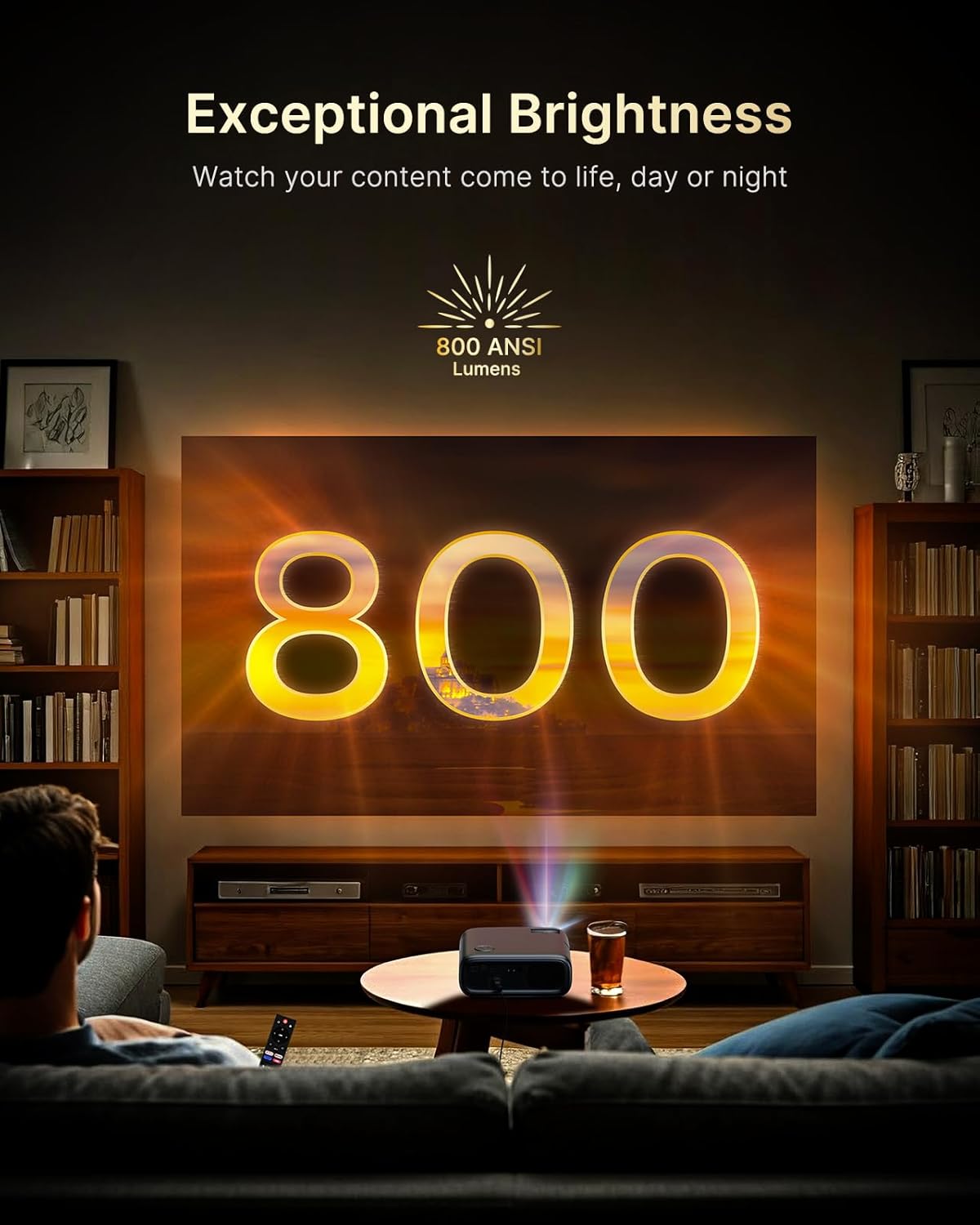
Figure 5.2: Keystone Correction and Zoom Options.
5.4 اتصال الشبكة
To access streaming services and screen mirroring, connect the projector to a Wi-Fi network:
- انتقل إلى قائمة "الإعدادات".
- اختر "الشبكة" أو "واي فاي".
- اختر شبكة الواي فاي التي تريدها من القائمة وأدخل كلمة المرور.

Figure 5.3: Dual-Band Wi-Fi Connectivity.
5.5 توصيل الأجهزة الخارجية
The PJ40 Ultra offers various ports for connecting external devices:
- HDMI Ports (HDMI 1, HDMI 2): Connect gaming consoles (PS5, Nintendo Switch), TV sticks, laptops, or other HDMI-enabled devices. HDMI 1 supports ARC & CEC, HDMI 2 supports CEC.
- منافذ USB: Connect USB flash drives or hard drives for media playback.
- منفذ إدخال الصوت والفيديو: قم بتوصيل الأجهزة القديمة باستخدام كابل AV المرفق.
- مقبس صوت 3.5 ملم: قم بتوصيل سماعات الرأس أو مكبرات الصوت الخارجية.

Figure 5.4: Connectivity Ports.
6. تعليمات التشغيل
6.1 الملاحة عن بعد
Use the included remote control to navigate the projector's interface. The remote allows you to power on/off, adjust volume, select input sources, and access settings and applications.
6.2 تطبيقات البث
The projector comes with pre-installed and officially licensed applications:
- نيتفليكس: Access your Netflix library directly.
- يوتيوب: Browse and watch videos from YouTube.
- فيديو رئيسي: Stream content from Amazon Prime Video.
To use these apps, ensure the projector is connected to the internet and log in with your respective account credentials.

Figure 6.1: Officially Licensed Streaming Applications.
6.3 انعكاس الشاشة
The PJ40 Ultra supports wireless screen mirroring for various devices:
- iOS Devices (AirPlay): Connect your iPhone or iPad to the same Wi-Fi network as the projector and use AirPlay to mirror your screen.
- Android Devices (Screen Mirror): Use the Screen Mirroring feature on your Android device to connect wirelessly.
- Windows Devices (Windows Cast): Utilize Windows Cast functionality for screen sharing from compatible Windows computers.
Note: Due to copyright restrictions, some streaming apps (e.g., Netflix, Amazon Prime, Hulu) may not support direct screen mirroring.
6.4 إعدادات الصوت
The projector features built-in 20W speakers with DSP decoding for enhanced audio. You can also connect external audio devices:
- اتصال بلوتوث: Pair Bluetooth speakers or headphones for a wireless audio experience.
- مقبس صوت 3.5 ملم: قم بتوصيل سماعات الرأس السلكية أو مكبرات الصوت الخارجية.

Figure 6.2: AI-Enhanced Surround Sound.
7. الصيانة
7.1 تنظيف العدسة
Use the provided lens cleaning cloth to gently wipe the projector lens. Avoid using abrasive cleaners or materials that could scratch the lens surface.
7.2 صيانة فلتر الهواء
The projector includes an air filter to prevent dust accumulation. Periodically check and clean the air filter to maintain optimal performance and cooling. A spare air filter is included for replacement when necessary.
7.3 العناية العامة
- Keep the projector in a clean, dry environment.
- عند عدم الاستخدام، قم بتغطية العدسة بالغطاء الواقي.
- تجنب إسقاط جهاز العرض أو تعريضه لصدمات قوية.
8. استكشاف الأخطاء وإصلاحها
المشاكل الشائعة والحلول:
- لا يوجد طاقة: Ensure the power adapter is securely connected to both the projector and a working power outlet. Try a different outlet.
- لا توجد صورة:
- تأكد من تشغيل جهاز العرض.
- Verify the input source is correctly selected (e.g., HDMI 1, HDMI 2).
- Ensure the connected device is powered on and outputting a signal.
- صورة ضبابية: Adjust the focus wheel on the projector until the image is sharp. Check keystone correction settings.
- لا يوجد صوت:
- قم بزيادة مستوى الصوت على جهاز العرض وجهاز المصدر المتصل.
- تأكد من توصيل مكبرات الصوت الخارجية أو سماعات الرأس بشكل صحيح أو إقرانها عبر البلوتوث.
- Ensure the audio output setting on the source device is correct.
- مشكلات الاتصال بشبكة Wi-Fi:
- تأكد من إدخال كلمة مرور Wi-Fi بشكل صحيح.
- أعد تشغيل جهاز العرض وجهاز توجيه الواي فاي الخاص بك.
- Move the projector closer to the Wi-Fi router to improve signal strength.
- Projector Randomly Powers On: Some users have reported the projector powering on from standby mode unexpectedly. If this occurs, ensure the projector is fully powered off at the main power switch or unplugged when not in use to prevent unintended operation. Check for any available firmware updates that might address this behavior.
9. المواصفات
| ميزة | مواصفة |
|---|---|
| ماركة | نيكسيجو |
| رقم الموديل | بي جي 40 الترا |
| أبعاد المنتج | 11.3 × 10.78 × 4.8 بوصة |
| وزن العنصر | 7.99 رطل |
| دقة العرض | 1920 x 1080 (Native 1080p) |
| سطوع | شموم شمعة أنسي |
| تكنولوجيا الاتصال | HDMI، USB، واي فاي |
| المميزات الخاصة | Official Netflix-Licensed, Built-in 20W Speaker, HDMI CEC Support, Wireless Screen Mirroring, Auto Keystone, 4K Support Input |
| الشركة المصنعة | شركة نيكسايت |
| تاريخ أول توفر | 2 يناير 2025 |
10. الضمان والدعم
NexiGo is committed to customer satisfaction and provides comprehensive support for its products.
- دعم العملاء: يتوفر دعم العملاء على مدار 24 ساعة.
- Return/Exchange Policy: Enjoy a 30-day return or exchange period.
- الدعم الفني: يتم توفير الدعم الفني مدى الحياة لمنتجك.

Figure 10.1: NexiGo Customer Support Information.
For further assistance or to contact support, please visit the official NexiGo webالموقع أو الرجوع إلى معلومات الاتصال المقدمة مع عبوة المنتج الخاص بك.


