مقدمة
The Lytmi CozyClip D1 Open Clip Earbuds are designed for comfortable, all-day listening while maintaining awareness of your surroundings. Featuring an ultra-light open-ear design, Hi-Fi sound, AI-powered clear calls, and IP54 waterproof rating, these earbuds offer a unique audio experience. This manual provides essential information for setting up, operating, and maintaining your CozyClip D1 earbuds.
ماذا يوجد في الصندوق
- Lytmi CozyClip D1 Open-Ear Clip-on Earphones (1 pair)
- حقيبة الشحن (1)
- دليل المستخدم (1)
- كابل شحن نوع سي (1)

Image: Lytmi CozyClip D1 packaging and included accessories.
المنتج انتهىview
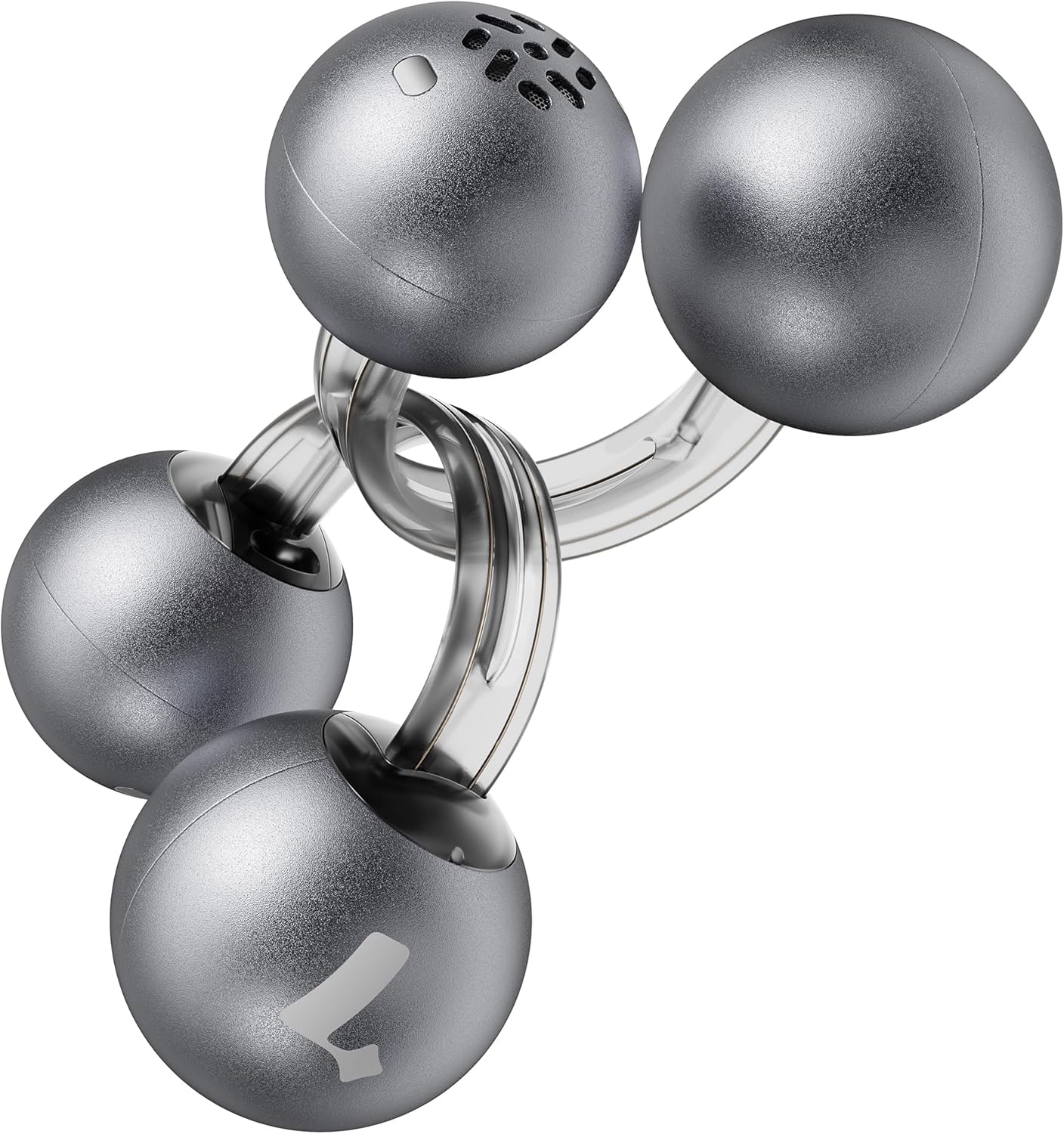
Image: Lytmi CozyClip D1 Earbuds, showcasing their open-ear clip design.

Image: Earbud resting on a feather, illustrating its ultra-lightweight design.
المميزات الرئيسية:
- تصميم الأذن المفتوحة: Weighing just 5.4g each, these earbuds clip onto your ear, providing comfort and allowing you to remain aware of your surroundings.
- صوت عالي الدقة: Experience immersive audio with enhanced bass and clear highs.
- تقنية الذكاء الاصطناعي لتقليل الضوضاء أثناء المكالمات: Ensures crystal-clear calls by reducing environmental noise, even in windy conditions.
- Auto Left-Right Recognition: Earbuds are interchangeable; wear either earbud on either ear without manual configuration.
- عمر بطارية طويل: Up to 9 hours of playtime on a single charge, and up to 30 hours with the charging case.
- IP54 مقاوم للماء والغبار: Designed to withstand sweat and water splashes, suitable for various activities and weather conditions.
- بلوتوث شنومكس: Provides stable and efficient wireless connectivity with faster data transfer and extended signal range.
- Dual-Connection: قم بالاتصال بجهازين في وقت واحد وانتقل بينهما بسلاسة.
يثبت
1. شحن سماعات الأذن والعلبة
قبل الاستخدام الأول، قم بشحن سماعات الأذن وعلبة الشحن بالكامل.
- ضع سماعات الأذن في علبة الشحن. تأكد من تثبيتها بشكل صحيح.
- قم بتوصيل كابل الشحن من النوع C بمنفذ الشحن الموجود على العلبة، وقم بتوصيل الطرف الآخر بمصدر طاقة USB.
- سيُظهر ضوء المؤشر الموجود على العلبة حالة الشحن. بمجرد اكتمال الشحن، سيتغير لون المؤشر أو ينطفئ.

Image: Charging case and earbuds, illustrating battery life.
2. الاقتران بجهاز
- افتح علبة الشحن. ستدخل سماعات الأذن تلقائيًا في وضع الاقتران.
- على جهازك (الهاتف الذكي، الجهاز اللوحي، وما إلى ذلك)، قم بتمكين البلوتوث وابحث عن الأجهزة المتاحة.
- Select "Lytmi CozyClip D1" from the list of devices.
- بمجرد الاتصال، سيؤكد صوت التنبيه نجاح الاقتران.

Image: Quick pairing process with a smartphone.
3. ارتداء سماعات الأذن
The CozyClip D1 earbuds feature an auto left-right recognition system, allowing you to wear either earbud on either ear.
- Gently clip the earbud onto your earlobe, positioning the speaker component near your ear canal.
- Adjust for a comfortable and secure fit. The flexible design ensures stability during movement.
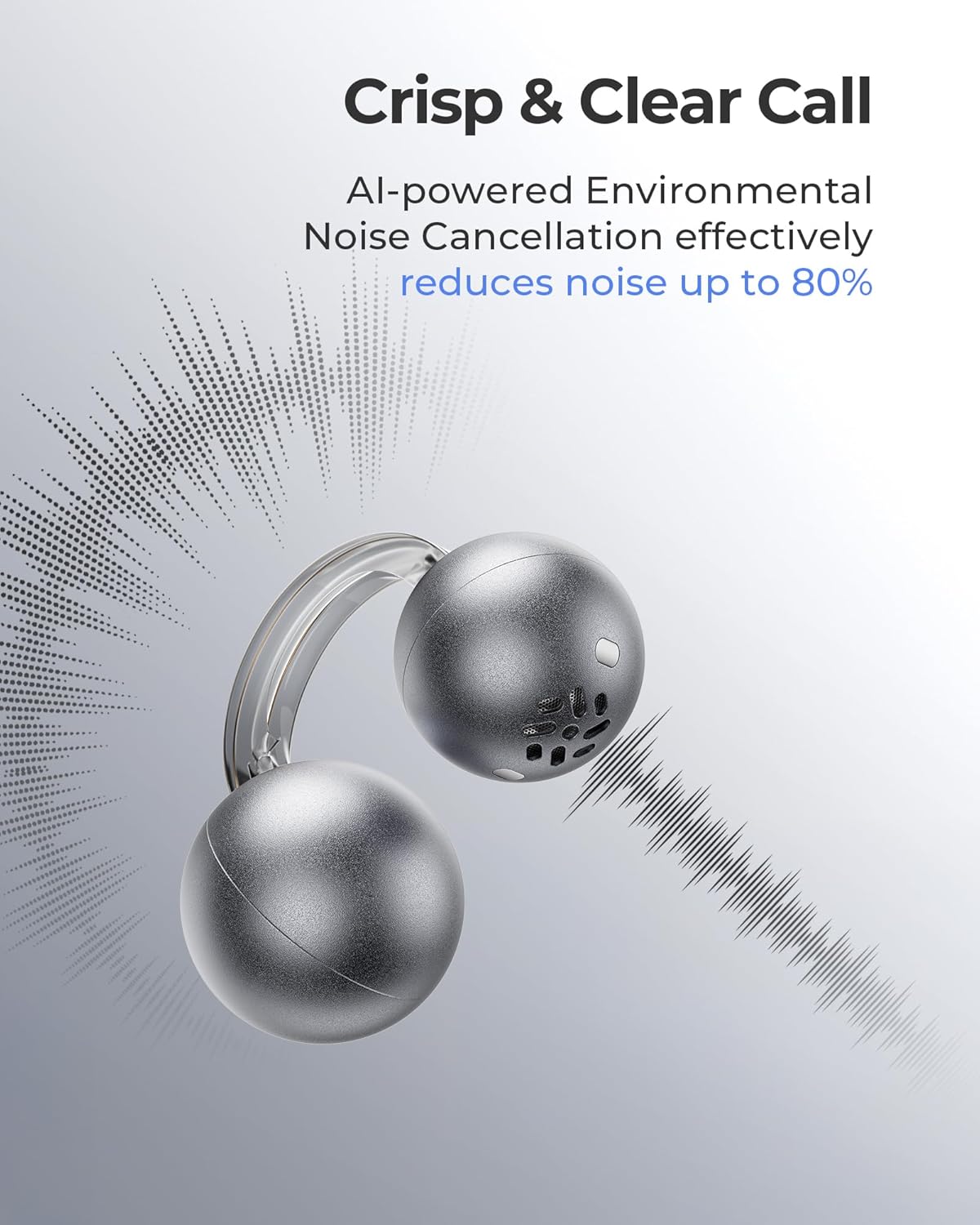
Image: Earbud worn on an ear, showing the secure fit.

Image: Wearing styles for awareness or full sound.
تعليمات التشغيل
عناصر التحكم باللمس
تتميز سماعات الأذن بأزرار تحكم تعمل باللمس سهلة الاستخدام لإدارة تشغيل الصوت والمكالمات.
- Double Tap (Left or Right Earbud): Answer a call, End a call, Play/Pause music.
- Triple Tap (Left or Right Earbud): Next track, Reject a call.

Image: Touch control gestures for playback and calls.
Dual-Connection
The CozyClip D1 earbuds support simultaneous connection to two devices.
- Pair the earbuds with your first device (e.g., smartphone).
- افصل سماعات الأذن عن إعدادات البلوتوث الخاصة بالجهاز الأول.
- قم بإقران سماعات الأذن بجهازك الثاني (مثل الكمبيوتر المحمول).
- Reconnect the earbuds to the first device from its Bluetooth settings. The earbuds will now be connected to both devices.
- سيتم تحويل الصوت تلقائيًا إلى الجهاز الذي يقوم بتشغيل المحتوى أو استقبال المكالمات.

Image: Seamless switching between two connected devices.
فيديو المنتج الرسمي
فيديو: أكثر منview of the Lytmi CozyClip D1 Open Ear Clip-on Earbuds, demonstrating their design, fit, and key features in various usage scenarios.
صيانة
- تنظيف: امسح سماعات الأذن وعلبة الشحن بانتظام بقطعة قماش ناعمة وجافة. تجنب استخدام المواد الكيميائية القاسية أو المواد الكاشطة.
- تخزين: عندما لا تكون قيد الاستخدام، قم بتخزين سماعات الأذن في علبة الشحن الخاصة بها لحمايتها من الغبار والتلف.
- التعرض للماء: While IP54 rated for water splashes and sweat, avoid submerging the earbuds in water. Ensure they are dry before placing them back in the charging case.
استكشاف الأخطاء وإصلاحها
| مشكلة | حل |
|---|---|
| سماعات الأذن لا تقترن | Ensure earbuds are charged. Turn off and on Bluetooth on your device. Forget "Lytmi CozyClip D1" from your device's Bluetooth list and re-pair. |
| لا يوجد صوت أو مستوى صوت منخفض | Check device volume. Ensure earbuds are properly seated on your ears. Reconnect the earbuds to your device. |
| سماعات الأذن تسقط | Adjust the clip for a more secure fit around your earlobe. Experiment with different positioning for optimal stability. |
| علبة الشحن لا تشحن | Verify the charging cable and power adapter are working correctly. Ensure the Type-C cable is fully inserted into the charging port. |
| الضوابط التي تعمل باللمس لا تستجيب | تأكد من أن أصابعك نظيفة وجافة. حاول إعادة تشغيل سماعات الأذن بوضعها في العلبة ثم إخراجها. |
تحديد
| ميزة | التفاصيل |
|---|---|
| اسم الموديل | مشبك ليتمي كوزي كليب D1 |
| تكنولوجيا الاتصال | لاسلكي (بلوتوث 5.4) |
| مدى البلوتوث | 10 مترا |
| عمر البطارية (سماعات الأذن) | حتى ساعتين |
| إجمالي وقت اللعب (مع الحقيبة) | حتى ساعتين |
| وقت الشحن | 1 Hour (for earbuds) |
| مستوى مقاومة الماء | IP54 (مقاوم للماء والغبار) |
| وزن السلعة (سماعة الأذن) | 0.17 أونصة (حوالي 5.4 جرام) |
| حجم برنامج تشغيل الصوت | 12 مليمتر |
| مقاومة | 32 أوم |
| استجابة التردد | 20 كيلو هرتز (الحد الأعلى، النطاق النموذجي 20 هرتز - 20 كيلو هرتز) |
| التحكم في الضوضاء | Adaptive Noise Cancellation (for calls) |
| مادة | ABS+PC (for carrying case) |
| طريقة التحكم | يلمس |
الضمان والدعم
For warranty information, technical support, or further assistance, please refer to the official Lytmi webالموقع أو تواصل مع خدمة العملاء مباشرةً. احتفظ بإيصال الشراء لطلبات الضمان.
You can visit the Lytmi Store for more information: Lytmi Official Store


