1. المقدمة
This manual provides detailed instructions for the Varmilo Sword68 Sakura 65% Hotswap Wireless RGB Mechanical Keyboard. Please read this manual thoroughly before using the product to ensure proper operation and to maximize its lifespan. This keyboard features a full 6063 aluminum CNC case, multiple connectivity options, hot-swappable switches, and customizable RGB lighting.
2. معلومات السلامة
- Keep the keyboard away from liquids and excessive moisture to prevent damage.
- تجنب تعريض لوحة المفاتيح لدرجات حرارة شديدة.
- لا تحاول تفكيك أو تعديل لوحة المفاتيح، لأن هذا قد يؤدي إلى إبطال الضمان والتسبب في حدوث أضرار.
- استخدم فقط كابل USB-C المقدم للشحن والاتصال السلكي.
- يحفظ بعيدًا عن متناول الأطفال.
3. محتويات العبوة
تأكد من وجود جميع العناصر في العبوة:
- Varmilo Sword68 Mechanical Keyboard
- كابل USB-C
- ساحب غطاء المفتاح (قد يكون متضمنًا)
- ساحب التبديل (قد يكون متضمنًا)
4. الإعداد
4.1 الشحن الأولي
Before first use, connect the keyboard to a USB power source using the provided USB-C cable. The keyboard features a 4000mAh rechargeable battery. A full charge is recommended for optimal wireless performance.
4.2 خيارات الاتصال
The Varmilo Sword68 supports three connection modes:
- سلكي (USB-C): Connect the keyboard directly to your computer using the USB-C cable. The keyboard will automatically switch to wired mode.
- بلوتوث شنومكس:
- Turn on the keyboard and switch to Bluetooth mode (refer to the keyboard's function keys for mode switching).
- On your device (PC, laptop, smartphone, tablet), enable Bluetooth and search for new devices.
- Select 'Varmilo Sword68' from the list of available devices to pair.
- 2.4 جيجاهرتز لاسلكي:
- Insert the 2.4 GHz USB receiver into an available USB port on your computer.
- Switch the keyboard to 2.4 GHz wireless mode (refer to the keyboard's function keys for mode switching). The keyboard should automatically connect to the receiver.
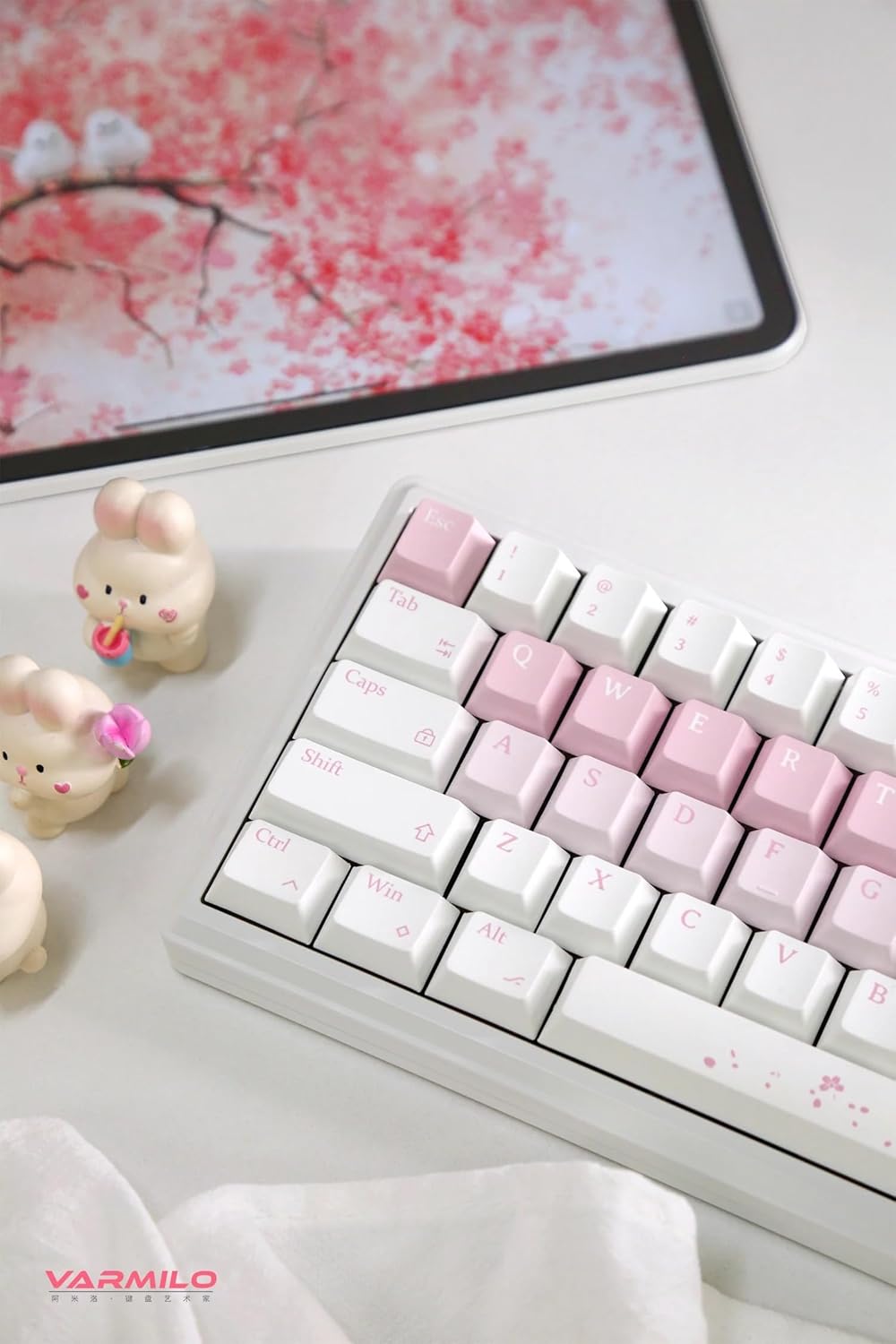
Image: The Varmilo Sword68 keyboard set up on a desk, demonstrating its compact size and aesthetic design alongside a tablet.
5. التشغيل
5.1 وظائف لوحة المفاتيح الأساسية
The Varmilo Sword68 functions as a standard 65% mechanical keyboard. All keys perform their labeled functions. For secondary functions (accessed via the Fn key), refer to the keycap legends or the custom software.

الصورة: تفصيلية view of the Varmilo Sword68 keyboard's right side, highlighting the white and pink keycaps and the Sakura-themed spacebar and escape key.
5.2 الإضاءة الخلفية RGB
The keyboard features RGB backlighting. Lighting effects and colors can be customized using the dedicated software. Refer to the software's instructions for detailed customization options.
5.3 Custom Layout Control
The Varmilo Sword68 supports custom layout control through its software. This allows users to remap keys, create macros, and personalize the keyboard's functionality to suit their workflow or gaming preferences.
5.4 مفاتيح قابلة للتبديل السريع
The PCB is hot-swappable, allowing users to change mechanical switches without soldering. This feature supports both plate mount and PCB mount stabilizers. To replace a switch:
- قم بإزالة غطاء المفتاح برفق باستخدام أداة سحب أغطية المفاتيح.
- استخدم أداة سحب المفاتيح لإخراج المفتاح بعناية من لوحة الدوائر المطبوعة.
- قم بمحاذاة دبابيس المفتاح الجديد مع الفتحات الموجودة على لوحة الدوائر المطبوعة واضغط بقوة حتى تسمع صوت طقطقة. تأكد من عدم انحناء الدبابيس.

الصورة: لقطة مقربة view of the Varmilo Sword68 keyboard, showcasing the arrangement of its white and pink keycaps and the decorative spacebar.
6. الصيانة
6.1 تنظيف لوحة المفاتيح
للحفاظ على مظهر لوحة المفاتيح ووظائفها:
- افصل لوحة المفاتيح عن جميع مصادر الطاقة قبل التنظيف.
- استخدم قطعة قماش ناعمة وخالية من الوبر وامسحها برفق.ampened with water or a mild cleaning solution to wipe the keycaps and case.
- بالنسبة للغبار والحطام الموجود بين أغطية المفاتيح، استخدم الهواء المضغوط أو فرشاة صغيرة.
- تجنب استخدام المواد الكيميائية القاسية أو المواد الكاشطة.
6.2 العناية بأغطية المفاتيح والمفاتيح
The Double Shot ABS keycaps are durable. If removing keycaps or switches, do so gently to avoid damaging the components or the PCB.
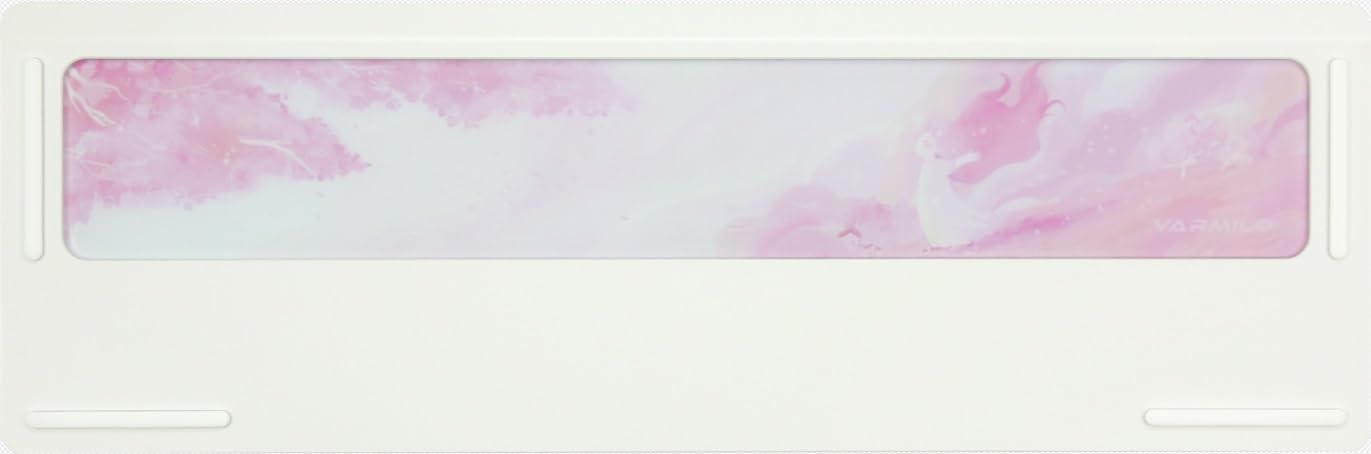
Image: The underside of the Varmilo Sword68 keyboard, revealing the frosted glass weight and rubber feet for stability.
7. استكشاف الأخطاء وإصلاحها
- لوحة المفاتيح لا تستجيب: Ensure the USB-C cable is securely connected or that the wireless receiver is properly inserted and the keyboard is in the correct mode (wired, Bluetooth, 2.4 GHz). Check battery level if in wireless mode.
- مشاكل اقتران البلوتوث: Ensure the keyboard is in pairing mode and your device's Bluetooth is enabled. Try removing previous pairings and re-pairing.
- إضاءة RGB لا تعمل: Check the software settings for RGB control. Ensure the keyboard is not in a low-power mode that disables lighting.
- المفاتيح غير مسجلة: For hot-swappable switches, ensure the switch is fully seated and its pins are not bent. Try replacing the switch if the issue persists.
- Intermittent wireless connection: Ensure the keyboard is within range of the receiver/device and there are no significant obstructions or interference sources.
8. المواصفات
| ماركة | فارميلو |
| نموذج | Sword68 |
| ASIN | B0DMXL67WS |
| تكنولوجيا الاتصال | بلوتوث ، USB-C |
| وصف لوحة المفاتيح | ميكانيكي |
| المميزات الخاصة | Backlit, Hot-Swappable, Rechargeable |
| دعم لون الإضاءة الخلفية للوحة المفاتيح | اللون الأحمر والأخضر والأزرق |
| مادة | الألومنيوم ، البولي |
| سعة البطارية | 4000 مللي أمبير |
| ازرار | Double Shot ABS |
| امتصاص الصوت | 3x Poron foam, 2x PET foam, 1x IXPE foam |
| مادة العلبة | 6063 Aluminum CNC with electrophoresis finish |
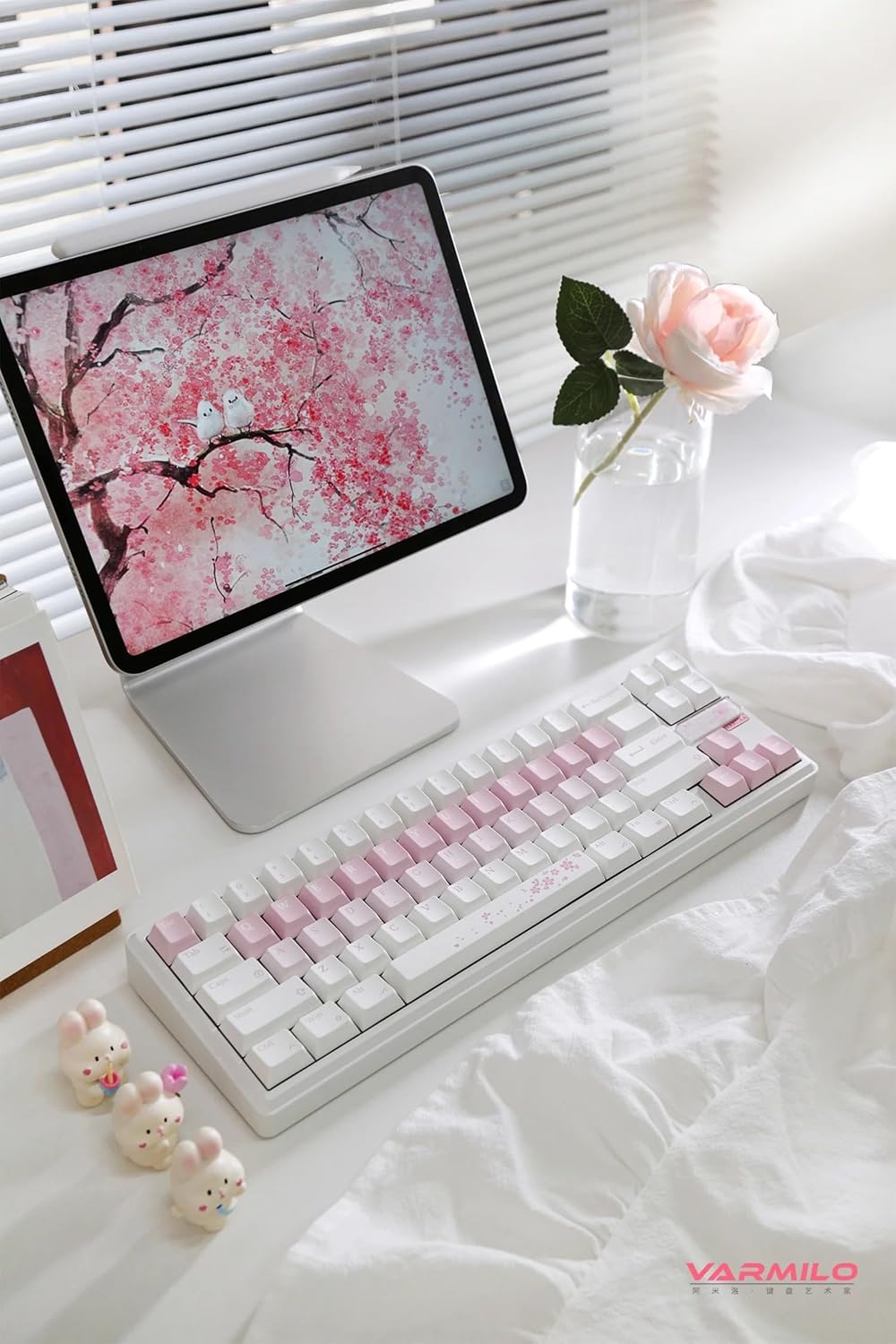
الصورة: كاملة view of the Varmilo Sword68 keyboard in a desk setup, showcasing its elegant design and compact form factor.
9. الضمان والدعم
For warranty information, technical support, or service inquiries, please refer to the official Varmilo webالموقع أو تواصل مع خدمة العملاء مباشرةً. احتفظ بإيصال الشراء لطلبات الضمان.


