مقدمة
This manual provides essential information for setting up, operating, maintaining, and troubleshooting your NIMO N177 17.3-inch laptop. Please read this manual thoroughly to ensure proper usage and to maximize the performance and longevity of your device.
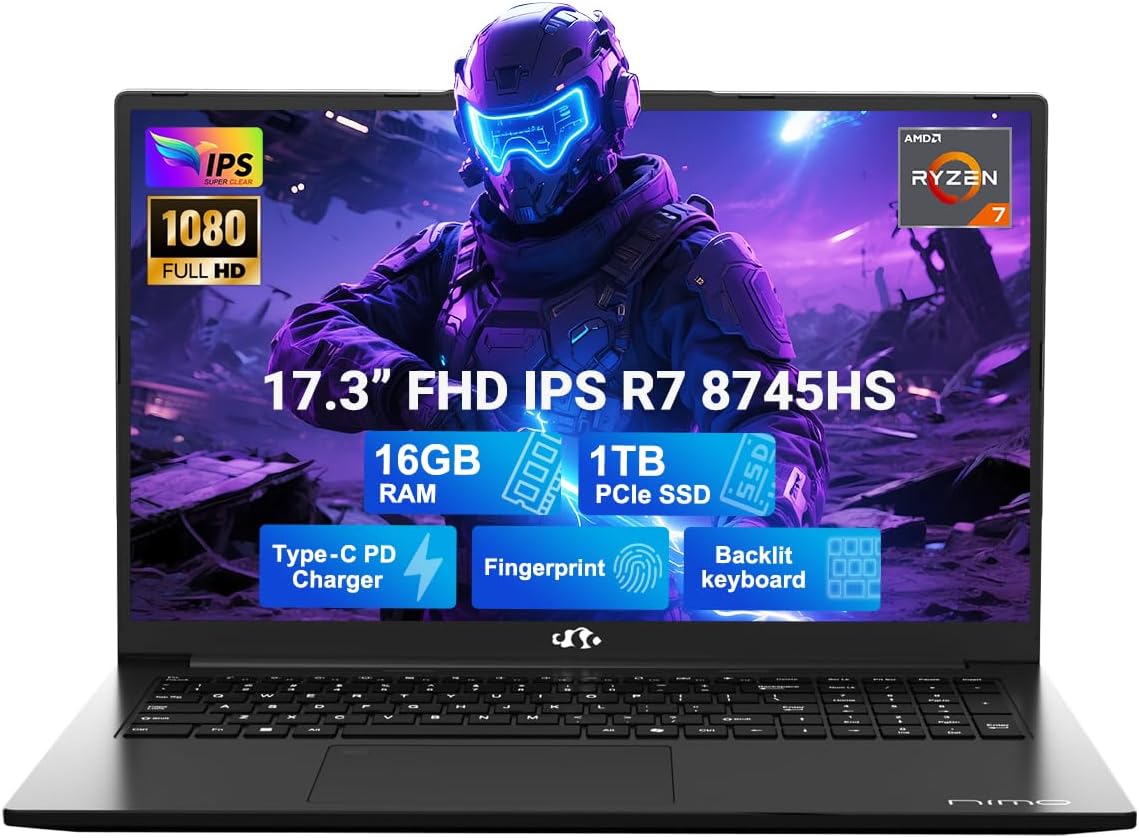
Image: The NIMO N177 laptop, showcasing its 17.3-inch FHD IPS display, AMD Ryzen 7 8745HS processor, 16GB DDR5 RAM, 1TB PCIe SSD, Type-C PD charger, fingerprint reader, and backlit keyboard.
معلومات السلامة
Use original chargers and check cables for damage. Hold the laptop by its base, use a protective case, and don’t put heavy items on it. Place it on a hard surface to avoid overheating; keep away from extreme temps and moisture. Don’t overcharge the battery or use counterfeits—stop using if it swells. Set strong passwords, update software, use antivirus, and back up data. If liquid spills, unplug and dry it. For issues, consult professionals, not disassemble it yourself.
إخلاء المسؤولية القانونية
This laptop is provided "as is," with no express or implied warranties except the manufacturer’s limited warranty (if applicable); implied warranties of merchantability or fitness for a specific purpose are disclaimed. We are not liable for damages from misuse (e.g., non-approved chargers, unauthorized repairs), physical damage, or failure to follow safety rules—including data loss or business interruption. Users must back up data regularly. This disclaimer does not exclude liability for manufacturing defects or violations of mandatory local laws. Using the laptop means you accept these terms, governed by applicable jurisdiction laws.
يثبت
1. إخراج الجهاز من العلبة وتشغيله لأول مرة
Your NIMO N177 laptop comes with the following items:
- جهاز كمبيوتر محمول واحد من طراز NIMO N177
- شاحن سريع من النوع C بقوة 100 واط بتقنية الشحن السريع PD
- 1 × دليل المستخدم
- ويندوز 11 هوم (مثبت مسبقًا)
To power on your laptop for the first time, open the lid and press the power button located on the top right of the keyboard. Follow the on-screen instructions to complete the initial Windows 11 setup.
2. شحن البطارية
Connect the included 100W Type-C PD Fast Charger to the USB-C port on your laptop and to a power outlet. The charging indicator light will illuminate. A 15-minute charge can provide approximately 2 hours of use, making it convenient for on-the-go professionals.

Image: The NIMO laptop being charged with its 100W USB-C fast charger, highlighting the 75Wh smart battery and efficient power delivery.
3. Fingerprint Login Setup
For secure and instant access, set up the fingerprint login. The fingerprint reader is integrated into the touchpad. Navigate to Windows Settings > Accounts > Sign-in options to configure your fingerprint for quick and secure unlocking.

الصورة: تفصيلية view of the NIMO laptop's backlit keyboard and the integrated fingerprint sensor on the touchpad, emphasizing secure login.
4. Connectivity and Ports
The NIMO N177 laptop offers a range of ports for versatile connectivity:
- قارئ بطاقة SD
- منفذ USB 2.0 (x1)
- منافذ USB 3.0 (×3)
- مقبس سماعة الرأس
- كينسينجتون فتحة قفل
- منفذ HDMI
- USB 4.0 Type-C Port (with power delivery)
Connect your peripherals, external displays, and storage devices as needed. The USB-C port supports high-speed data transfer and charging.
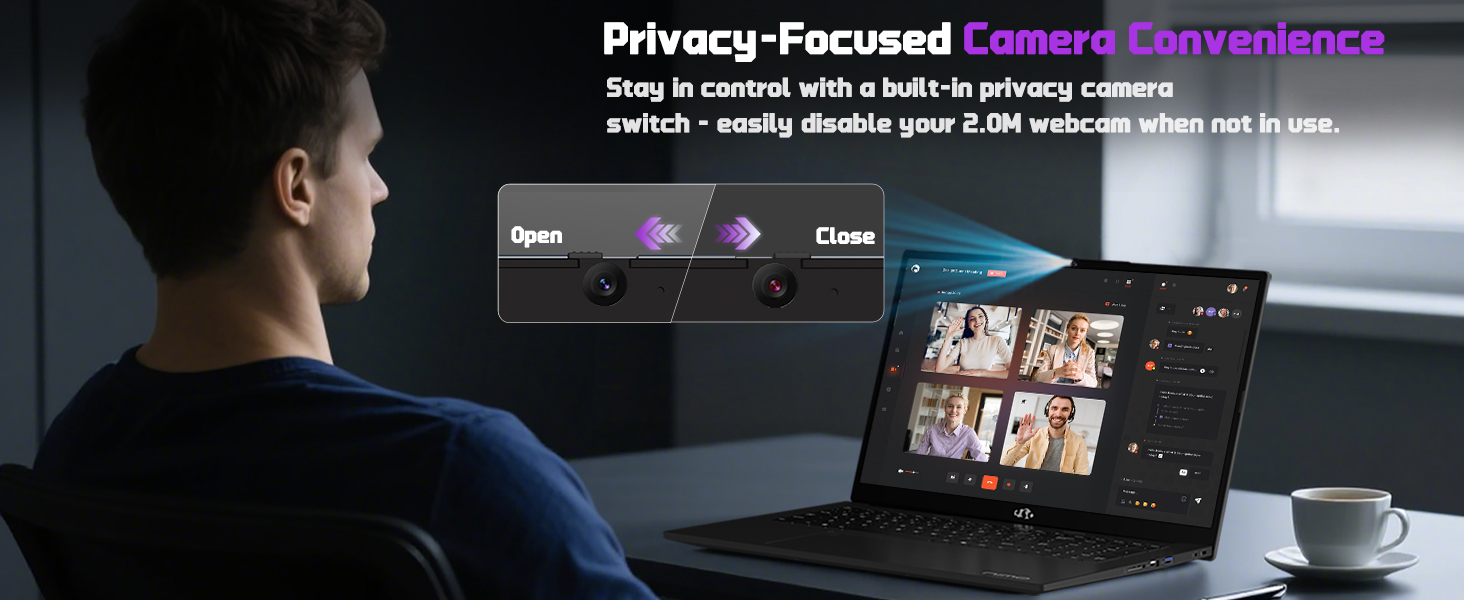
Image: A detailed diagram illustrating the various high-speed interfaces and ports available on the NIMO laptop for comprehensive connectivity.
Video: A comprehensive introduction to the NIMO laptop, showcasing its design, features, and various connectivity options.
تعليمات التشغيل
1. العرض والمرئيات
The NIMO N177 features a 17.3-inch FHD IPS anti-glare display with a 1920x1080 resolution and an 85% screen-to-body ratio. This provides immersive visuals and sharp details for both work and entertainment. Adjust display settings through Windows Display Settings.

Image: The NIMO laptop showcasing its 17.3-inch FHD IPS display, highlighting the visual experience with bright colors and sharp details.
2. لوحة المفاتيح ولوحة اللمس
The laptop is equipped with an ergonomic backlit keyboard, allowing comfortable typing in low-light conditions. Adjust the backlight brightness using the dedicated function keys (Fn + F keys). The precision gesture-supporting touchpad enables effortless navigation.
الصورة: تفصيلية view of the NIMO laptop's backlit keyboard and the integrated fingerprint sensor on the touchpad, emphasizing secure login.
3. Webاستخدام الكاميرا
الكاميرا المدمجة بدقة 2 ميجابكسل webcam is suitable for video calls and online meetings. For privacy, the laptop includes a built-in privacy camera switch, allowing you to easily disable the webالكاميرا عندما لا تكون قيد الاستخدام.
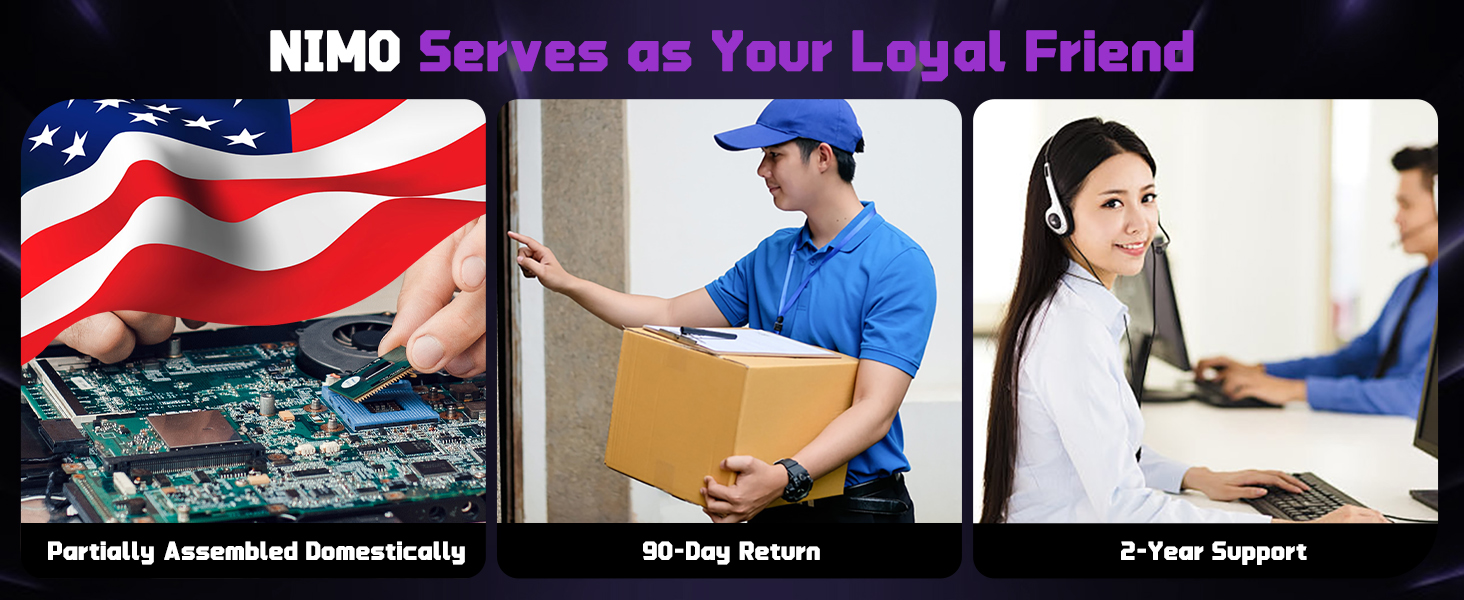
Image: A visual representation of the NIMO laptop's webcam with its privacy switch, showing how to open and close it for enhanced privacy.
صيانة
1. العناية العامة
- Keep the laptop on a hard, flat surface to ensure proper ventilation and prevent overheating.
- تجنب وضع أشياء ثقيلة على الكمبيوتر المحمول.
- Clean the screen and keyboard with a soft, lint-free cloth. Do not use harsh chemicals.
- Protect the laptop from extreme temperatures and moisture.
2. عمر البطارية
To prolong battery life, avoid overcharging and use only the provided 100W USB-C fast charger. If the battery shows signs of swelling, discontinue use immediately and contact support.
3. Upgrading Memory and Storage
The NIMO N177 features an upgradable design, allowing you to expand memory and storage. It supports up to 16GB DDR5 RAM and a 1TB PCIe 4.0 SSD. Consult a professional for upgrades to avoid damaging the device and to maintain warranty validity.
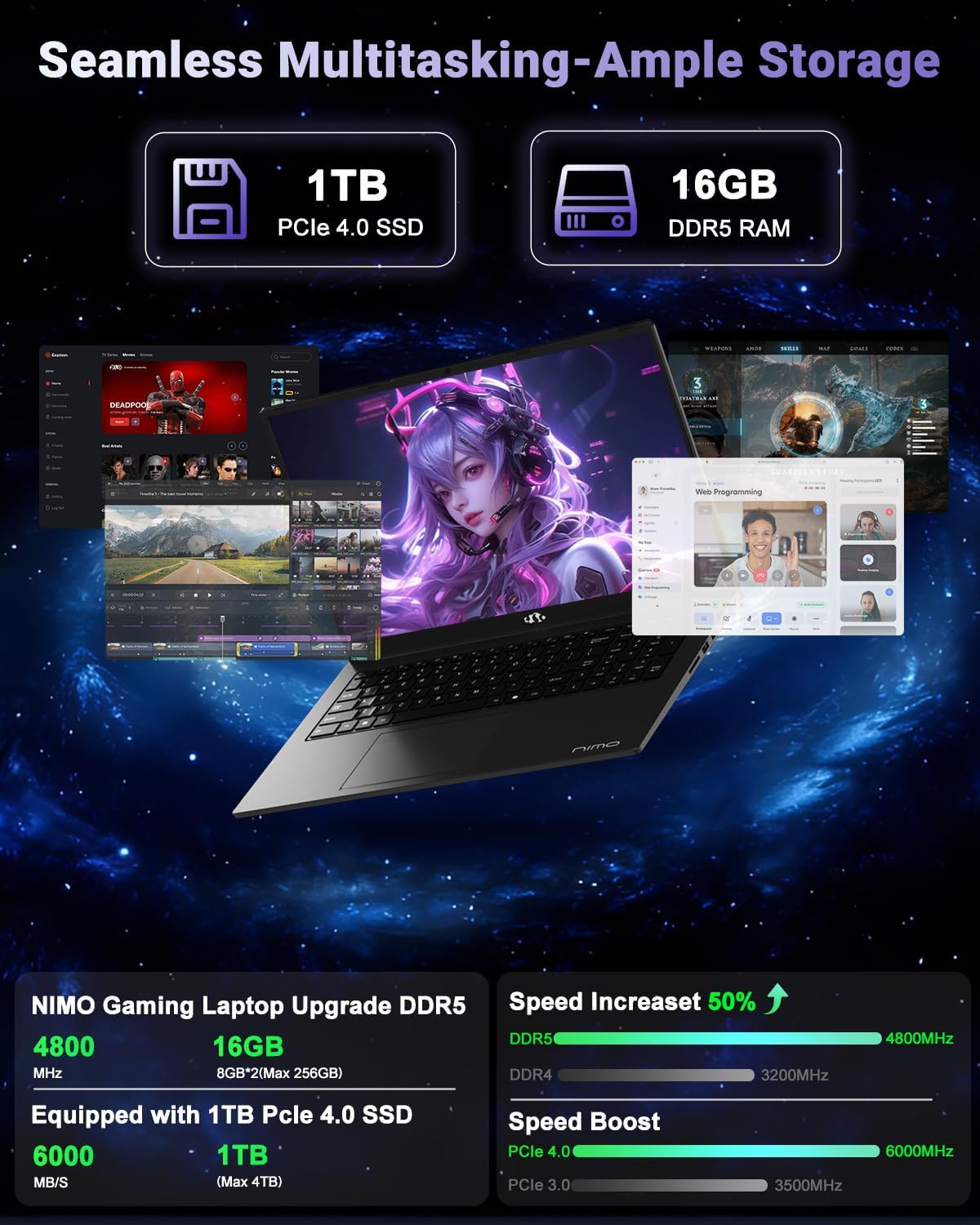
Image: A visual breakdown of the NIMO laptop's internal components, highlighting the 1TB PCIe 4.0 SSD and 16GB DDR5 RAM, and their performance benefits.
استكشاف الأخطاء وإصلاحها
- الكمبيوتر المحمول لا يعمل: Ensure the charger is properly connected and the battery has sufficient charge. Try a different power outlet.
- ارتفاع درجة الحرارة: Ensure the laptop is on a hard, flat surface and vents are not obstructed. Reduce heavy workload if persistent.
- الأداء البطيء: Close unnecessary applications, check for background updates, or consider upgrading RAM/SSD if performance issues persist.
- Liquid spill: Immediately unplug the laptop, turn it off, and dry it thoroughly. Do not attempt to power it on until completely dry. Seek professional assistance.
- مشاكل البرمجيات: Ensure Windows 11 is updated. Run antivirus scans regularly.
للحصول على مزيد من المساعدة، يرجى الرجوع إلى قسم الضمان والدعم.
تحديد
| ميزة | التفاصيل |
|---|---|
| حجم عرض الشاشة الدائمة | 17.3 بوصة |
| دقة الشاشة | 1920 × 1080 بكسل (FHD) |
| المعالج | معالج AMD Ryzen 7 8745HS (بتردد يصل إلى 4.9 جيجاهرتز) |
| كبش | 16 جيجابايت DDR5 (4800 ميجاهرتز) |
| القرص الصلب | محرك أقراص صلبة SSD بسعة 1024 جيجابايت (PCIe 4.0) |
| معالج الرسوميات المساعد | AMD Radeon 780M (مدمجة) |
| نوع لاسلكي | 802.11a/b/g/n/ac |
| عدد منافذ USB 2.0 | 1 |
| عدد منافذ USB 3.0 | 3 |
| متوسط عمر البطارية | 15.5 ساعة |
| نظام التشغيل | ويندوز 11 |
| وزن العنصر | 4.6 رطل |
| أبعاد المنتج | 15.66 × 9.99 × 0.74 بوصة |
| لون | أسود |
| مؤخرة Webقرار الكاميرا | 2 ميجا بكسل |
| المميزات الخاصة | لوحة مفاتيح بإضاءة خلفية، قارئ بصمات الأصابع، صوت عالي الدقة، لوحة مفاتيح رقمية |
الضمان والدعم
Your NIMO N177 laptop is backed by a ضمان لمدة 2 سنوات from the manufacturer. Additionally, NIMO offers a سياسة إرجاع سهلة لمدة 90 يومًا. For any product-related inquiries, technical support, or warranty claims, please contact NIMO Direct Inc. Our dedicated support team is ready to provide quick and worry-free solutions.
لمزيد من المعلومات، قم بزيارة Official NIMO Store on Amazon.


