Lexar D40E Dual USB 3.2 Gen 1 Type-C Jump Drive
دليل تعليمات المستخدم
1. انتهى المنتجview
The Lexar D40E Dual USB 3.2 Gen 1 Type-C Jump Drive is a versatile and portable storage solution designed for seamless data transfer between various devices. Featuring both USB Type-A and USB Type-C connectors, this drive offers broad compatibility with smartphones, tablets, laptops, and traditional computers. Its durable metal housing and swivel design ensure protection and convenience on the go.

Figure 1: Lexar D40E Dual USB 3.2 Gen 1 Type-C Jump Drive.
2. الميزات الرئيسية
- الاتصال المزدوج: Equipped with both USB Type-A and USB Type-C connectors for wide compatibility across modern and traditional devices.
- أداء عالي السرعة: Achieves read speeds of up to 100MB/s and write speeds of up to 80MB/s, facilitating quick file التحويلات.
- التوصيل والتشغيل: No software installation required for immediate use with compatible devices.
- تصميم متين: Features a robust metal enclosure and a 360° swivel design to protect the connectors and enhance portability.
- الأمان المتقدم: Includes Lexar DataShield software with 256-bit AES encryption for secure file حماية.
3. الإعداد والاستخدام الأولي
3.1 فك تغليف الجهاز
Carefully remove the Lexar D40E Jump Drive from its packaging. Inspect the drive for any visible damage. The package typically includes the drive itself.

Figure 2: Front packaging of the Lexar D40E.
3.2 الاتصال بجهاز
- Identify the appropriate port on your device (USB Type-A or USB Type-C).
- Rotate the swivel mechanism on the Lexar D40E to expose the desired connector.
- Insert the connector firmly into the corresponding port on your computer, smartphone, or tablet.

Figure 3: Connecting the drive to a laptop and a smartphone.
The drive is plug-and-play and should be automatically recognized by most operating systems (Windows, macOS, Android, Linux) without requiring additional drivers.
4. Operating the Jump Drive
4.1 File تحويل
Once connected, the Lexar D40E will appear as a removable storage device (e.g., 'USB Drive' or 'Lexar D40E') in your device's file مستكشف أو file تطبيق الإدارة.
- للنسخ files to the drive: السحب والإفلات files from your device's storage to the Lexar D40E folder. Alternatively, right-click (or long-press on mobile) the files, select 'Copy', navigate to the drive, and select 'Paste'.
- للنسخ files from the drive: السحب والإفلات files from the Lexar D40E folder to your device's storage. Alternatively, right-click (or long-press on mobile) the files on the drive, select 'Copy', navigate to your desired destination, and select 'Paste'.

Figure 4: High-speed data transfer in progress.
4.2 الآمنة File Protection (Lexar DataShield)
The Lexar D40E supports advanced security features using Lexar DataShield software, which provides 256-bit AES encryption. This software is typically pre-loaded on the drive or available for download from the official Lexar webموقع.
- Locate and run the Lexar DataShield application on the drive.
- Follow the on-screen instructions to set up a secure partition and password.
- Place sensitive files into the encrypted partition for enhanced security.
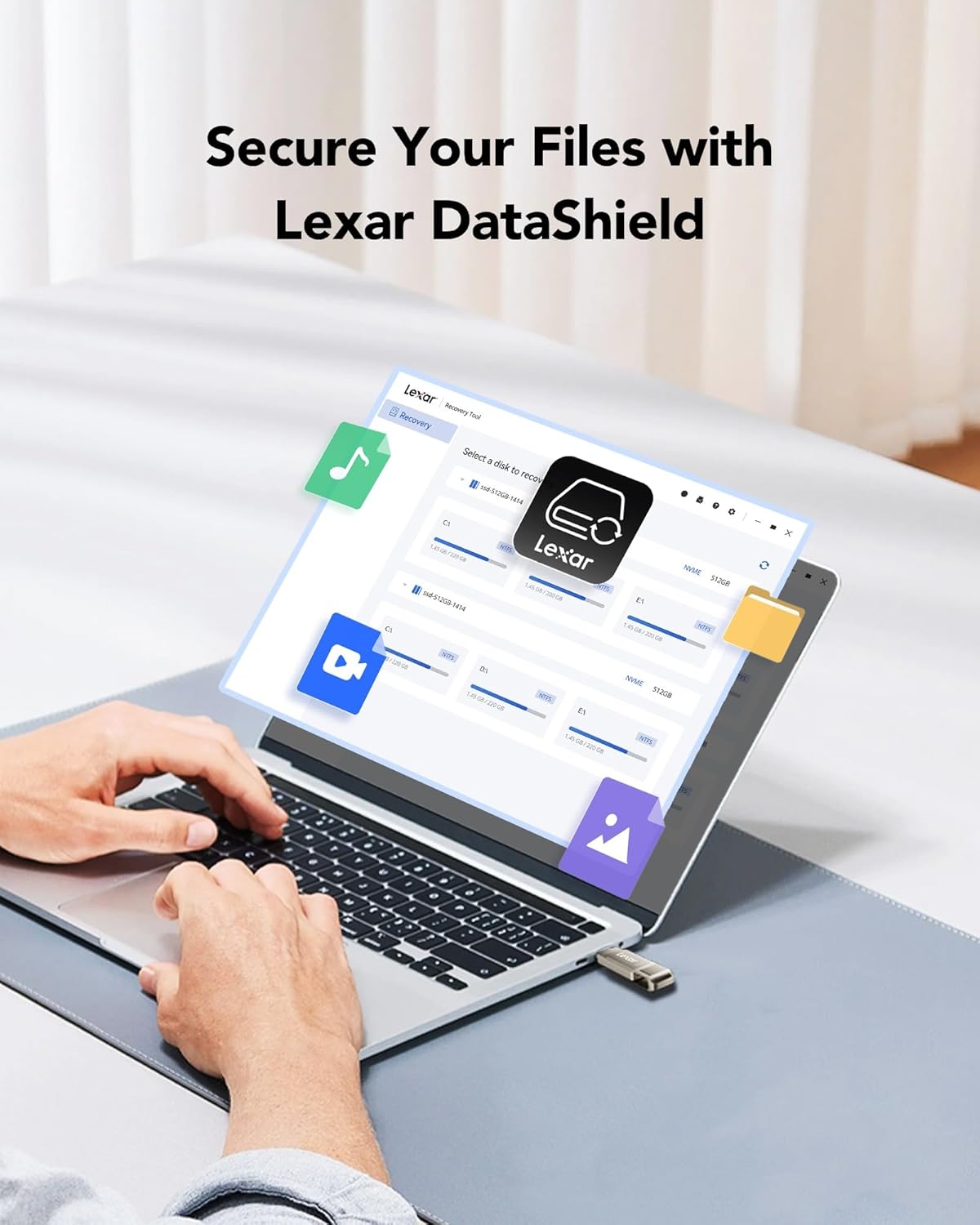
Figure 5: Lexar DataShield software interface.
4.3 الإزالة الآمنة
Always safely eject the drive from your operating system before physically removing it to prevent data corruption. This is typically done by right-clicking the drive icon in your file قم باستكشاف الشاشة واختر "إخراج" أو "إزالة الأجهزة بأمان".
5. الصيانة والعناية
- الرعاية الجسدية: The metal housing provides durability. Avoid excessive force, extreme temperatures outside the operating range (0°C to 50°C), and exposure to water or corrosive substances.
- حماية الموصل: Utilize the swivel design to protect the unused connector from dust and damage when not in use.
- النسخ الاحتياطي للبيانات: Regularly back up important data stored on the drive to another location to prevent data loss.
- تنظيف: Use a soft, dry cloth to clean the exterior of the drive. Do not use liquid cleaners.
6. استكشاف الأخطاء وإصلاحها
| مشكلة | السبب المحتمل | حل |
|---|---|---|
| لم يتم التعرف على محرك الأقراص | Incorrect port, loose connection, driver issue, or incompatible file نظام. | Ensure the drive is fully inserted into a compatible USB port. Try a different USB port or device. Check device manager for driver issues. Reformat the drive if necessary (note: this will erase all data). |
| سرعات نقل بطيئة | Using a USB 2.0 port, large number of small fileأو العمليات الخلفية. | Ensure you are connected to a USB 3.0/3.1/3.2 port for optimal speed. Close unnecessary applications. Transfer fewer, larger fileإذا كان ذلك ممكنا. |
| لا أستطيع الكتابة files | القرص ممتلئ، أو محمي ضد الكتابة، أو file system limitations (e.g., FAT32 for large fileس). | Check available space. Ensure the drive is not write-protected. For files larger than 4GB, reformat the drive to NTFS (Windows) or exFAT (Windows/macOS compatible). |
| Drive gets warm during use | Normal operation, especially during prolonged transfers. | This is normal for metal-encased drives as metal dissipates heat effectively. If it becomes excessively hot or causes errors, discontinue use and contact support. |
7. المواصفات
| ميزة | التفاصيل |
|---|---|
| اسم الموديل | D40E |
| سعة تخزين الذاكرة | 256 GB (as reviewإد) |
| واجهة الأجهزة | يو إس بي 3.2 الجيل الأول |
| تكنولوجيا الاتصال | يو إس بي من النوع أ، يو إس بي من النوع سي |
| سرعة القراءة | تصل إلى 100 ميجابايت/ثانية |
| سرعة الكتابة | تصل إلى 80 ميجابايت/ثانية |
| لون | Champأغني الفضة |
| أبعاد المنتج (الطول × العرض × الارتفاع) | 2.76 × 0.67 × 0.04 بوصة (70.4 × 16.9 × 1.0 مم تقريبًا) |
| وزن العنصر | 0.317 أونصة (حوالي 9 جرامًا) |
| درجة حرارة التشغيل | 0 درجة مئوية إلى 50 درجة مئوية (32 درجة فهرنهايت إلى 122 درجة فهرنهايت) |
Note: Performance may vary depending on host device, interface, and usage conditions.
8. الضمان والدعم
8.1 الضمان المحدود
The Lexar D40E Jump Drive is backed by a Lexar 3-year limited warrantyيغطي هذا الضمان عيوب المواد والتصنيع في ظل الاستخدام العادي. يُرجى الاحتفاظ بإيصال الشراء للمطالبة بالضمان.
8.2 دعم العملاء
For technical assistance, warranty claims, or further information, please visit the official Lexar website or contact Lexar customer support through the following channels:
- Lexar Official Webموقع: www.lexar.com/support
- Refer to the product packaging for specific regional contact information.


