1. المقدمة
This manual provides detailed instructions for the setup, operation, and maintenance of your WIITHINK HD Blu-Ray DVD Player (Model WTB-978). This player is designed to deliver a high-definition cinematic experience with versatile disc and multimedia playback capabilities. Please read this manual thoroughly before using the product to ensure proper operation and to maximize your enjoyment.
2. محتويات العبوة
يرجى التأكد من أن جميع العناصر المدرجة أدناه متضمنة في الحزمة الخاصة بك:
- 1 x WIITHINK Blu-Ray DVD Player (Model WTB-978)
- 1 × جهاز تحكم عن بعد (البطاريات غير متضمنة)
- 1 × كابل HDMI
- شنومكس x أف كابل
- 1 × دليل التعليمات

Image: Contents of the WIITHINK Blu-Ray DVD Player package. This image displays the Blu-ray DVD player, its remote control, an HDMI cable, an RCA (AV) cable, and the instruction manual, illustrating all items included in the box.
3. الإعداد
3.1 توصيل جهازك بالتلفزيون
The WIITHINK Blu-Ray DVD Player offers multiple connectivity options to suit your television or home theater system.
- اتصال HDMI (الموصى به لجودة HD):
For the best audio and video quality, connect the included HDMI cable from the HDMI OUT port on the player to an HDMI IN port on your television. Select the corresponding HDMI input on your TV.
- اتصال AV (RCA):
Use the included AV cable to connect the player to your TV. Match the colored plugs (Yellow for Video, White for Left Audio, Red for Right Audio) from the player's AV OUT ports to the corresponding AV IN ports on your TV. Select the AV input on your TV.
- اتصال الصوت المحوري:
For digital audio output to a compatible receiver or sound system, connect a coaxial cable (not included) from the Coaxial OUT port on the player to the Coaxial IN port on your audio device.
3.2 توصيل الطاقة
After connecting the player to your TV, plug the player's power cord into a standard electrical outlet.
3.3 بطاريات جهاز التحكم عن بعد
قم بإدخال بطاريتين AAA (غير متضمنتين) في جهاز التحكم عن بعد، مع التأكد من القطبية الصحيحة.
4. تعليمات التشغيل
4.1 تشغيل/إيقاف التشغيل
اضغط على قوة button on the front panel of the player or on the remote control to turn the unit on or off.
تشغيل القرص 4.2
This player supports a wide range of disc formats, including Blu-ray Discs (Region A/1), standard DVDs (Region Free), CDs, and VCDs.
- اضغط على فتح/إغلاق استخدم الزر الموجود على اللوحة الأمامية أو جهاز التحكم عن بعد لفتح درج القرص.
- Place a disc gently onto the disc tray with the label side facing up.
- اضغط على فتح/إغلاق اضغط على الزر مرة أخرى لإغلاق الدرج. سيبدأ المشغل تلقائيًا بقراءة القرص.
- Use the remote control's navigation buttons (لأعلى ، لأسفل ، لليسار ، لليمين ، حسنًا) to select options from the disc menu.
- يضعط تشغيل/إيقاف مؤقت لبدء التشغيل أو إيقافه مؤقتًا.
- يضعط قف لإنهاء التشغيل.
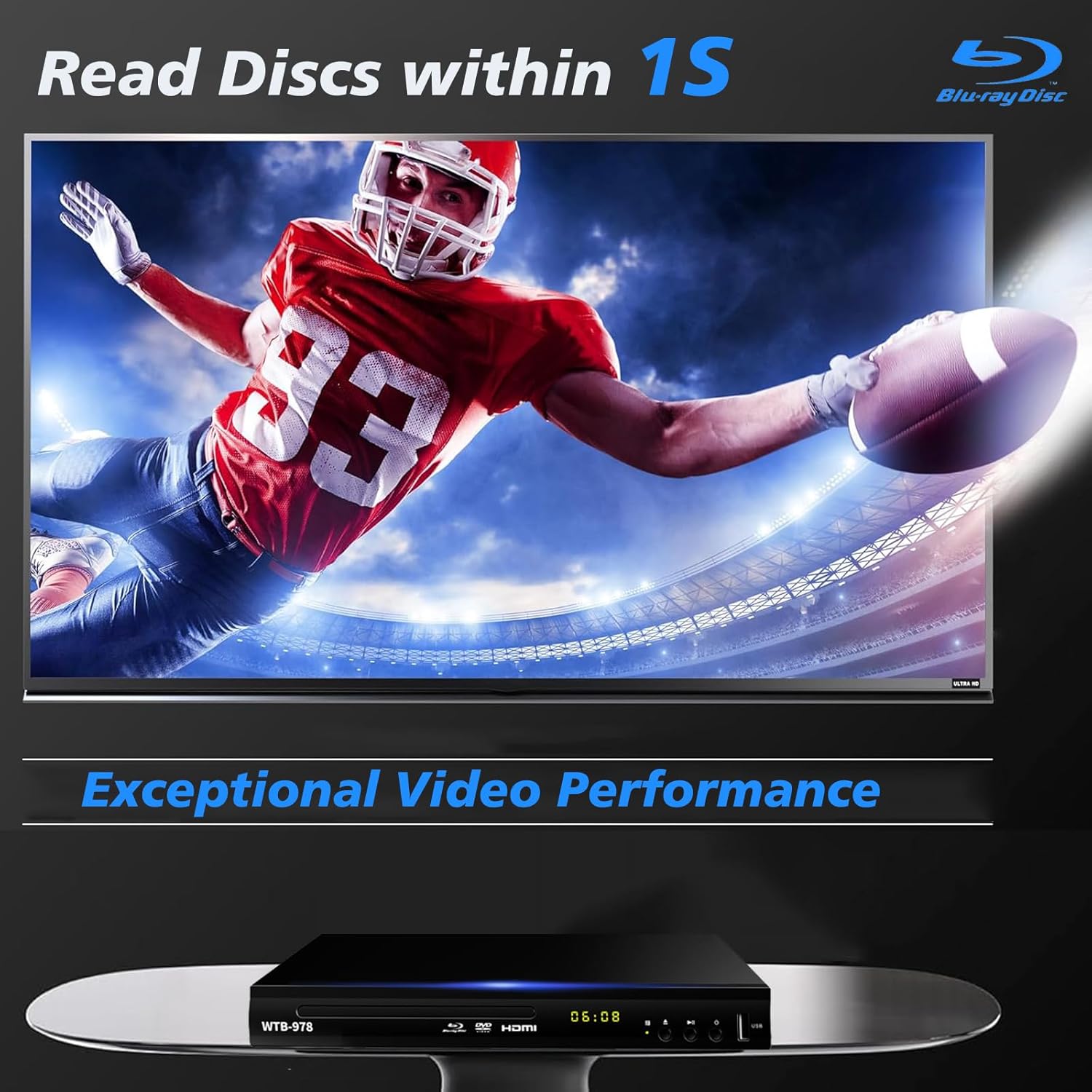
Image: The Blu-Ray DVD player is shown with a screen displaying a high-definition football game, emphasizing its exceptional video performance and quick disc reading capabilities.

Image: A Blu-Ray DVD player with its disc tray open, revealing a Blu-ray disc. The image highlights the player's ability to deliver 1080P HD picture quality, with a film strip graphic above suggesting movie playback.

Image: The Blu-Ray DVD player is positioned in front of a world map, illustrating its "ALL Region Free" capability for DVD playback across multiple countries, while also specifying support for Blu-ray Discs from Region A/1.
4.3 تشغيل الوسائط المتعددة عبر USB
The player features a USB input for playing multimedia files from external storage devices (up to 2TB USB flash drives/HDDs).
- Insert your USB flash drive or external HDD into the USB port on the front of the player.
- The player should automatically detect the USB device and display a menu. If not, navigate to the USB input using the remote control.
- استخدم أزرار التنقل لتصفح ما يلي files (MP4, AVI, MP3, etc.) and press OK to select and play.
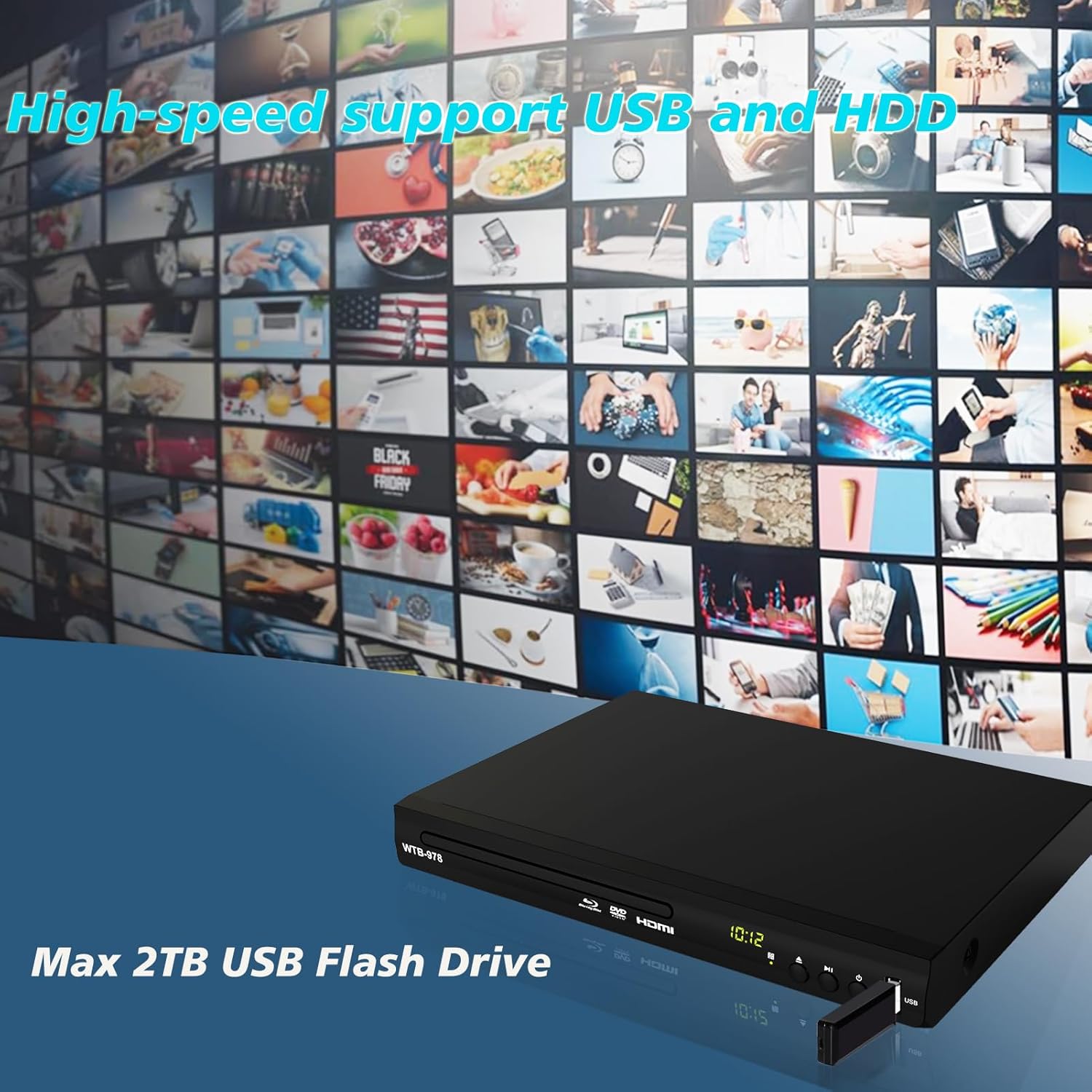
Image: The Blu-Ray DVD player is shown with a USB flash drive inserted into its port, set against a background of numerous video thumbnails, illustrating its high-speed support for USB and HDD multimedia playback.
4.4 Audio Features (Dolby & DTS)
The player supports Dolby and DTS audio formats for an immersive sound experience. Ensure your audio receiver or sound system is properly connected and configured to utilize these features.
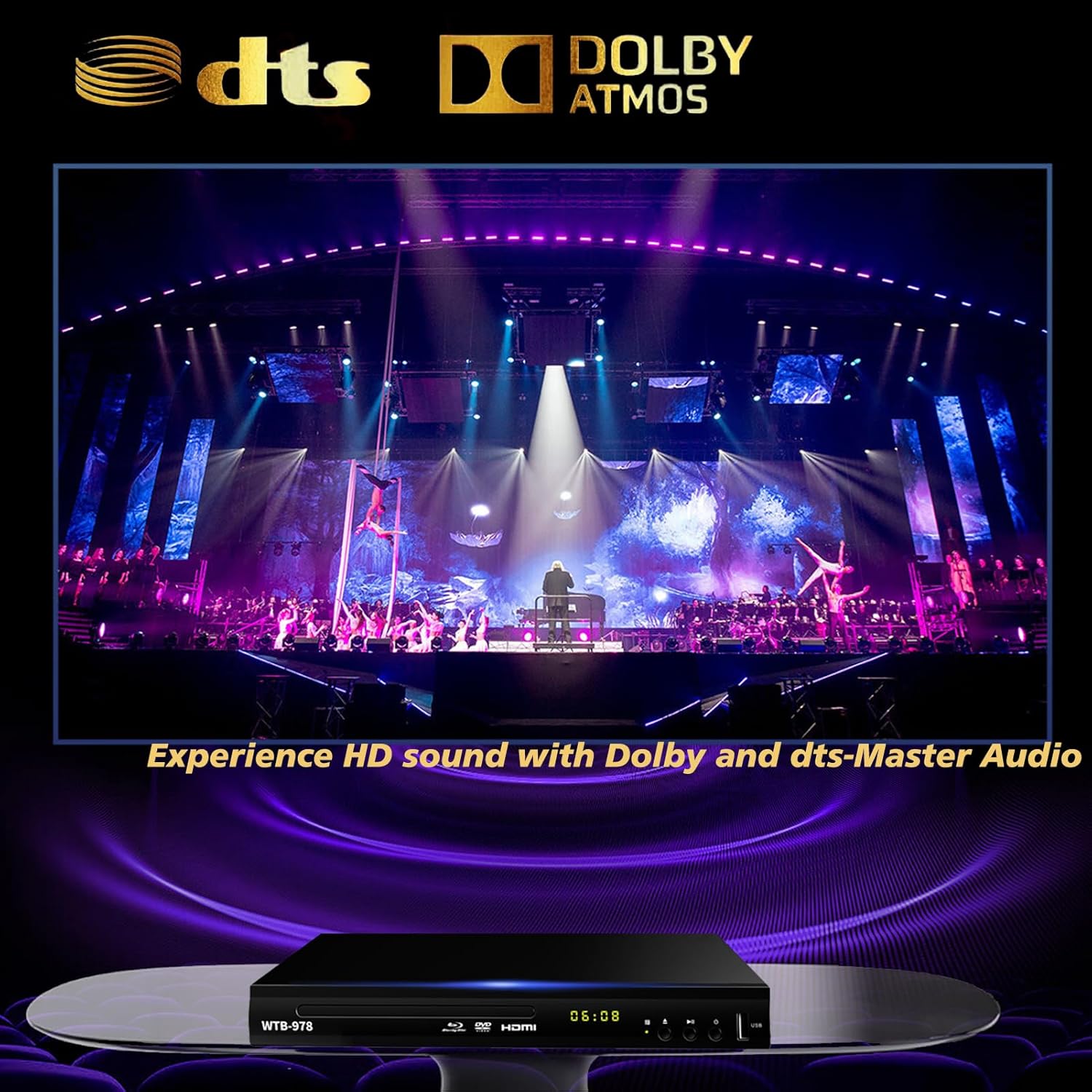
Image: The Blu-Ray DVD player is displayed with prominent DTS and Dolby logos, and a concert scene on the screen, highlighting its capability to deliver HD sound with Dolby and DTS-Master Audio.
4.5 استئناف التشغيل
The player features a resume function, allowing it to continue playback from where it was last paused, even after being powered off.

Image: Two television screens illustrate the resume playback feature. The first screen shows a video paused, and the second shows the video resuming from the exact point after the player was powered off, demonstrating seamless continuity.
5. الصيانة
- تنظيف: Use a soft, dry cloth to clean the exterior of the player. Do not use liquid cleaners or abrasive chemicals.
- العناية بالقرص: أمسك الأقراص من حوافها. حافظ عليها نظيفة وخالية من الخدوش. استخدم قطعة قماش ناعمة وخالية من الوبر لمسح الأقراص من المركز إلى الخارج.
- تهوية: تأكد من وجود تهوية كافية للاعب. لا تسد فتحات التهوية.
- تخزين: قم بتخزين المشغل في مكان بارد وجاف بعيدًا عن أشعة الشمس المباشرة ودرجات الحرارة القصوى.
6. استكشاف الأخطاء وإصلاحها
| مشكلة | السبب المحتمل | حل |
|---|---|---|
| لا يوجد طاقة | سلك الطاقة غير متصل؛ منفذ الطاقة غير نشط. | تأكد من توصيل سلك الطاقة بشكل آمن. اختبر المنفذ باستخدام جهاز آخر. |
| لا يوجد صورة | Incorrect input selected on TV; Loose HDMI/AV cable connection. | Select the correct HDMI or AV input on your TV. Check cable connections at both ends. |
| لا يوجد صوت | كابلات الصوت غير موصلة؛ مستوى صوت التلفزيون/جهاز الاستقبال منخفض جدًا أو مكتوم. | Ensure audio cables (HDMI/AV/Coaxial) are properly connected. Increase volume and check mute settings on TV/receiver. |
| القرص لا يعمل | Disc is dirty, scratched, or inserted incorrectly; Incorrect disc region. | Clean the disc. Ensure the disc is inserted label-side up. Verify Blu-ray disc region (Region A/1 supported). DVDs are region-free. |
| جهاز التحكم عن بعد لا يعمل | البطاريات فارغة أو تم إدخالها بشكل غير صحيح؛ وجود عائق بين جهاز التحكم عن بعد والمشغل. | Replace batteries, ensuring correct polarity. Remove any obstructions and point the remote directly at the player's sensor. |
7. المواصفات
- نموذج: وتب-978
- دقة: 1920 × 1080 (1080 بكسل)
- الأجهزة المتوافقة: تلفزيون
- المميزات الخاصة: Surround Sound, Standard DVDs All-Region Free, Anti-Shock, Noise Reduction Technology, Blu-Ray Region A discs support
- وضع إخراج الصوت: محيط
- تنسيقات الصوت المدعومة: DTS, Dolby
- أنواع الموصلات: RCA, USB, HDMI, Coaxial
- Media Types Supported: CD, DVD, VCD, Blu-Ray Disc (BD, BD-R, BD-RE, DVD-R/RW, DVD+R/RW, DVD-Video, VCD, CD, CD-R/RW)
- مدعوم File Formats (USB): MP4, AVI, MP3
- USB Drive Support: Max 2TB USB Flash Drive/HDD
- الأبعاد (الطول × العرض × الارتفاع): Approximately 10.24 in x 7.56 in x 1.57 in
- وزن: حوالي 1.62 كجم
8. الضمان والدعم
For warranty information and technical support, please refer to the contact details provided on the product packaging or visit the official WIITHINK webالموقع. احتفظ بإيصال الشراء كإثبات للشراء.
For further assistance, you may contact WIITHINK customer service through their official channels.


