1. المقدمة
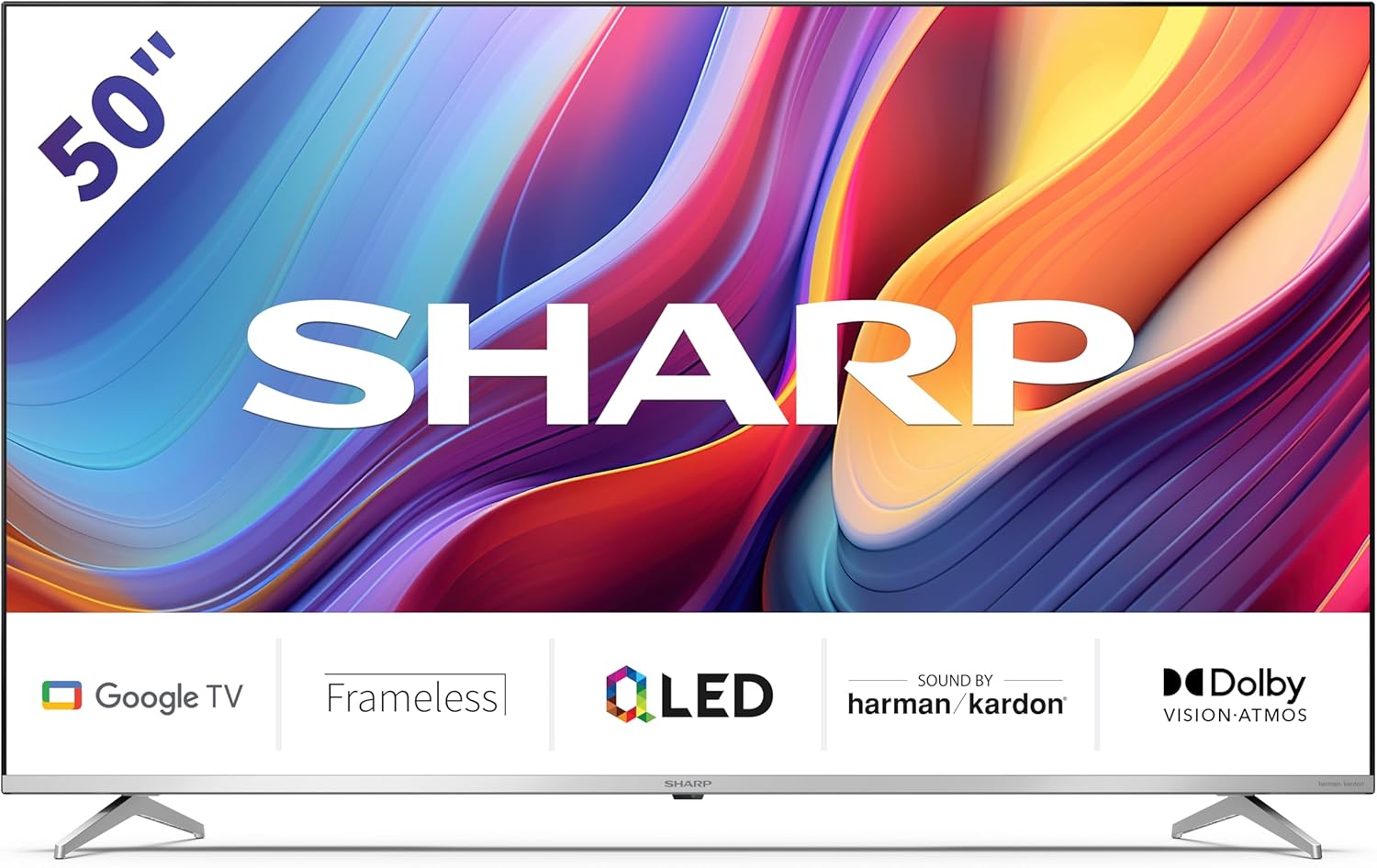
Welcome to the user manual for your new Sharp 50GP6265E 50-inch QLED 4K Ultra HD Google TV. This manual provides essential information for the safe and efficient use of your television. Please read it thoroughly before operating the device and retain it for future reference.
معلومات هامة حول السلامة
- تأكد من وضع التلفزيون على سطح ثابت لمنعه من السقوط.
- لا تسدّ فتحات التهوية. فالتدفق السليم للهواء ضروري لمنع ارتفاع درجة الحرارة.
- حماية سلك الطاقة من أن يمشي عليه أحد أو يضغط عليه.
- Do not expose the TV to rain or moisture to reduce the risk of fire or electric shock.
- قم بإحالة جميع أعمال الصيانة إلى موظفي الخدمة المؤهلين.
2. ماذا يوجد في الصندوق
عند فك العبوة، يرجى التأكد من تضمين جميع المكونات التالية:
- Sharp 50GP6265E 50-inch QLED 4K Ultra HD Google TV
- جهاز التحكم عن بعد
- 2 x AAA batteries (for remote control)
- دليل البدء السريع
- TV stands (if not wall-mounted)
- كابل الطاقة
3. الإعداد
3.1 فك التعبئة
Carefully remove the television from its packaging. It is recommended to keep the original packaging for potential future transport or servicing.
3.2 تركيب الحامل
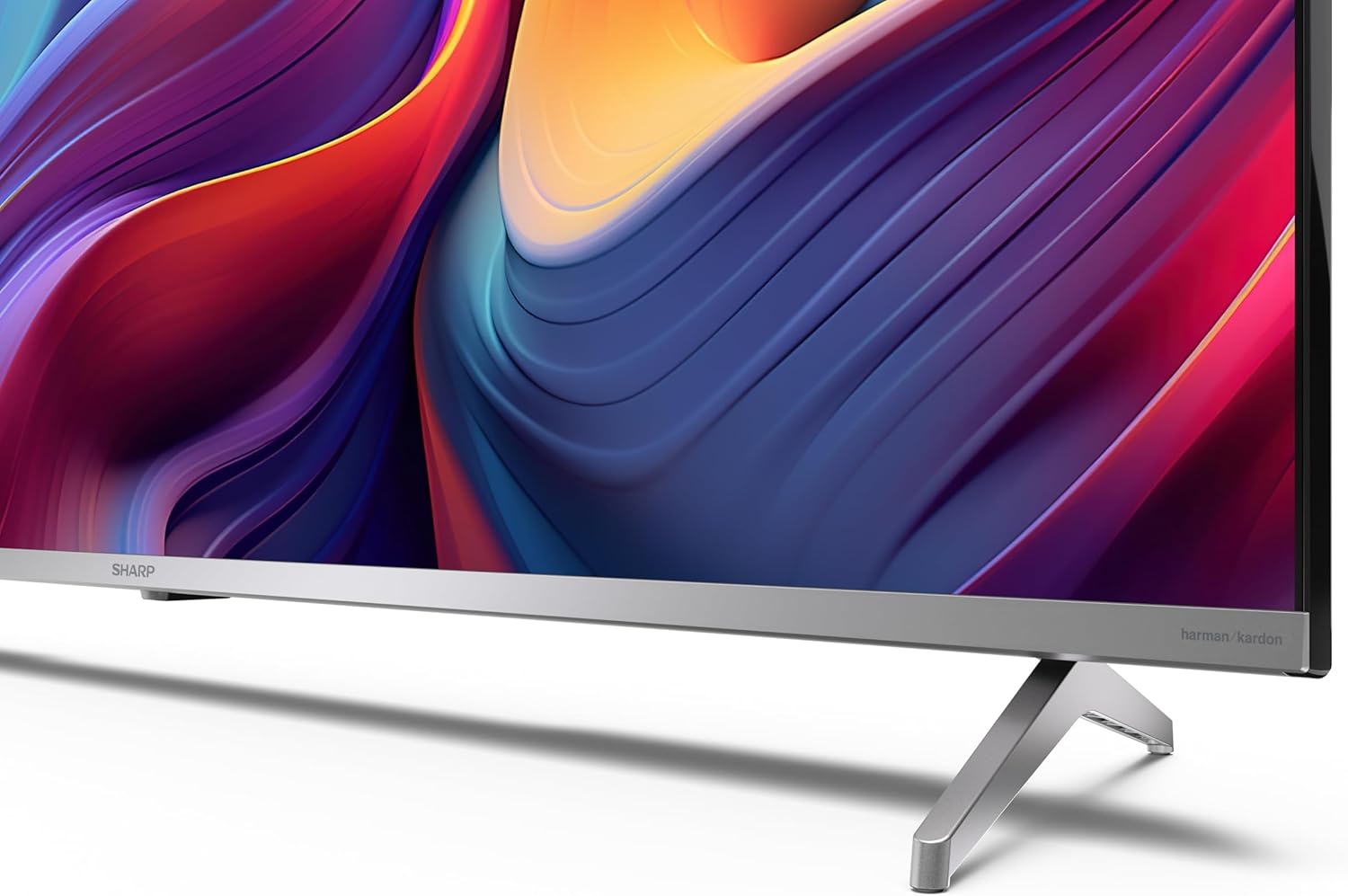
If you are not wall-mounting the television, attach the included stands to the bottom of the TV. Ensure the screws are securely fastened. Refer to the quick start guide for detailed diagrams.
3.3 التركيب على الحائط
For wall mounting, the VESA dimensions required are 400 x 300 mm. Use a compatible wall mount bracket (sold separately) and follow the instructions provided with the bracket. Ensure the wall can support the weight of the television (9.7 kg net weight).

3.4 توصيل الأجهزة الطرفية
Your Sharp TV offers various connectivity options:
- HDMI: Connect external devices such as Blu-ray players, gaming consoles, or set-top boxes using the 4 HDMI 2.1 ports. One port supports eARC for enhanced audio return channel functionality.
- USB: Use the 2 USB ports for connecting external storage devices to play media or for service updates.
- إيثرنت: للحصول على اتصال إنترنت سلكي مستقر.
- واي فاي: للاتصال اللاسلكي بالإنترنت.
- بلوتوث: Connect wireless headphones, soundbars, or other Bluetooth-enabled accessories.

3.5 الإعداد لأول مرة
After connecting the power cable and turning on the TV, follow the on-screen instructions to complete the initial setup. This typically includes language selection, network connection, and Google account sign-in for Google TV features.
4. تشغيل جهاز التلفزيون
4.1 التحكم عن بعد
The included remote control allows you to navigate the TV's interface, adjust volume, change channels, and access smart features. Insert the 2 AAA batteries into the remote control, ensuring correct polarity.
4.2 واجهة Google TV
Your Sharp TV runs on Google TV, which organizes movies, shows, and live TV from all your apps and subscriptions. The home screen provides personalized recommendations and quick access to your favorite content.

Supported internet services include Netflix, Amazon Prime Video, HBO, Disney+, Movistar+, DAZN, Atresmedia, KODI, IPTV, Steamlink, Twitch, VLC, YouTube, Puffin TV Browser, Spotify, Deezer, TuneIn Radio, and many more available on Google Play for Google TV.
4.3 إعدادات الصورة
Experience stunning visuals with 4K Ultra HD resolution and Quantum Dot technology for vibrant colors. The TV supports Dolby Vision and HDR10 for enhanced contrast and brightness. Access picture settings through the TV menu to customize brightness, contrast, color, and sharpness to your preference. AQUOS Smooth Motion technology provides image interpolation for smoother motion.
4.4 إعدادات الصوت
The integrated Harman/Kardon speaker system (2 x 12 W) delivers immersive audio. With Dolby Atmos support, you can enjoy a rich, multi-dimensional sound experience. Adjust sound modes and equalizer settings in the audio menu.
4.5 الميزات الذكية
- مساعد جوجل: استخدم الأوامر الصوتية للبحث عن المحتوى والتحكم في أجهزة المنزل الذكي والحصول على المعلومات.
- مدمج في Chromecast: Cast content from your smartphone, tablet, or computer directly to your TV screen.
5. الصيانة
5.1 تنظيف التلفزيون
- افصل دائمًا التلفاز عن الكهرباء قبل التنظيف.
- استخدم قطعة قماش ناعمة وجافة لمسح الشاشة والخزانة. لإزالة البقع الصعبة، امسح برفق.ampامسح القماش بالماء أو بمنظف الشاشة المتخصص.
- تجنب استخدام المنظفات الكاشطة، أو الشمع، أو المذيبات.
5.2 تحديثات البرامج
Your TV may receive software updates to improve performance and add new features. Ensure your TV is connected to the internet to receive these updates automatically or check for them manually in the settings menu.
6. استكشاف الأخطاء وإصلاحها
إذا واجهت مشكلات مع التلفزيون الخاص بك، فراجع المشكلات والحلول الشائعة التالية:
| مشكلة | الحل المحتمل |
|---|---|
| لا يوجد طاقة | Check if the power cable is securely connected to the TV and the power outlet. Ensure the outlet is functional. |
| لا توجد صورة، ولكن الصوت موجود | تأكد من تحديد مصدر الإدخال الصحيح. تحقق من توصيلات الأجهزة الخارجية. |
| لا يوجد صوت ولكن الصورة موجودة | Check the volume level and mute status. Ensure audio cables are correctly connected for external devices. |
| جهاز التحكم عن بعد لا يعمل | استبدل بطاريات AAA. تأكد من عدم وجود أي عوائق بين جهاز التحكم عن بعد ومستشعر الأشعة تحت الحمراء الخاص بالتلفزيون. |
| مشاكل اتصال Wi-Fi | Restart your router and the TV. Re-enter the Wi-Fi password. Ensure the TV is within range of your Wi-Fi network. |
7. المواصفات
| ميزة | التفاصيل |
|---|---|
| ماركة | حاد |
| رقم الموديل | 50GP6265E |
| حجم الشاشة | 50 بوصة |
| تكنولوجيا العرض | QLED, Quantum Dot |
| دقة | 4K Ultra HD (3840 × 2160 بكسل) |
| معدل التحديث | 60 هرتز |
| نظام التشغيل | جوجل تي في |
| دعم HDR | دولبي فيجن، HDR10 |
| نظام الصوت | Harman/Kardon (2 x 12 W), Dolby Atmos |
| الاتصال | 4x HDMI 2.1 (with eARC), 2x USB, Wi-Fi, Bluetooth, Ethernet |
| المميزات الخاصة | Google Assistant, Chromecast built-in, AQUOS Smooth Motion |
| حامل حائط VESA | 400 × 300 ملم |
| الأبعاد (مع الحامل) | 111.6P x 26.5l x 69.3H cm (1116.4 x 692.9 x 264.7 mm) |
| الأبعاد (بدون الحامل) | 111.6P x 9.2l x 65.1H cm (1116.4 x 651.3 x 91.5 mm) |
| الوزن الصافي | 9.7 كجم |
| فئة كفاءة الطاقة (SDR) | G (69 كيلوواط ساعة/1000 ساعة) |
| فئة كفاءة الطاقة (HDR) | G (98 كيلوواط ساعة/1000 ساعة) |

For detailed product information and energy efficiency data, please refer to the EPREL database: https://eprel.ec.europa.eu/qr/1942440
8. الضمان والدعم
Information regarding spare parts availability and software updates is not explicitly provided for a guaranteed period. Please refer to the manufacturer's official website for the most up-to-date warranty terms and support information.
المُصنع: SHARP
رسمي Webموقع: www.sharpconsumer.com
For customer service inquiries, please visit the Sharp consumer website or contact their support channels as listed on their official site.


