مقدمة
Thank you for choosing the BINNUNE Wireless Gaming Headset. This manual provides detailed instructions on how to set up, operate, and maintain your headset to ensure optimal performance and a superior gaming experience. Please read this manual thoroughly before using the product.
ماذا يوجد في الصندوق
Upon unboxing your BINNUNE Wireless Gaming Headset, please verify that all the following components are included:
- BINNUNE Wireless Gaming Headset (Blue)
- دونجل يو اس بي 2.4 جيجا هرتز
- كابل صوت 3.5 ملم
- كابل شحن USB
- دليل المستخدم (هذا المستند)

Image: The BINNUNE Wireless Gaming Headset in blue, accompanied by its 2.4GHz USB dongle and a 3.5mm audio jack. These are the primary components included in the product package.
المنتج انتهىview
Familiarize yourself with the key features and components of your BINNUNE Wireless Gaming Headset:
- عقال قابل للتعديل: للحصول على ملاءمة مريحة.
- واقيات أذن ناعمة: Large-size memory foam earmuffs (110mm diameter, 45mm thickness) made of breathable PU leather and mesh material for extended comfort.
- سائقين 50 مم: High-performance 50mm driver units for clear and rich stereo sound.
- Unidirectional Noise-Canceling Microphone: A 120° adjustable boom mic designed to filter out background noise for clear communication.
- On-Headset Controls: Buttons for power, volume adjustment, and microphone mute.

الصورة: تفصيلية view of the BINNUNE Wireless Gaming Headset's unidirectional boom microphone, highlighting its flexible design and noise-canceling capabilities.

Image: An exploded diagram illustrating the internal components of the 50mm audio drivers within the BINNUNE headset, emphasizing their design for rich, full-range sound.
يثبت
شحن سماعة الرأس
Before first use, fully charge the headset. A full charge takes approximately 3 hours. A 10-minute quick charge can provide up to 3 hours of battery life. The headset offers up to 80 hours of continuous use in 2.4GHz mode and up to 120 hours in Bluetooth mode.
- قم بتوصيل كابل شحن USB بمنفذ شحن سماعة الرأس.
- قم بتوصيل الطرف الآخر من كابل USB بمصدر طاقة USB متوافق (مثل منفذ USB في الكمبيوتر، أو محول USB الجداري).
- The LED indicator on the headset will show charging status (refer to the headset's LED guide for specific indications).

Image: The BINNUNE Wireless Gaming Headset displayed alongside a visual representation of its impressive 120-hour battery life, indicating extended usage time.
خيارات الاتصال
Your BINNUNE headset supports three connection modes:
- 2.4GHz Wireless (USB Dongle): Provides ultra-low latency (15ms) for gaming. Ideal for PS5, PS4, PC, and Mac.
- بلوتوث شنومكس: For wireless connection to mobile phones, tablets, PC, and Mac.
- اتصال سلكي 3.5 مم: Universal compatibility with any device featuring a 3.5mm audio jack.
2.4GHz Wireless Connection (for PS5, PS4, PC, Mac)
- أدخل جهاز USB بتردد 2.4 جيجاهرتز في منفذ USB متاح على جهاز PS5 أو PS4 أو الكمبيوتر الشخصي أو جهاز Mac.
- قم بتشغيل سماعة الرأس. ستحاول تلقائياً الاتصال بجهاز الاستقبال.
- Once connected, the LED indicator on the headset will confirm the connection (refer to LED guide).
- On your device, ensure the BINNUNE headset is selected as the audio output and input device.
Bluetooth 5.3 Connection (for PC, Mac, Mobile Phone, Tablet)
- Ensure the headset is powered on and in Bluetooth pairing mode (usually indicated by a blinking LED). If not, double-press the power button to switch to Bluetooth mode.
- On your device (PC, Mac, mobile phone, tablet), go to Bluetooth settings and search for available devices.
- Select "BINNUNE BW01" (or similar) from the list of found devices to pair.
- Once paired, the LED indicator will show a solid light (refer to LED guide).
3.5mm Wired Connection (for All Platforms)
- قم بتوصيل أحد طرفي كابل الصوت 3.5 ملم بمنفذ سماعة الرأس 3.5 ملم.
- Connect the other end of the 3.5mm audio cable to the 3.5mm audio jack on your device (e.g., PS4/PS5 controller, PC, mobile phone).
- The headset will function in passive wired mode. Note that some headset features (like LED lighting or specific controls) may be limited in wired mode.
Note: The BINNUNE Wireless Gaming Headset is not compatible with Xbox consoles.
التوافق انتهىview
The following table provides a quick reference for device compatibility across different connection modes:

Image: A visual compatibility chart detailing which devices (PC, PS4/PS5 Console, PS4/PS5 Controller, Switch, Cell Phone, Tablet) support sound, microphone, and microphone mute functions across 2.4GHz Wireless (USB Dongle), Bluetooth 5.3, and 3.5mm Wired connection modes.
تعليمات التشغيل
تشغيل/إيقاف الطاقة
- تشغيل الطاقة: اضغط مع الاستمرار على زر الطاقة لمدة 3 ثوانٍ تقريبًا حتى يضيء مؤشر LED.
- إيقاف التشغيل: اضغط مع الاستمرار على زر الطاقة لمدة 3 ثوانٍ تقريبًا حتى ينطفئ مؤشر LED.
Switching Between 2.4GHz and Bluetooth Modes
The headset supports simultaneous wireless operation, allowing quick toggling between 2.4GHz and Bluetooth modes.
- للتبديل بين الأوضاع: Double-press the Power button. The headset will switch between 2.4GHz wireless mode and Bluetooth mode.
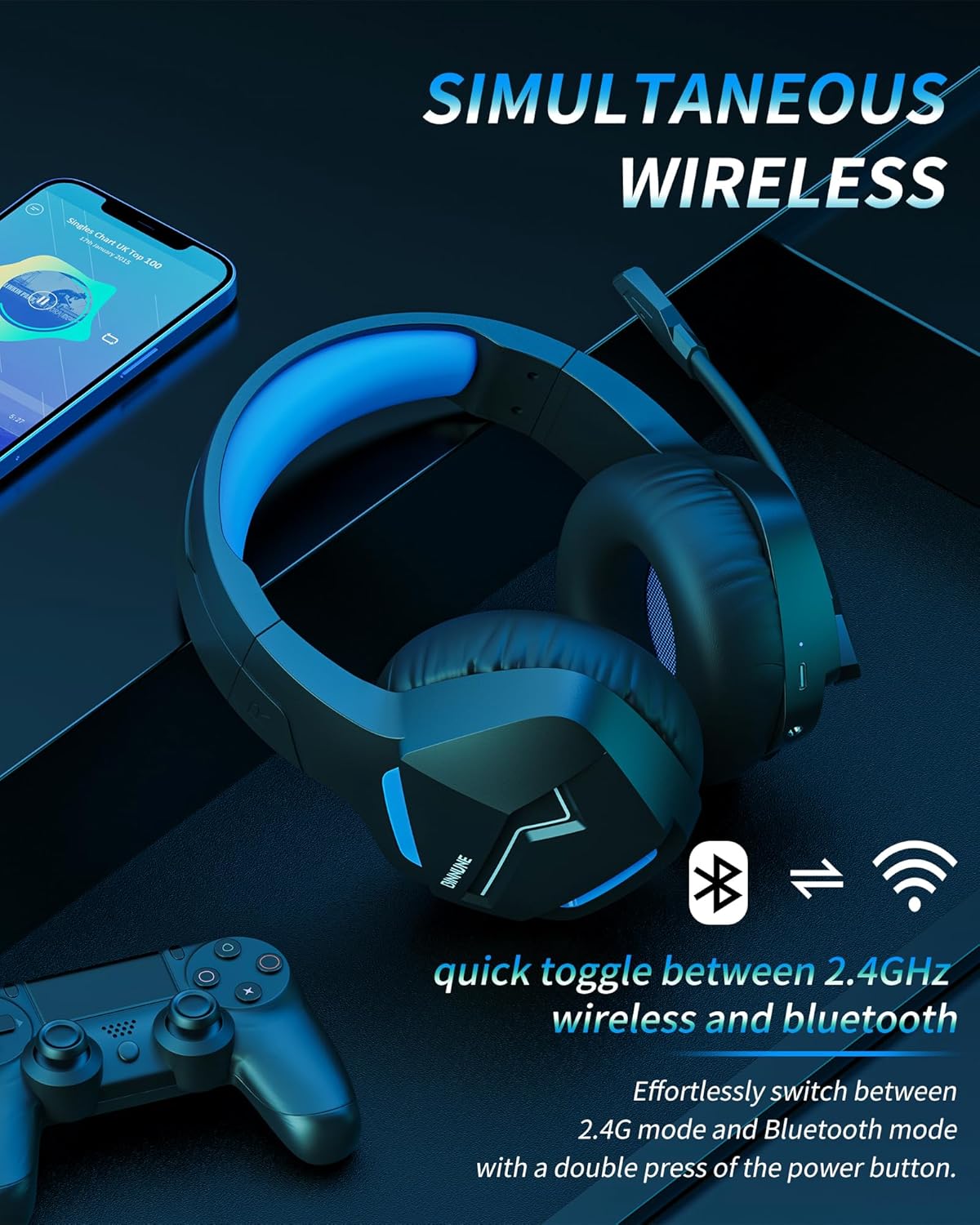
Image: The BINNUNE Wireless Gaming Headset shown with icons representing both 2.4GHz wireless and Bluetooth connectivity, indicating its ability to switch between these modes for versatile use.
التحكم في مستوى الصوت
- ارفع على الصوت: اضغط على زر رفع الصوت (+).
- تقليل الحجم: اضغط على زر خفض الصوت (-).
التحكم في الميكروفون
- كتم / إلغاء كتم صوت الميكروفون: Press the Microphone Mute button. A red LED on the microphone tip usually indicates it is muted.
- ضبط موضع الميكروفون: The 120° adjustable memory line microphone can be freely shaped and adjusted to your ideal angle.
أداء الألعاب
The headset is designed for an immersive gaming experience with features like:
- Accurate Sound Positioning: The 50mm drivers provide clear and rich stereo sound, allowing you to accurately pinpoint in-game sounds like footsteps and environmental details.
- زمن انتقال منخفض: The 2.4GHz wireless technology ensures an ultra-low latency of 15ms, providing synchronized audio and video for competitive gaming.
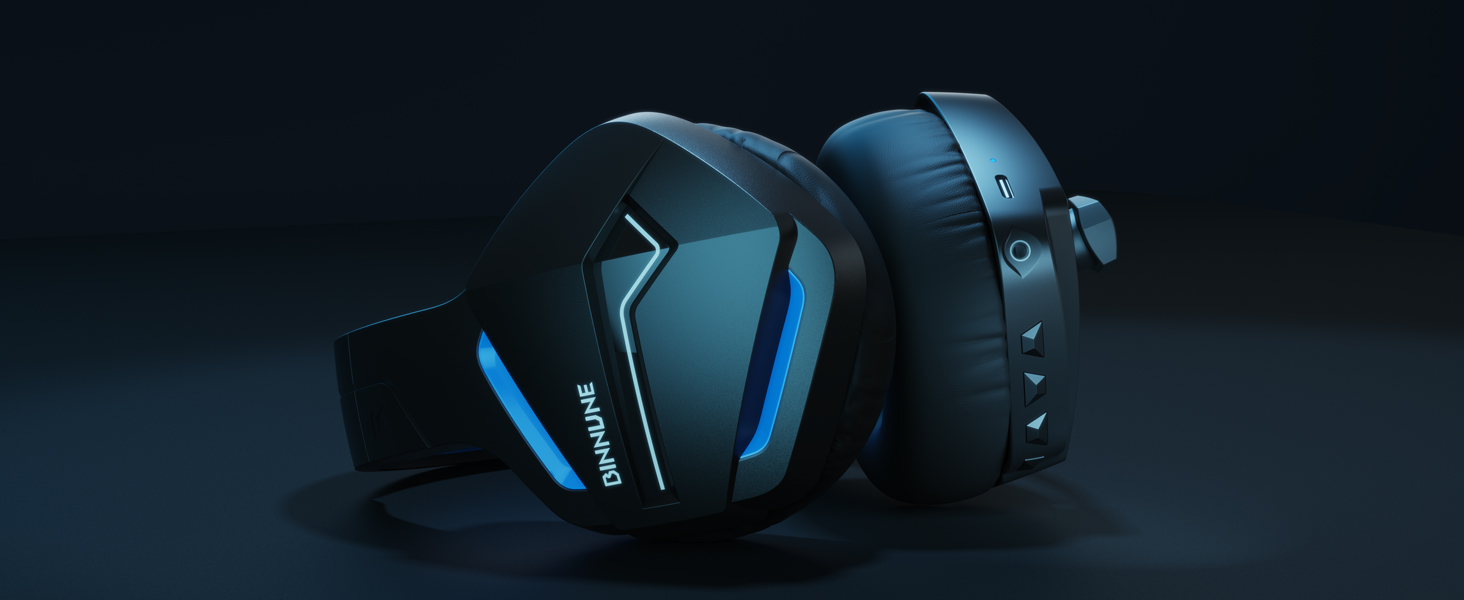
Image: A gamer immersed in a game, wearing the BINNUNE headset, highlighting the benefits of low latency and stable wireless connection for an enhanced gaming experience.
صيانة
Proper maintenance ensures the longevity and performance of your BINNUNE Wireless Gaming Headset.
- تنظيف:
- Use a soft, dry, lint-free cloth to clean the headset's surfaces.
- For earmuffs, gently wipe with a slightly damp قطعة قماش واتركها لتجف في الهواء تمامًا قبل الاستخدام.
- لا تستخدم كيماويات مركزة أو محاليل التنظيف أو المنظفات القوية.
- تخزين:
- قم بتخزين سماعة الرأس في مكان بارد وجاف بعيدًا عن أشعة الشمس المباشرة ودرجات الحرارة القصوى.
- تجنب وضع أشياء ثقيلة على سماعة الرأس.
- العناية بالبطارية:
- تجنب تفريغ البطارية بالكامل بشكل متكرر.
- If storing for a long period, charge the headset to about 50% every few months to preserve battery health.
استكشاف الأخطاء وإصلاحها
If you encounter issues with your BINNUNE Wireless Gaming Headset, please refer to the following common solutions:
| مشكلة | السبب المحتمل | حل |
|---|---|---|
| لا يوجد صوت / حجم صوت منخفض |
|
|
| الميكروفون لا يعمل |
|
|
| Connection Issues (Intermittent/No Connection) |
|
|
| Headset Not Compatible with Xbox |
|
|
تحديد
Detailed technical specifications for the BINNUNE Wireless Gaming Headset (Model: BW01):
| ميزة | التفاصيل |
|---|---|
| اسم الموديل | بي دبليو 01 |
| تكنولوجيا الاتصال | Wireless (2.4GHz USB Dongle, Bluetooth 5.3), Wired (3.5mm Jack) |
| تكنولوجيا الاتصالات اللاسلكية | بلوتوث 5.3 |
| مدى البلوتوث | حتى 10 مترا (33 قدما) |
| زمن استجابة الصوت (2.4 جيجاهرتز) | 15ms (Ultra Stable 2.4GHz Wireless Connection) |
| نوع برنامج تشغيل الصوت | سائق ديناميكي |
| حجم برنامج تشغيل الصوت | 50 مليمتر |
| استجابة التردد | 20 هرتز - 20,000 هرتز |
| حساسية | 96 ديسيبل |
| ميكروفون | Unidirectional Noise-Canceling Mic (120° adjustable) |
| عمر البطارية | Up to 80 hours (2.4GHz mode), Up to 120 hours (Bluetooth mode) |
| وقت الشحن | تقريبا. 3 ساعات للشحن الكامل |
| شكل سماعة الأذن | Oval (110mm diameter, 45mm thickness memory foam) |
| مادة | Plastic (headset), PU leather and mesh (earmuffs) |
| وزن العنصر | 10.7 أونصة (حوالي 303 جرامًا) |
| أبعاد المنتج | 8.27 × 7.48 × 4.33 بوصة |
| الأجهزة المتوافقة | Gaming Consoles (PS4, PS5), Laptops, PC, Mac, Mobile Phones, Tablets |
| نوع التحكم | التحكم بالأزرار |
| المكونات المضمنة | User Manual, 2.4GHz USB Dongle, 3.5mm Audio Cable, USB Charging Cable |
معلومات الضمان
BINNUNE products are manufactured with high-quality standards. While specific warranty details are not provided in this manual, BINNUNE typically offers a limited warranty against defects in materials and workmanship. For detailed warranty terms, conditions, and registration, please refer to the official BINNUNE webالموقع أو الاتصال بدعم العملاء.
دعم العملاء
For further assistance, technical support, or inquiries regarding your BINNUNE Wireless Gaming Headset, please contact BINNUNE customer support through the following channels:
- Official BINNUNE Webموقع: Visit the official BINNUNE webموقع للأسئلة الشائعة، وموارد الدعم، ونماذج الاتصال.
- متجر أمازون: يمكنك أيضًا زيارة متجر بينون على أمازون للحصول على معلومات عن المنتج وخيارات الاتصال بالبائع.
Please have your product model (BW01) and purchase details ready when contacting support.


