1. المقدمة
This manual provides essential information for setting up, operating, and maintaining your Tibuta A70W 10.1-inch Kids Tablet. Designed specifically for children, this tablet features a durable design, parental controls, and a user-friendly Android 13 operating system. Please read this manual thoroughly to ensure proper use and to maximize your child's learning and entertainment experience.

Image: The Tibuta 10.1-inch Kids Tablet, highlighting its 1280x800 display, Android 13 OS, Quad-core 1.8GHz processor, 4GB+32GB memory, 2MP+5MP cameras, and 5000mAh battery.
2. انتهى المنتجview
2.1 الميزات الرئيسية
- عرض: 10.1-inch 1280x800 IPS Full HD touchscreen.
- نظام التشغيل: Android 13 with GMS certification.
- المعالج: 1.8 GHz Quad-core.
- ذاكرة: 4GB RAM (2+2GB), 32GB ROM, expandable up to 128GB via Micro SD.
- الكاميرات: Dual cameras (Front 2MP, Rear 5MP).
- بطارية: 5000 mAh for extended use.
- الاتصال: Wi-Fi (802.11b/g/n) and Bluetooth.
- متانة: Food-grade silicone shockproof case with an integrated stand.
- الرقابة الأبوية: Built-in features for screen time limits and content filtering.
- التطبيقات المثبتة مسبقًا: Includes YouTube, Kids Space, and more.
2.2 مكونات الجهاز اللوحي
Familiarize yourself with the physical components of your tablet:

Image: A diagram illustrating the tablet's functional details, including the front camera, speakers, power ON/OFF button, volume buttons, reset button, rear camera, 3.5mm headphone port, TF Card slot, and USB 2.0 OTG port.
- الكاميرا الأمامية: لإجراء مكالمات الفيديو والتقاط صور السيلفي.
- المتحدثون: لإخراج الصوت.
- زر التشغيل / الإيقاف: To turn the tablet on or off, or to put it to sleep.
- أزرار التحكم في الصوت: لضبط مستوى الصوت.
- زر إعادة الضبط: For system reset in case of unresponsiveness (use a pin).
- الكاميرا الخلفية: لالتقاط الصور والفيديوهات.
- منفذ سماعة الرأس 3.5 ملم: لتوصيل سماعات الرأس.
- فتحة بطاقة TF: لإدخال بطاقة ذاكرة Micro SD لتوسيع سعة التخزين.
- USB 2.0 OTG Port: للشحن ونقل البيانات.
3. الإعداد
3.1 الشحن الأولي
Before first use, fully charge the tablet. Connect the provided USB-C cable to the tablet's USB port and the other end to a power adapter. The battery indicator on the screen will show charging status.
3.2 تشغيل/إيقاف التشغيل
- لتشغيل: Press and hold the Power ON/OFF button until the screen lights up.
- لإيقاف التشغيل: Press and hold the Power ON/OFF button, then select "Power off" from the options.
- للنوم/الاستيقاظ: Briefly press the Power ON/OFF button.
3.3 التكوين الأولي
عند بدء التشغيل لأول مرة، اتبع التعليمات التي تظهر على الشاشة لضبط الإعدادات الأساسية:
- اختر اللغة المفضلة لديك.
- الاتصال بشبكة Wi-Fi.
- سجّل الدخول باستخدام حسابك على جوجل أو أنشئ حسابًا جديدًا. هذا ضروري لتنزيل التطبيقات من متجر جوجل بلاي.
- Set up parental controls as desired (refer to Section 5 for details).
3.4 إدخال بطاقة Micro SD
To expand storage, insert a Micro SD card (up to 128GB) into the TF Card slot. Ensure the tablet is powered off before inserting or removing the card.
4. تعليمات التشغيل
4.1 الملاحة الأساسية
- مقبض: لتحديد عنصر أو فتح تطبيق.
- انتقاد: للتنقل عبر الشاشات أو القوائم.
- قرصة: لتكبير أو تصغير الصور و web الصفحات.
- ضغطة طويلة: للوصول إلى القوائم السياقية أو نقل الأيقونات.
4.2 اتصال واي فاي
- اذهب الى إعدادات > الشبكات والانترنت > واي فاي.
- قم بتشغيل Wi-Fi.
- حدد الشبكة المطلوبة من القائمة وأدخل كلمة المرور إذا طُلب منك ذلك.
4.3 تنزيل التطبيقات
The tablet runs on Android 13 and supports the Google Play Store. You can download a wide range of educational and entertainment apps.

Image: The tablet screen displaying the Google Android 13 interface with various app icons, indicating access to a wide range of applications from the Google Play Store.
- افتح متجر جوجل بلاي برنامج.
- بحث عن the desired app.
- انقر على "تثبيت" لتنزيل التطبيق وتثبيته.
4.4 استخدام الكاميرات
The tablet features a front (2MP) and rear (5MP) camera.
- افتح آلة تصوير برنامج.
- اضغط على أيقونة تبديل الكاميرا للتبديل بين الكاميرات الأمامية والخلفية.
- اضغط على زر الغالق لالتقاط صورة أو بدء/إيقاف تسجيل الفيديو.
4.5 إدارة البطارية
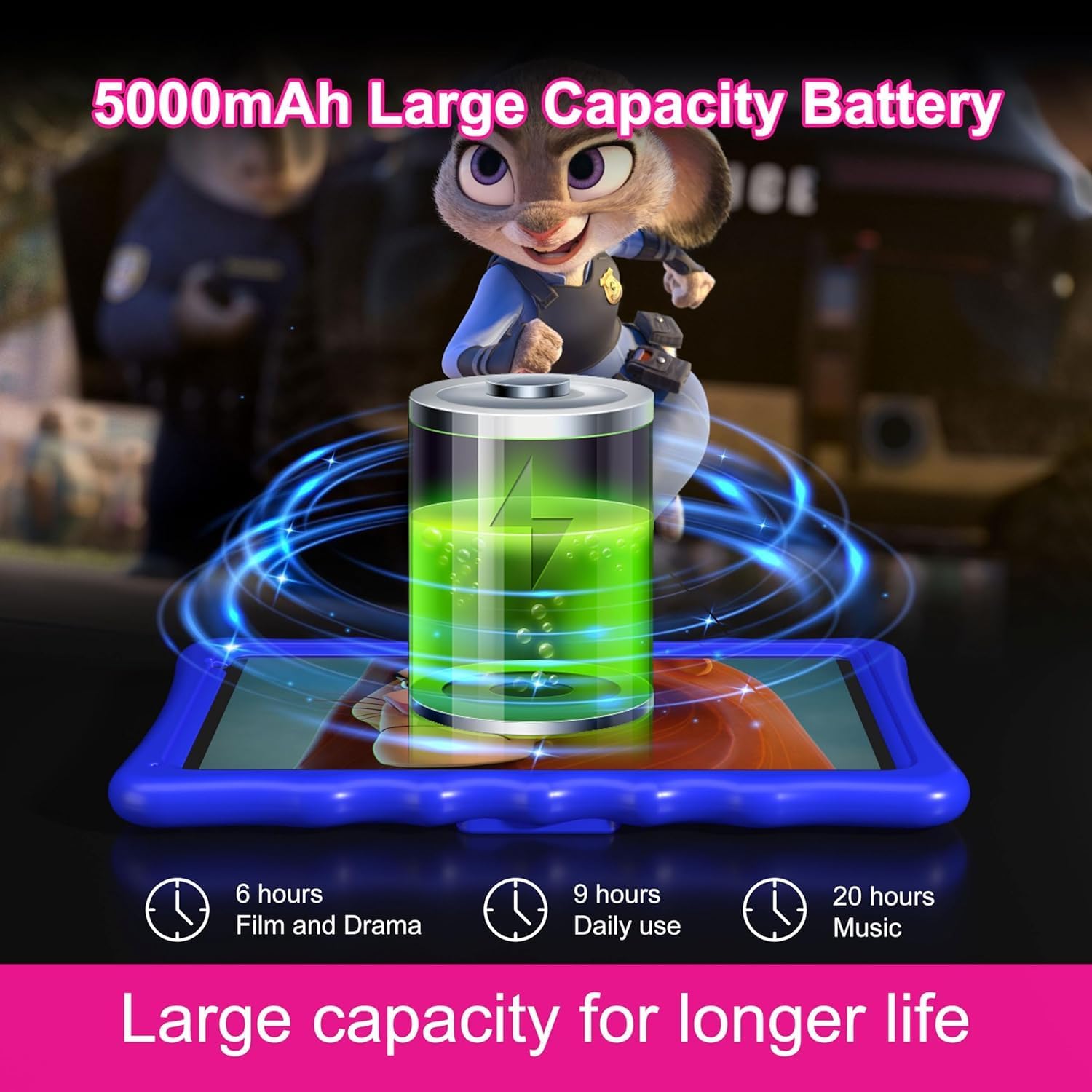
Image: An illustration of the tablet's 5000mAh battery capacity, showing estimated usage times: 6 hours for film/drama, 9 hours for daily use, and 20 hours for music.
توفر البطارية بسعة 5000 مللي أمبير استخدامًا ممتدًا. لتحسين عمر البطارية:
- تقليل سطوع الشاشة.
- قم بإيقاف تشغيل الواي فاي والبلوتوث عند عدم استخدامهما.
- أغلق التطبيقات غير المستخدمة التي تعمل في الخلفية.
- Charge the tablet regularly, avoiding complete discharge.
5. الرقابة الأبوية
The Tibuta A70W tablet includes robust parental control features to ensure a safe and educational environment for children. You can switch between normal and child modes.
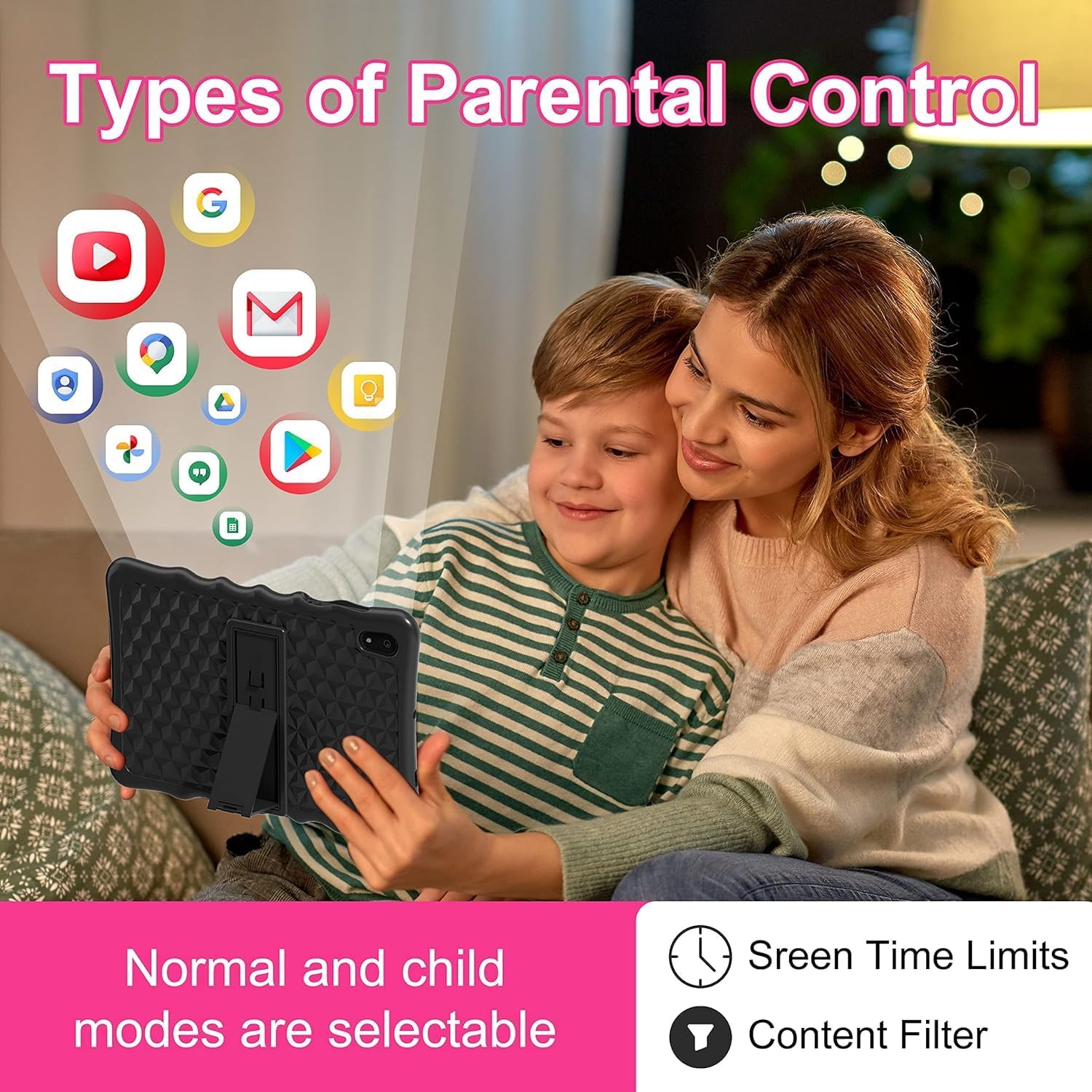
Image: A visual representation of parental control features, including options for setting screen time limits and applying content filters, with various app icons floating above the tablet.
5.1 Setting Up Parental Controls
Access parental control settings through the dedicated "Kids Space" app or via the tablet's main settings menu. Here you can:
- Set Screen Time Limits: Define daily usage limits for the tablet.
- إدارة المحتوى: Filter inappropriate content and approve specific apps, webالمواقع الإلكترونية ومقاطع الفيديو.
- Control App Access: Select which applications your child can use.
- مراقبة النشاط: Review your child's tablet usage.

Image: The tablet displaying the interface for pre-installed Kids Apps like YouTube and Kids Space, showing various educational and entertainment content categories within Google Kids Space.
The tablet comes with pre-installed educational apps and access to Google Kids Space, offering a curated selection of age-appropriate content.
6. الصيانة
6.1 تنظيف الجهاز اللوحي
- استخدم قطعة قماش ناعمة وخالية من الوبر لتنظيف الشاشة والجسم.
- تجنب استخدام المواد الكيميائية القاسية أو المواد الكاشطة.
- Ensure the tablet is powered off before cleaning.
6.2 تحديثات البرامج
تحقق دوريًا من تحديثات البرامج لضمان الأداء والأمان الأمثل. انتقل إلى إعدادات > نظام > تحديث النظام.
6.3 Shockproof Case Care
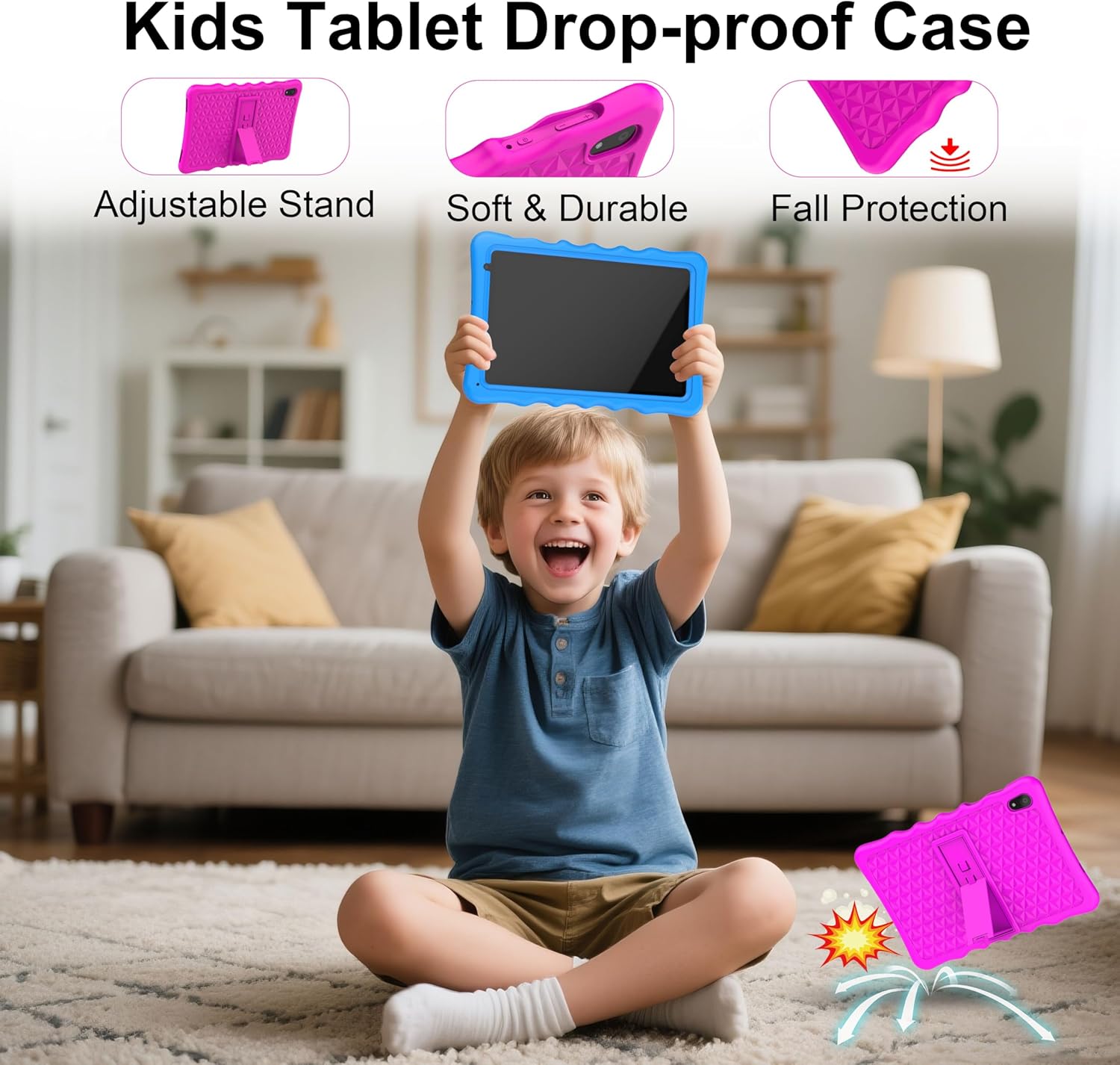
Image: A child happily holding the tablet in its blue shockproof case, with insets illustrating the case's adjustable stand, soft and durable material, and fall protection features.
The food-grade silicone case provides protection. Clean it with mild soap and water if necessary. Ensure it is completely dry before reattaching it to the tablet.
7. استكشاف الأخطاء وإصلاحها
| مشكلة | السبب المحتمل | حل |
|---|---|---|
| الجهاز اللوحي لا يعمل. | انخفاض مستوى البطارية؛ تعطل النظام. | Charge the tablet for at least 30 minutes. If unresponsive, press the reset button with a pin. |
| مشاكل في الاتصال بشبكة Wi-Fi. | كلمة مرور غير صحيحة؛ خارج النطاق؛ مشكلة في جهاز التوجيه. | Verify password. Move closer to the router. Restart the router and tablet. |
| التطبيقات بطيئة أو تتعطل. | عدد كبير جدًا من التطبيقات قيد التشغيل؛ مساحة تخزين منخفضة؛ تطبيق قديم. | Close background apps. Clear app cache. Update apps. Free up storage. |
| الشاشة لا تستجيب. | خلل مؤقت في البرنامج. | Perform a soft reset by holding the power button for 10-15 seconds, or use the reset pinhole. |
| Parental controls not working as expected. | Incorrect settings; app not configured. | Review parental control settings in the Kids Space app or tablet settings. Ensure all apps are managed. |
8. المواصفات
| ميزة | التفاصيل |
|---|---|
| ماركة | تيبوتا |
| رقم الموديل | أ70 دبليو |
| نظام التشغيل | أندرويد 13 |
| ماركة المعالج | الفائز الأول |
| سرعة المعالج | 1.5 GHz (Note: Feature bullets state 1.8 GHz, using 1.5 GHz from specifications for consistency) |
| حجم الشاشة | 10.1 بوصة |
| دقة الشاشة | 1280 × 800 بكسل |
| حجم ذاكرة الوصول العشوائي المثبتة | 4 جيجا بايت |
| سعة تخزين الذاكرة | 32 جيجابايت (قابلة للتوسيع حتى 128 جيجابايت عبر بطاقة Micro SD) |
| العلامة التجارية لشريحة الرسوميات | باور في آر جي إي 8300 |
| نوع الاتصال | Bluetooth, Wi-Fi (802.11b/g/n) |
| بطارية | 1 Lithium-polymer (included) - 5000 mAh |
| أبعاد العنصر (الطول × العرض × الارتفاع) | 24.2 × 16.1 × 0.84 سم |
| وزن العنصر | 1.04 كيلوغرام |
| المميزات الخاصة | Shockproof case, pre-installed educational apps, parental control |
9. الضمان
The Tibuta A70W Kids Tablet comes with a ضمان الشركة المصنعة لمدة عامينيغطي هذا الضمان عيوب المواد والتصنيع في ظل الاستخدام العادي. يُرجى الاحتفاظ بإيصال الشراء للمطالبة بالضمان.
For detailed warranty terms and conditions, please refer to the documentation included with your product or contact customer support.
10. دعم العملاء
If you encounter any problems with your Tibuta A70W Kids Tablet or require technical assistance, please do not hesitate to contact us. Our support team is ready to help.
- طريقة الاتصال: You can reach us via our official store email or through Amazon's messaging system.
- وقت الاستجابة: We aim to respond quickly and provide comprehensive technical support.
Please provide your product model (A70W) and a detailed description of the issue when contacting support to facilitate a faster resolution.


