مقدمة
Thank you for choosing the TELEFUNKEN TE40750B45I2K Smart TV. This manual provides essential information for setting up, operating, and maintaining your television. Please read these instructions carefully before using your TV and retain them for future reference.
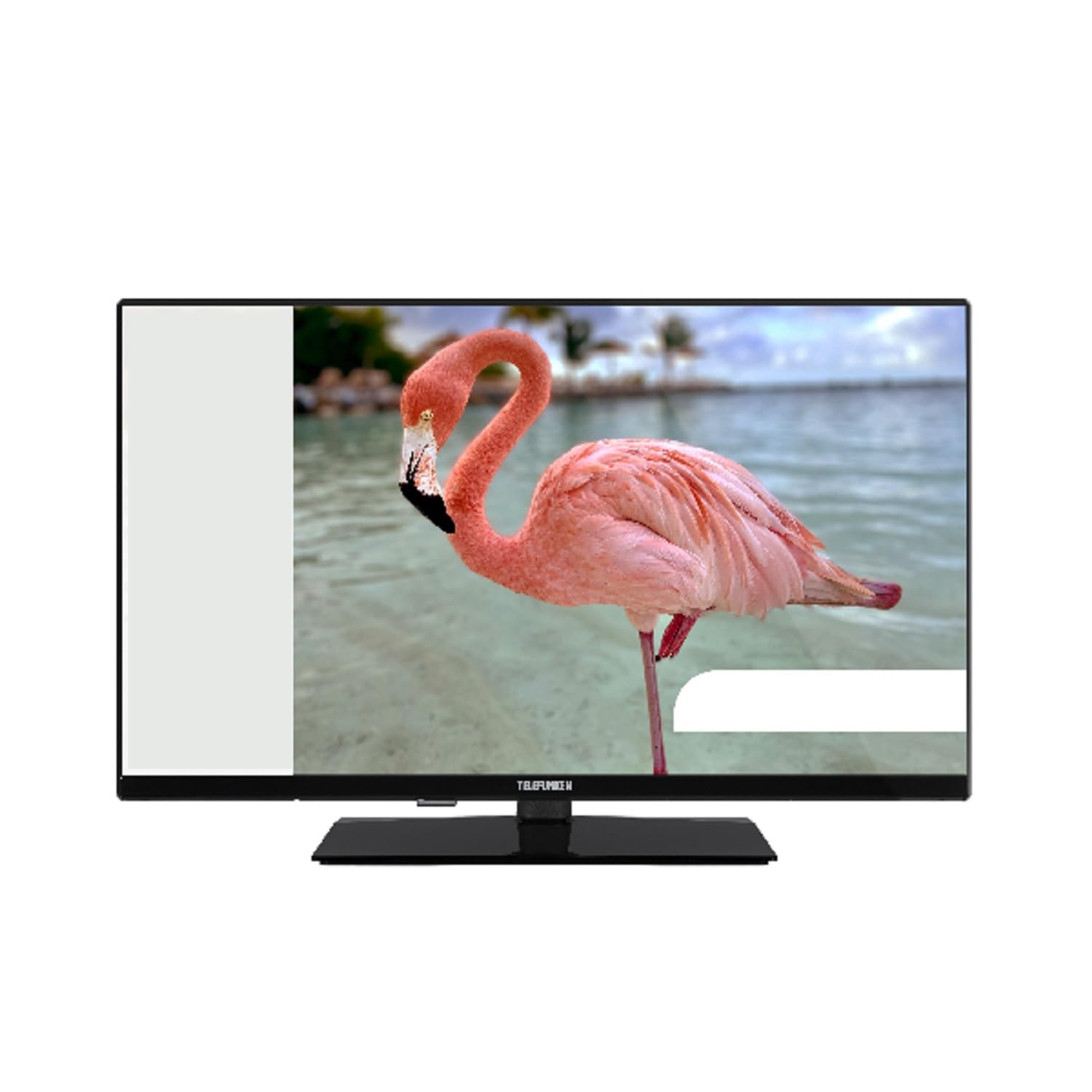
This image shows the TELEFUNKEN TE40750B45I2K Smart TV, a 40-inch model with a sleek black finish and its included stand. The screen displays a vibrant image, highlighting its Full HD LED display capabilities.
يثبت
1. Unpacking and Stand Assembly
- قم بإزالة التلفاز من عبوته بعناية.
- Attach the included base to the television using the provided screws. Ensure it is securely fastened to prevent the TV from tipping.
2. توصيل الطاقة
- Connect the power cord to the TV's power input, then plug it into a 220-240V AC, 50 Hz electrical outlet.
3. توصيل الأجهزة الخارجية
يوفر التلفزيون الخاص بك منافذ اتصال مختلفة للأجهزة الخارجية:
- HDMI: For high-definition audio and video devices like Blu-ray players, game consoles, or set-top boxes.
- USB: لتوصيل أجهزة تخزين USB لتشغيل الوسائط files.
- إيثرنت: للاتصال بالإنترنت السلكي.
- Component Input (YPbPr via VGA): لتوصيل الأجهزة باستخدام كابلات الفيديو المركبة.
- Composite Video/Audio Input: لتوصيل الأجهزة القديمة باستخدام كابلات الفيديو المركبة وكابلات الصوت الاستريو.
- مخرج سماعة الرأس: لتوصيل سماعات الرأس.
4. الإعداد الأولي
- Upon first power-on, the On-Screen Display (OSD) will guide you through the initial setup process.
- Perform an البحث التلقائي to find available digital channels (DVB-T2/C/C S2). The TV supports HEVC (H.265) decoding.
- Connect to your Wi-Fi network or use the Ethernet port for internet access to enable Smart TV features.
تعليمات التشغيل
الوظائف الأساسية
- قوة: Use the remote control or the TV's power button to turn the TV on or off.
- اختيار القناة: Use the channel up/down buttons or enter channel numbers directly.
- التحكم في مستوى الصوت: اضبط مستوى الصوت باستخدام زري رفع / خفض مستوى الصوت.
Smart TV Features (Android OS)
Your TELEFUNKEN Smart TV runs on Android OS, providing access to a variety of applications and online services.
- خدمات الانترنت: Access popular streaming platforms such as Netflix, Hulu, and Amazon Prime Video directly from your TV.
- اتصال واي فاي: Connect to your home network wirelessly for seamless internet access.
تشغيل الوسائط
- مشغل الوسائط USB: Insert a USB storage device into the USB port to play supported media files. The TV supports MP3, WMA, MPG, MPEG, MP4, MOV, AVI, JPG, PNG, and GIF formats.
الميزات المتقدمة
- دليل البرامج الإلكتروني (EPG): View program schedules for digital channels.
- Timer Sleep Function: اضبط مؤقتًا لإيقاف تشغيل التلفزيون تلقائيًا.
- Fast Text - TeleText: Access TeleText services on compatible channels.
- قفل الوالدين: Set restrictions on channels or programs.
- Hotel Mode (Passive): A specialized mode for hotel environments.
- وضع التكبير: Adjust the screen display to zoom in on content.
- إعدادات الصوت: Customize your audio experience with Dolby Audio support, a 5-band equalizer, and DOLBY DIGITAL PLUS audio mode.
صيانة
تنظيف التلفاز
- افصل دائمًا التلفاز عن الكهرباء قبل التنظيف.
- استخدم قطعة قماش ناعمة وجافة لمسح الشاشة والخزانة. لإزالة البقع الصعبة، امسح برفق.ampاغسل قطعة القماش بالماء أو بمنظف خفيف غير كاشط مصمم خصيصًا للإلكترونيات.
- تجنب استخدام الكحول أو البنزين أو المذيبات أو المواد المتطايرة الأخرى، لأنها قد تتلف سطح التلفزيون.
تحديثات البرامج
- Periodically check for available software updates through the TV's settings menu to ensure optimal performance and access to the latest features.
- Information regarding guaranteed software update periods is not available.
استكشاف الأخطاء وإصلاحها
إذا واجهت مشاكل مع جهاز التلفزيون الخاص بك، فيرجى الرجوع إلى الحلول الشائعة التالية قبل الاتصال بالدعم الفني.
- لا يوجد طاقة: تأكد من توصيل سلك الطاقة بإحكام بكل من التلفزيون ومقبس الحائط. تحقق من أن المقبس يعمل.
- لا صورة/صوت: Verify that the correct input source is selected. Check all cable connections to external devices. For no sound, ensure volume is not muted or too low.
- جودة الصورة رديئة: تحقق من توصيلات الهوائي أو الكابل. اضبط إعدادات الصورة في قائمة التلفزيون.
- جهاز التحكم عن بعد لا يعمل: استبدل البطاريات. تأكد من عدم وجود عوائق بين جهاز التحكم عن بُعد ومستشعر الأشعة تحت الحمراء الخاص بالتلفزيون.
- مشاكل الاتصال بالشبكة: For Wi-Fi, ensure the router is on and within range. For Ethernet, check the cable connection. Try restarting your router and TV.
- تطبيقات التلفزيون الذكي لا تعمل: Ensure a stable internet connection. Try restarting the app or the TV. Check for app updates.
If the problem persists after trying these steps, please contact TELEFUNKEN customer support.
تحديد
| اسم الموديل | TE40750B45I2K |
| ماركة | تليفونكن |
| حجم الشاشة | 40 بوصة (100 سم) |
| تكنولوجيا العرض | قاد |
| نوع اللوحة | دي-إل إي دي |
| دقة | 1920 × 1080 (دقة عالية كاملة) |
| تلفزيون ذكي | Yes (Android Operating System) |
| خدمات الإنترنت المدعومة | نتفليكس، هولو، أمازون برايم فيديو |
| نسبة التباين | 208.33:1 |
| سطوع | 250 شمعة/م² |
| وقت الاستجابة | 9.5 مللي ثانية |
| نوع الموالف | HD DVB-T2/C/C S2 |
| جهاز فك الشفرة HEVC (H.265) | نعم |
| سعة تخزين البرنامج (رقمي S / S2) | 200 قنوات |
| سعة تخزين البرنامج (رقمي T / T2 / C) | 1000 قنوات |
| الاتصال | HDMI, USB, Ethernet, Wi-Fi, Component (YPbPr via VGA), Composite Video/Audio, Headphone Output |
| إجمالي منافذ USB | 1 |
| طاقة إخراج الصوت (RMS) | 2x8W RMS (10% THD) |
| صوت دولبي | نعم |
| وحدة فك ترميز DTS | لا |
| مُعادل الصوت | نطاقات 5 |
| وضع الصوت | دولبي ديجيتال بلس |
| Media Player Supported Files (USB) | MP3, WMA, MPG, MPEG, MP4, MOV, AVI, JPG, PNG, GIF |
| مزود الطاقة | 220-240 فولت تيار متردد 50 هرتز |
| Dimensions (without base, WxDxH) | 90.2 × 5.3/8.7 × 51.7 سم |
| Dimensions (with base, WxDxH) | 90.2 × 23.5 × 57 سم |
| الوزن الصافي | 6.65 كجم |
| أبعاد VESA | M4 100x100 |
الضمان والدعم
For warranty information, please refer to the documentation provided with your purchase or contact your retailer. For technical support, please visit the official TELEFUNKEN webالموقع أو الاتصال بخدمة العملاء الخاصة بهم.
- لم يتم تقديم معلومات بخصوص توفر قطع الغيار.
- Information regarding guaranteed software update periods is not available.


