مقدمة
Thank you for choosing the ZEBRONICS AEON Over Ear Wireless Headphones. This manual provides comprehensive instructions for setting up, operating, and maintaining your headphones to ensure optimal performance and longevity. The AEON headphones are designed for an immersive audio experience with features like extended battery life, active noise cancellation, and low-latency gaming mode.
معلومات السلامة
- لا تعرض سماعات الرأس لدرجات حرارة شديدة أو رطوبة عالية أو مواد أكالة.
- تجنب الاستماع إلى مستويات صوت عالية لفترات طويلة لمنع تلف السمع.
- Keep the headphones away from water and liquids. If they come into contact with liquid, power them off immediately and allow them to dry completely before reuse.
- Do not attempt to disassemble, repair, or modify the headphones yourself. This will void the warranty.
- استخدم فقط كابل الشحن المقدم أو كابل Type-C المعتمد للشحن.
محتويات الحزمة
The ZEBRONICS AEON package includes:
- ZEBRONICS AEON Over Ear Wireless Headphone
المنتج انتهىview



يثبت
1. شحن سماعات الرأس
Before first use, fully charge your ZEBRONICS AEON headphones. Connect the provided Type-C charging cable to the headphone's charging port and the other end to a USB power source (e.g., wall adapter, computer USB port).
- تستغرق الشحنة الكاملة حوالي 2 ساعات.
- The headphones support rapid charging: just 10 minutes of charging can provide up to 110 hours of usage at 50% volume.

2. اقتران بلوتوث
To connect your headphones wirelessly via Bluetooth:
- تأكد من شحن سماعات الرأس وإيقاف تشغيلها.
- اضغط مع الاستمرار على زر الطاقة حتى يومض مؤشر LED، مما يشير إلى وضع الاقتران.
- على جهازك (الهاتف الذكي، الجهاز اللوحي، الكمبيوتر المحمول)، قم بتمكين البلوتوث وابحث عن الأجهزة المتاحة.
- Select "ZEB-AEON" from the list of found devices.
- بمجرد الاتصال، سيتوقف مؤشر LED عن الوميض وسيظل ثابتًا.

3. اتصال AUX
For a wired connection, use a 3.5mm audio cable (not included) to connect the headphone's AUX port to your audio device's 3.5mm jack. The headphones will automatically switch to AUX mode when a cable is inserted.
تعليمات التشغيل
عناصر التحكم الأساسية
- تشغيل/إيقاف التشغيل: اضغط مع الاستمرار على زر الطاقة.
- تشغيل/إيقاف مؤقت: Short press the multi-function button (usually the power button).
- رفع/خفض الصوت: استخدم الأزرار "+" و "-".
- المسار التالي / السابق: Long press the '+' or '-' buttons.
- الرد/إنهاء المكالمة: اضغط قصيرًا على الزر متعدد الوظائف.
- رفض المكالمة: اضغط مطولاً على الزر متعدد الوظائف.
وضع اللعب
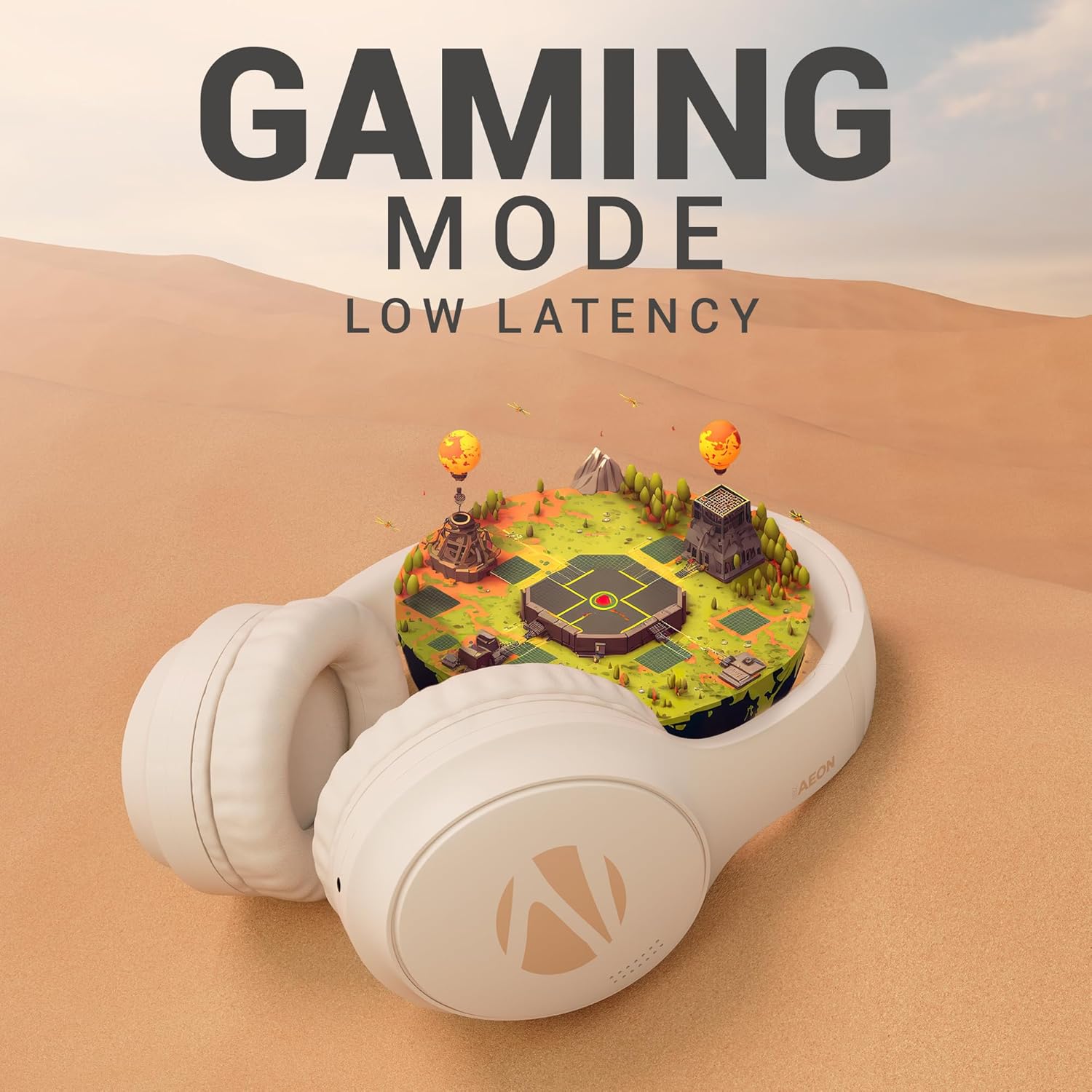
Activate the low-latency gaming mode for a more synchronized audio experience during gaming sessions. Refer to the specific button on your headphone for activating this mode (often indicated by a gaming icon or a dedicated button).

ENC (Environmental Noise Cancellation) & ANC (Active Noise Cancellation)
The ZEB-Aeon headphones feature both ENC and ANC technologies:
- إن سي: Minimizes external noise during calls, ensuring clear communication.
- إلغاء الضوضاء النشطة: Actively reduces ambient noise, allowing you to focus on your audio content without distractions. Activate ANC using the dedicated ANC button on the headphone.

دعم المساعد الصوتي
Activate your device's voice assistant (e.g., Google Assistant, Siri) directly from the headphones. Refer to the user manual for the specific button press to trigger the voice assistant.

الاقتران المزدوج
The headphones support dual pairing, allowing you to connect to two different devices simultaneously. This feature enables seamless switching between audio sources without needing to disconnect and reconnect.

صيانة
- تنظيف: استخدم قطعة قماش ناعمة وجافة لتنظيف سماعات الرأس. لا تستخدم منظفات أو مذيبات كاشطة.
- تخزين: عند عدم الاستخدام، قم بتخزين سماعات الرأس في مكان بارد وجاف، بعيدًا عن أشعة الشمس المباشرة ودرجات الحرارة القصوى.
- العناية بالبطارية: للحفاظ على عمر البطارية، تجنب تفريغ سماعات الرأس بالكامل بشكل متكرر. اشحنها بانتظام، حتى لو لم تكن قيد الاستخدام لفترات طويلة.
استكشاف الأخطاء وإصلاحها
| مشكلة | السبب المحتمل | حل |
|---|---|---|
| سماعات الرأس لا تعمل | بطارية منخفضة | اشحن سماعات الرأس بالكامل. |
| لا يمكن الاقتران عبر البلوتوث | Headphones not in pairing mode / Device Bluetooth off / Interference | Ensure headphones are in pairing mode. Turn device Bluetooth off and on. Move closer to the device. |
| لا يوجد صوت | مستوى الصوت منخفض جدًا / غير متصل / مصدر الصوت خاطئ | Increase volume. Re-pair Bluetooth or check AUX connection. Ensure correct audio output is selected on your device. |
| مؤتمر الرعاية التوليدية غير فعال | ANC not activated / Extreme noise levels | Ensure ANC is toggled on. ANC is designed to reduce consistent low-frequency noise, not all sounds. |
تحديد
| ميزة | التفاصيل |
|---|---|
| اسم الموديل | Zeb-Aeon |
| تكنولوجيا الاتصال | Wireless (Bluetooth), Wired (AUX) |
| تكنولوجيا الاتصالات اللاسلكية | بلوتوث |
| نسخة البلوتوث | 5.3 |
| مدى البلوتوث | 10 أمتار |
| مقبس سماعات الرأس | 3.5 ملم جاك |
| عمر البطارية | تصل إلى 110 ساعات (بحجم 50٪) |
| وقت الشحن | 2 ساعة |
| نوع برنامج تشغيل الصوت | محرك ديناميكي (40 مم) |
| التحكم في الضوضاء | إلغاء الضوضاء النشط (ANC)، إلغاء الضوضاء البيئية (ENC) |
| نوع التحكم | التحكم الصوتي، التحكم بالأزرار |
| وزن العنصر | 370 جرام |
| أبعاد المنتج | 8.8 × 18.5 × 24.2 سم |
| الشركة المصنعة | شركة زيبرونيكس للصناعات الخاصة المحدودة |
الضمان والدعم
ZEBRONICS products are covered by a limited warranty from the date of purchase. Please refer to the warranty card included with your product or visit the official ZEBRONICS webالموقع للحصول على شروط وأحكام الضمان التفصيلية.
For technical support, service, or warranty claims, please contact ZEBRONICS customer service through their official channels. Keep your purchase receipt as proof of purchase for warranty validation.


