1. المقدمة
This manual provides instructions for the safe and effective use of your Coby Kids' Wireless Bluetooth Earbuds, Model CETW582 (Umi The Unicorn). Please read this manual thoroughly before using the product and retain it for future reference.
These earbuds are designed for children, featuring an ergonomic design with soft gel tips for a comfortable and secure fit. They offer wireless audio connectivity via Bluetooth 5.1 and are rated IPX4 for water resistance.
2. ماذا يوجد في الصندوق
تأكد من وجود جميع المكونات عند إخراج المنتج من العلبة:
- Coby Wireless Bluetooth Earbuds (Left and Right)
- Umi The Unicorn Charging Case
- كابل شحن ميكرو يو اس بي
- دليل المستخدم
3. انتهى المنتجview
Familiarize yourself with the components of your Coby Kids' Wireless Earbuds.

الشكل 3.1: The Coby Kids' Wireless Earbuds shown within their Umi The Unicorn charging case, alongside a closed view of the case. The earbuds are white with soft gel tips, and the case features a unicorn design with a horn and ears.

الشكل 3.2: لقطة مقرّبة view of the Umi The Unicorn charging case, highlighting its design elements including the unicorn's face, horn, and ears.
ميزات سماعات الأذن:
- منطقة التحكم باللمس: لإدارة التشغيل والمكالمات والمساعد الصوتي.
- مؤشر LED: يعرض حالة الاقتران ومستوى البطارية.
- ميكروفون: لإجراء مكالمات بدون استخدام اليدين.
- Gel Tips: Soft, interchangeable tips for comfortable fit.
ميزات علبة الشحن:
- منفذ الشحن: Micro USB port for charging the case.
- فتحات شحن سماعات الأذن: يحمل سماعات الأذن ويشحنها بشكل آمن.
- مؤشر الشحن: Shows the charging status of the case and earbuds.
4. الإعداد
4.1 الشحن الأولي
- قبل الاستخدام الأول، قم بشحن علبة الشحن وسماعات الأذن بالكامل.
- ضع كلتا سمّاعات الأذن في علبة الشحن.
- Connect the Micro USB charging cable to the charging port on the case and the other end to a USB power source (e.g., computer, wall adapter).
- The charging indicator on the case will illuminate to show charging is in progress. A full charge takes approximately 1.5 hours.
- بمجرد الشحن بالكامل ، افصل كابل الشحن.
4.2 الاقتران بجهاز بلوتوث
The earbuds use Bluetooth 5.1 for a stable wireless connection.
- تأكد من شحن سماعات الأذن ووضعها في علبة الشحن.
- Open the charging case. The earbuds will automatically power on and enter pairing mode. The LED indicator on the earbuds will flash, indicating they are ready to pair.
- On your device (e.g., smartphone, tablet, laptop), enable Bluetooth.
- بحث عن available Bluetooth devices. Select "COBY-CETW582" from the list.
- Once connected, the earbud LED indicators will stop flashing or show a solid light (refer to specific LED behavior in the full manual if available). A voice prompt may confirm successful pairing.
- سيتم إعادة توصيل سماعات الأذن تلقائيًا بالجهاز المقترن الأخير عند إزالتها من العلبة، إذا تم تمكين البلوتوث على الجهاز.

الشكل 4.1: A child wearing the Coby Kids' Wireless Earbuds, demonstrating their comfortable and secure fit with soft gel tips.
5. التشغيل
5.1 تشغيل/إيقاف التشغيل
- تشغيل الطاقة: Open the charging case, or press and hold the touch control area on both earbuds for 3 seconds.
- إيقاف التشغيل: Place the earbuds back into the charging case and close the lid, or press and hold the touch control area on both earbuds for 5 seconds.
5.2 تشغيل الموسيقى
- تشغيل/إيقاف مؤقت: اضغط على منطقة التحكم باللمس على أي سماعة أذن مرة واحدة.
- المسار التالي: اضغط مرتين على منطقة التحكم باللمس الموجودة على سماعة الأذن اليمنى.
- المسار السابق: اضغط مرتين على منطقة التحكم باللمس الموجودة على سماعة الأذن اليسرى.
- التحكم في مستوى الصوت: Adjust volume directly on your connected device.
5.3 المكالمات الهاتفية
- الرد/إنهاء المكالمة: اضغط على منطقة التحكم باللمس على أي سماعة أذن مرة واحدة.
- رفض المكالمة: اضغط مع الاستمرار على منطقة التحكم باللمس على أي سماعة أذن لمدة ثانيتين.
5.4 مساعد صوتي
- تنشيط مساعد الصوت: اضغط ثلاث مرات على منطقة التحكم باللمس على أي سماعة أذن.
الشكل 5.1: A child focused on studying while wearing the Coby Kids' Wireless Earbuds, illustrating their use for educational or quiet activities.
6. الصيانة
6.1 التنظيف
- استخدم قطعة قماش ناعمة وجافة وخالية من الوبر لتنظيف سماعات الأذن وعلبة الشحن.
- لا تستخدم المنظفات الكاشطة أو المذيبات أو البخاخات الهوائية.
- قم بإزالة أي شمع أذن أو حطام من أطراف سماعات الأذن وشبكة مكبر الصوت بلطف باستخدام فرشاة ناعمة صغيرة أو قطعة قطن.
6.2 التخزين
- عندما لا تكون قيد الاستخدام، قم بتخزين سماعات الأذن في علبة الشحن الخاصة بها لحمايتها والحفاظ عليها مشحونة.
- قم بتخزين المنتج في مكان بارد وجاف، بعيدًا عن درجات الحرارة العالية وأشعة الشمس المباشرة.
6.3 مقاومة الماء (IPX4)
The earbuds are IPX4 water-resistant, meaning they are protected from splashing water from any direction. They are not designed for submersion in water. Avoid exposing them to heavy rain, showering, or swimming.
7. استكشاف الأخطاء وإصلاحها
| مشكلة | السبب المحتمل | حل |
|---|---|---|
| سماعات الأذن لا تعمل. | بطارية منخفضة. | اشحن سماعات الأذن وعلبة الشحن بالكامل. |
| لا يمكن الاقتران بالجهاز. | Bluetooth is off on device; earbuds not in pairing mode; too far from device. | Ensure Bluetooth is enabled on your device. Place earbuds in case, close, then open to re-enter pairing mode. Move device closer to earbuds (within 33 feet). |
| لا يوجد صوت أو صوت متقطع. | Earbuds not properly connected; low battery; interference. | Check Bluetooth connection. Recharge earbuds. Move away from other wireless devices. |
| One earbud has no sound. | Earbuds not properly synced. | Place both earbuds back into the charging case, close the lid, then open again to re-sync. |
| Earbuds slip out of ears. | Incorrect gel tip size or improper insertion. | Ensure gel tips are correctly sized for the user's ears. Adjust the angle of insertion for a secure fit. |
8. المواصفات
| ميزة | التفاصيل |
|---|---|
| اسم الموديل | COBY-CETW582 |
| تكنولوجيا الاتصال | بلوتوث، لاسلكي |
| تكنولوجيا الاتصالات اللاسلكية | بلوتوث 5.1 |
| المكونات المضمنة | Coby Wireless Bluetooth Earbuds for Kids |
| وقت الشحن | 1.5 ساعة |
| الأجهزة المتوافقة | الهواتف المحمولة، أجهزة الكمبيوتر المحمولة، الأجهزة اللوحية |
| نوع التحكم | التحكم في الوسائط، اللمس |
| وزن العنصر | 1.6 أونصات |
| مستوى مقاومة الماء | مقاوم للماء IPX4 |
| نطاق التردد | 20 هرتز إلى 20,000 هرتز |
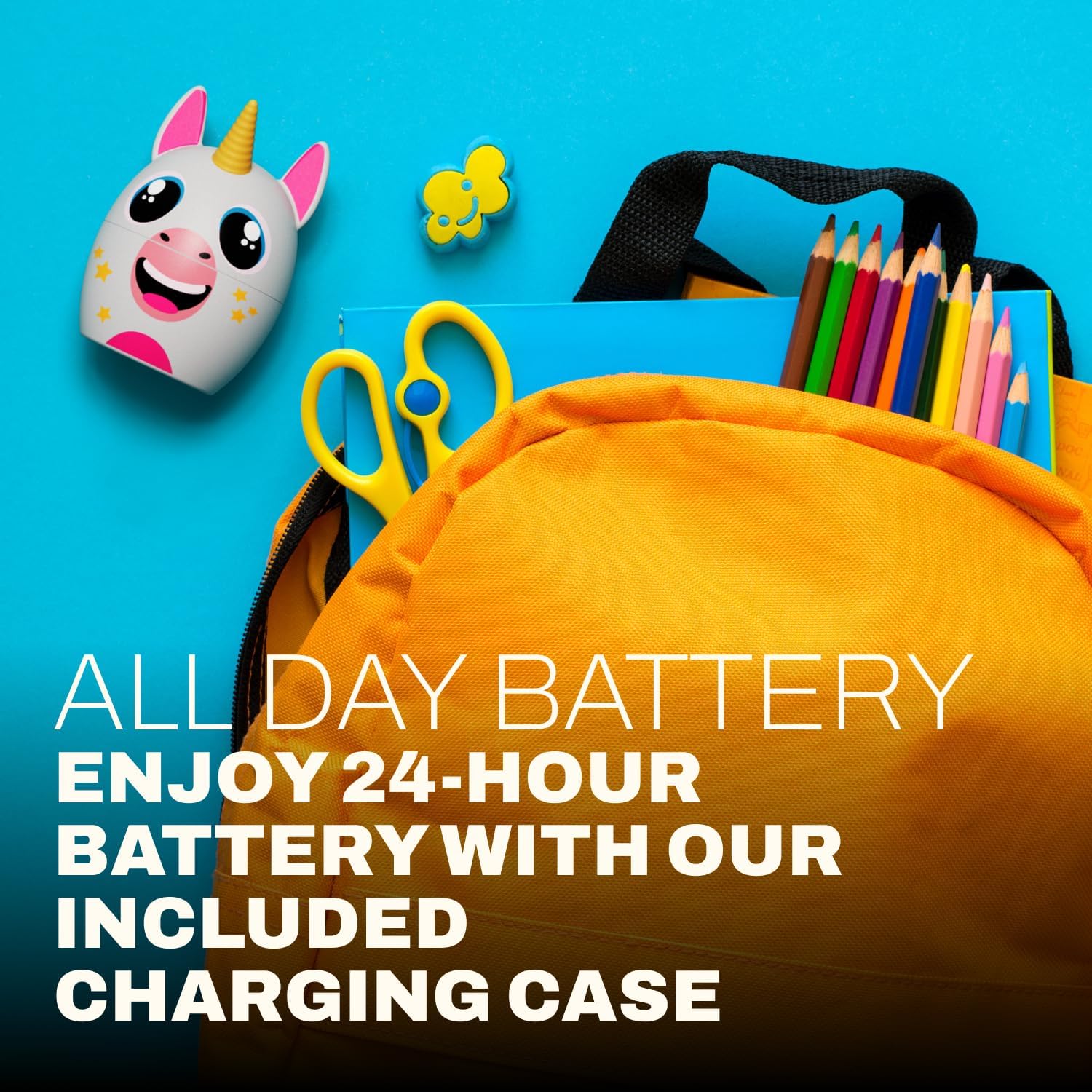
| عمر البطارية | حتى 24 ساعة (مع علبة الشحن) |
| مدى البلوتوث | حتى 33 قدم |
| أبعاد المنتج | 3 × 2.5 × 2.5 بوصة |
9. الدعم
For further assistance, product information, or warranty inquiries, please visit the official Coby website or contact Coby customer support.
- كوبي الرسمي Webموقع: www.cobyusa.com (مثالampيرجى التحقق من الرابط والتأكد من الدعم الفعلي. URL)
- خدمة العملاء: Refer to the Coby webموقع لمعلومات الاتصال.


