مقدمة
The Logitech Signature M550 L Wireless Mouse is designed for enhanced comfort and productivity, especially for users with larger hands. It features an adaptive SmartWheel for precise or hyper-fast scrolling, SilentTouch technology for quiet clicks, and versatile connectivity options. This manual provides detailed instructions for setup, operation, and maintenance of your device.
محتويات الحزمة
- ماوس لاسلكي Logitech Signature M550 L
- بطارية AA واحدة (مثبتة مسبقًا أو مرفقة)
- Logi Bolt USB Receiver (may be stored inside the mouse battery compartment)
- وثائق المستخدم (هذا الدليل)
المنتج انتهىview
Familiarize yourself with the key components of your Logitech Signature M550 L mouse.

صورة: من الأعلى والجانب view of the Logitech Signature M550 L mouse, highlighting its features including the SmartWheel, silent clicking buttons, Bluetooth connectivity, ergonomic shape, and 24-month battery life.
- أزرار النقر الأيسر/الأيمن: Feature SilentTouch technology for reduced clicking noise.
- عجلة القيادة الذكية: Adaptive scroll wheel for line-by-line precision or super-fast free-spin scrolling.
- مؤشر LED: يعرض حالة البطارية ووضع الاتصال.
- مفتاح التشغيل/الإيقاف: موجود في أسفل الماوس.
- حجرة البطارية: يحتوي على بطارية AA وجهاز استقبال Logi Bolt USB.
- تصميم مريح: Contoured shape with soft thumb area and rubber side grips for comfort.
يثبت
1. تثبيت البطارية
- افتح غطاء حجرة البطارية الموجود أسفل الماوس.
- أدخل بطارية AA المرفقة، مع التأكد من القطبية الصحيحة (+/-).
- Close the battery compartment cover. The LED indicator on the mouse may flash briefly.
2. قم بالاتصال بجهازك
يوفر جهاز Signature M550 L طريقتين للاتصال: مستقبل Logi Bolt USB أو Bluetooth منخفض الطاقة.
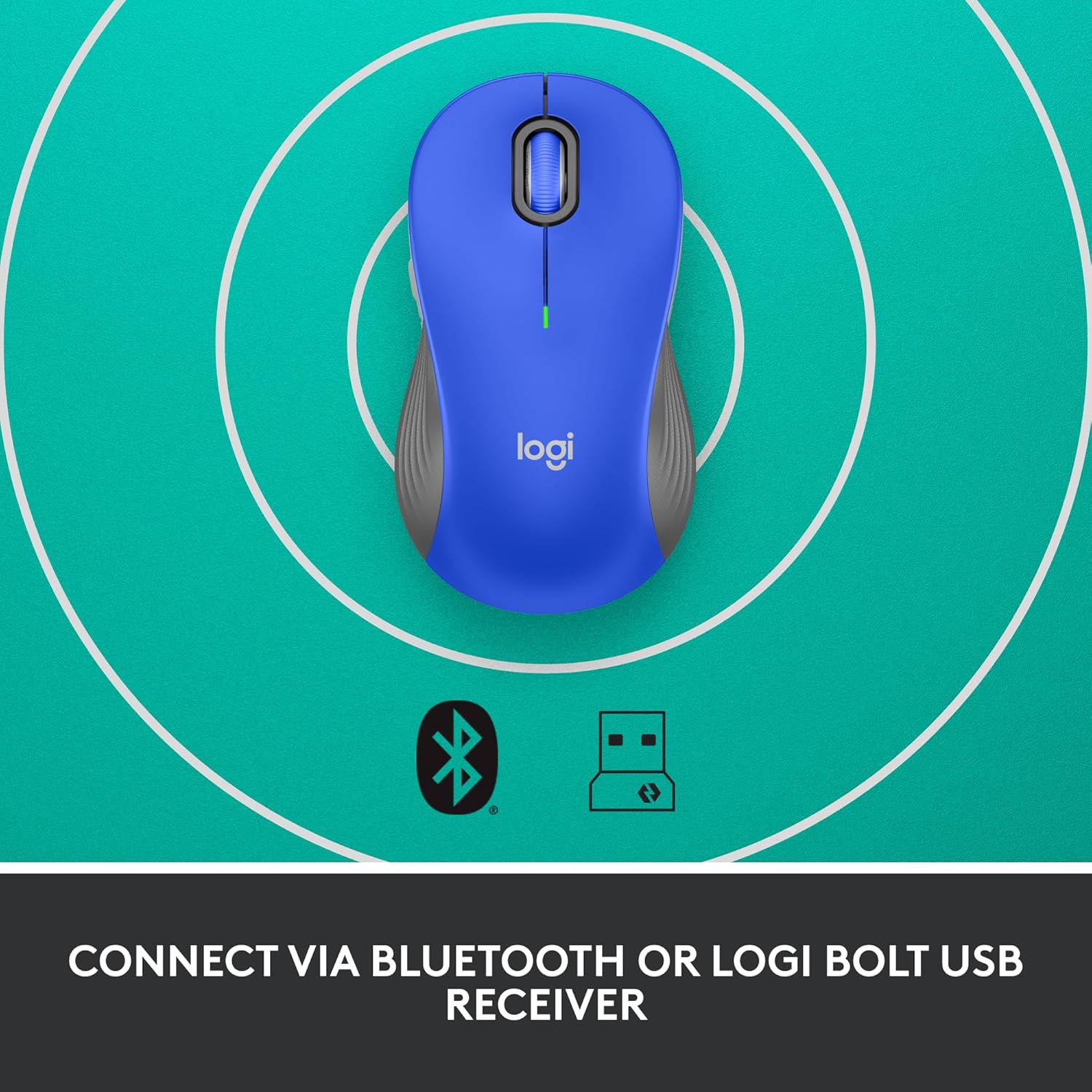
Image: The Logitech Signature M550 L mouse shown with icons representing Bluetooth and Logi Bolt USB receiver connectivity options.
الخيار أ: مستقبل USB من لوجي بولت
- Locate the Logi Bolt USB receiver, typically stored inside the mouse's battery compartment.
- قم بتوصيل جهاز استقبال Logi Bolt USB بمنفذ USB متاح على جهاز الكمبيوتر الخاص بك.
- Turn on the mouse using the On/Off switch on the bottom. Your computer should automatically detect the mouse.
الخيار ب: تقنية بلوتوث منخفضة الطاقة
- قم بتشغيل الماوس باستخدام مفتاح التشغيل/الإيقاف الموجود في الأسفل.
- Press and hold the Easy-Switch button (usually on the bottom or side, refer to product diagram if available) for 3 seconds until the LED indicator starts blinking rapidly. This indicates pairing mode.
- على جهاز الكمبيوتر أو الجهاز الخاص بك، افتح إعدادات البلوتوث.
- Select "Logitech M550 L" from the list of available devices and follow any on-screen prompts to complete pairing.
The mouse is compatible with Windows, macOS, Linux, Chrome OS, iPadOS, and Android operating systems.
تعليمات التشغيل
التمرير الذكي بالعجلة
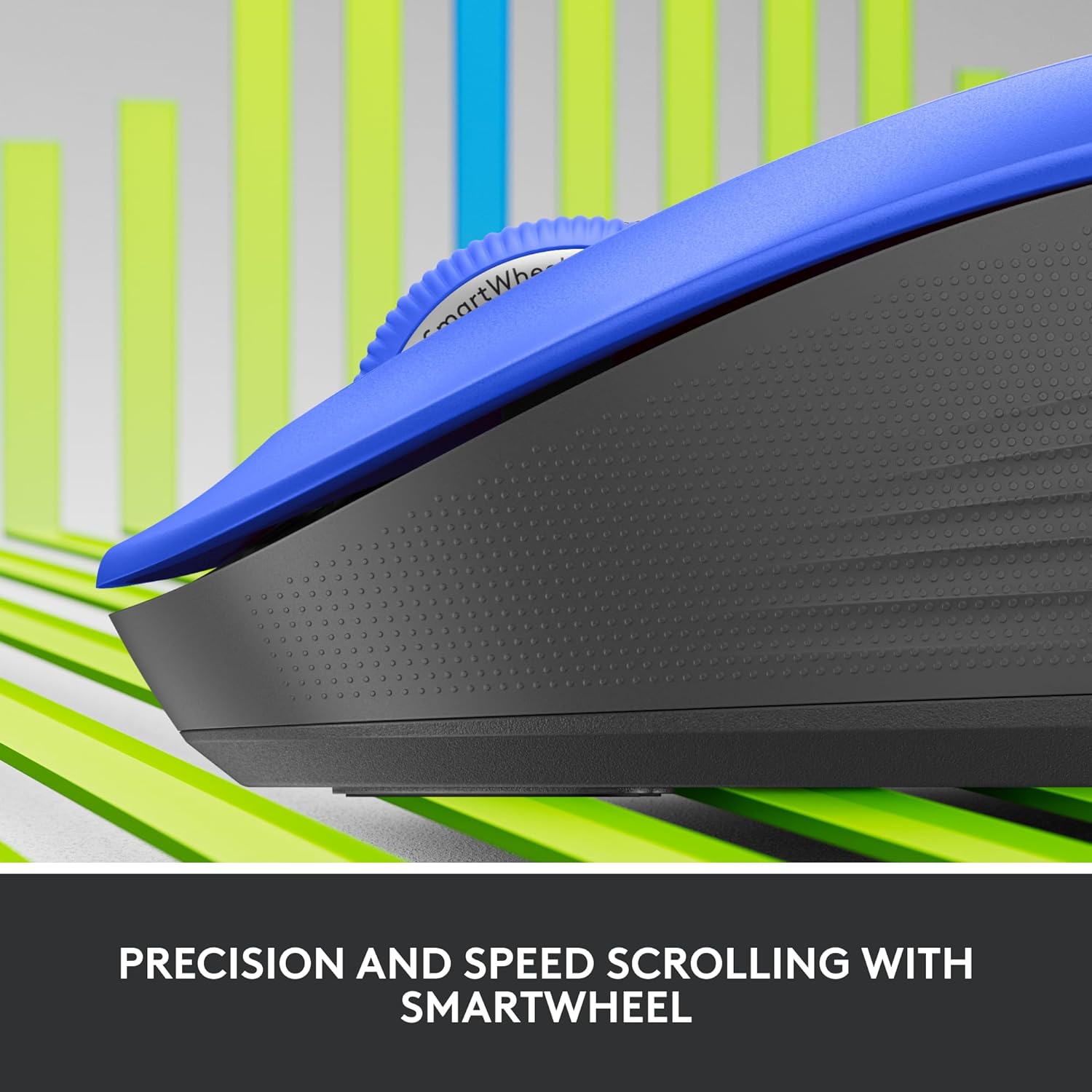
الصورة: لقطة مقربة view of the Logitech SmartWheel, demonstrating its precision and speed scrolling capabilities.
تقوم عجلة القيادة الذكية بالتبديل تلقائيًا بين وضعين:
- دقة سطرًا بسطر: Ideal for detailed work and navigating documents. Scroll slowly for precise control.
- Super-Fast Free-Spin: For quickly navigating long web pages or documents. Flick the wheel to activate.
نقرات صامتة

Image: A person using the Logitech Signature M550 L mouse at a desk, illustrating the benefit of 90% less clicking noise for a focused work environment.
The mouse features Logitech's SilentTouch technology, reducing click noise by over 90% compared to traditional mice. This allows for a quieter work environment without compromising click feel.
التوافق مع أجهزة متعددة
The Signature M550 L can be paired with multiple devices and switched between them using the Easy-Switch button. This feature is ideal for users who work across several computers or tablets.
صيانة
استبدال البطارية
The mouse operates on a single AA battery, offering up to 24 months of battery life depending on usage. When the battery is low, the LED indicator will turn red. To replace:
- قم بإيقاف تشغيل الماوس.
- Open the battery compartment cover on the underside.
- Remove the old AA battery and insert a new one, observing correct polarity.
- Close the cover and turn the mouse back on.
تنظيف
لتنظيف الماوس، استخدم قطعة قماش ناعمة وخالية من الوبر وامسح بها برفقampنظّفها بالماء أو بمحلول تنظيف خفيف. تجنّب استخدام المواد الكيميائية القاسية أو المواد الكاشطة. تأكد من عدم دخول أي سائل إلى فتحات الفأرة.
استكشاف الأخطاء وإصلاحها
- الفأرة لا تستجيب:
- تأكد من تشغيل الماوس.
- تحقق من مستوى البطارية واستبدلها إذا لزم الأمر.
- إذا كنت تستخدم جهاز استقبال Logi Bolt، فحاول توصيله بمنفذ USB مختلف أو بجهاز كمبيوتر مختلف لاستبعاد مشاكل المنفذ.
- If using Bluetooth, ensure Bluetooth is enabled on your device and the mouse is properly paired. Try re-pairing the mouse.
- Move the mouse closer to the receiver or Bluetooth-enabled device to ensure it's within range.
- حركة المؤشر غير المنتظمة:
- قم بتنظيف المستشعر البصري الموجود في الجزء السفلي من الماوس.
- تأكد من استخدام الماوس على سطح مناسب. تجنب الأسطح العاكسة أو الشفافة للغاية.
- Connectivity issues after system update:
- أعد تشغيل الكمبيوتر الخاص بك.
- Check for updated drivers for your mouse or Bluetooth adapter.
تحديد
| ماركة | لوجيتك |
| رقم الموديل | 910-006794 |
| تكنولوجيا الاتصال | تقنية بلوتوث منخفضة الطاقة، مستقبل USB من لوجي بولت |
| كشف الحركة | بصري |
| المميزات الخاصة | Lightweight, Portable, Silent Clicks (SilentTouch), SmartWheel, Wireless |
| نوع البطارية | 1 بطارية AA |
| عمر البطارية | مدة تصل إلى 24 شهرًا (قد تختلف المدة بناءً على الاستخدام) |
| توافق نظام التشغيل | ويندوز، ماك، لينكس، نظام تشغيل كروم، آيباد أو إس، أندرويد |
| وزن العنصر | 3.92 أونصات |
| لون | أزرق (لهذا النوع) |
معلومات الضمان
Logitech products are manufactured to high quality standards and are covered by a limited hardware warranty. For specific warranty terms and conditions applicable to your region and product, please refer to the official Logitech webالموقع أو بطاقة الضمان المرفقة مع عملية الشراء الخاصة بك.
يدعم
For further assistance, technical support, or to download the latest software and drivers for your Logitech Signature M550 L Wireless Mouse, please visit the official Logitech support webموقع:
يمكنك أيضًا العثور على الأسئلة الشائعة ومنتديات المجتمع على موقع الدعم.


