1. المقدمة
This manual provides essential instructions for the proper use and care of your Kodak Classic K100 USB 2.0 128GB Flash Drive. Please read this manual thoroughly before using the device to ensure optimal performance and longevity. The Kodak K100 flash drive offers reliable storage for your data, featuring a cap and body design for protection and portability.
2. معلومات السلامة
- Do not expose the flash drive to extreme temperatures, direct sunlight, or high humidity.
- تجنب إسقاط الجهاز أو تعريضه لصدمات قوية.
- احتفظ بالجهاز بعيدًا عن الماء والسوائل الأخرى.
- Do not attempt to disassemble or modify the flash drive. This will void the warranty.
- Ensure proper ejection of the device from your computer before removal to prevent data corruption.
3. انتهى المنتجview
The Kodak Classic K100 USB 2.0 Flash Drive is designed for portable data storage. It features a protective cap and a standard USB Type-A connector.

Image 3.1: Kodak K100 USB Flash Drive with its protective cap removed, revealing the USB Type-A connector. The drive body is black with a red stripe and the Kodak logo, and "128GB" printed on it.
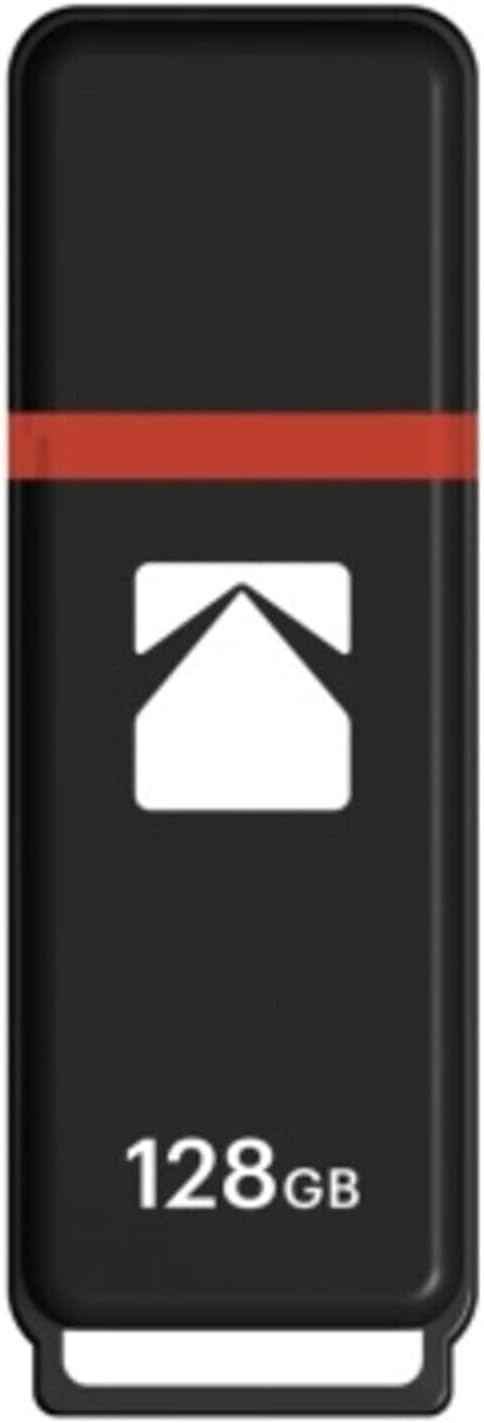
Image 3.2: Kodak K100 USB Flash Drive with its protective cap securely in place. The drive is black with a red stripe and the Kodak logo, and "128GB" printed on it.
عناصر:
- موصل USB: Standard USB 2.0 Type-A for connecting to computers and compatible devices.
- قبعة واقية: Covers the USB connector when not in use, preventing dust and damage. The cap can be securely clipped onto the rear of the drive during use.
- Drive Body: Houses the flash memory and control circuitry.
- حلقة الحبل: Located at the end of the drive for attaching a lanyard or keychain (lanyard not included).
4. الإعداد
The Kodak K100 Flash Drive is a plug-and-play device, requiring no special driver installation for most operating systems.
التوصيل بجهاز كمبيوتر:
- Remove the protective cap from the USB flash drive. You can clip the cap onto the rear of the drive to prevent loss.
- حدد موقع منفذ USB من النوع A المتاح على جهاز الكمبيوتر الخاص بك.
- Insert the USB connector of the flash drive firmly into the USB port.
- Your computer's operating system will automatically detect the device. A notification may appear indicating that the device is ready for use.
The flash drive will appear as a removable storage device (e.g., "Removable Disk" or "KODAK K100") in your computer's file مستكشف الملفات (ويندوز) أو Finder (ماك أو إس).
5. تعليمات التشغيل
Once connected, the Kodak K100 Flash Drive functions like any other storage device.
نقل Files:
- To Copy Files to the Flash Drive: افتح المجلد الذي يحتوي على ملف files you wish to transfer. Drag and drop the files or folders into the flash drive's window, or copy them (Ctrl+C/Cmd+C) and paste them (Ctrl+V/Cmd+V) into the flash drive's directory.
- To Copy Files from the Flash Drive: Open the flash drive's window. Drag and drop the files or folders from the flash drive to your desired location on your computer, or copy them (Ctrl+C/Cmd+C) and paste them (Ctrl+V/Cmd+V) to your computer's directory.
Safely Removing the Flash Drive:
It is crucial to safely eject the flash drive before physically removing it to prevent data loss or corruption.
- الويندوز: Right-click on the flash drive icon in "This PC" or the system tray (bottom right corner), then select "Eject" or "Safely Remove Hardware." Wait for the "Safe to Remove Hardware" message before unplugging.
- ماك: Drag the flash drive icon from your desktop or Finder sidebar to the Trash icon, or right-click (or Control-click) the flash drive icon and select "Eject." Wait for the icon to disappear before unplugging.
- لينكس: Right-click the flash drive icon on your desktop or file قم بإدارة النظام وحدد "إخراج" أو "إلغاء التحميل".
6. الصيانة
Proper care ensures the longevity and reliability of your flash drive.
- تنظيف: Use a soft, dry, lint-free cloth to clean the exterior of the flash drive. Do not use liquid cleaners or solvents.
- تخزين: When not in use, keep the protective cap on the USB connector to prevent dust and debris from entering. Store the drive in a cool, dry place, away from magnetic fields.
- النسخ الاحتياطي للبيانات: Regularly back up important data stored on the flash drive to another storage medium (e.g., computer hard drive, cloud storage) to prevent data loss in case of device malfunction or damage.
7. استكشاف الأخطاء وإصلاحها
| مشكلة | السبب المحتمل | حل |
|---|---|---|
| Flash drive not detected by computer. |
|
|
| لا أستطيع الكتابة files to the flash drive. |
|
|
| Data transfer is slow. |
|
|
| "Disk is write-protected" error. |
|
|
8. المواصفات
| ميزة | التفاصيل |
|---|---|
| اسم الموديل | Kodak Classic K100 |
| رقم موديل العنصر | EKMMD128GK102P10 |
| سعة | 128 جيجا بايت |
| الواجهة | USB 2.0 (USB Type A) |
| سرعة القراءة | تصل إلى 15 ميجابايت/ثانية |
| سرعة الكتابة | تصل إلى 5 ميجابايت/ثانية |
| التوافق | Windows 10, 8, 7, Vista, XP; Mac OS 10.4 or later; Linux 2.6.31 or higher |
| لون | أحمر (حسب إصدار المنتج الحالي) |
| الأبعاد (الطول × العرض × الارتفاع) | 4.6 × 3.6 × 0.6 بوصة |
| وزن | 1.92 أونصات |
| المميزات الخاصة | Compact, Lightweight, Cap clips onto back |
9. الضمان والدعم
For warranty information and technical support regarding your Kodak Classic K100 USB 2.0 Flash Drive, please refer to the official Kodak website or contact their customer service department. Details are typically provided with your purchase documentation or on the product packaging.
الدعم عبر الإنترنت: Visit the official KODAK website for FAQs, driver downloads (if applicable), and contact information.
استعادة البيانات: While this product is designed for reliability, data loss can occur. Consider purchasing a data recovery plan for critical data, if available from your retailer. Always back up important files.


