1. المقدمة
The S.M.S.L VMV D2R is a high-performance Digital-to-Analog Converter (DAC) designed to deliver exceptional audio fidelity. It incorporates advanced technologies and premium components to ensure a superior listening experience. This manual provides detailed instructions for setting up, operating, and maintaining your VMV D2R DAC.

الصورة 1.1: الجبهة view of the S.M.S.L VMV D2R Audio DAC.
2. الميزات الرئيسية
- ROHM BD34301EKV DAC Chip: Equipped with ROHM's flagship BD34301EKV DAC chip, optimized for ultra-low THD+N (-117dB) and high SNR (-130dB) for clear, undistorted sound.
- XMOS XU316 USB Processor: Features the 3rd generation XMOS XU316 solution, supporting PCM up to 32bit/768kHz and DSD native playback up to DSD512.
- MQA & MQA-CD Support: Full MQA decoding for supported file formats and MQA-CD playback via optical and coaxial inputs.
- "CK-03" Clock Processing: Incorporates the "CK-03" clock circuit for ultra-low jitter, ensuring precise audio timing.
- اتصال بلوتوث 5.1: Qualcomm's Bluetooth 5.1 technology with support for high-resolution codecs including LDAC, AptX HD, AptX, SBC, and AAC, offering stable wireless transmission.
- مدخلات/مخرجات متعددة: Versatile input options including USB, Optical, Coaxial, I2S, Bluetooth, and AES. Outputs include RCA and XLR.
- مصدر طاقة موثوق: Built-in linear power supply with a British Porcupine toroidal transformer and multiple low-noise regulated power supplies for stable and clean power delivery.
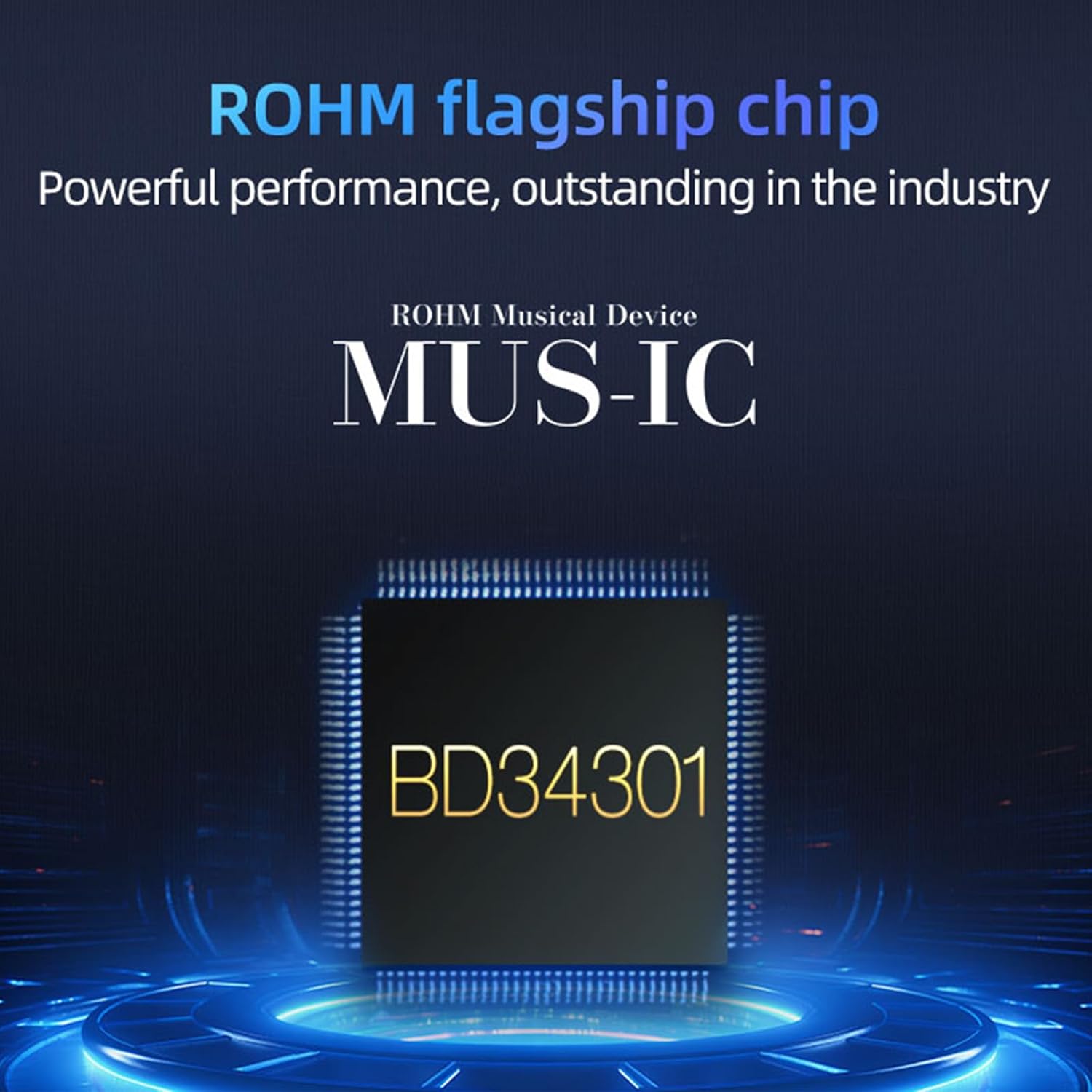
الصورة 2.1: انتهىview of the S.M.S.L VMV D2R's key features and technologies.
3. انتهى المنتجview
3.1 اللوحة الأمامية

Image 3.1: Front and rear panel layout with numbered components.
- عرض
- مؤشر الضوء
- نافذة بعيدة
- مقبض متعدد الوظائف
3.2 اللوحة الخلفية
- خرج XLR
- خرج RCA
- مدخلات AES
- مدخل محوري
- المدخلات البصرية
- أوسب الإدخال
- إدخال I²S
- موصل هوائي البلوتوث
- AC IN (100V-240V AC)
4. تعليمات الإعداد
4.1 التفريغ والتنسيب
- Carefully remove the VMV D2R from its packaging.
- ضع الوحدة على سطح ثابت ومستوٍ بعيدًا عن أشعة الشمس المباشرة ومصادر الحرارة والرطوبة الزائدة.
- تأكد من التهوية الكافية حول الوحدة.
4.2 توصيل مصادر الصوت
The VMV D2R offers multiple input options. Choose the appropriate input cable for your audio source:
- مدخل USB: Connect your computer or other USB audio source to the USB input port (10) on the rear panel using a high-quality USB cable.
- المدخلات البصرية: Connect an optical cable from your source device to the Optical input port (9).
- المدخلات المحورية: Connect a coaxial cable from your source device to the Coaxial input port (8).
- I²S Input: For compatible devices, connect an I²S cable to the I²S input port (11).
- إدخال الخدمات المعمارية والهندسية: Connect an AES/EBU cable from your source device to the AES input port (7).
- بلوتوث: Attach the provided Bluetooth antenna to the Bluetooth antenna connector (12).
4.3 الاتصال بـ Ampمكبرات الصوت/المكبرات الصوتية
Connect the VMV D2R to your amplifier or active speakers using either RCA or XLR cables:
- إخراج RCA: Use RCA cables to connect the RCA output ports (6) to the corresponding analog inputs on your ampمكبر.
- إخراج XLR: For balanced connections, use XLR cables to connect the XLR output ports (5) to the balanced analog inputs on your ampمكبر.
4.4 توصيل الطاقة
- Connect the power cable to the AC IN port (13) on the rear panel.
- Plug the other end of the power cable into a suitable AC power outlet (100V-240V AC).
5. تعليمات التشغيل
5.1 تشغيل/إيقاف التشغيل
- After all connections are made, flip the power switch on the rear panel to the "ON" position.
- The display (1) on the front panel will illuminate.
- To power off, flip the power switch to the "OFF" position.
5.2 اختيار المدخلات
- Use the multi-function knob (4) on the front panel or the remote control to navigate through the input options (USB, Optical, Coaxial, I2S, AES, Bluetooth).
- Rotate the knob to scroll through options and press to select.
5.3 التحكم في مستوى الصوت
- The multi-function knob (4) also controls the output volume. Rotate it clockwise to increase volume and counter-clockwise to decrease.
- Volume can also be adjusted via the remote control.
5.4 اقتران بلوتوث
- Select "Bluetooth" as the input source on the VMV D2R.
- On your mobile device, search for Bluetooth devices and select "S.M.S.L VMV D2R" to pair.
- Once paired, audio from your device will be streamed to the DAC.
تشغيل MQA 5.5
- When playing MQA content, the display will indicate MQA status.
- Ensure your audio source is configured to output MQA streams for full decoding.
Video 5.1: A visual demonstration of the S.M.S.L VMV D2R's features and operation, including input selection and display information.
6. الصيانة
- حافظ على نظافة الجهاز بمسحه بقطعة قماش ناعمة وجافة. تجنب استخدام المنظفات الكاشطة أو المذيبات.
- تأكد من إيقاف تشغيل الوحدة وفصلها عن الكهرباء قبل التنظيف.
- لا تسد فتحات التهوية.
7. استكشاف الأخطاء وإصلاحها
| مشكلة | السبب المحتمل | حل |
|---|---|---|
| لا يوجد طاقة | Power cable not connected; Power switch off | Check power cable connection; Ensure power switch is ON. |
| لا يوجد مخرج صوت | Incorrect input selected; Cables loose; Amplifier off; Volume too low | Select correct input; Check all cable connections; Turn on amplifier; Increase volume. |
| صوت مشوه | Poor cable connection; Source issue; Sampعدم تطابق السعر | Check cable integrity; Test with another source; Verify sampإعدادات معدل جنيه. |
| البلوتوث غير متصل | Not in pairing mode; Device too far; Interference | Ensure Bluetooth input is selected; Move device closer; Reduce interference. |
8. المواصفات
- أبعاد المنتج: 11.02 × 9.28 × 2.01 بوصة
- وزن السلعة: 10.21 رطل
- رقم موديل المنتج: في إم في دي 2 آر
- شريحة DAC: ROHM BD34301EKV
- USB Processor: إكسموس XU316
- PCM Support: حتى 32 بت/768 كيلو هرتز
- دعم DSD: DSD512 الأصلي
- دعم MQA: Full MQA decoding, MQA-CD support
- إصدار البلوتوث: 5.1
- ترميزات البلوتوث: LDAC, AptX HD, AptX, SBC, AAC
- المدخلات: USB, Optical, Coaxial, Bluetooth, I²S, AES
- المخرجات: RCA، XLR
9. الضمان والدعم
S.M.S.L is committed to providing excellent products and services. If you have any questions regarding your VMV D2R (including firmware updates, product issues, etc.), please feel free to contact us at any time. Please note that the MAC system does not support firmware updates.
Warranty information may vary. Please refer to your purchase documentation or contact S.M.S.L customer support for specific warranty details.


