مقدمة
This manual provides essential information for the proper use, setup, and maintenance of your XREAL H-C Cable. This high-speed HDMI to USB-C cable is designed to connect various devices, including gaming consoles and PCs, to compatible AR glasses like the XREAL Beam and Air AR glasses, supporting 4K/60Hz video transmission.
معلومات السلامة
Please read and follow these safety guidelines to ensure safe operation and prolong the life of your cable:
- Do not expose the cable to extreme temperatures, direct sunlight, or high humidity.
- Avoid bending or twisting the cable excessively, especially near the connectors, as this can damage internal wires.
- Keep the cable away from water and other liquids. If it gets wet, disconnect it immediately and allow it to dry completely before reuse.
- Do not attempt to disassemble or modify the cable. This will void the warranty and may cause damage.
- يحفظ بعيدًا عن متناول الأطفال والحيوانات الأليفة.
- استخدمه فقط مع الأجهزة المتوافقة كما هو محدد في هذا الدليل.
محتويات الحزمة
تحتوي العبوة على العنصر التالي:
- 1 x XREAL H-C Cable (HDMI to USB-C)
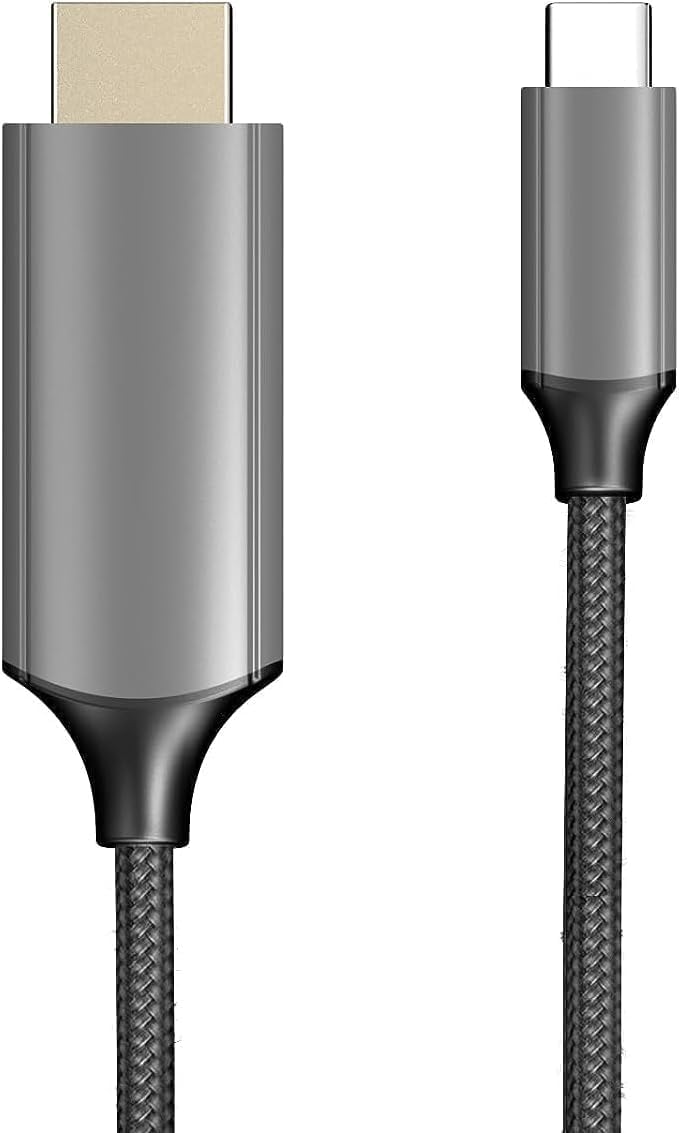
Image: The XREAL H-C Cable showing both the HDMI and USB-C connectors. The cable features a durable, woven design.
المنتج انتهىview
The XREAL H-C Cable is engineered for high-fidelity video and audio transmission. It features a robust, woven design for enhanced durability and tangle-free use. The cable facilitates connection from an HDMI source to a USB-C display, supporting resolutions up to 4K at 60Hz.
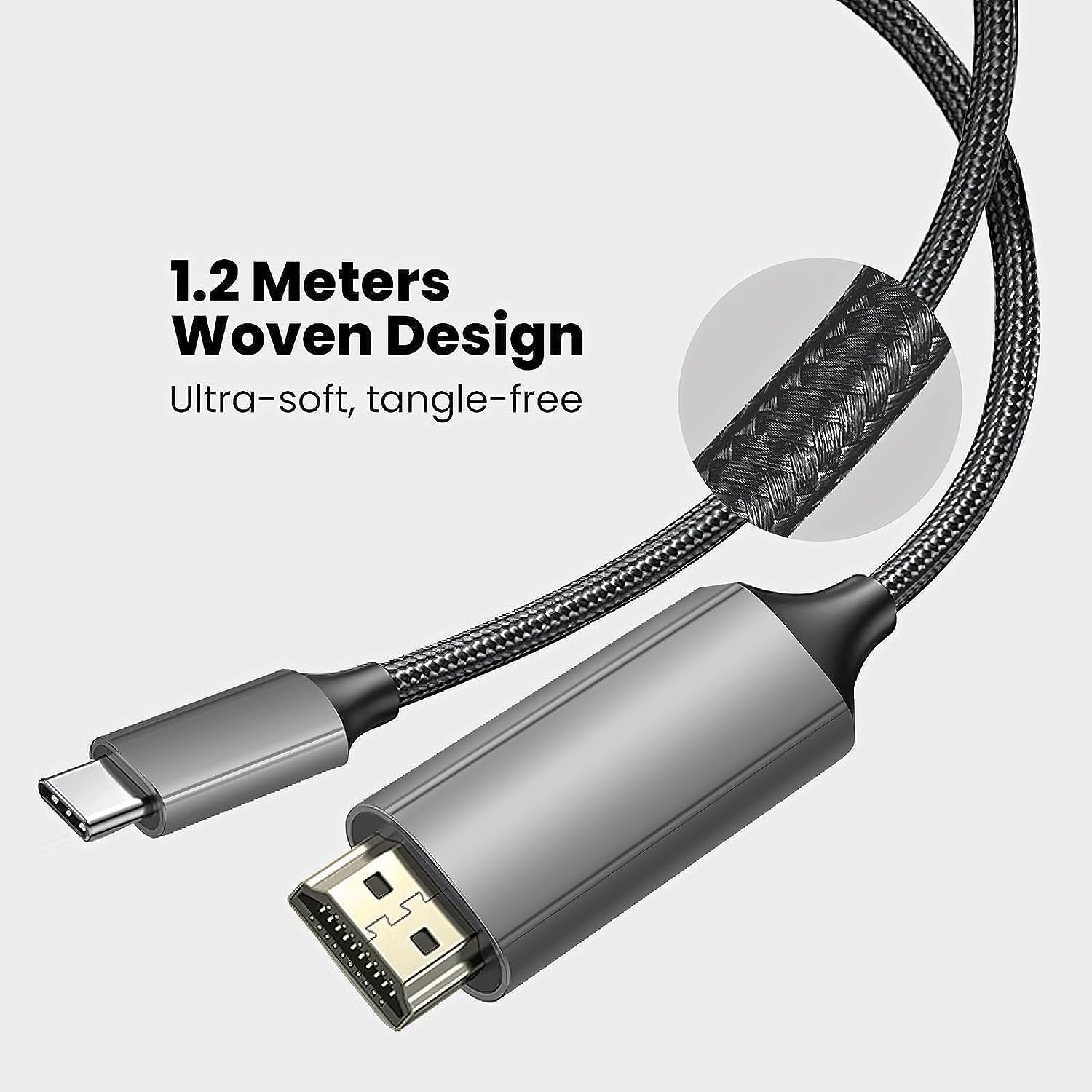
Image: Close-up of the XREAL H-C Cable highlighting its 1.2-meter length and ultra-soft, tangle-free woven design.
يثبت
Follow these steps to connect your XREAL H-C Cable:
- تحديد الموصلات: Locate the HDMI "In" connector and the USB-C "Out" connector on the cable.
- Connect to Source: قم بتوصيل HDMI "In" end of the cable into the HDMI output port of your source device (e.g., PlayStation, Xbox, Nintendo Switch, PC graphics card).
- الاتصال بالشاشة: قم بتوصيل USB-C "Out" end of the cable into the USB-C input port of your compatible display device (e.g., XREAL Beam, XREAL Air AR glasses).
- تشغيل الأجهزة: تأكد من تشغيل كل من جهاز المصدر وجهاز العرض.
- تحقق من الاتصال: The display should automatically detect the input signal. If not, you may need to manually select the input source on your display device.

Image: The XREAL H-C Cable clearly labeled with "HDMI In" and "USB-C Out" to indicate connection direction.
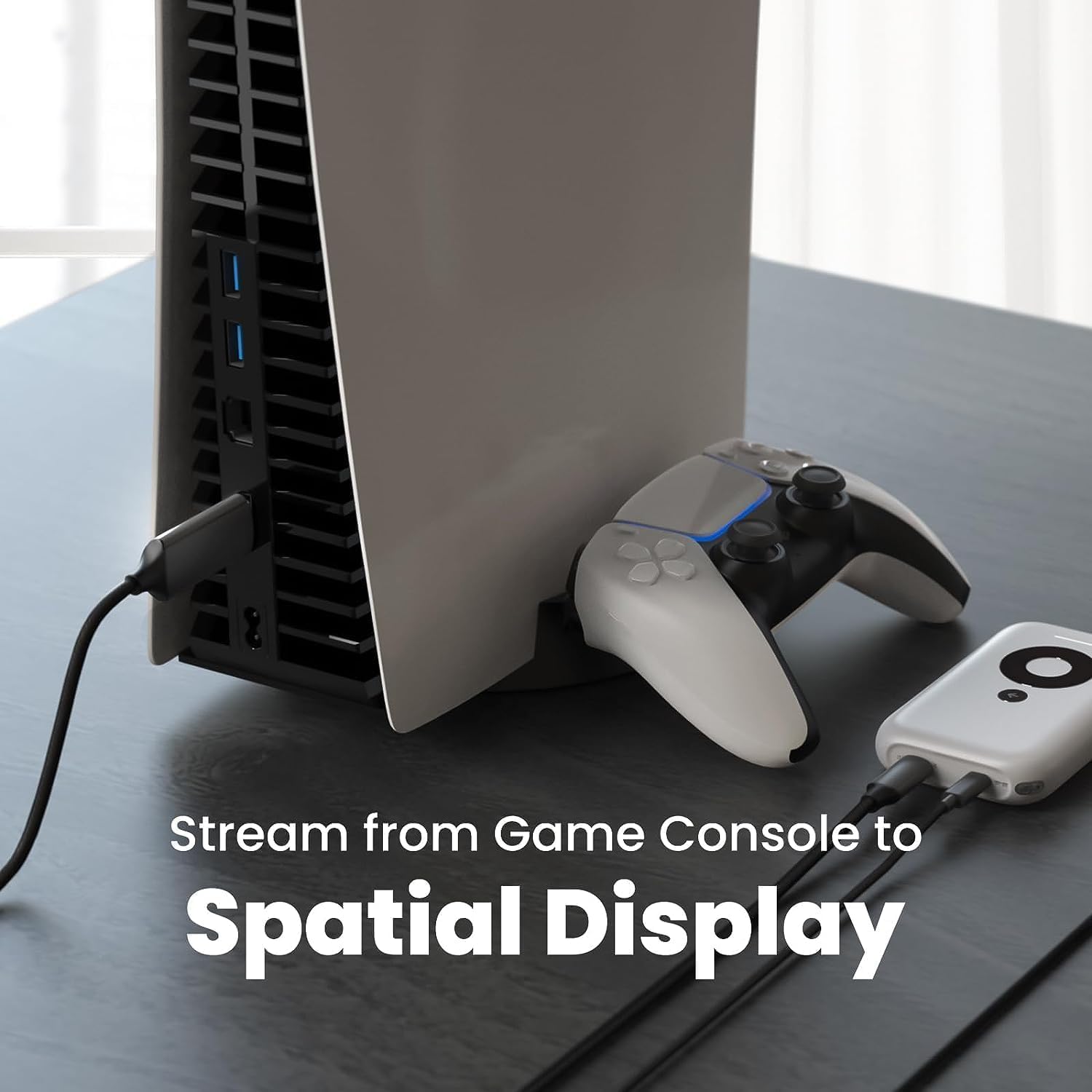
الصورة: حبيب سابقample setup showing the XREAL H-C Cable connecting a PlayStation 5 console to an XREAL Beam device, enabling streaming to a spatial display.
التشغيل
Once connected, the XREAL H-C Cable operates as a plug-and-play device. No additional drivers or software are typically required.
- الدقة ومعدل التحديث: The cable supports up to 4K resolution at 60Hz. Ensure your source device and display device are configured to output and receive these resolutions and refresh rates for optimal performance.
- نقل الصوت: The cable transmits both video and audio signals. Verify audio settings on your source device if no sound is heard.
- التوافق: This cable is designed for specific applications, primarily connecting HDMI output devices to USB-C input displays, such as XREAL AR glasses. It is not a bidirectional cable and will not function if connected in reverse.
صيانة
Proper care will extend the life of your XREAL H-C Cable:
- تنظيف: Use a soft, dry, lint-free cloth to gently wipe the cable and connectors. Do not use liquid cleaners or abrasive materials.
- تخزين: When not in use, coil the cable loosely. Avoid tight coiling or sharp bends. Store in a cool, dry place away from direct sunlight.
- التعامل: Always grasp the connector housing when plugging or unplugging the cable. Do not pull on the cable itself.
استكشاف الأخطاء وإصلاحها
If you encounter issues with your XREAL H-C Cable, try the following solutions:
| مشكلة | السبب المحتمل | حل |
|---|---|---|
| لا توجد إشارة على الشاشة |
|
|
| صورة متقطعة أو مشوهة |
|
|
| لا يوجد صوت |
|
|
تحديد
| ماركة | إكس ريال |
| رقم الموديل | 6976143800071 |
| نوع الموصل | HDMI (Input), USB Type-C (Output) |
| معدل نقل البيانات | 5 Gigabits per second (for compatible data streams) |
| الأجهزة المتوافقة | Gaming Consoles (PlayStation, Xbox, Switch), Windows Desktop, XREAL Beam, XREAL Air AR Glasses |
| دعم أقصى دقة | 4K @ 60 هرتز |
| طول الكابل | 1.2 متر (حوالي 3.9 أقدام) |
الضمان والدعم
XREAL products are manufactured to high quality standards. For information regarding warranty coverage and customer support, please refer to the official XREAL webالموقع أو تواصل مع خدمة العملاء مباشرةً. احتفظ بإيصال الشراء كإثبات للشراء في حال وجود أي مطالبات بالضمان.
لمزيد من المساعدة، قم بزيارة: www.xreal.com/support


