1. المقدمة
The WOLFANG GA300 is a high-performance 4K action camera designed to capture your adventures in stunning detail. Featuring 4K/60FPS video recording, 24MP photo capabilities, advanced EIS stabilization, and a waterproof design up to 40 meters, it is suitable for a wide range of activities from daily vlogging to extreme sports. This manual provides essential information for setting up, operating, and maintaining your GA300 action camera.
2. ماذا يوجد في الصندوق
Upon unboxing your WOLFANG GA300 Action Camera, please verify that all the following components are included:

Image: WOLFANG GA300 Action Camera and its comprehensive accessory kit.
- كاميرا الحركة ولفانج GA300 عدد 1
- 1 × جهاز التحكم عن بعد
- بطاريتان بسعة 2 مللي أمبير في الساعة
- شنومكس حالة للماء
- 1x دراجة الوقوف
- 5x Mounts (various types)
- شريط لاصق مزدوج الجوانب عدد 2
- 2x خوذة يتصاعد
- ضمادات 4x
- 5x الحبال
- 1 × كابل يو اس بي
- 1x عدسة القماش
- 1x دليل مرجعي سريع
3. الميزات الرئيسية
The WOLFANG GA300 is equipped with several advanced features to enhance your recording experience:
3.1. 4K/60FPS Video & 24MP Photo
Capture incredibly sharp and fluid footage with 4K resolution at 60 frames per second. The camera also supports high-resolution 24MP still photos, ensuring every moment is preserved with clarity.
3.2. 40M Waterproof Camera & Dive Mode
The included waterproof case allows the GA300 to be submerged up to 40 meters (131 feet), making it ideal for underwater activities. The dedicated Dive Mode automatically corrects colors to produce more vibrant and natural-looking footage in aquatic environments.
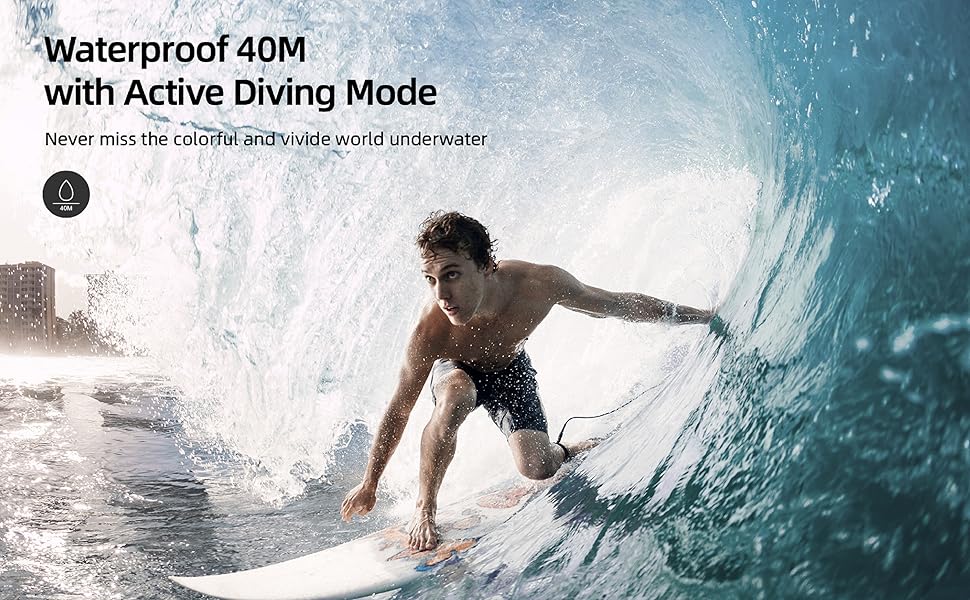
الصورة: أكثر منview of the WOLFANG GA300's main features, including its waterproof capability.
3.3. Dual Microphone & Plenty of Accessories
The GA300 comes with an external noise-canceling microphone for superior audio capture in noisy settings. A wide array of mounting accessories is included, providing versatile options for attaching the camera to bikes, helmets, and other gear without additional purchases.

Image: The WOLFANG GA300 camera shown with its external microphone and remote control.
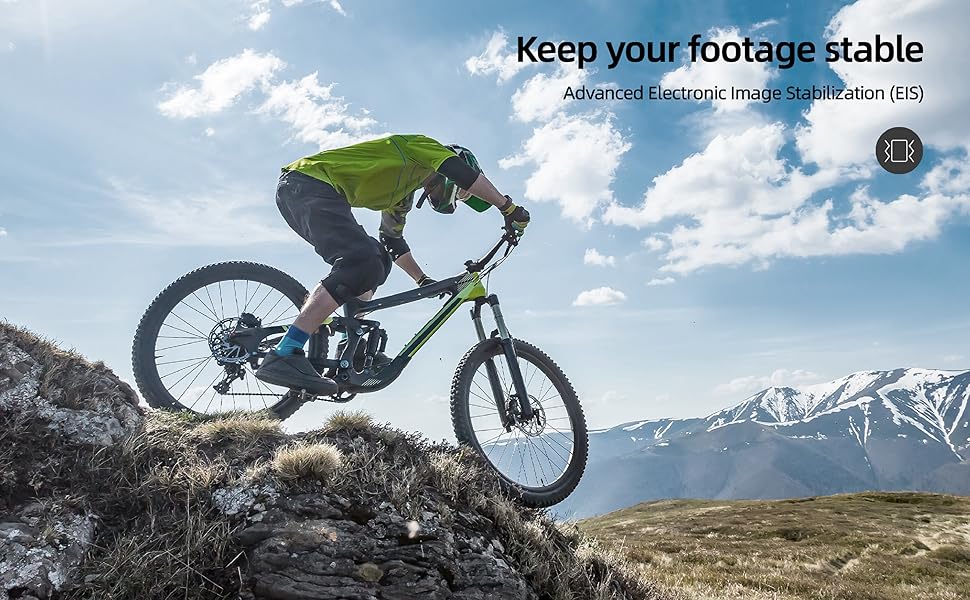
3.4. 6-Axis EIS Stabilization & Eight Times Zoom
Equipped with advanced 6-axis Electronic Image Stabilization (EIS), the GA300 ensures smooth and steady video footage even during intense activities. The 8x digital zoom allows you to capture distant subjects with clarity.
3.5. Sensitive Touchscreen & Extensive Functions
Navigate settings and preview فوtage effortlessly with the responsive touchscreen. The camera offers a variety of functions including loop recording, time-lapse, slow-motion, burst recording, and a convenient auto video recording mode for dashcam functionality.
Image: The WOLFANG GA300's intuitive touchscreen interface and accessible battery compartment.
الصورة: صورة مرئيةamples of various shooting modes available on the WOLFANG GA300, including Time Lapse and Slow Motion.
4. الإعداد
4.1. شحن البطارية
Before first use, fully charge both 1350mAh Lithium Ion batteries. Insert a battery into the camera or an external charger (if provided) and connect the USB cable to a power source. The charging indicator will show progress and turn off when fully charged.
4.2. إدخال بطاقة MicroSD
The GA300 requires a MicroSD card (not included) for storing photos and videos. Open the MicroSD card slot cover, and gently insert the card with the gold contacts facing the back of the camera until it clicks into place. Ensure the card is formatted in the camera's settings before recording.
4.3. Attaching Waterproof Case
For underwater use or protection against dust and impact, place the camera inside the waterproof case. Ensure the case is properly sealed and the latch is securely fastened. Test the case without the camera in water first to confirm it is watertight.
5. تعليمات التشغيل
5.1. تشغيل/إيقاف التشغيل
Press and hold the Power/Mode button on the front of the camera for 3 seconds to turn it on or off.
5.2. تبديل الوضع
اضغط لفترة وجيزة على زر الطاقة/الوضع للتنقل بين الأوضاع المختلفة: الفيديو، الصور، التشغيل، والإعدادات.
5.3. تسجيل الفيديو
In Video mode, press the Shutter/OK button on top of the camera to start recording. Press it again to stop recording.
5.4. التقاط الصور
In Photo mode, press the Shutter/OK button to take a picture.
5.5. اتصال واي فاي
Enable Wi-Fi in the camera's settings. Download the official WOLFANG app on your smartphone. Connect to the camera's Wi-Fi network (SSID and password displayed on camera screen). Use the app for live preview، جهاز تحكم عن بعد، و file نقل.
5.6. الملاحة عبر شاشة اللمس
Swipe left/right to switch between modes, swipe up/down to access settings or playback options. Tap icons to select functions or confirm actions.
6. الصيانة
6.1. التنظيف
Use the provided lens cloth to clean the camera lens and screen. For the waterproof case, rinse with fresh water after saltwater use and allow to air dry. Do not use harsh chemicals.
6.2. العناية بالبطارية
Store batteries in a cool, dry place. For long-term storage, charge batteries to about 50% capacity. Avoid fully discharging batteries frequently to prolong their lifespan.
6.3. التخزين
When not in use, store the camera and accessories in a protective case away from direct sunlight, high temperatures, and humidity.
7. استكشاف الأخطاء وإصلاحها
- الكاميرا لا تعمل: Ensure the battery is fully charged and correctly inserted. Try a different battery.
- خطأ بطاقة SD: Reformat the MicroSD card in the camera's settings. Ensure the card is a genuine, high-speed card (U3 or higher recommended) and not exceeding the maximum supported capacity.
- جودة الفيديو/الصورة رديئة: Check the resolution settings. Ensure the lens is clean. Verify lighting conditions are adequate.
- مشاكل الاتصال بشبكة Wi-Fi: تأكد من تفعيل الواي فاي على الكاميرا وهاتفك الذكي. أعد تشغيل الجهازين. تحقق من كلمة مرور الواي فاي.
- Camera freezing: قم بإزالة البطارية ثم أعد إدخالها لإعادة ضبط الكاميرا.
8. المواصفات
| مواصفة | قيمة |
|---|---|
| أبعاد المنتج | 1.18 × 1.65 × 2.36 بوصة |
| وزن العنصر | 1.26 رطل |
| رقم موديل العنصر | جي ايه 300 |
| البطاريات | مطلوب بطاريتين ليثيوم أيون |
| الشركة المصنعة | وولفنغ |
| تقنية مستشعر الصور | سيموس |
| دقة التقاط الفيديو | 4K 60 إطارًا في الثانية، 4K 30 إطارًا في الثانية، 2.7K 30 إطارًا في الثانية، 1080P 120 إطارًا في الثانية، 1080P 60 إطارًا في الثانية، 1080P 30 إطارًا في الثانية، 720P 240 إطارًا في الثانية، 720P 120 إطارًا في الثانية، 720P 60 إطارًا في الثانية |
| الطول البؤري الأقصى | 4 مليمتر |
| الفتحة القصوى | 2 ف |
| نوع ذاكرة فلاش | بطاقة مايكرو اس دي |
| تنسيق التقاط الفيديو | موف |
| حجم الشاشة | 2 بوصة |
| تكنولوجيا الاتصال | واي فاي |
| لون | أسود |
9. الضمان والدعم
The WOLFANG GA300 Action Camera comes with a 24-month warranty from the date of purchase, covering manufacturing defects. For technical support, troubleshooting assistance, or warranty claims, please contact WOLFANG customer service through their official webالموقع أو معلومات الاتصال المقدمة في عبوة المنتج الخاص بك.
For further assistance, please visit the WOLFANG Store: WOLFANG Store on Amazon


