1. انتهى المنتجview
The CUPEISI Android 15 Tablet YQ10S MAX is a versatile 10-inch device designed for both productivity and entertainment. Running on the latest Android 15.0 system with Google GMS certification, it offers a smooth and secure user experience. This 2-in-1 tablet comes equipped with a powerful quad-core processor, ample memory, and a high-definition IPS screen, making it ideal for various tasks from gaming and multimedia consumption to work and study.

Figure 1.1: CUPEISI Android 15 Tablet with included accessories.
المميزات الرئيسية:
- نظام التشغيل: Android 15.0 with Google GMS certification for enhanced security and performance.
- تخزين الذاكرة: 18GB RAM (6GB + 12GB expansion) and 128GB ROM, expandable up to 2TB via microSD card (not included).
- المعالج: New generation ultra-high performance and low power consumption 2.0GHz Quad-core CPU.
- عرض: 10.1-inch IPS HD screen with 1280x800 resolution, featuring a sensitive touchscreen and a comfortable "reading mode".
- الكاميرات: 8MP rear camera and 2MP front camera for capturing moments and video calls.
- الاتصال: Supports 2.4G/5G Wi-Fi 6.0 and Bluetooth 5.0 for stable and fast wireless connections.
- بطارية: 6000mAh battery providing up to 10 hours of usage on a single charge.
- وظيفة 2 في 1: Transforms into a laptop-style device with the included Bluetooth keyboard, wireless mouse, and stylus.
2. ماذا يوجد في الصندوق
يرجى التحقق من محتويات الحزمة الخاصة بك للتأكد من وجود جميع العناصر:
- CUPEISI Android 15 Tablet (YQ10S MAX)
- لوحة المفاتيح اللاسلكية
- ماوس البلوتوث
- Foldable Protective Cover
- قلم
- كابل من النوع C

الشكل 2.1: جميع المكونات المضمنة في الحزمة.
3. دليل الإعداد
3.1 الشحن الأولي
- Connect the provided Type-C cable to the tablet's charging port.
- Connect the other end of the cable to a compatible USB power adapter (not included) and plug it into a power outlet.
- اترك الجهاز اللوحي يشحن بالكامل قبل الاستخدام الأول. سيُظهر مؤشر البطارية على الشاشة حالة الشحن.
3.2 تشغيل/إيقاف التشغيل
- لتشغيل: Press and hold the Power button on the side of the tablet until the screen lights up.
- لإيقاف التشغيل: اضغط مع الاستمرار على زر الطاقة حتى تظهر قائمة إيقاف التشغيل. اختر "إيقاف التشغيل" لإيقاف تشغيل الجهاز.
- لإعادة التشغيل: من قائمة إيقاف التشغيل، حدد "إعادة التشغيل".
3.3 ملحقات التوصيل
The tablet comes with a Bluetooth keyboard, wireless mouse, and stylus for enhanced usability.

Figure 3.1: Tablet used with various accessories.
Connecting the Bluetooth Keyboard:
- قم بتشغيل لوحة المفاتيح باستخدام زر الطاقة الخاص بها.
- Press the "Connect" button on the keyboard to enter pairing mode (indicator light will blink).
- على جهازك اللوحي، انتقل إلى إعدادات > الأجهزة المتصلة > بلوتوث.
- Ensure Bluetooth is enabled. The tablet will search for available devices.
- Select the keyboard from the list (e.g., "Bluetooth Keyboard") and follow any on-screen prompts to complete pairing.
Connecting the Wireless Mouse:
- Insert the necessary batteries into the wireless mouse (refer to mouse instructions for battery type and insertion).
- Locate the USB receiver for the mouse, usually found in a compartment on the mouse itself.
- Plug the USB receiver into the tablet's USB-C port using an appropriate adapter if necessary (adapter not included).
- The tablet should automatically detect and connect to the mouse.
استخدام القلم:
The stylus does not require pairing. Simply use it to navigate the touchscreen, draw, or write as you would with your finger.
4. تعليمات التشغيل
4.1 الملاحة الأساسية
- يلمس: اضغط على أيقونة لفتح تطبيق أو تحديد عنصر.
- انتقاد: اسحب إصبعك عبر الشاشة للتنقل بين الصفحات أو المحتوى.
- التكبير والتصغير: Place two fingers on the screen and spread them apart to zoom in, or pinch them together to zoom out.
- الشاشة الرئيسية: Tap the Home button (usually a circle or house icon) to return to the main screen.
- خلف: Tap the Back button (usually a triangle or arrow icon) to return to the previous screen.
- التطبيقات الأخيرة: انقر على زر التطبيقات الأخيرة (عادةً ما يكون رمزًا مربعًا) لـ view والتبديل بين التطبيقات المستخدمة مؤخرًا.
4.2 اتصال Wi-Fi
The tablet supports both 2.4GHz and 5GHz Wi-Fi 6 for fast and stable internet access.

Figure 4.1: Tablet showing Wi-Fi connection capabilities.
- اذهب الى إعدادات > الشبكات والانترنت > واي فاي.
- Toggle the Wi-Fi switch to the "On" position.
- قم باختيار شبكة Wi-Fi المطلوبة من قائمة الشبكات المتاحة.
- If prompted, enter the network password and tap "Connect".
4.3 تشغيل الوسائط المتعددة
Enjoy high-definition multimedia content with Widevine L1 support, ensuring a premium viewing experience for streaming services like Netflix and YouTube.
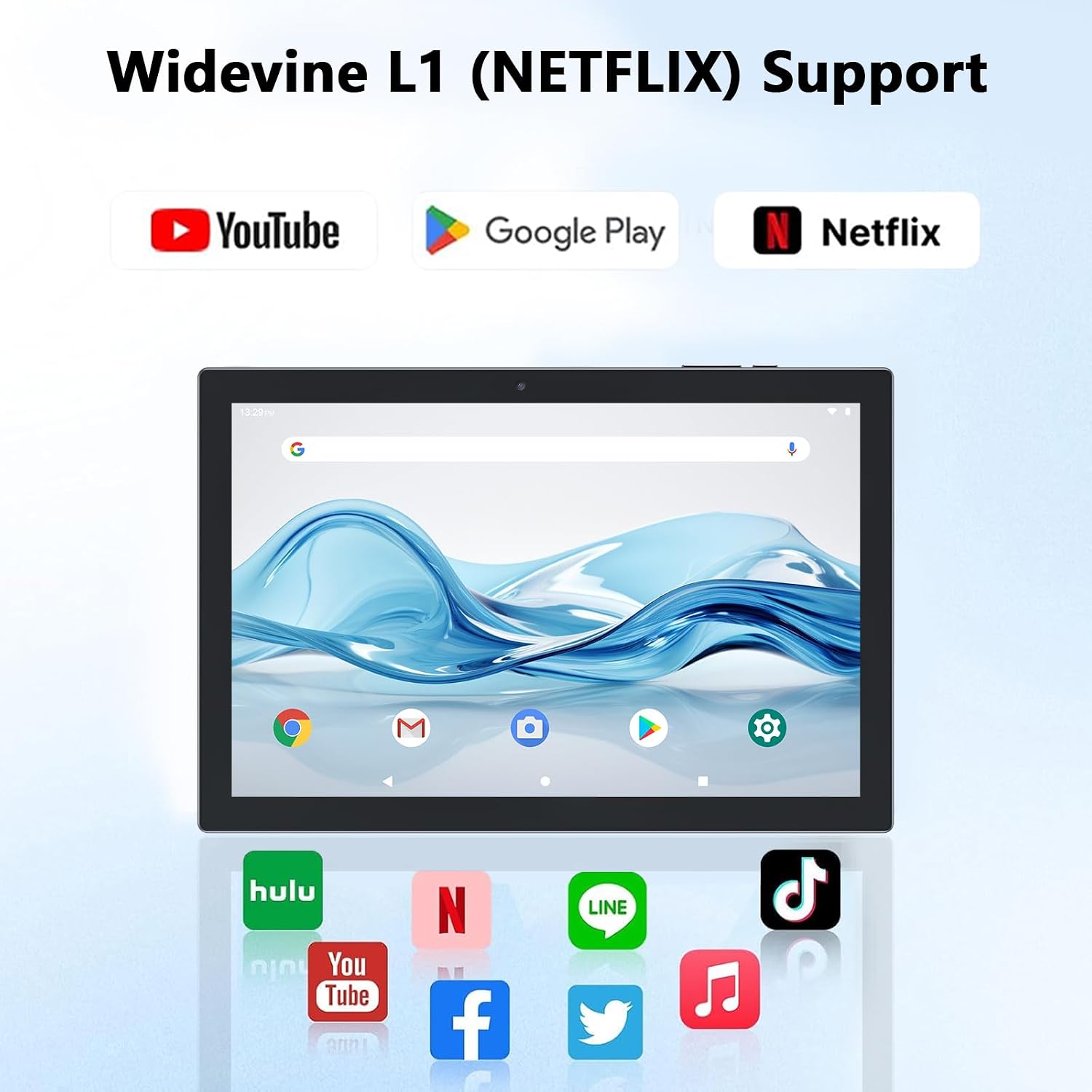
Figure 4.2: Widevine L1 support for popular streaming platforms.
The tablet's IPS HD screen provides vibrant colors and advanced visual effects. Utilize the pre-installed media players or download your preferred streaming apps from the Google Play Store.
فيديو 4.1: أكثر منview of the YQ10SMAX Android 15 tablet's features and performance, demonstrating its capabilities for daily use and entertainment.
4.4 استخدام الكاميرات
يحتوي الجهاز اللوحي على كاميرا خلفية بدقة 8 ميجابكسل وكاميرا أمامية بدقة 2 ميجابكسل.

Figure 4.3: Dual cameras for photos and video calls.
- افتح تطبيق "الكاميرا" من الشاشة الرئيسية أو من قائمة التطبيقات.
- انقر على أيقونة الكاميرا للتبديل بين الكاميرا الأمامية والخلفية.
- اضغط على زر الغالق لالتقاط صورة أو بدء/إيقاف تسجيل الفيديو.
4.5 Storage and Expansion
The tablet comes with 128GB of internal storage and supports up to 2TB expansion via a microSD card.

Figure 4.4: Mass storage and easy expansion options.
- To insert a microSD card, locate the card slot on the side of the tablet and gently push the card in until it clicks.
- لإدارة التخزين، انتقل إلى إعدادات > تخزين.
5. الصيانة
5.1 تنظيف جهازك اللوحي
- استخدم قطعة قماش ناعمة وخالية من الوبر لتنظيف الشاشة وجسم الجهاز اللوحي.
- بالنسبة للبقع العنيدة، استخدمي القليل منampامسح قطعة القماش بالماء أو بمحلول تنظيف آمن للشاشات.
- تجنب استخدام المواد الكيميائية القاسية، أو المواد الكاشطة، أو الرطوبة الزائدة.
5.2 العناية بالبطارية
The tablet is equipped with a 6000mAh battery for long-lasting performance.

Figure 5.1: Large-capacity battery with long-lasting battery life.
- اشحن الجهاز اللوحي بانتظام، ولكن تجنب تركه موصولاً بالكهرباء لفترات طويلة بعد اكتمال شحنه.
- استخدم كابل Type-C المرفق فقط للشحن.
- تجنب تعريض الجهاز اللوحي لدرجات حرارة قصوى، لأن ذلك قد يؤثر على عمر البطارية.
5.3 تحديثات البرامج
Periodically check for system updates to ensure optimal performance and security.
- اذهب الى إعدادات > نظام > تحديث النظام.
- اتبع الإرشادات التي تظهر على الشاشة لتنزيل أي تحديثات متوفرة وتثبيتها.
6. استكشاف الأخطاء وإصلاحها
If you encounter any issues with your tablet, please refer to the following common problems and solutions:
| مشكلة | السبب المحتمل | حل |
|---|---|---|
| الجهاز اللوحي لا يعمل | بطارية منخفضة؛ تعطل النظام | اشحن الجهاز اللوحي لمدة 30 دقيقة على الأقل. اضغط مع الاستمرار على زر التشغيل لمدة 10-15 ثانية لإعادة التشغيل القسري. |
| مشاكل اتصال Wi-Fi | كلمة مرور خاطئة؛ مشكلة في جهاز التوجيه؛ خارج نطاق التغطية | Verify Wi-Fi password. Restart your router. Move closer to the Wi-Fi router. |
| الأداء البطيء | تشغيل عدد كبير جدًا من التطبيقات؛ مساحة تخزين منخفضة؛ برامج قديمة | Close unnecessary apps. Clear cache/uninstall unused apps. Check for system updates. |
| الملحقات لا تتصل | Bluetooth off; Incorrect pairing; Low battery in accessory | Ensure Bluetooth is on. Re-pair the accessory. Check accessory batteries. |
| الشاشة لا تستجيب | خلل مؤقت في البرنامج | أعد تشغيل الجهاز اللوحي بالقوة عن طريق الضغط باستمرار على زر الطاقة. |
7. المواصفات
| ميزة | التفاصيل |
|---|---|
| ماركة | كوبيسي |
| اسم الموديل | YQ10S MAX |
| نظام التشغيل | أندرويد 15 |
| حجم الشاشة | 10.1 بوصة |
| دقة الشاشة | 1280 x 800 pixels (IPS HD) |
| المعالج | معالج رباعي النواة بسرعة 2.0 جيجاهرتز |
| كبش | 18 جيجابايت (6 جيجابايت + 12 جيجابايت للتوسيع) |
| التخزين الداخلي | 128 جيجا بايت |
| تخزين قابل للتوسيع | Up to 2TB (microSD card not included) |
| الكاميرا الخلفية | 8 ميجا بكسل |
| الكاميرا الأمامية | 2 ميجا بكسل |
| نوع لاسلكي | 802.11ax (Wi-Fi 6), 2.4G/5G Dual-band |
| بلوتوث | بلوتوث 5.0 |
| سعة البطارية | 6000 مللي أمبير ليثيوم بوليمر |
| متوسط عمر البطارية | حتى ساعتين |
| وزن العنصر | 2.75 رطل (حوالي 1.25 كجم) |
| أبعاد المنتج | 9.45 × 5.91 × 0.39 بوصة (حوالي 24 × 15 × 1 سم) |
8. الضمان والدعم
CUPEISI products are manufactured to the highest quality standards. This product is covered by a standard manufacturer's warranty against defects in materials and workmanship from the date of purchase. Please retain your proof of purchase for warranty claims.
For technical support, warranty inquiries, or any questions regarding your CUPEISI Android 15 Tablet, please contact our customer service team through the retailer's platform or visit the official CUPEISI webموقع لمعلومات الاتصال.
Please note that the warranty does not cover damage caused by misuse, accidents, unauthorized repairs, or normal wear and tear.