1. المقدمة
The lightmaXX Forge 18 DMX Controller is a compact and robust DMX control unit designed for managing lighting fixtures. It features up to 18 DMX channels, making it suitable for various small to medium-sized lighting setups. This controller is battery-powered for portability and also includes an external power supply for continuous operation. This manual provides essential information for the safe and effective use of your Forge 18 DMX Controller.
2. تعليمات السلامة
Please read and understand all safety instructions before operating the device. Keep this manual for future reference.
- مزود الطاقة: Only use the provided external power supply or a compatible power source with the correct voltage and polarity. Disconnect power before cleaning or if the device will not be used for an extended period.
- بيئة: Do not expose the device to rain, moisture, or extreme temperatures. Avoid placing it near heat sources or in direct sunlight. Ensure adequate ventilation.
- التعامل: Handle the device with care. Do not drop it or subject it to strong impacts. Do not open the casinلا توجد قطع غيار قابلة للصيانة من قبل المستخدم. يُرجى إحالة جميع أعمال الصيانة إلى فنيين مؤهلين.
- تنظيف: Clean the device only with a dry, soft cloth. Do not use liquid cleaners or solvents.
- اتصالات دمكس: Ensure all DMX cables are properly connected and secured to prevent accidental disconnection during operation.
3. محتويات العبوة
Carefully unpack your lightmaXX Forge 18 DMX Controller and check that all items are present and in good condition.
- 1x lightmaXX Forge 18 DMX Controller
- 1x External Power Supply Unit
- 1x دليل المستخدم (هذه الوثيقة)
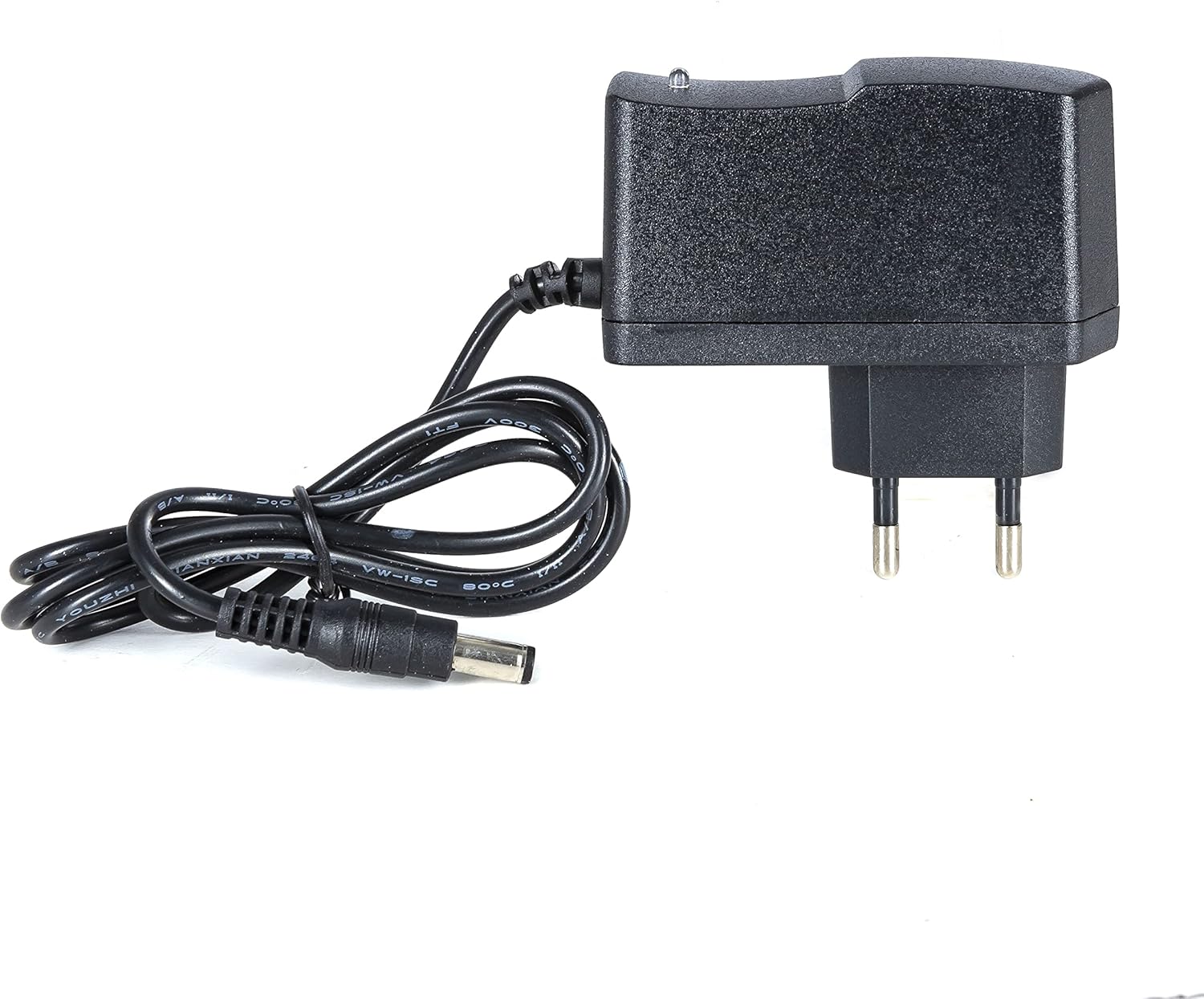
Figure 3.1: The external power supply unit included with the controller.
4. الإعداد
Follow these steps to set up your DMX controller:
- توصيل الطاقة: Connect the external power supply unit to the DC input jack on the rear of the Forge 18 controller. Plug the power supply into a suitable electrical outlet. The "POWER" indicator LED on the front panel should illuminate red.
- توصيل مخرج DMX: Connect a standard 3-pin DMX cable from the DMX OUT port on the rear of the Forge 18 controller to the DMX input of your first DMX lighting fixture. Daisy-chain additional DMX fixtures as required.
- تشغيل الطاقة: The unit powers on automatically when connected to the power supply. If operating on internal battery, ensure the battery is charged.
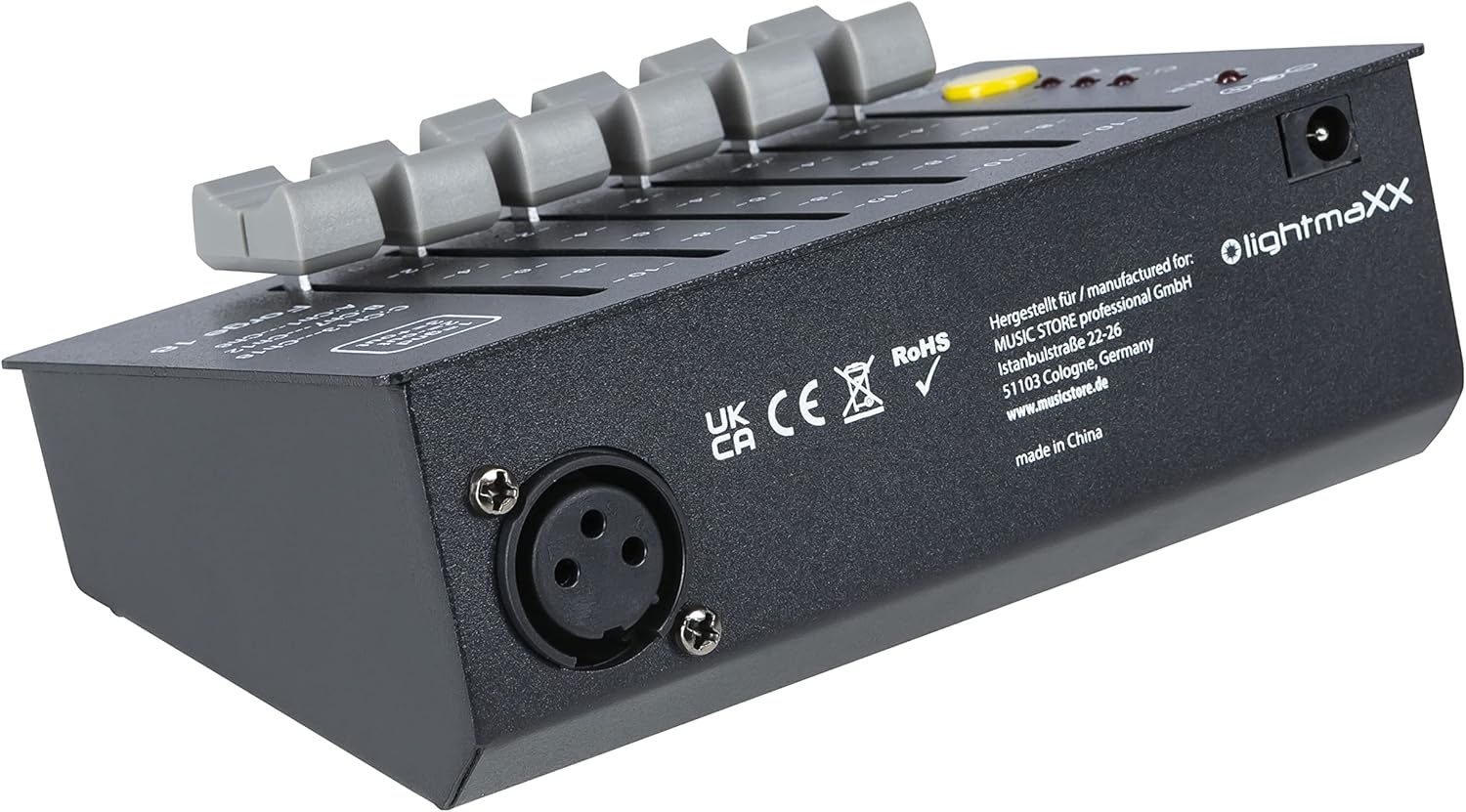
Figure 4.1: Rear panel of the Forge 18, showing the DMX output (XLR) and DC power input.
5. التشغيل
The lightmaXX Forge 18 DMX Controller provides intuitive control over 18 DMX channels, organized into three pages of six channels each.
5.1 اللوحة الأمامية أكثرview

Figure 5.1: Front panel of the Forge 18 DMX Controller.
- ليد اشارة: يضيء باللون الأحمر عند تشغيل الجهاز.
- Channel Faders (1-6): Six individual faders to control the intensity or parameter of each DMX channel. The scale next to each fader indicates the output level from 0 to 10.
- Page Indicators (A, B, C): Three LEDs (red) indicate the currently active channel page.
- A: Controls DMX Channels 1-6
- B: Controls DMX Channels 7-12
- C: Controls DMX Channels 13-18
- زر الصفحة: Press this yellow button to cycle through the channel pages (A, B, C). The corresponding LED will illuminate.
- Page >3s OFF: If the PAGE button is held for more than 3 seconds, the page selection will turn off, effectively setting all channels to 0. Press again to reactivate.
5.2 DMX Pinout
The DMX output uses a standard 3-pin XLR connector. The pin configuration is as follows:
- دبوس 1: الأرض (GND)
- دبوس 2: Data - (OUT)
- دبوس 3: Data + (OUT)

الشكل 5.2: بزاوية view of the controller, highlighting the DMX pinout diagram on the top right.
6. الصيانة
To ensure the longevity and optimal performance of your lightmaXX Forge 18 DMX Controller, follow these maintenance guidelines:
- تنظيف: Regularly wipe the exterior of the unit with a soft, dry, lint-free cloth. Do not use abrasive cleaners, solvents, or waxes.
- تخزين: عند عدم استخدام وحدة التحكم لفترات طويلة، قم بتخزينها في مكان بارد وجاف، بعيدًا عن أشعة الشمس المباشرة ودرجات الحرارة القصوى.
- العناية بالبطارية: If using the internal battery, ensure it is charged periodically even when not in use to maintain battery health. Avoid fully discharging the battery frequently.
7. استكشاف الأخطاء وإصلاحها
If you encounter issues with your lightmaXX Forge 18 DMX Controller, refer to the following common problems and solutions:
| مشكلة | السبب المحتمل | حل |
|---|---|---|
| No power / POWER LED off |
|
|
| No DMX signal to fixtures |
|
|
| Specific channels not responding |
|
|
8. المواصفات
| نموذج: | فورج 18 |
| الشركة المصنعة: | لايت ماكس |
| مرجع الشركة المصنعة: | LIG0017496-000 |
| قنوات DMX: | 18 (3 pages of 6 channels) |
| إخراج DMX: | 3 دبوس XLR |
| مزود الطاقة: | External power adapter (included), Battery-powered |
| أبعاد المنتج: | 20.5 x 13 x 9 cm (8.07 x 5.12 x 3.54 inches) |
| وزن السلعة: | 580 جرام (1.28 رطل) |
| بلد المنشأ: | ألمانيا |
| أول تاريخ متاح: | 10 ديسمبر 2022 |
9. الضمان والدعم
For information regarding warranty terms and conditions, please refer to the documentation provided at the time of purchase or contact your retailer.
For technical support or service inquiries, please contact the manufacturer, lightmaXX, or the authorized seller from whom you purchased the product.
بائع: MUSIC STORE Professional