1. المقدمة
This manual provides essential information for the installation, operation, and maintenance of your Intenso 2TB M.2 SSD PCIe Premium. Please read these instructions carefully before proceeding with installation to ensure optimal performance and longevity of your device.
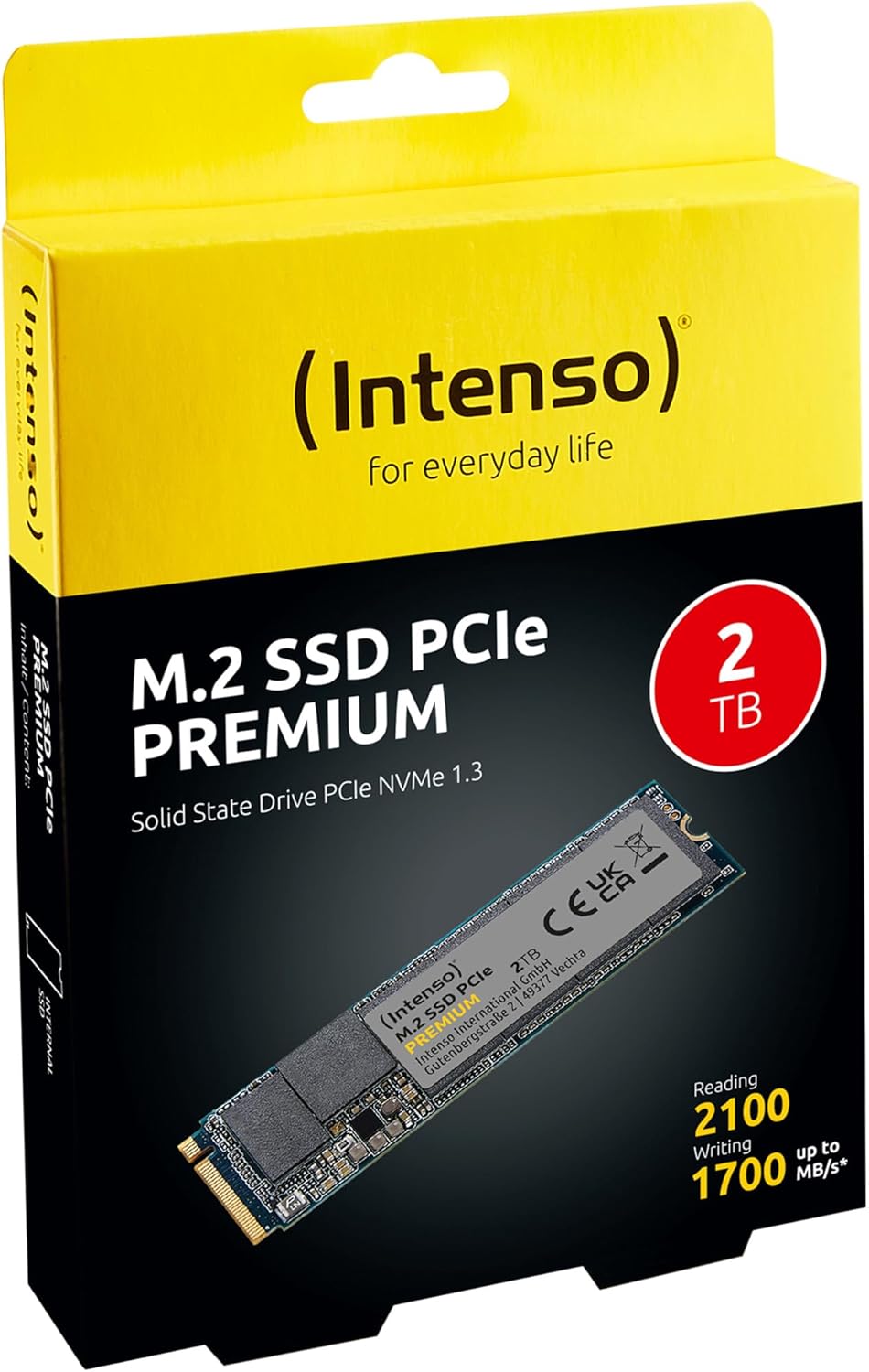
Image 1: Intenso 2TB M.2 SSD PCIe Premium product packaging. The box displays the SSD, capacity, and read/write speeds.
2. الإعداد والتثبيت
Proper installation is crucial for the functionality of your M.2 SSD. Follow these steps carefully.
2.1 قائمة التحقق قبل التثبيت
- التوافق: Ensure your motherboard has an available M.2 slot that supports PCIe NVMe SSDs. Refer to your motherboard's manual for specific M.2 slot specifications.
- كهرباء ساكنة: Take precautions against electrostatic discharge (ESD). Use an anti-static wrist strap or touch a grounded metal object before handling the SSD.
- أدوات: You may need a small Phillips head screwdriver and a motherboard screw for securing the M.2 drive.
2.2 التثبيت المادي
- إيقاف التشغيل: Completely shut down your computer and disconnect the power cable.
- القضية المفتوحة: افتح غطاء جهاز الكمبيوتر للوصول إلى اللوحة الأم.
- حدد موقع فتحة M.2: Identify an available M.2 slot on your motherboard. It typically looks like a small horizontal slot with a screw stand-off nearby.
- أدخل SSD: Gently insert the Intenso M.2 SSD into the slot at a 30-degree angle. The gold contacts on the SSD should align with the slot. Push it in until it is fully seated.
- SSD آمن: Carefully push the SSD down until it is parallel with the motherboard. Secure it with the small screw provided with your motherboard or the SSD.
- إغلاق القضية: أغلق غطاء جهاز الكمبيوتر وأعد توصيل كابل الطاقة.
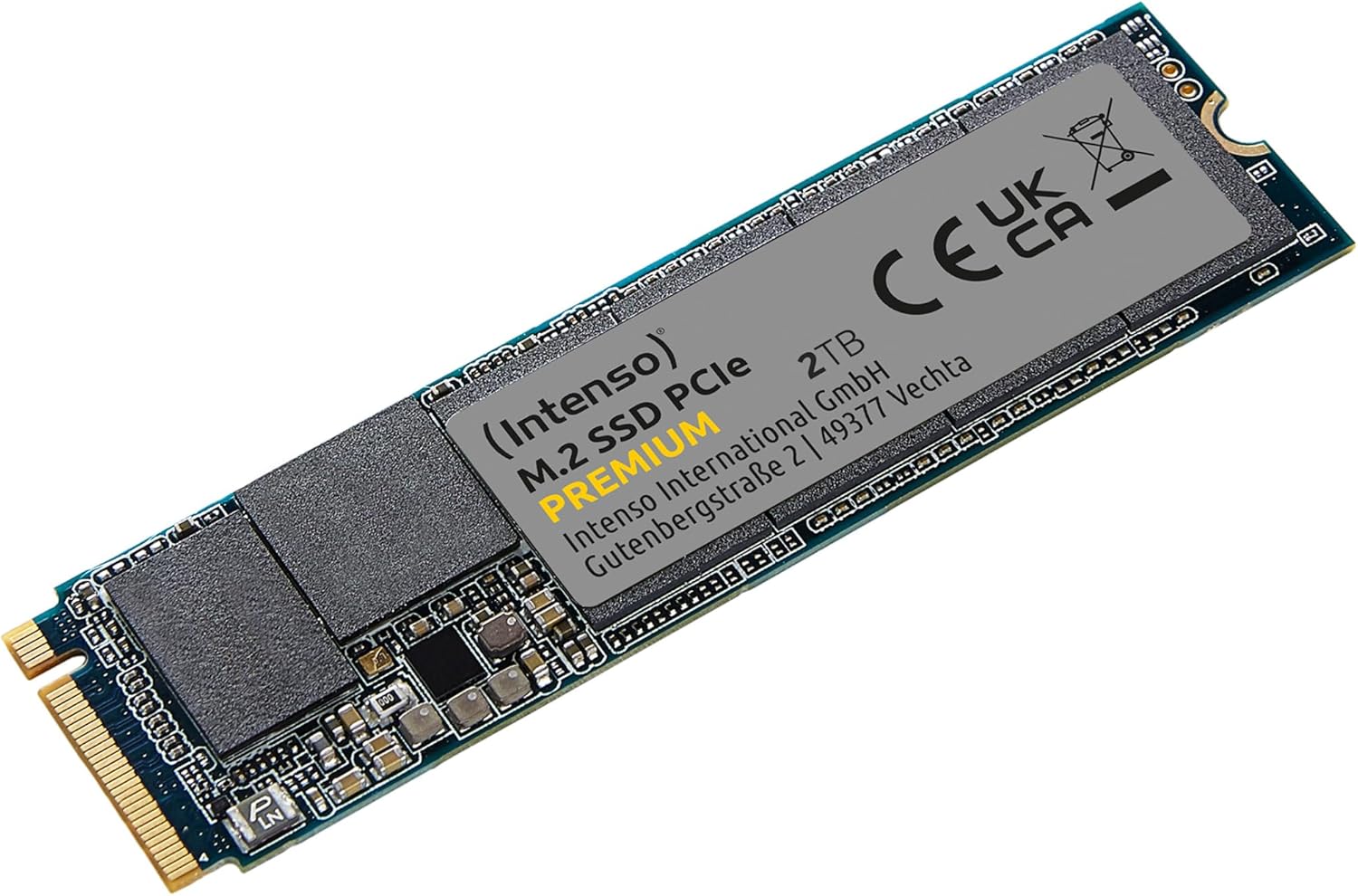
Image 2: The Intenso 2TB M.2 SSD PCIe Premium, showing its compact M.2 2280 form factor and labeling.
2.3 Initial Software Setup (Windows)
- Boot Computer: قم بتشغيل جهاز الكمبيوتر الخاص بك.
- إدارة أقراص الوصول: انقر بزر الماوس الأيمن على زر ابدأ وحدد "إدارة الأقراص".
- تهيئة القرص: If prompted, initialize the new SSD. Choose GPT (GUID Partition Table) for modern systems.
- إنشاء وحدة تخزين بسيطة جديدة: Right-click on the unallocated space of your new SSD and select 'New Simple Volume'. Follow the wizard to assign a drive letter and format the drive (NTFS is recommended for Windows).
- جاهز للاستخدام: Your Intenso M.2 SSD is now ready for use as a storage drive. If you intend to install an operating system, refer to your OS installation guide.
3. تشغيل SSD
The Intenso M.2 SSD PCIe Premium is designed for high-speed data access, making it suitable for various applications from everyday computing to demanding tasks like gaming and graphic design.
- محرك الإقلاع: For fastest system startup and application loading, install your operating system on the SSD.
- محرك التخزين: استخدم محرك الأقراص ذو الحالة الصلبة (SSD) لتخزين الملفات التي يتم الوصول إليها بشكل متكرر files, games, or applications that benefit from high read/write speeds.
- أداء: This SSD offers sequential read speeds up to 2100 MB/s and sequential write speeds up to 1700 MB/s, significantly faster than traditional SATA SSDs.
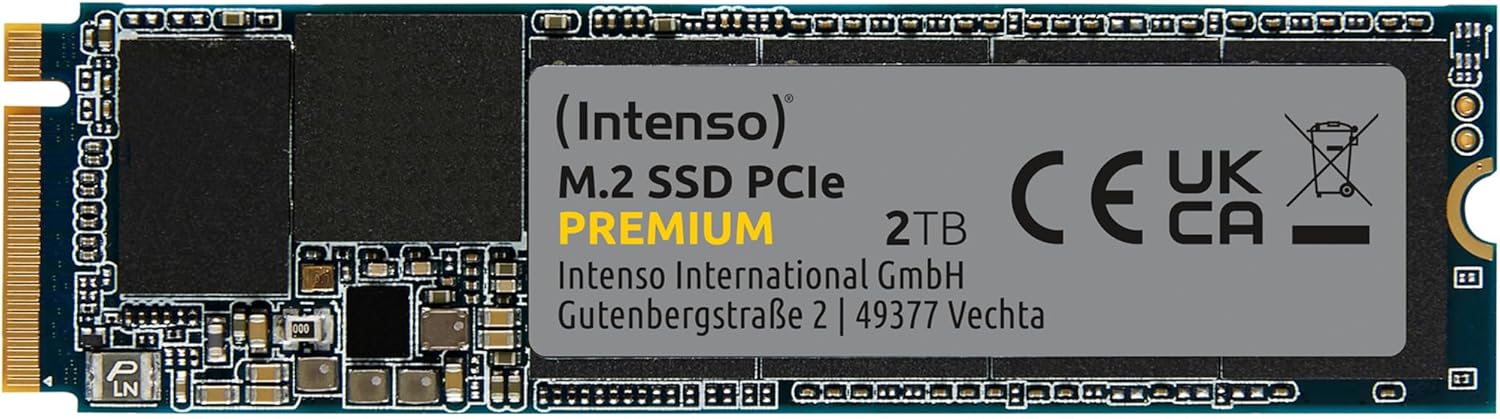
الصورة 3: تفصيلية view of the Intenso 2TB M.2 SSD PCIe Premium, highlighting its internal components and labeling.
4. الصيانة
To ensure the longevity and optimal performance of your Intenso M.2 SSD, consider the following maintenance practices:
- أمر TRIM: Ensure your operating system has TRIM enabled. TRIM helps the SSD manage data blocks more efficiently, preventing performance degradation over time. Modern operating systems typically enable TRIM by default.
- تجنب التجزئة: Unlike traditional hard disk drives (HDDs), SSDs do not benefit from defragmentation. Defragmenting an SSD can reduce its lifespan by causing unnecessary write cycles.
- تحديثات البرامج الثابتة: Periodically check the Intenso official webيمكنك الاطلاع على الموقع الإلكتروني لمعرفة أي تحديثات متاحة للبرامج الثابتة الخاصة بطراز محرك الأقراص ذي الحالة الصلبة (SSD) الخاص بك. يمكن لتحديثات البرامج الثابتة تحسين الأداء والاستقرار والتوافق.
- مراقبة حالة القرص الصلب: Use S.M.A.R.T. (Self-Monitoring, Analysis and Reporting Technology) tools to monitor the health status of your SSD. Many operating systems and third-party utilities offer this functionality.
- الحفاظ على المساحة الحرة: Avoid filling your SSD to its maximum capacity. Keeping some free space (e.g., 10-15%) allows the SSD's wear-leveling algorithms to function effectively.
5. استكشاف الأخطاء وإصلاحها
If you encounter issues with your Intenso M.2 SSD, refer to the following common troubleshooting steps:
5.1 لم يتم اكتشاف محرك الأقراص ذي الحالة الصلبة (SSD)
- تحقق من الاتصال الفعلي: Ensure the SSD is correctly seated in the M.2 slot and securely fastened.
- إعدادات BIOS/UEFI: Enter your computer's BIOS/UEFI settings. Verify that the M.2 slot is enabled and configured correctly (e.g., NVMe mode). Some motherboards may disable certain SATA ports when an M.2 drive is in use.
- تثبيت برنامج التشغيل: Ensure your operating system has the necessary NVMe drivers. Windows 10/11 typically includes native NVMe support.
- إدارة القرص: As described in Section 2.3, check Disk Management to see if the drive is detected but uninitialized.
5.2 الأداء البطيء
- M.2 Slot Speed: Confirm that your M.2 slot supports PCIe Gen.3x4 speeds. Some slots may operate at lower speeds (e.g., Gen.2 or x2 lanes).
- حالة TRIM: Verify that TRIM is enabled on your operating system.
- البرامج الثابتة: Check for and install any available firmware updates for the SSD.
- ارتفاع درجة الحرارة: Ensure adequate airflow within your computer case. Excessive heat can cause performance throttling.
- Full Drive: If the drive is nearly full, performance may decrease. Try to free up some space.
5.3 مشاكل نقل البيانات
- Cable/Connection: If using an external enclosure, ensure the USB cable and enclosure connection are secure and functioning correctly.
- File أخطاء النظام: قم بتشغيل أداة فحص القرص (على سبيل المثال،
chkdskin Windows) to scan for and repair any file أخطاء النظام. - Source/Destination Drive: Ensure the source or destination drive is not experiencing issues that could bottleneck transfer speeds.
6. المواصفات
Key technical specifications for the Intenso 2TB M.2 SSD PCIe Premium:
| ميزة | مواصفة |
|---|---|
| رقم الموديل | 3835470 |
| سعة | 2 تيرابايت |
| الواجهة | PCIe Gen.3x4 NVMe 1.3 |
| عامل الشكل | م.2 2280 |
| سرعة القراءة المتسلسلة | تصل إلى 2100 ميجابايت/ثانية |
| سرعة الكتابة المتسلسلة | تصل إلى 1700 ميجابايت/ثانية |
| الأبعاد (الطول × العرض × الارتفاع) | 3.15 × 0.87 × 0.16 بوصة |
| وزن العنصر | 0.212 أونصات |
| منصة الأجهزة | PC |
| لون | أسود |
| ماذا يوجد في الصندوق | M.2 SSD PCIe |
7. الضمان والدعم
For detailed warranty information and technical support, please refer to the official Intenso website or contact their customer service directly. The product is typically covered by a manufacturer's warranty against defects in materials and workmanship.
- الشركة المصنعة: إنتنسو
- Webموقع: يزور www.intenso.de للحصول على موارد الدعم والأسئلة الشائعة ومعلومات الاتصال.
- إثبات الشراء: احتفظ بإيصال الشراء الخاص بك كدليل على الشراء في حالة مطالبات الضمان.


