مقدمة
Thank you for choosing the JSAUX HB0603 6-in-1 Docking Station. This versatile accessory is designed to enhance your portable gaming experience by providing expanded connectivity and power delivery for compatible handheld devices. This manual provides essential information for setup, operation, and maintenance to ensure optimal performance.
محتويات الحزمة
- 1x JSAUX HB0603 6-in-1 Docking Station
- 1x 65W Power Delivery Charger
- 1 × كابل USB-C إلى USB-C
- 1x European Plug Adapter
- 1x UK Plug Adapter
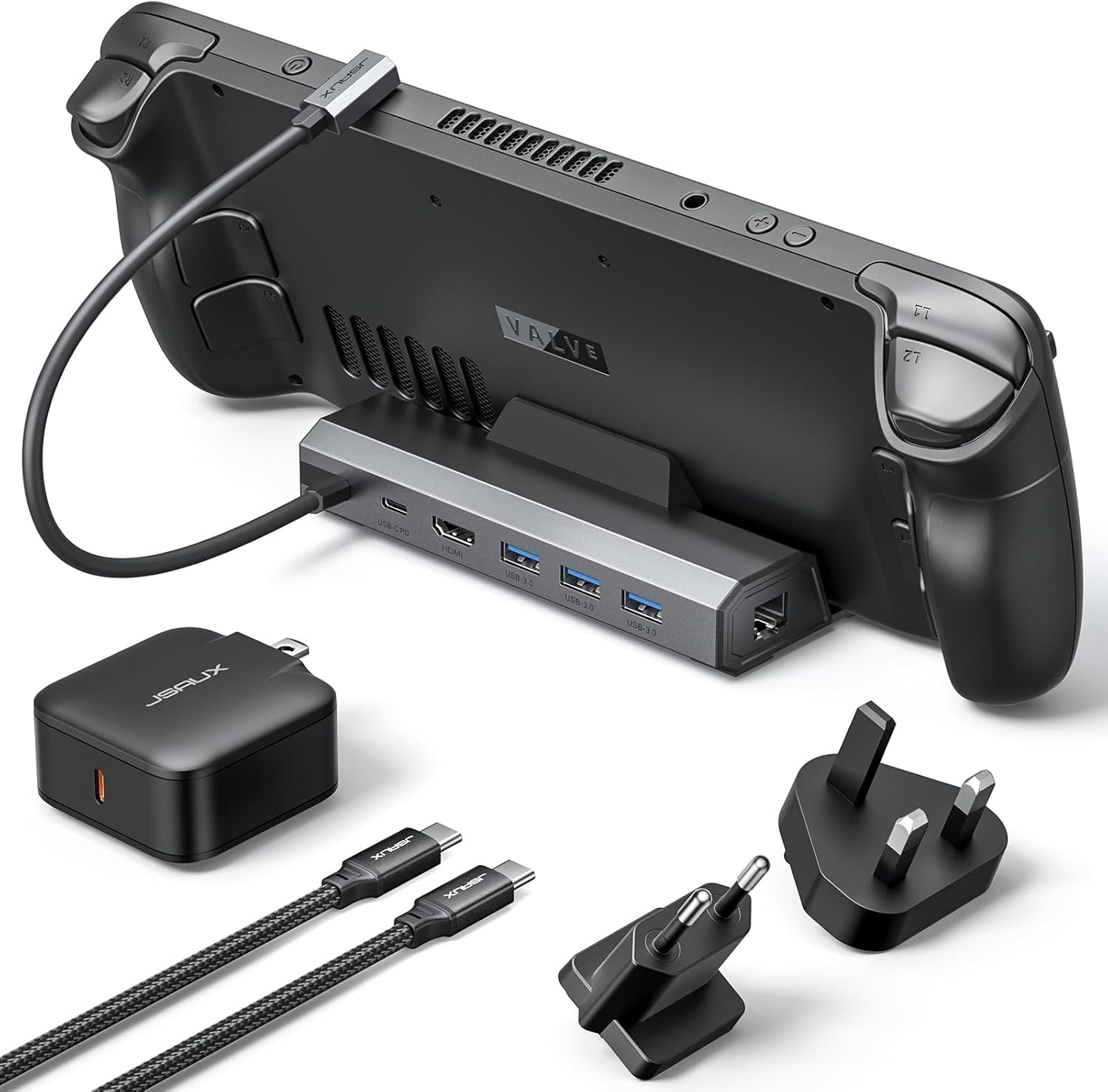
المنتج انتهىview
The JSAUX HB0603 is a compact and powerful docking solution for various handheld gaming devices. It features multiple ports to expand your device's capabilities, allowing for a desktop-like gaming experience on a larger screen.
المميزات الرئيسية:
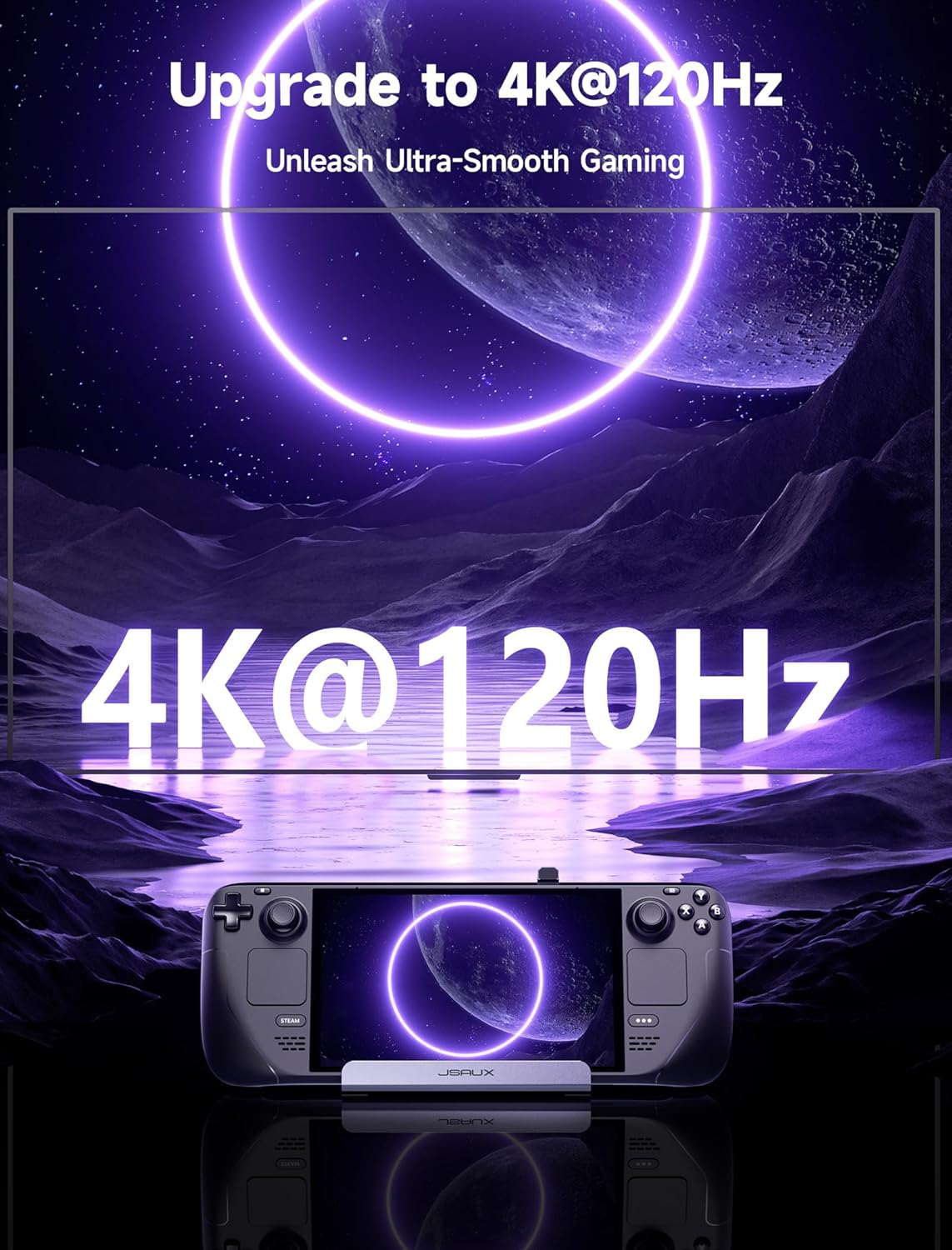
- HDMI 2.1 Output: Supports 4K resolution at 120Hz for high-refresh-rate external displays.
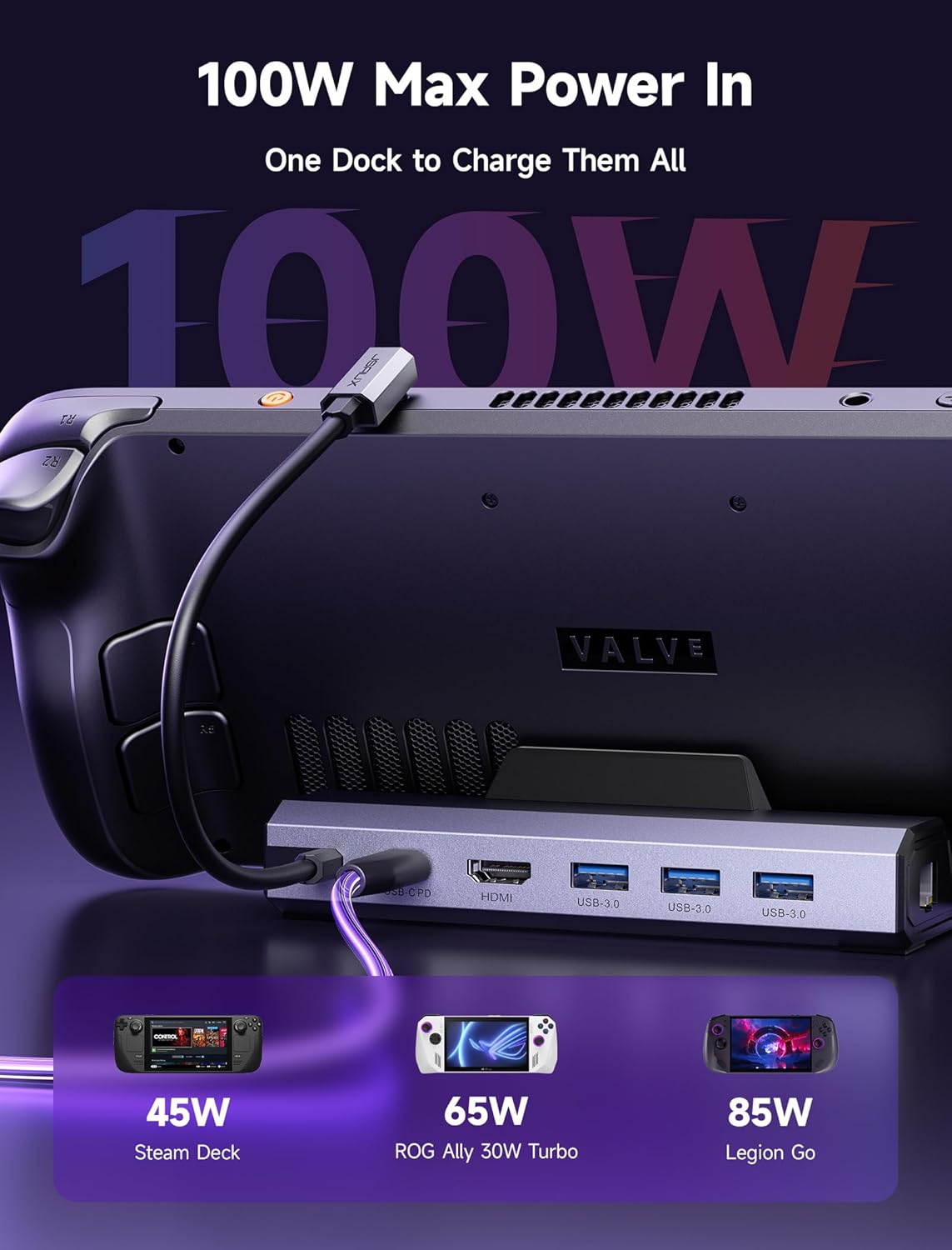
- 100W Power Delivery (PD) Charging: Provides efficient charging for your handheld device, supporting up to 100W input.
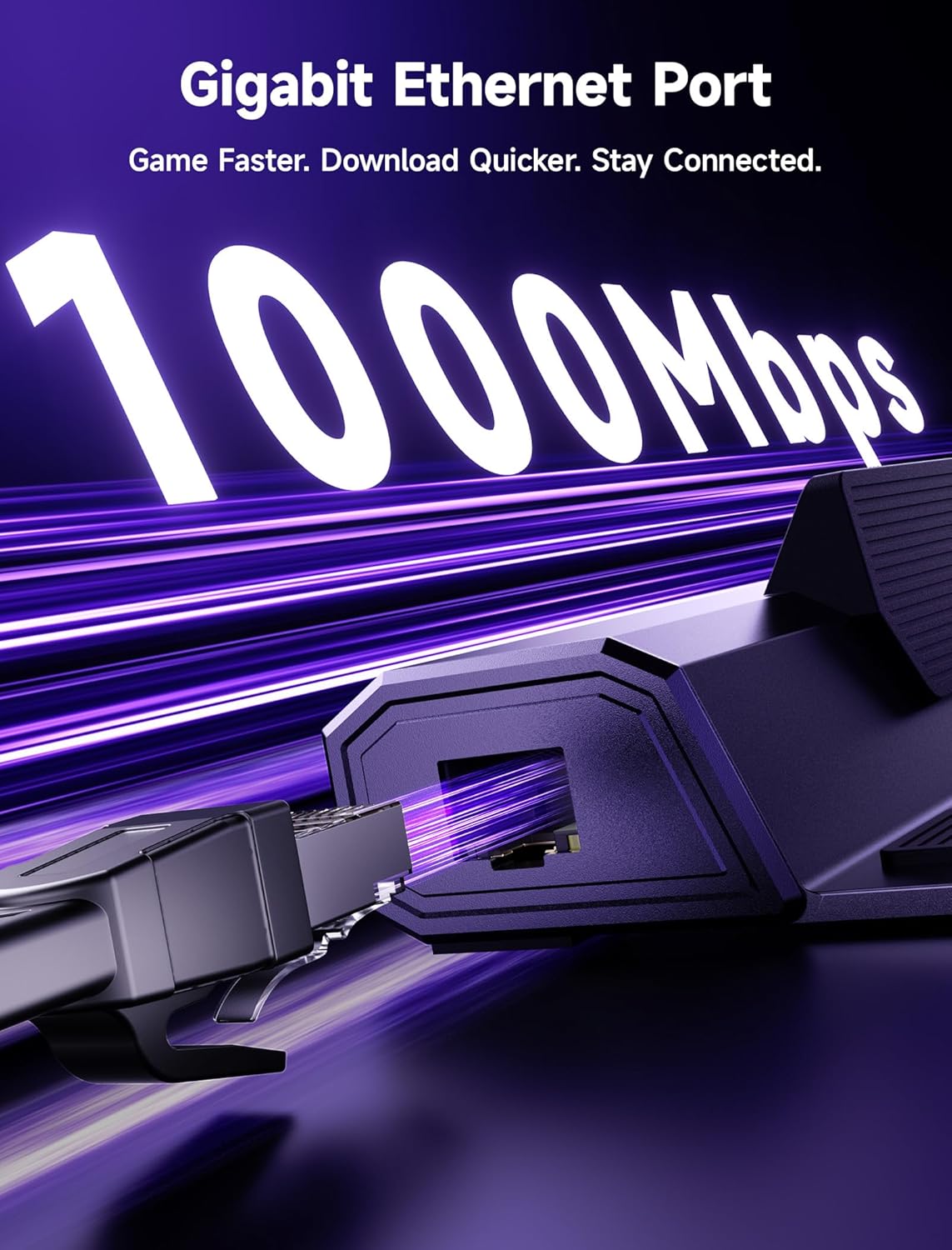
- جيجابت إيثرنت: Ensures stable and fast wired internet connectivity for online gaming and downloads.
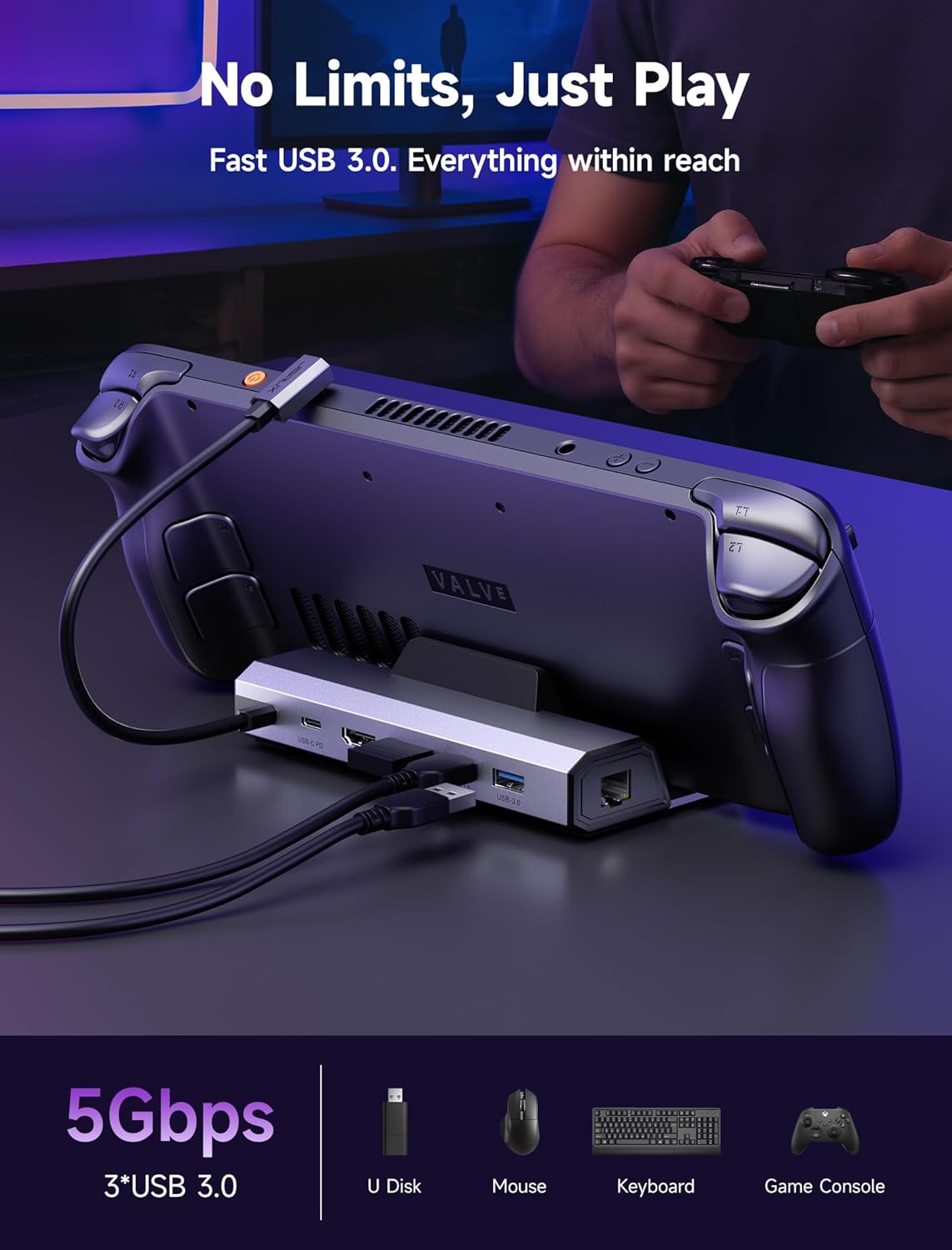
- منفذان USB 3.0: Connect external peripherals such as keyboards, mice, and controllers.
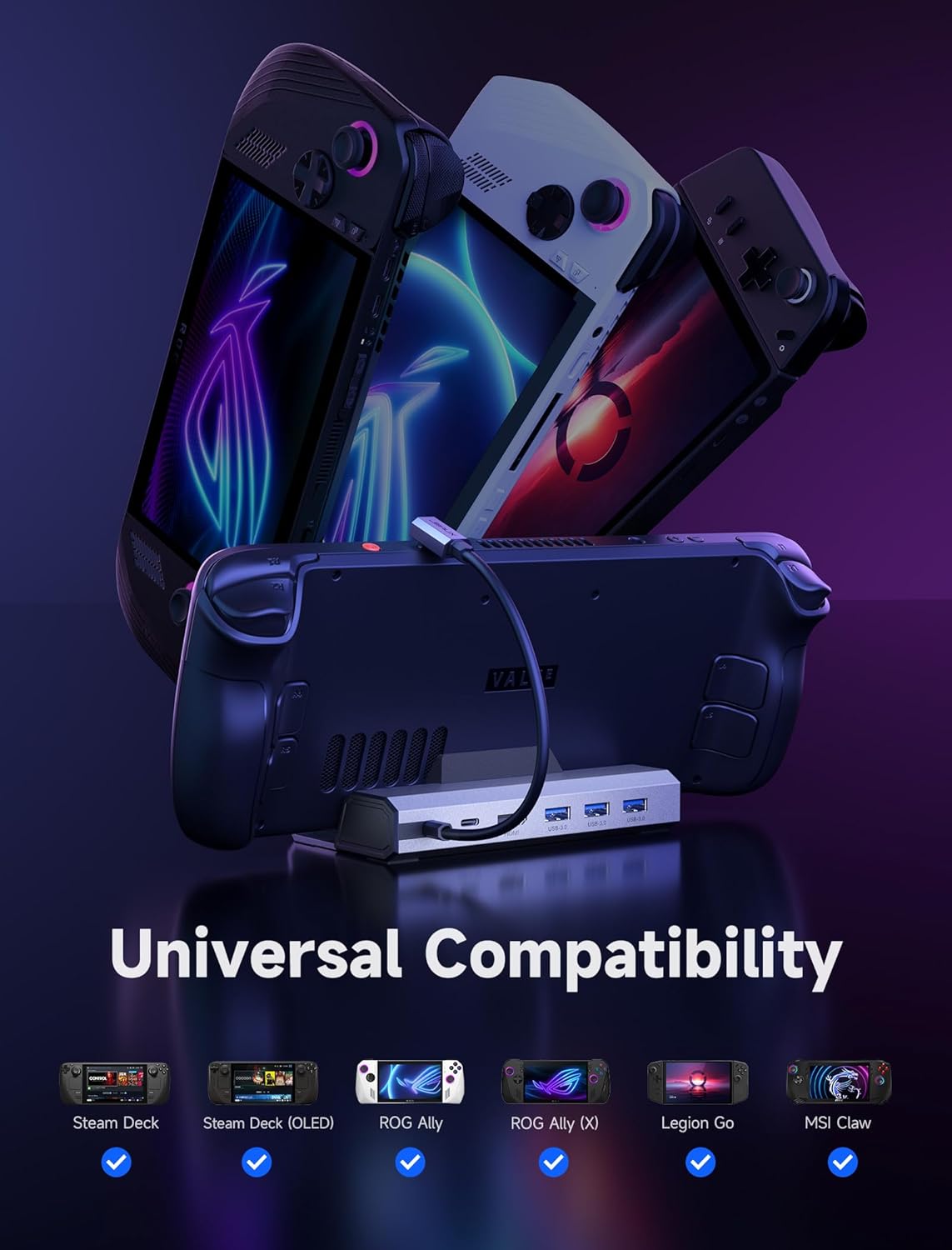
- التوافق الواسع: Designed for Steam Deck LCD/OLED, ROG Ally/Ally X, Legion Go/Go S, and MSI Claw.
تعليمات الإعداد
- Place the Dock: Position the JSAUX docking station on a stable, flat surface.
- توصيل الطاقة: Plug the included 65W PD charger into a wall outlet. Connect the USB-C to USB-C cable from the charger to the USB-C PD input port on the docking station.
- الاتصال بالشاشة: Use an HDMI 2.1 cable (not included) to connect the HDMI output port on the docking station to your external monitor or TV. Ensure your display supports 4K@120Hz for optimal performance.
- توصيل الأجهزة الطرفية (اختياري): Plug any USB peripherals (keyboard, mouse, controller) into the USB 3.0 ports on the docking station. For a wired internet connection, connect an Ethernet cable to the Gigabit Ethernet port.
- Connect Handheld Device: Carefully place your compatible handheld device (e.g., Steam Deck, ROG Ally) onto the docking station. Connect the integrated USB-C cable from the docking station to your handheld device's USB-C port.

Visual Setup Guide:
فيديو 1: A seller-provided video demonstrating the setup and features of the JSAUX Docking Station, highlighting its 4K output and compatibility.
فيديو 2: A seller-provided review عرضasing the JSAUX Steam Deck Docking Station in use, including connecting to an external monitor and peripherals.
تعليمات التشغيل
عرض الإخراج:
Once your handheld device is connected to the docking station and an external display, the video output should automatically switch to the external screen. You may need to adjust display settings on your handheld device for optimal resolution and refresh rate (e.g., 4K@120Hz).
تسليم الطاقة:
The docking station supports up to 100W PD charging. The included 65W charger provides stable power for most scenarios with Steam Deck, ROG Ally/Ally X, Legion Go/Go S, and MSI Claw. For extended sessions in 30W Turbo Mode with multiple peripherals, a 100W charger (not included) is recommended for maximum performance.
USB and Ethernet Connectivity:
The three USB 3.0 ports allow for high-speed data transfer and connection of multiple accessories. The Gigabit Ethernet port provides a reliable and low-latency network connection, ideal for competitive online gaming or large file التحميلات.
صيانة
- تنظيف: Use a soft, dry cloth to clean the docking station. Avoid liquid cleaners or abrasive materials.
- تخزين: قم بتخزين محطة الإرساء في مكان بارد وجاف بعيدًا عن أشعة الشمس المباشرة ودرجات الحرارة القصوى.
- التعامل: Handle the device with care to prevent damage to ports or the integrated USB-C cable.
استكشاف الأخطاء وإصلاحها
| مشكلة | الحل المحتمل |
|---|---|
| No video output to external display. |
|
| Handheld device not charging or charging slowly. |
|
| USB peripherals not recognized. |
|
| لا يوجد اتصال بالإنترنت عبر الإيثرنت. |
|
تحديد
- رقم الموديل: CH4504
- أبعاد المنتج: 1.26 × 4.29 × 6.02 بوصة
- وزن السلعة: 15.8 أونصات
- الموانئ: 1x HDMI 2.1, 1x USB-C PD (100W input), 3x USB 3.0 Type A, 1x Gigabit Ethernet
- مخرج HDMI: 4 كيلو @120 هرتز
- الأجهزة المتوافقة: Valve Steam Deck/Steam Deck OLED, ASUS ROG Ally/Ally X, Lenovo Legion Go/Go S, MSI Claw
- Included Charger: 65W شاحن PD
- الشركة المصنعة: JSAUX
الضمان والدعم
For warranty information, technical support, or further assistance, please refer to the official JSAUX webالموقع أو تواصل مع خدمة العملاء مباشرةً. احتفظ بإيصال الشراء لطلبات الضمان.


