1. المقدمة
This manual provides detailed instructions for the installation, operation, and maintenance of your SCOORNEST Wireless Security Camera. This compact, battery-operated camera is designed for indoor use, offering 1080P HD video, night vision, and remote monitoring capabilities via a mobile application. Please read this manual thoroughly before using the product to ensure proper function and safety.

Image: The SCOORNEST Wireless Security Camera discreetly placed in a living room, providing wide area surveillance.
2. مواصفات المنتج
The SCOORNEST Wireless Security Camera offers a range of features for effective home monitoring:
- فيديو عالي الدقة 1080 بكسل: يلتقط صورًا واضحة ومفصلة للطعامtage.
- لاسلكي ويعمل بالبطارية: Flexible placement without the need for constant power outlets.
- الرؤية الليلية: Provides clear monitoring in low-light or dark conditions.
- كشف الحركة: Alerts you to detected movement, enhancing security.
- التحكم عن بُعد عبر التطبيق: Monitor and control the camera from your smartphone or tablet.
- الاستخدام متعدد السيناريوهات: Suitable for monitoring homes, babies, pets, elderly care, and office spaces.

Image: Key features of the camera, including 1080P resolution, motion detection, WiFi connectivity, and wireless operation.

Image: Demonstration of the camera's 1080P resolution, providing clear and smooth video quality.
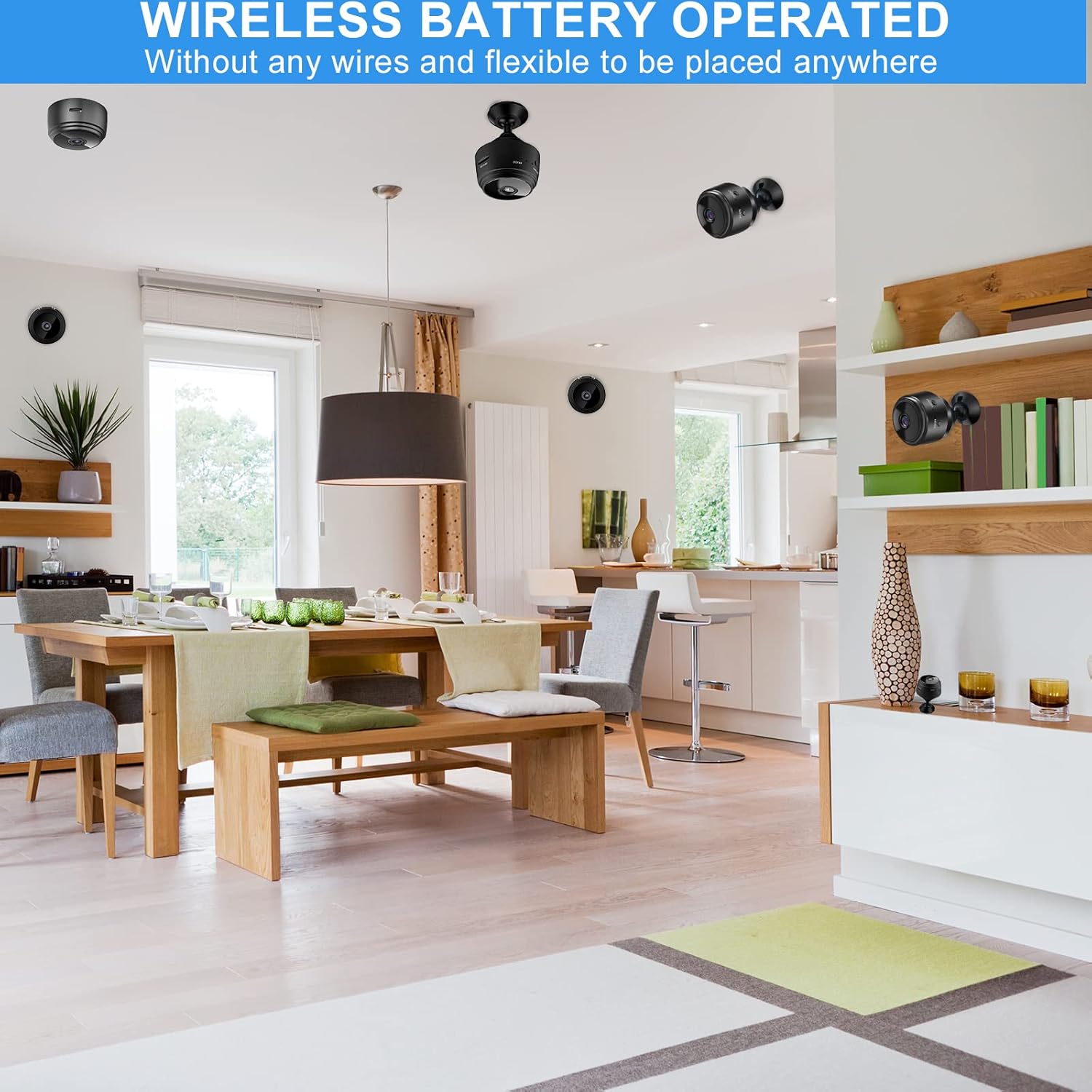
Image: The camera's motion detection feature, sensitive to capture movement and trigger alerts.

Image: Comparison of day and night vision, illustrating the camera's ability to monitor in various lighting conditions.
3. دليل الإعداد
Follow these steps to set up your SCOORNEST Wireless Security Camera:
- اشحن الكاميرا: Before first use, fully charge the camera using the provided USB cable. A red indicator light typically signifies charging, turning off or changing color when complete.
- تنزيل التطبيق: بحث عن "HDwifiCamPro" in the App Store (iOS) or Google Play Store (Android) and install it on your smartphone.
- تشغيل الكاميرا: اضغط مع الاستمرار على زر الطاقة حتى يضيء مؤشر الضوء.
- الاتصال بالهاتف: Open the HDwifiCamPro app. Follow the in-app instructions to connect the camera to your phone. This usually involves connecting to the camera's temporary Wi-Fi hotspot first, then configuring it to connect to your home 2.4GHz Wi-Fi network.
- موضع الكاميرا: Place the camera in your desired monitoring location. Its wireless design allows for flexible placement. Ensure it has a clear line of sight to the area you wish to monitor.
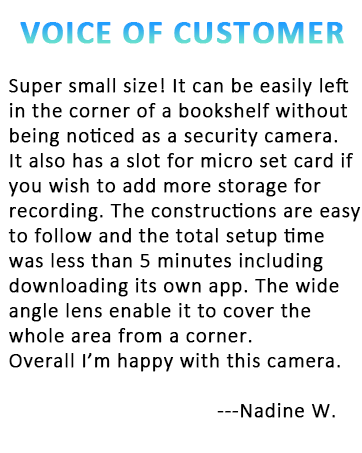
Image: Visual guide for connecting the camera to your smartphone and home WiFi network.
4. تعليمات التشغيل
Once your camera is set up, you can begin monitoring:
- يعيش View: Open the HDwifiCamPro app and select your camera to view بث الفيديو المباشر.
- تسجيل: The camera supports continuous recording or motion-activated recording. Ensure a microSD card (not included) is inserted for local storage, or utilize cloud storage options if available through the app.
- تنبيهات الحركة: Enable motion detection in the app settings to receive notifications on your phone when movement is detected.
- Night Vision Activation: عادةً ما يتم تفعيل خاصية الرؤية الليلية تلقائياً في ظروف الإضاءة المنخفضة.
- الوصول عن بعد: طالما أن الكاميرا متصلة بشبكة Wi-Fi وهاتفك متصل بالإنترنت، يمكنك view the live feed and manage settings from anywhere.

Image: Live monitoring of the camera feed on a smartphone.

الصورة: السابقample of using the camera for pet monitoring via the mobile app.

Image: The camera feed can be viewed on multiple devices, including laptops, tablets, and smartphones.
5. الصيانة
To ensure the longevity and optimal performance of your camera:
- تنظيف: امسح عدسة الكاميرا وجسمها برفق بقطعة قماش ناعمة وجافة. تجنب استخدام المواد الكيميائية القاسية أو المواد الكاشطة.
- العناية بالبطارية: Recharge the camera regularly, especially if it's not connected to a continuous power source. Avoid fully depleting the battery frequently to prolong its lifespan.
- تحديثات البرامج: Check the HDwifiCamPro app periodically for firmware updates for your camera. Keeping the software updated can improve performance and security.
- تخزين: If storing the camera for an extended period, ensure it is fully charged and stored in a cool, dry place.
6. استكشاف الأخطاء وإصلاحها
إذا واجهت مشكلات مع الكاميرا، فراجع المشكلات والحلول الشائعة التالية:
| مشكلة | السبب المحتمل | حل |
|---|---|---|
| الكاميرا غير متصلة بشبكة Wi-Fi | كلمة مرور الواي فاي غير صحيحة؛ الكاميرا بعيدة جدًا عن جهاز التوجيه؛ تم استخدام شبكة واي فاي بتردد 5 جيجاهرتز. | Ensure correct 2.4GHz Wi-Fi password; move camera closer to router; ensure router supports 2.4GHz. |
| جودة الصورة رديئة | Dirty lens; insufficient lighting; weak Wi-Fi signal. | Clean the lens; ensure adequate lighting or rely on night vision; improve Wi-Fi signal strength. |
| تستنزف البطارية بسرعة | بث مباشر متكرر viewing; continuous recording; high motion detection sensitivity. | Reduce live viewing time; use motion-activated recording; adjust motion detection sensitivity; keep camera plugged in if possible. |
| التطبيق لا يتلقى الإخطارات | App notifications disabled; motion detection off; phone in Do Not Disturb mode. | Check app notification settings; enable motion detection; disable Do Not Disturb. |
If problems persist, please refer to the Warranty and Support section for contact information.
7. المواصفات
| ميزة | التفاصيل |
|---|---|
| أبعاد المنتج | 3.98 × 2.4 × 1.46 بوصة |
| وزن العنصر | 2.08 أونصات |
| رقم الموديل | FDA MASK 95 |
| ماركة | سكوورنست |
| نوع العدسة | زاوية واسعة |
| تصميم العدسة | تكبير |
| نوع التركيز | التركيز اليدوي |
| وصف طلاء العدسات | طلاء HD |
| تاريخ أول توفر | 10 مايو 2022 |
8. الضمان والدعم
SCOORNEST is committed to providing quality products and customer satisfaction. Your SCOORNEST Wireless Security Camera comes with a ضمان لمدة سنة واحدة from the date of purchase. Additionally, we offer خدمة ما بعد البيع مدى الحياة.
For any product-related inquiries, technical support, or warranty claims, please contact our customer service team. Refer to the product packaging or the official SCOORNEST webالموقع للحصول على أحدث معلومات الاتصال.
You can also find a PDF version of the Instructions for Use هنا.


