1. المقدمة
This manual provides detailed instructions for the operation and maintenance of your Coby CVR42BK Portable Cassette Player and Recorder. Please read this manual thoroughly before using the device to ensure proper function and longevity.
2. محتويات العبوة
تأكد من وجود جميع العناصر المدرجة أدناه في الحزمة الخاصة بك:
- Coby CVR42BK Portable Cassette Player and Recorder
- ميكروفون بوم خارجي
- محول تيار متردد 120 فولت
- دليل المستخدم (هذا المستند)

Figure 2.1: Included items in the Coby CVR42BK package.
3. انتهى المنتجview
The Coby CVR42BK is a portable cassette player and recorder designed for both playback and one-touch recording. It features a built-in handle for portability and includes an external boom microphone for enhanced recording quality.

Figure 3.1: Coby CVR42BK Portable Cassette Player and Recorder.
3.1 الضوابط والمؤشرات
Familiarize yourself with the controls and ports on your device:
- زر التشغيل: Initiates cassette playback.
- زر التسجيل: Activates recording function (requires a blank cassette).
- Fast Forward Button: يُحرك الشريط بسرعة.
- Rewind Button: يعيد الشريط بسرعة.
- Stop/Eject Button: Stops playback/recording and opens the cassette compartment.
- التحكم في مستوى الصوت: ضبط مستوى صوت التشغيل.
- مقبس سماعة الرأس (3.5،XNUMX ملم): للاستماع الخاص.
- مدخل الميكروفون الخارجي: Connects the included boom microphone.
- منفذ محول التيار المتردد: For connecting the 120V AC adapter.
- حجرة البطارية: Holds 4 C batteries for portable power.
4. الإعداد
4.1 تشغيل الجهاز
The CVR42BK can be powered by either the included AC adapter or 4 C batteries (not included).
- طاقة التيار المتردد: Connect the 120V AC adapter to the AC adapter port on the device and then plug it into a standard wall outlet.
- طاقة البطارية: Open the battery compartment on the underside of the unit. Insert 4 C batteries, ensuring correct polarity (+/-). Close the compartment securely.

Figure 4.1: Power options for the CVR42BK.
4.2 تحميل شريط الكاسيت
- اضغط على توقف / إخراج زر لفتح باب حجرة الكاسيت.
- أدخل شريط الكاسيت بحيث تكون الحافة المفتوحة متجهة للأعلى وجانب الشريط مواجهًا لك.
- أغلق باب حجرة الكاسيت برفق حتى تسمع صوت إغلاقه.

Figure 4.2: Loading a cassette tape.
5. تعليمات التشغيل
5.1 تشغيل شريط كاسيت
- Ensure a cassette tape is loaded (refer to Section 4.2).
- اضغط على يلعب سيبدأ تشغيل الشريط.
- ضبط التحكم في مستوى الصوت إلى مستوى الاستماع الذي ترغب فيه.
- للتقديم السريع، اضغط على التقدم السريع الزر. للرجوع للوراء، اضغط إعادة اللف زر.
- لإيقاف التشغيل ، اضغط على توقف / إخراج زر.
- للاستماع الخاص، قم بتوصيل سماعات الرأس بمقبس سماعة الرأس 3.5 ملم.
5.2 Recording Audio (One-Touch Recording)
The CVR42BK features one-touch recording and Automatic Level Control (ALC) to optimize recording levels.
- Load a blank or recordable cassette tape into the device. Note: Re-using older cassettes may affect sound quality. New cassettes are recommended for optimal results.
- اضغط على سِجِلّ الزر. يلعب button will also engage simultaneously. The device will begin recording audio from its built-in microphone or the connected external microphone.
- لإيقاف التسجيل ، اضغط على توقف / إخراج زر.
- The device includes an auto-stop feature that will automatically stop recording when the tape reaches its end.
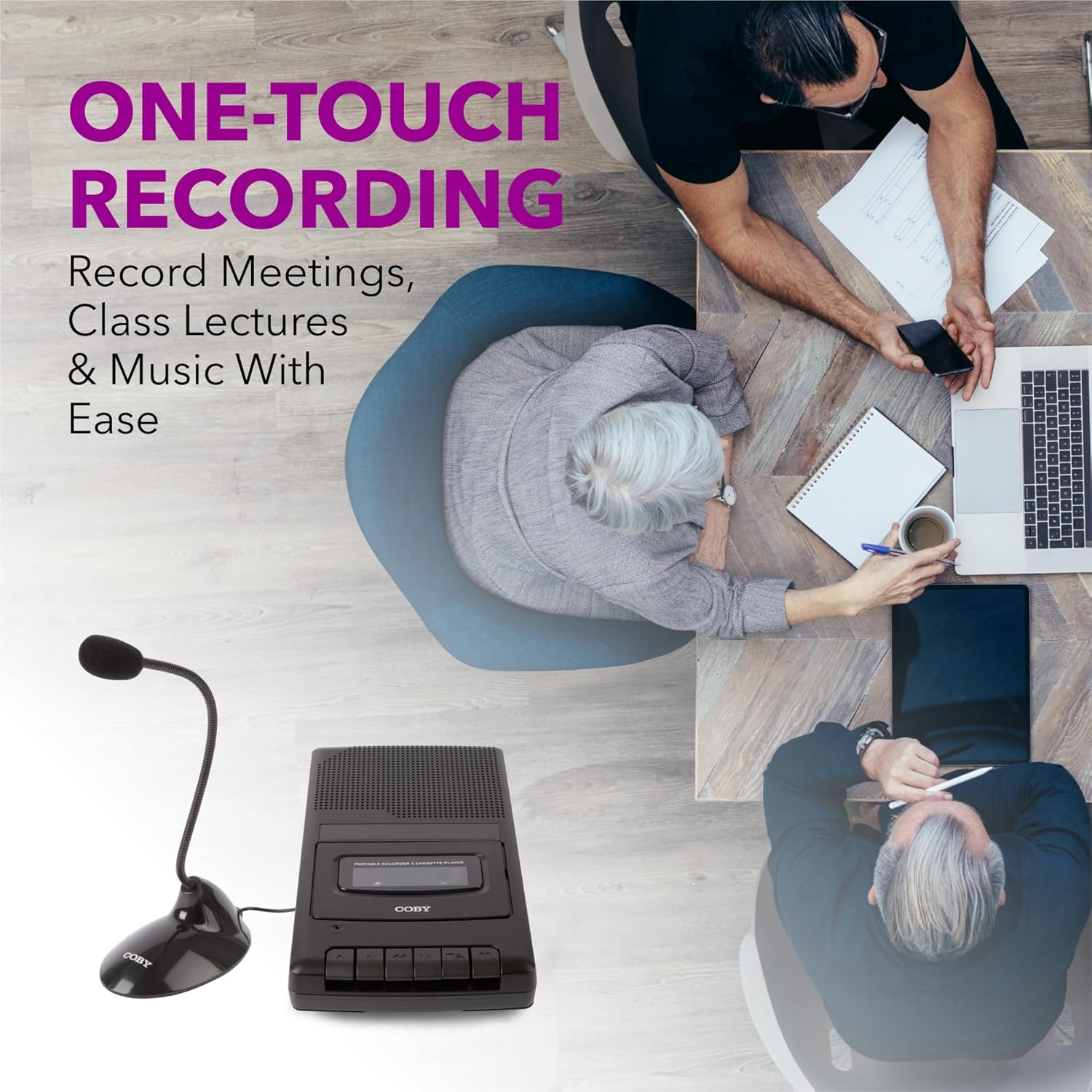
Figure 5.1: Using the CVR42BK for recording.
5.3 Using the External Boom Microphone
For higher quality recordings, especially for lectures or meetings, connect the included external boom microphone.
- Locate the external microphone input port on the CVR42BK.
- Plug the external boom microphone into this port.
- Position the microphone appropriately for the sound source you wish to record.
- Proceed with recording as described in Section 5.2. The device will automatically prioritize the external microphone when connected.

Figure 5.2: External boom microphone in use.
6. الصيانة
- تنظيف: استخدم قطعة قماش ناعمة وجافة لتنظيف الجزء الخارجي من الجهاز. لا تستخدم المنظفات السائلة أو المذيبات.
- تنظيف رأس شريط التسجيل: Periodically clean the tape heads with a specialized cassette head cleaning kit to ensure optimal sound quality and prevent tape damage.
- تخزين: When not in use for extended periods, remove batteries to prevent leakage. Store the device in a cool, dry place away from direct sunlight and extreme temperatures.
- العناية بالكاسيت: Store cassette tapes in their cases to protect them from dust and physical damage. Avoid exposing tapes to strong magnetic fields.
7. استكشاف الأخطاء وإصلاحها
| مشكلة | السبب المحتمل | حل |
|---|---|---|
| لا يوجد طاقة | محول التيار المتردد غير موصول أو به عطل؛ البطاريات فارغة أو تم إدخالها بشكل غير صحيح. | Check AC adapter connection and power outlet. Replace batteries or ensure correct polarity. |
| لا يوجد صوت أثناء التشغيل | Volume too low; headphones connected; tape head dirty; tape damaged. | Increase volume. Disconnect headphones. Clean tape heads. Try a different tape. |
| التسجيل لا يعمل | Tape is write-protected; tape is full; microphone not connected or faulty. | Ensure the write-protect tab on the cassette is intact. Use a blank tape. Check microphone connection. |
| جودة الصوت سيئة | Dirty tape heads; old or damaged cassette tape; external interference. | Clean tape heads. Use a new or known-good cassette tape. Move away from electronic devices. |
| Tape not moving | Tape jammed; mechanism fault. | Gently open compartment and check for tape jams. If problem persists, contact support. |
8. المواصفات
| رقم الموديل | CVR42BK |
| مصدر الطاقة | 120V AC Adapter (included) or 4 x 'C' Batteries (not included) |
| سمات | Automatic Level Control (ALC), One-Touch Recording, Fast Forward, Rewind, Volume Control, Auto-Stop |
| ميكروفون | Built-in microphone, External Boom Microphone (included) |
| مقبس سماعة الرأس | شنومكسم ستيريو |
| أبعاد المنتج (الطول × العرض × الارتفاع) | 10.2 × 5.83 × 1.97 بوصة (25.9 × 14.8 × 5 سم) |
| وزن العنصر | 1.75 رطل (0.79 كجم) |
| رمز المنتج الموحد | 810071491450 |
9. الضمان والدعم
للحصول على معلومات الضمان أو الدعم الفني، يرجى الرجوع إلى بطاقة الضمان المرفقة مع المنتج أو زيارة موقع كوبي الرسمي. webالموقع. احتفظ بإيصال الشراء الخاص بك كإثبات للشراء في حالة وجود أي مطالبات بالضمان.
الشركة المصنعة: ساميت للإلكترونيات ذ


