مقدمة
يوفر هذا الدليل تعليمات مفصلة لتركيب وتشغيل وصيانة جهازك weBoost for Business Office 200 (75 Ohm) Cell Phone Signal Booster. This system is designed to enhance cellular signal strength within your business environment, supporting 5G and 4G LTE networks across all major U.S. carriers. Please read this manual thoroughly before beginning installation to ensure optimal performance and safety.
المنتج انتهىview

Image: The complete weBoost Office 200 system components.
الميزات الرئيسية
- Enhances 5G and 4G LTE signals for all major U.S. carriers (Verizon, AT&T, T-Mobile, UScellular).
- Provides up to 72 dB maximum gain (FCC ID PWO460047).
- Designed for DIY installation with 75 Ohm cables.
- Supports multiple cellular devices including smartphones, tablets, and POS systems.
- FCC approved for safe and compliant operation.
محتويات الحزمة
ال weBoost Office 200 package includes the following components:
- Office 200 Booster Unit
- Outside Omni Antenna
- Inside Ceiling Antenna
- مزود الطاقة
- الكابلات المحورية
- البرق عرام حامي

Image: Illustration emphasizing the quality of components.
الإعداد والتثبيت
ال weBoost Office 200 is designed for DIY installation. Basic tools are required. For detailed, step-by-step guidance, it is highly recommended to use the official weBoost App, which provides video tutorials and an antenna positioning guide.
فحص ما قبل التثبيت
Before installing, verify that you have at least one bar of cellular service outside your business location. This system amplifies existing signal; it does not create signal where none exists.

Image: Visual reminder to check outdoor signal strength.
انتهت خطوات التثبيتview
- Locate the Strongest Outdoor Signal: استخدم weBoost App's antenna positioning guide to find the optimal location for the Outside Omni Antenna, typically on the roof or an exterior wall, where the signal is strongest.
- Install Outside Antenna: Mount the Outside Omni Antenna securely. Ensure it has a clear line of sight to the nearest cell tower if possible.
- Install Inside Antenna: Mount the Inside Ceiling Antenna in the central area where signal improvement is desired. Ensure adequate separation (vertical and horizontal) between the inside and outside antennas to prevent oscillation.
- توصيل الكابلات: Run the provided coaxial cables from the Outside Antenna to the Lightning Surge Protector, then to the Booster Unit. Connect the Inside Antenna to the Booster Unit.
- توصيل الطاقة: Plug the Power Supply into the Booster Unit and then into a power outlet. The booster will power on automatically.
- تحقق من العملية: Check the indicator lights on the booster unit. Refer to the weBoost App for signal readings and to confirm proper operation.

الصورة: weBoost App assists with installation and troubleshooting.
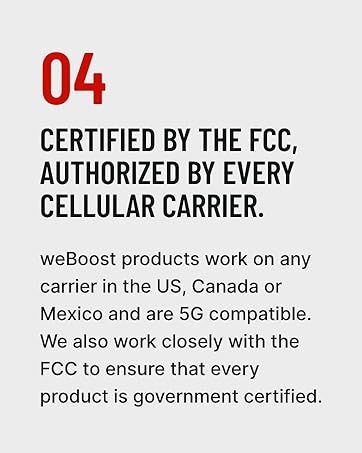
Image: Confirmation of FCC certification and carrier authorization.
تعليمات التشغيل
Once properly installed and powered on, the weBoost Office 200 operates automatically. It continuously monitors and amplifies cellular signals to provide improved coverage within its designated area.
- تشغيل الطاقة: The booster powers on automatically when connected to a power source.
- مؤشرات الإشارة: The booster unit features a display that shows signal strength per band. Green lights typically indicate proper operation. Refer to the weBoost App or the full user guide for detailed explanations of indicator lights.
- منطقة التغطية: The system is designed to cover up to 10,000 sq ft, depending on the strength of the outside signal and building materials.

Image: Representation of enhanced 5G signal coverage within a business environment.
صيانة
ال weBoost Office 200 system requires minimal maintenance. Follow these guidelines to ensure continued optimal performance:
- الحفاظ على نظافة المكونات: Periodically wipe down the booster unit and antennas with a dry, soft cloth. Avoid using harsh chemicals or abrasive cleaners.
- التحقق من الاتصالات: Ensure all coaxial cable connections are secure and free from damage. Loose connections can degrade performance.
- Inspect Antennas: Regularly check the outdoor antenna for any obstructions, damage from weather, or changes in orientation.
- الظروف البيئية: Ensure the booster unit is kept in a dry, well-ventilated area, away from extreme temperatures.
استكشاف الأخطاء وإصلاحها
إذا واجهت مشاكل مع weBoost Office 200, consult the following common troubleshooting steps:
- لم يطرأ أي تحسن على الإشارة:
- Verify the booster is powered on and indicator lights are green.
- Ensure sufficient separation between the indoor and outdoor antennas. Increase separation if oscillation (red lights) is indicated.
- تأكد من إحكام جميع توصيلات الكابلات وتركيبها بشكل صحيح.
- Confirm there is at least one bar of usable signal outside the building.
- Weak Signal Improvement:
- Re-evaluate the placement of the Outside Omni Antenna to ensure it is in the location with the strongest available signal.
- Adjust the direction of the Outside Omni Antenna using the weBoost App's signal compass.
- Ensure the Inside Ceiling Antenna is centrally located within the desired coverage area.
- Red Indicator Lights:
- Red lights typically indicate oscillation (feedback) between the antennas. Increase the physical separation between the Inside and Outside Antennas.
- Ensure the antennas are not pointing directly at each other.
For more advanced troubleshooting or persistent issues, refer to the weBoost App or contact customer support.
تحديد
| يصف | التفاصيل |
|---|---|
| رقم الموديل | 471047 |
| ماركة | weBأوست |
| ماكس جين | 72 ديسيبل |
| معرف لجنة الاتصالات الفيدرالية | PWO460047 |
| أبعاد المنتج | 19 × 13 × 13 بوصة |
| وزن العنصر | 21.4 رطل |
| الأجهزة المتوافقة | Smartphones, Tablets, POS Systems |
| الشبكات المدعومة | 5G, 4G LTE |
| شركات الاتصالات المدعومة | All major U.S., Canada, and Mexico carriers (Verizon, AT&T, T-Mobile, Dish, US Cellular) |
الضمان والدعم
weBoost stands by the quality of its products and offers comprehensive support.
- ضمان: ال weBoost Office 200 comes with a 3-year manufacturer's warranty.
- دعم العملاء: Expert U.S.-based customer support is available through the weBoost App, online chat, phone, or email.
- ضمان استعادة الأموال: weBoost offers a 30-day money-back guarantee.
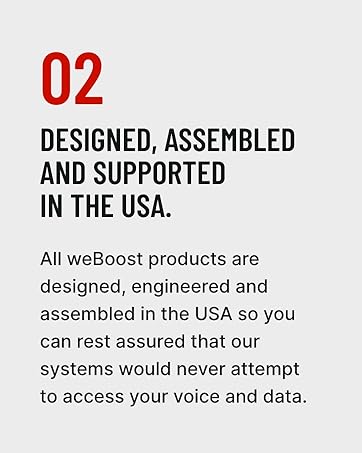
Image: Emphasizing weBoost's USA-based design, assembly, and support.
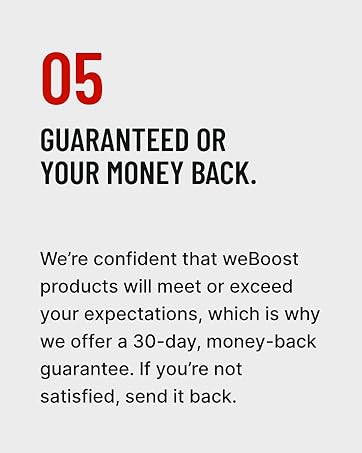
Image: Information about the money-back guarantee.


