مقدمة
شكرا لك على الشراءasing the Deeyaple 3D LED Digital Wall Clock. This versatile clock offers a clear 3D LED display, multiple functions including time, date, and temperature display, alarm with snooze, and adjustable brightness. It is designed for both wall mounting and desk placement, making it a perfect addition to your home or office. Please read this manual carefully to ensure proper use and maintenance of your new clock.

Image: The Deeyaple 3D LED Digital Wall Clock, showcasinبفضل تصميمه الأنيق وجهاز التحكم عن بعد المرفق.
الميزات الرئيسية
- عرض متعدد الوظائف: Shows time (12/24 hour format), date, and temperature (Fahrenheit/Celsius).
- المنبه مع الغفوة: Set alarms with a convenient snooze function.
- سطوع قابل للتعديل: Features 3 levels of brightness, with both automatic dimming based on ambient light and manual adjustment.
- وظيفة ذاكرة إيقاف التشغيل: Retains settings for 4-8 hours after power loss, eliminating the need for re-setup.
- التحكم الثنائي: Operate the clock using the included remote control or the buttons on the back of the unit.
- التنسيب متعدد الاستخدامات: Designed for both wall mounting (includes non-marking hooks and expansion screws) and desk placement (includes a detachable stand).

الصورة: أكثر منview diagram highlighting the clock's key features, including 24-hour system, date display, alarm, brightness control, night light, suspension display, time display, temperature display, remote setting, snooze, automatic dimming, and detachable stand.
محتويات الحزمة
يرجى التحقق من الحزمة للعناصر التالية:
- 1 x Deeyaple 3D LED Digital Wall Clock
- 1 × جهاز التحكم عن بعد
- شنومكس x أوسب كابل الطاقة
- 1 x Detachable Stand
- 1 x Set of Wall Mounting Accessories (non-marking hooks, expansion screws)
- 1 × دليل المستخدم

Image: A visual representation of the package contents, including the clock, remote, USB cable, stand, and mounting hardware.
يثبت
- توصيل الطاقة: Connect the USB power cable to the clock's power connector (located on the back) and plug the other end into a standard USB power adapter (not included) or a USB port. The clock will power on and display the default time.
- Initial Setup (Time/Date/Temperature):
Use the remote control or the buttons on the back of the clock to set the current time, date, and preferred temperature unit (Fahrenheit or Celsius). Refer to the "Operating Instructions" section for detailed steps on setting these parameters.
- الموقع:
- وضع المكتب: Attach the detachable stand to the base of the clock. Place the clock on a flat, stable surface such as a desk, table, or nightstand.
- التثبيت على الحائط: Use the provided non-marking hooks and expansion screws. Identify the hook holes on the back of the clock. Mark the desired position on the wall, drill holes if necessary, insert expansion screws, and hang the clock securely.

الصورة: تفصيلية view of the clock's dimensions and the back panel, indicating the infrared receiver, power connector, hook holes for wall mounting, and control buttons.
تعليمات التشغيل
1. Time, Date, and Temperature Display
The clock can cycle through time, date, and temperature displays. Use the "MODE" button on the remote or the back of the clock to switch between display modes.
- عرض الوقت: Shows the current time in 12-hour or 24-hour format.
- عرض التاريخ: Shows the current date (Month/Day/Year).
- عرض درجة الحرارة: Shows the ambient temperature in Celsius or Fahrenheit.
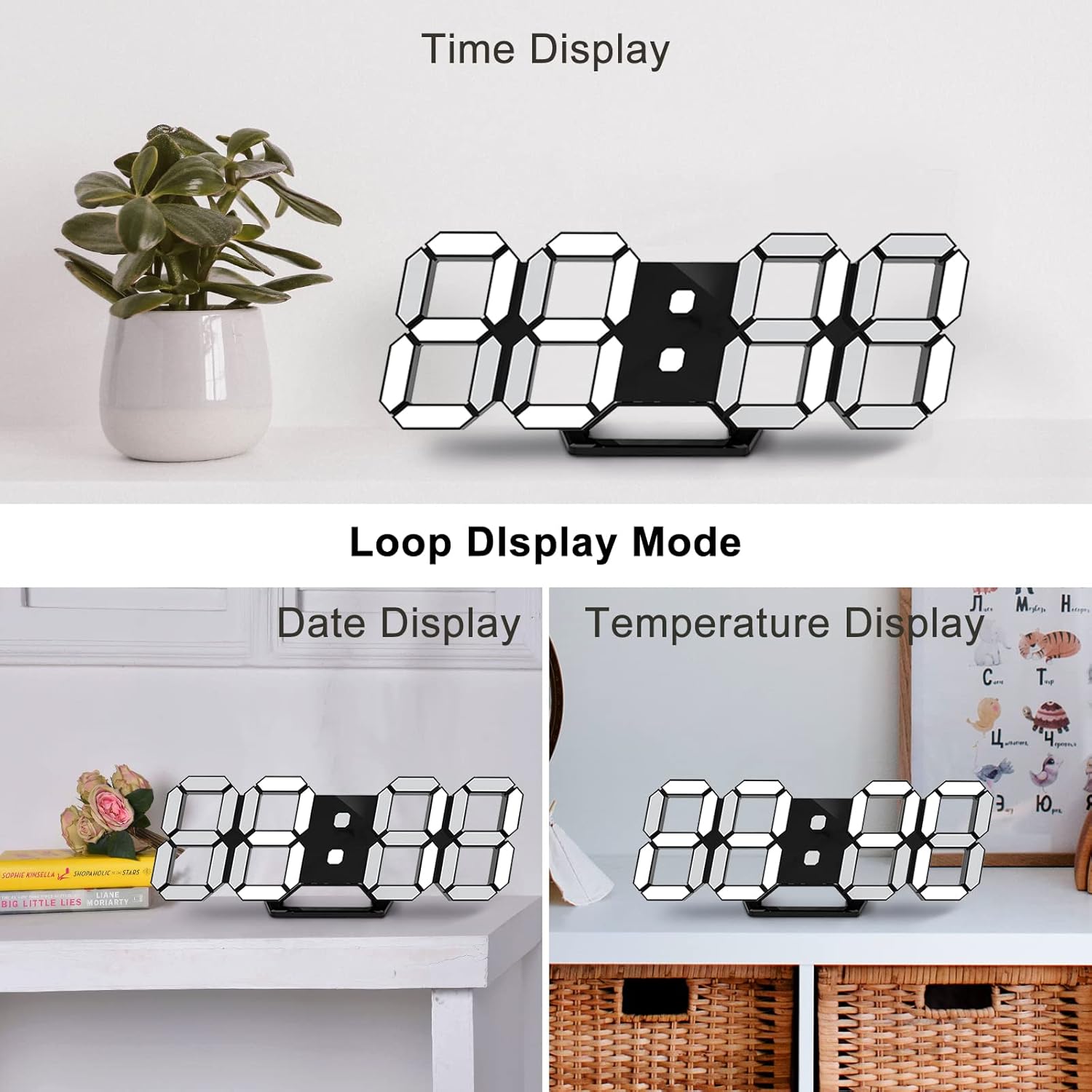
Image: The clock demonstrating its "Loop Display Mode," cycling between showing the time, date, and temperature.
2. تعديل السطوع
The clock features both automatic and manual brightness control.
- التعتيم التلقائي: The built-in light sensor detects ambient light and automatically adjusts the display brightness for optimal visibility and energy saving.
- الضبط اليدوي: Use the "BRIGHT" button on the remote control to cycle through 3 levels of brightness (High, Medium, Low).

Image: A graphic illustrating the clock's brightness levels, from bright to dim, demonstrating its auto-dimming and manual adjustment capabilities.
3. وظيفة التنبيه
لضبط المنبه:
- Press the "ALARM" button on the remote control.
- Use the UP/DOWN arrows to set the desired alarm time.
- Press "ALARM" again to confirm.
When the alarm sounds, press any button to activate the snooze function. The alarm will sound again after a set interval (default is 5 minutes). To turn off the alarm completely, press and hold the "ALARM" button.
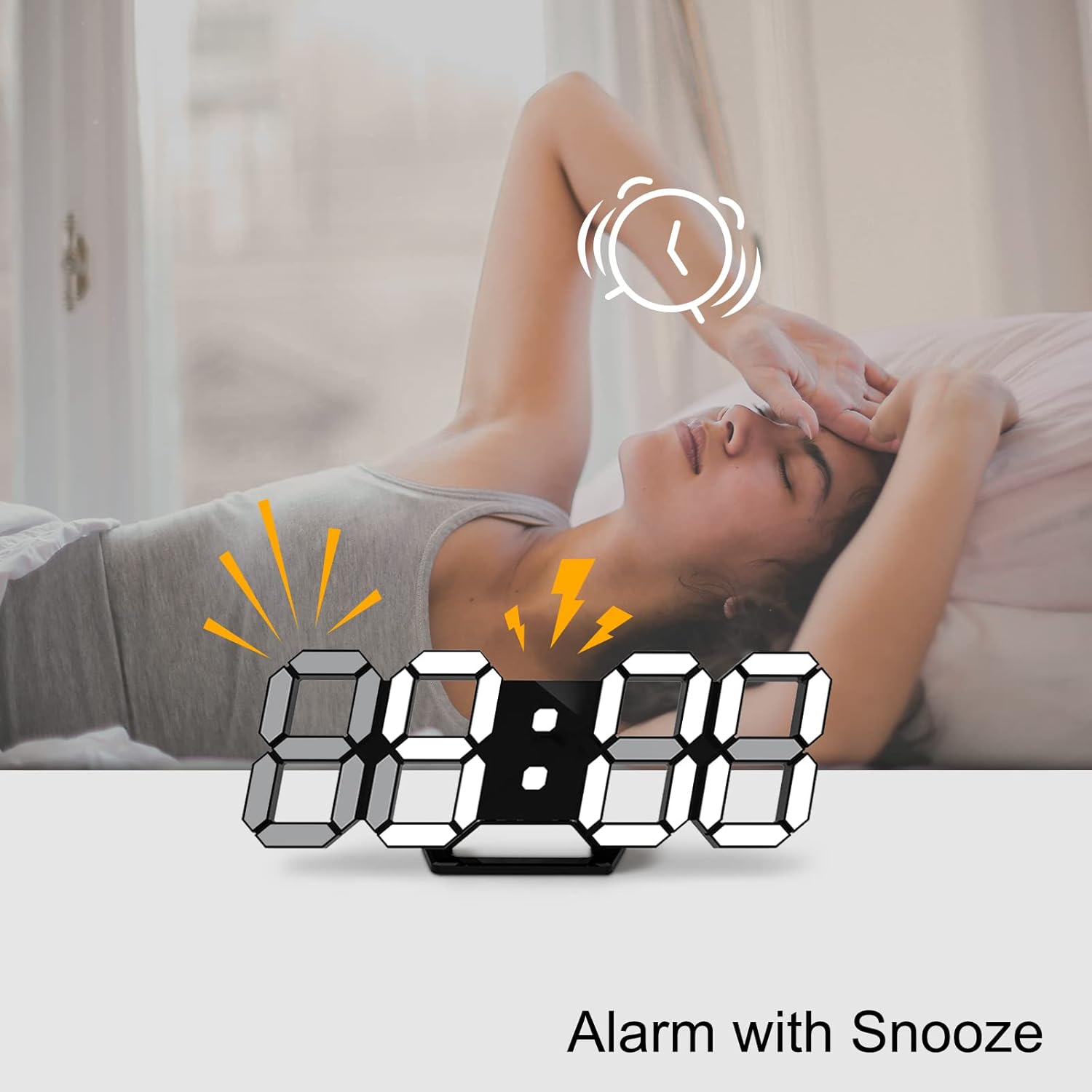
Image: A visual showing the clock with an alarm icon and lightning bolts, indicating the alarm function with snooze.
4. Power-off Memory Function
The clock has a built-in memory function that retains your settings (time, date, alarm) for 4-8 hours in case of a power outage. This means you do not need to reset the clock after a brief power interruption.
صيانة
- تنظيف: Use a soft, dry cloth to wipe the clock's surface. Do not use abrasive cleaners or solvents, as they may damage the finish.
- الموقع: Avoid placing the clock in direct sunlight or near heat sources, as this may affect the display and internal components.
- قوة: Always use the provided USB cable and a compatible power adapter.
استكشاف الأخطاء وإصلاحها
| مشكلة | السبب المحتمل | حل |
|---|---|---|
| الساعة لا تعمل. | لا يوجد مصدر طاقة؛ وصلة الكابل غير محكمة. | Ensure the USB cable is securely connected and the power adapter is working. Try a different USB port or adapter. |
| الشاشة إما خافتة جداً أو ساطعة جداً. | Automatic dimming active; manual brightness needs adjustment. | Press the "BRIGHT" button on the remote to cycle through brightness levels. Ensure the light sensor is not obstructed. |
| جهاز التحكم عن بعد لا يعمل. | Battery low/dead; obstruction between remote and clock; remote not pointed at infrared receiver. | Replace the remote control battery. Ensure there are no obstructions. Point the remote directly at the infrared receiver on the clock. |
| Time/Date/Temperature is incorrect. | Settings not configured or reset after prolonged power loss. | Follow the "Operating Instructions" to re-set the time, date, and temperature. |
تحديد
| ميزة | التفاصيل |
|---|---|
| ماركة | Deeyaple |
| رقم الموديل | LED1305 |
| لون | أسود |
| أبعاد المنتج (الطول × العرض × الارتفاع) | 24.99 × 3.81 × 8.99 سم (تقريبًا 9.8 × 1.5 × 3.5 بوصة) |
| مادة | بلاستيك |
| وزن العنصر | 260 جرام |
| نوع العرض | رقمي (إل إي دي) |
| مصدر الطاقة | يعمل بسلك كهربائي (USB) |
| المميزات الخاصة | Large display, adjustable brightness, alarm, calendar display, temperature display, silent clock, remote control. |
الضمان والدعم
Deeyaple is committed to providing high-quality products and responsive customer service. This product comes with a standard manufacturer's warranty. For any questions, technical support, or warranty claims, please contact your retailer or visit the official Deeyaple brand store on Amazon:
يرجى الاحتفاظ بإثبات الشراء لأغراض الضمان.

