1. المقدمة
شكرا لك على الشراءasing the Edifier X3s True Wireless Stereo Earbuds. This manual provides detailed instructions on how to set up, operate, and maintain your earbuds to ensure optimal performance and longevity. Please read this manual thoroughly before use.

Image: The Edifier X3s earbuds, one removed from the open charging case, showcasinتصميمها المدمج.
2. محتويات العبوة
- Edifier X3s True Wireless Earbuds (Left and Right)
- حافظة الشحن
- كابل شحن USB
- أطراف الأذن (أحجام مختلفة)
- دليل المستخدم
3. الإعداد
3.1 شحن سماعات الأذن والعلبة
قبل الاستخدام الأول، قم بشحن سماعات الأذن وعلبة الشحن بالكامل.
- Place the earbuds into the charging case. Ensure they are correctly seated; the indicator lights on the earbuds will illuminate.
- Connect the charging case to a power source using the provided USB cable. The indicator light on the charging case will show charging status.
- A full charge for the charging case typically takes approximately 8 hours. The earbuds will charge automatically when placed in the case.
3.2 اقتران بلوتوث
Follow these steps to pair your Edifier X3s earbuds with your device:
- تأكد من شحن وسادات الأذن.
- افتح علبة الشحن. ستدخل سماعات الأذن تلقائيًا في وضع الاقتران، ويُشار إلى ذلك بضوء وامض على سماعات الأذن.
- على جهازك (الهاتف الذكي، الجهاز اللوحي، إلخ)، قم بتمكين البلوتوث وابحث عن أجهزة جديدة.
- Select "EDIFIER X3s" from the list of available devices.
- Once connected, a voice prompt will confirm successful pairing, and the earbud indicator lights will turn off.
دعم سماعات الأذن TrueWireless Mirroring, allowing seamless switching between single and dual earbud use.
4. تعليمات التشغيل
4.1 الضوابط التي تعمل باللمس
The Edifier X3s earbuds feature intuitive touch controls on each earbud. Refer to the diagram below for specific functions:

Image: A diagram illustrating the touch control functions for the left and right Edifier X3s earbuds.
- صنبور واحد (يسار/يمين): Play/Pause music, Answer an Incoming Call
- Double Tap (L): الأغنية السابقة
- Double Tap (R): الأغنية التالية
- صنبور ثلاثي (L): Switch On Game Mode
- الصنبور الثلاثي (R): تفعيل المساعد الصوتي
- Long Press for 2-3 Seconds (L/R): Hang Up/Reject a Call
- Long Press (L): خفض الصوت
- Long Press (R): رفع الصوت
4.2 وضع اللعبة
To enhance your gaming experience, the Edifier X3s features a dedicated Game Mode. Triple-tap the غادر earbud to activate or deactivate Game Mode. This mode optimizes audio-visual synchronization for gaming.
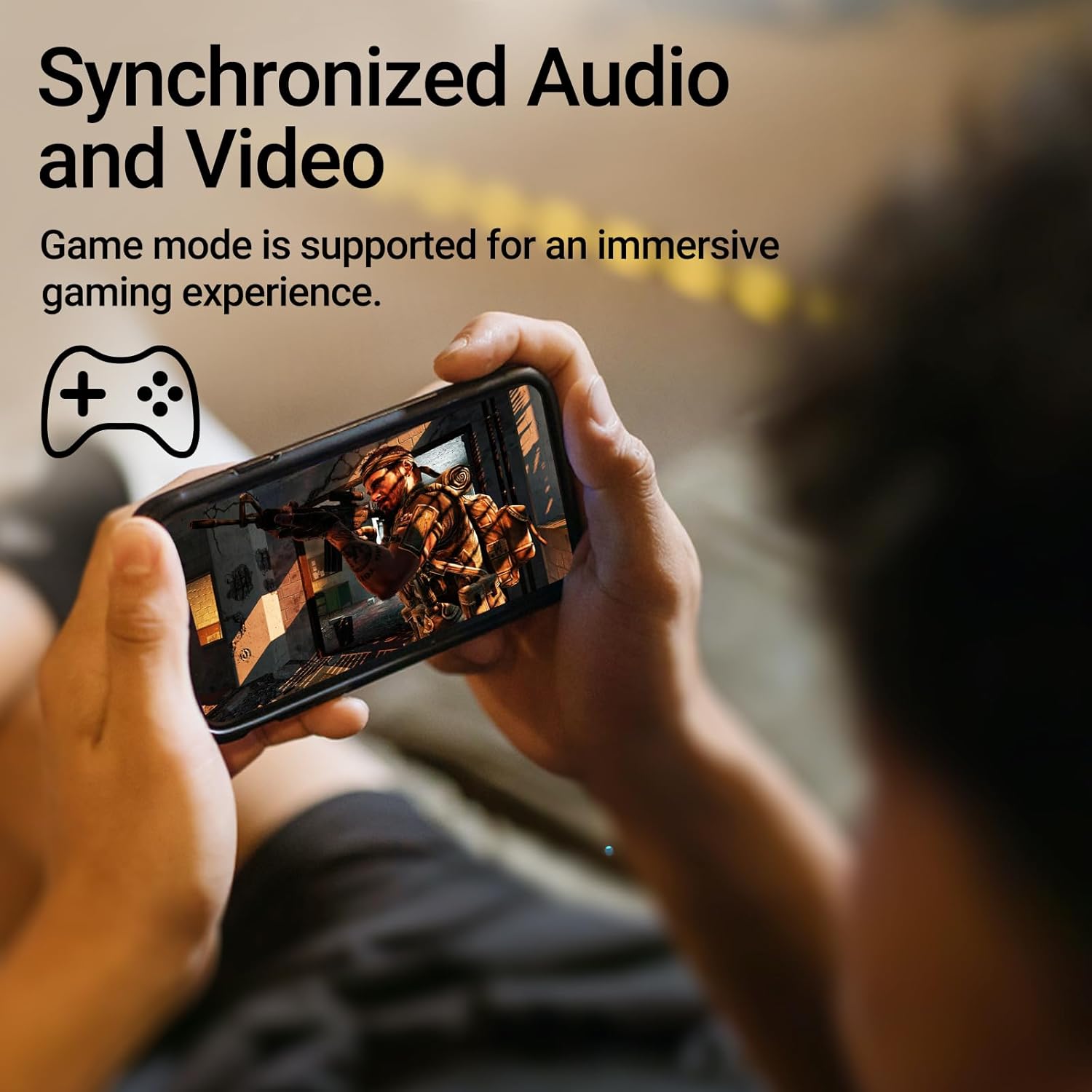
Image: A person holding a smartphone, playing a game, with the text "Synchronized Audio and Video. Game mode is supported for an immersive gaming experience."
5. الميزات الرئيسية
- تجربة لاسلكية حقيقية: Bluetooth V5.2 with Qualcomm aptX audio decoding for high-fidelity sound and stable connections.
- وقت اللعب الممتد: Up to 28 hours of total playtime, with 8 hours from the earbuds and an additional 20 hours from the charging case.
- Superior Call Clarity: Equipped with Qualcomm cVc 8.0 noise cancellation technology for crystal clear calls.
- IP55 Rated Protection: Dust and water resistance make these earbuds suitable for outdoor activities and various weather conditions.
- تصميم مريح وخفيف الوزن: Weighing only 62g, these earbuds provide a secure and comfortable fit for extended wear.

Image: A close-up of the Qualcomm aptX QCC3040 chip, highlighting Bluetooth V5.2 with aptX audio decoding for lossless audio transmission.

Image: Hands holding the Edifier X3s charging case, with an overlay indicating "Up to 28 hours of playback in total: 8 hours (earbuds), 20 hours (charging case)".

Image: A graphic illustrating cVc 8.0 noise reduction, showing how ambient noise is reduced while voice remains clear during calls.

Image: A woman exercising, with an overlay indicating "Dust and water resistant. Feel free to use them at the gym or on a rainy day. IP55-Rated."
6. الصيانة
6.1 التنظيف
- قم بتنظيف سماعات الأذن وعلبة الشحن بانتظام باستخدام قطعة قماش ناعمة وجافة وخالية من الوبر.
- انزعي أطراف الأذن ونظفيها بالماء والصابون الخفيف إذا لزم الأمر. تأكدي من جفافها تماماً قبل إعادة تركيبها.
- استخدم قطعة قطن لتنظيف نقاط التلامس الخاصة بالشحن على كل من سماعات الأذن والعلبة برفق.
6.2 التخزين
- عندما لا تكون قيد الاستخدام، قم بتخزين سماعات الأذن في علبة الشحن الخاصة بها لحمايتها والحفاظ عليها مشحونة.
- قم بتخزينه في مكان بارد وجاف بعيدًا عن درجات الحرارة العالية وأشعة الشمس المباشرة.
6.3 مقاومة الماء والغبار
The earbuds are IP55 rated, meaning they are protected against dust ingress and low-pressure water jets from any direction. While they can withstand sweat and light rain, they are not designed for submersion in water. Do not use them while swimming or showering.
7. استكشاف الأخطاء وإصلاحها
- سماعات الأذن غير مقترنة: تأكد من وضع كلتا السماعتين في علبة الشحن، ثم افتح الغطاء لبدء وضع الاقتران. تحقق من إعدادات البلوتوث في جهازك وحاول إعادة الاتصال.
- سماعة أذن واحدة فقط تعمل: أعد وضع سماعتي الأذن في علبة الشحن، وأغلق الغطاء، وانتظر بضع ثوانٍ، ثم افتحه مجددًا. يؤدي هذا غالبًا إلى إعادة مزامنتهما.
- لا يوجد صوت: Check the volume level on both your device and the earbuds. Ensure the earbuds are properly paired and connected.
- قضايا الشحن: Verify that the charging cable is securely connected and the power source is active. Clean the charging contacts on the earbuds and case.
- ضعف جودة المكالمة: Ensure the earbuds are clean and positioned correctly in your ears. Check for any obstructions to the microphone.
8. المواصفات
- نموذج: EDIFIER X3S
- الاتصال: لاسلكي (بلوتوث V5.2)
- فك الصوت: كوالكوم aptX
- إلغاء الضوضاء: Qualcomm cVc 8.0 (for calls)
- وقت اللعب: Earbuds: 8 hours, Total with Charging Case: 28 hours
- مدة الشحن (العلبة): حوالي 8 ساعات
- مقاومة الماء والغبار: تصنيف IP55
- طريقة التحكم: يلمس
- وزن: 62 جرامًا (إجمالي)
- مادة: Polycarbonate (PC), Thermoplastic Elastomer (TPE)
- الأجهزة المتوافقة: Smartphones, Gaming Devices, Tablets
9. الضمان والدعم
For warranty information and customer support, please refer to the warranty card included with your product or visit the official Edifier webالموقع. احتفظ بإثبات الشراء الخاص بك لاستخدامه في أي مطالبات بالضمان.


